
Claude can answer questions, write code, and analyze information in seconds. But ask it what’s happening inside your business right now, and suddenly it has no idea. That’s because your AI may be smart, but it’s still disconnected from the tools and data your business depends on. Claude MCP is changing that.
What Is Claude MCP and Why Does It Matter?
The Problem MCP Solves: AI That Can Do, Not Just Talk
Every AI assistant comes the same way out of the box: it knows what it was trained on, and nothing else. Ask Claude to summarize your open deals, triage your support queue, or pull last week's revenue numbers, and without a live connection to your systems, it can only offer generic advice. It's reasoning in a vacuum.
The deeper issue is that connecting AI to real business tools used to require custom, one-off integrations built separately for each AI vendor and each tool. A team that wanted Claude to read their CRM and also query their project management system would need two separate integrations, this fragmentation is exactly the problem MCP was designed to eliminate.
How Anthropic's MCP Became the Standard for Connecting AI to Tools
Anthropic introduced the Model Context Protocol in November 2024 as an open standard for connecting AI systems to external tools and data sources. Rather than building a proprietary connector for each tool, Anthropic published a specification that any developer, platform, or company could implement once and use across multiple AI clients.
The model context protocol Anthropic released is governed as a community project at modelcontextprotocol.io under an MIT license, meaning no single vendor controls it. By mid-2026, it had been adopted not just by Claude Desktop and Claude Code, but by OpenAI's SDKs, Cursor, Zed, JetBrains AI Assistant, and VS Code GitHub Copilot Chat, as noted by Yobitel's knowledge base. That cross-vendor adoption is what makes it a standard rather than just an Anthropic feature.
How Claude MCP Works
An MCP server is a small program that sits in front of one of your tools (say, your calendar or your database) and translates requests from AI into actions that tool understands. It exposes a defined set of things the AI is allowed to do: read this, write that, run this query. Find more about MCPs and how they work here.
What Claude Can Reach: Tools, Resources, and Data
MCP organizes what Claude can access into three categories. Tools are functions Claude can call: create a calendar event, update a contact record, send a message. Resources are data Claude can read: a file, a database row, a document. Prompts are structured templates that help Claude interact with a specific system consistently.
Claude MCP Setup: What It Actually Takes
Connecting Common Business Tools in Minutes
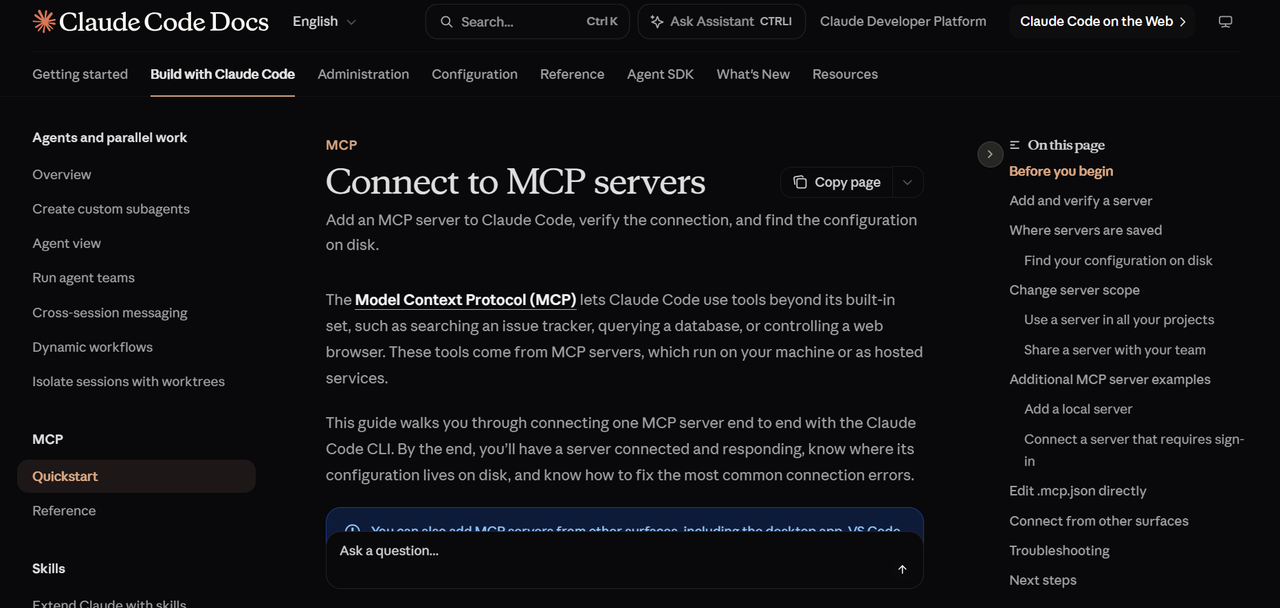
Claude Desktop supports local MCP servers, and Anthropic maintains an open-source repository of pre-built servers for common integrations. If a server already exists for the tool you want to connect, setup typically means installing the server, pointing it at your tool's credentials, and telling Claude Desktop where to find it.
Many business tools in the MCP ecosystem (file systems, databases, calendar services, communication platforms) have community-maintained servers that handle the translation layer for you. You're not writing integration code; you're connecting existing pieces.
When Setup Needs a Config File (and When It Doesn't)
Claude Desktop reads a configuration file that tells it which MCP servers to load and how to reach them. For local servers, this is usually a JSON file with a path to the server executable and any environment variables it needs (API keys, database connection strings). Editing this file is the extent of "coding" required for most standard setups.
When setup gets more complex is when your tool doesn't have a pre-built server, when you need custom access controls, or when you're connecting to internal systems that aren't publicly accessible. At that point, someone needs to write and maintain the server itself.
Claude MCP Servers: What's Available Out of the Box
Anthropic's First-Party Servers
Anthropic ships a set of reference servers alongside the MCP specification. These cover foundational capabilities: filesystem access (reading and writing local files), web search, and code execution environments. They're designed as both working integrations and reference implementations that developers can learn from when building their own.
The MCP specification itself has continued to evolve, with a July 2026 spec release (referenced in Anthropic's Claude blog as the fifth version) emphasizing a more stateless core for improved robustness and compatibility. First-party servers are updated to track the current spec.
Popular Business-Tool Servers: CRM, Email, Calendar, Docs
The community-maintained ecosystem of mcp servers claude can connect to covers most of the tools a 10-150 person company runs on. Common categories include:
- CRM systems: servers that let Claude read contact records, log activities, update deal stages, and pull pipeline reports
- Email and calendar: servers that give Claude access to your inbox and scheduling data, enabling triage, drafting, and meeting coordination
- Document stores: connections to shared drives and knowledge bases so Claude can read and summarize internal documents
- Project management: servers that expose task lists, project status, and team workloads
- Databases: direct query access to SQL and other structured data sources
What Real Workflows Look Like With Claude MCP
The value of anthropic mcp becomes concrete when you map it to the actual work your team does every day. Here are three workflow patterns that become possible once Claude has live tool access.
CRM triage and follow-up drafting. Claude connects to your CRM server, reads all deals that haven't had activity in more than 14 days, drafts a personalized follow-up email for each one based on the deal notes, and queues them for your review.
Weekly reporting. Claude pulls data from your project management server and your database, compares actuals against targets, identifies the three biggest variances, and writes a structured summary. No one has to manually compile a spreadsheet.
Support queue prioritization. Claude reads your helpdesk server, categorizes open tickets by urgency and topic, flags anything that's been waiting more than 24 hours, and drafts responses for the straightforward cases. Your support team starts each morning with a pre-sorted queue and a set of draft replies to review.
The Limits: What Claude MCP Can't Do (Yet)
MCP is a protocol, not a magic layer. Several real constraints are worth naming before you build expectations around it.
Server availability determines capability. If no MCP server exists for your tool, Claude can't connect to it. Building a custom server requires development work. The ecosystem is growing, but it doesn't cover every niche business application.
Real-time event triggers aren't native. MCP is primarily a request-response model. Claude can query your systems when asked, but it doesn't natively sit in the background watching for events and acting on them autonomously. Agentic, event-driven workflows require additional infrastructure around the MCP layer.
Access control is only as good as your server configuration. MCP gives you the structure to define what Claude can and can't access, but you have to configure those boundaries deliberately. A poorly scoped server can expose more data than intended.
Claude MCP Security: Staying in Control of Your Data
Security is the right question to ask before connecting any AI to your business systems, and MCP's architecture gives you more control than most alternatives.
Anthropic's documentation frames the server/client model as a deliberate security boundary. The MCP server you deploy defines exactly which tools and data Claude can reach. Claude cannot access anything the server doesn't explicitly expose. That means you can give Claude read access to your CRM pipeline without giving it write access to your billing system, and you can enforce that boundary at the server level rather than relying on prompt instructions.
Authentication and authorization happen at the server layer. Your API keys and database credentials live in the server's environment, not in Claude's context. Claude receives results, not credentials.
Logging is also a server-side concern. Every tool call Claude makes passes through the server, which means you can log, audit, and monitor AI-initiated actions the same way you would any other system call. If Claude does something unexpected, you have a record of exactly what it requested and what the server returned.
FAQ
What is the difference between Claude MCP and a standard API integration?
A standard API integration is built specifically for one AI client and one tool. If you want Claude to connect to your CRM and also want another AI tool to connect to the same CRM, you'd typically build two separate integrations. Claude MCP uses a standardized protocol so that one MCP server can serve multiple AI clients without rebuilding the integration each time.
Do I need Claude Desktop to use Claude MCP servers?
Claude Desktop is the most common starting point for connecting MCP servers because it has built-in local MCP server support. However, MCP is a protocol, not a Claude Desktop-exclusive feature. Developers can build MCP client support into custom applications using Anthropic's SDKs, and other tools (including Claude Code) also support MCP connections.
How many MCP servers can Claude connect to at once?
The MCP specification doesn't impose a hard cap on the number of servers a client can connect to simultaneously. In practice, Claude Desktop can be configured to load multiple servers at once, each exposing different tools and data sources.
Is it safe to give Claude MCP access to my business data?
The safety of any MCP connection depends on how you configure the server, not on MCP itself. The server you deploy defines exactly what Claude can access, and Claude cannot reach anything outside that defined scope. Your credentials stay in the server's environment rather than in Claude's context.
Do I need a developer to set up Claude MCP?
For common tools that already have pre-built MCP servers, setup is primarily configuration rather than development. Editing a JSON config file in Claude Desktop and providing API credentials is within reach for a technically comfortable non-developer. Where you need a developer is when no pre-built server exists for your tool, when you need custom access controls, or when you're connecting to internal systems with non-standard authentication.
How long does Claude MCP setup take?
For a standard integration using an existing community server (a calendar, a common CRM, a file system), initial setup can be completed in an afternoon. The time expands significantly when you're building a custom server for a tool that doesn't have one, integrating with internal systems that require custom authentication, or designing a multi-server workflow with specific access controls.