
What Are MCP Servers and Why Do They Matter?
MCP (Model Context Protocol) is an open standard that lets AI applications communicate with external tools, data sources, and services through a consistent interface. Think of it as a universal adapter: instead of writing custom integration code for every tool your AI agent needs to touch, you can connect it to an MCP server that exposes those capabilities in a standardized way.
The practical result is that an AI agent can read files, query databases, search the web, post to Slack, or trigger automations through compatible MCP servers. For businesses, that matters because it makes it easier to move from "AI can do this in theory" to using AI within actual workflows.
MCP Servers List: Quick Comparison Table
Feature | Filesystem MCP | GitHub MCP | Brave Search MCP | PostgreSQL MCP | Puppeteer MCP | Slack MCP | Fetch MCP | Memory MCP |
|---|---|---|---|---|---|---|---|---|
Primary function | Local file access | Repo workflows | Web search | Database queries | Browser automation | Team comms | Web retrieval | Persistent context |
Self-hosted | Yes | Yes | Yes | Yes | Yes | No | Yes | Yes |
Managed/hosted option | No | Yes | No | No | No | Yes (Slack platform) | No | No |
Requires API key | No | Authentication required | Yes (Brave API) | Database credentials | No | Slack authorization | No | No |
Best for | File ops | Code workflows | Live web data | SQL access | UI automation | Comms context | Lightweight fetch | Persistent context |
Open source | Yes | Yes | Yes | Yes | Yes | No | Yes | Yes |
Filesystem MCP Server: Best for Local File Access
The Filesystem MCP Server gives an AI agent direct, controlled access to directories on a local machine or server. The agent can read and write files, create and list directories, move files, search for files, and retrieve file metadata. You configure which directories are accessible, so the agent's access can be restricted to approved locations.
For operators, practical use cases include document processing, log analysis, report generation, and workflows where an AI needs to read from or write to files that live on your infrastructure rather than in a cloud SaaS.
Key features:
- Read, write, move, and search files within configured directories
- Directory-scoped access controls to limit agent reach
- Works with MCP-compatible clients
- No external API dependency
GitHub MCP Server: Best for Code Repository Workflows
The GitHub MCP Server connects AI tools directly to GitHub. It can access repositories and code, work with issues and pull requests, search code, inspect commits, interact with GitHub Actions, and perform other repository operations depending on the permissions and toolsets you enable.
For engineering teams, this means an AI agent can participate in code review preparation, issue triage, repository research, documentation work, and other development workflows without developers manually copying context between GitHub and an AI tool.
GitHub provides an official remote MCP server hosted by GitHub as well as a local version that can be run using Docker or built from source. Authentication options depend on how you deploy it and can include OAuth, personal access tokens, or GitHub App credentials.
Key features:
- Read and work with repository files and code
- Create and manage pull requests and issues
- Search code and repositories
- Access GitHub Actions and other supported GitHub tools
Brave Search MCP Server: Best for Real-Time Web Search
The Brave Search MCP Server gives an AI agent access to current web information through the Brave Search API. Unlike setups that rely only on a model's existing knowledge or a static knowledge base, this server lets an agent search the live web when it needs up-to-date information.
That makes it useful for competitive research, news monitoring, fact-checking, and other tasks where current information matters. Brave's official MCP server supports web, local, image, video, and news search, along with other Brave Search capabilities. You need a Brave Search API key to use it.
Key features:
- Real-time web search through the Brave Search API
- Supports web, news, image, video, and local search
- Structured search results for AI applications
- Supports STDIO and HTTP transports
PostgreSQL MCP Server: Best for Database Access
PostgreSQL MCP servers connect AI agents to PostgreSQL databases so they can work with structured business data without requiring someone to manually write every query.
Microsoft's Postgres MCP Server, for example, can generate and execute queries, run analytics, inspect and design database schemas, diagnose query and server performance, manage connections, and import data. It works with MCP clients including GitHub Copilot, Claude Code, Codex, Cursor, and VS Code.
For operators running internal tools, reporting workflows, or data pipelines on PostgreSQL, this provides a practical bridge between business data and AI tools. Access should still be configured carefully so an agent only has the database permissions it actually needs.
Key features:
- Generate and execute PostgreSQL queries
- Database schema exploration and design
- Query and server performance diagnostics
- Secure connection profile management
Puppeteer MCP Server: Best for Browser Automation
Puppeteer MCP servers give AI agents browser automation capabilities through Puppeteer. Depending on the implementation, an agent can navigate URLs, click elements, fill forms, take screenshots, execute JavaScript, and extract information from pages that require a real browser.
This covers tasks that simple web-fetching tools cannot handle, including interacting with JavaScript-heavy pages, automated form workflows, UI testing, and working with websites that do not expose the required functionality through an API.
The original Puppeteer reference MCP server is no longer actively maintained, but community-maintained Puppeteer MCP implementations continue to provide these capabilities. Because implementations vary, check the maintenance status and security controls of the server you choose before giving it access to sensitive websites or accounts.
Key features:
- Browser navigation and page interaction
- Screenshot capture
- JavaScript execution
- Supports multi-step browser workflows
Slack MCP Server: Best for Team Communication
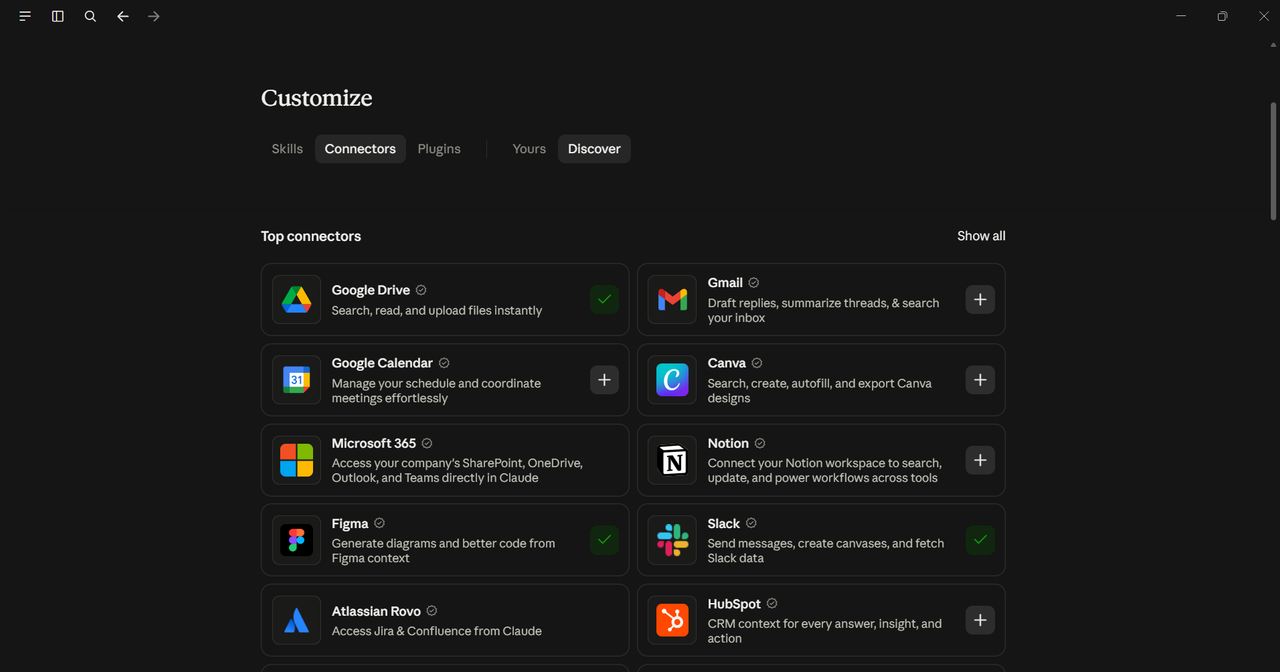
The Slack MCP Server connects compatible AI tools to a Slack workspace, allowing them to search workspace content, retrieve messages, send messages, access member information, and work with Slack content such as files, canvases, and lists.
For teams that run operations, support, or project coordination through Slack, this means an AI agent can retrieve relevant context from conversations and perform permitted actions without someone manually copying information between Slack and the AI tool.
Slack provides its own hosted MCP server and manages access through its authorization and administrative controls. Slack's pricing currently runs from a free plan to paid Pro, Business+, and Enterprise+ plans, while available features and administrative controls vary by plan.
Key features:
- Search messages, files, members, and channels
- Retrieve and send messages
- Work with Slack files, canvases, and lists
- Access member and workspace information
Fetch MCP Server: Best for Lightweight Web Content Retrieval
The Fetch MCP Server is a lightweight option for giving an AI application access to web content. It retrieves content from URLs and converts HTML into markdown that is easier for language models to process.
Unlike browser automation servers, Fetch does not provide full browser interaction. That makes it better suited to straightforward tasks such as reading documentation, retrieving articles, or pulling information from accessible web pages where clicking buttons or interacting with JavaScript-heavy interfaces is not required.
Key features:
- Retrieves content from URLs
- HTML-to-markdown conversion for cleaner agent input
- Supports retrieving longer pages in chunks
- No full browser overhead
Memory MCP Server: Best for Persistent AI Context
The Memory MCP Server gives an AI application a persistent knowledge store based on a knowledge graph. It can store entities, observations, and relationships and retrieve that information in later interactions.
For workflows that span multiple sessions, this gives an agent a structured way to retain useful context instead of relying entirely on the context available in a single conversation.
Key features:
- Persistent entity and relationship graph
- Read and write operations for storing and retrieving context
- Works with MCP-compatible clients
- Uses local storage by default
How to Choose the Best MCP Server for Your Use Case
Picking the best MCP server for your workflow comes down to a few practical questions.
What does your agent need to touch? File access, database queries, web search, browser automation, and team communication each map to different servers. Start with the function, not the tool name.
Is the implementation actively maintained? MCP has grown quickly, and some early reference implementations have been replaced by official vendor servers or newer community projects. Check the current repository, documentation, and release activity before choosing an implementation.
Self-hosted or managed? Self-hosted servers give you more control over deployment and access but require your team to manage the infrastructure. Managed or remote MCP servers reduce that operational work because the provider hosts the server. Which is better depends on the data involved, your security requirements, and how much infrastructure you want to maintain.
What is the cost model? Many MCP servers are free and open source, but that does not necessarily make the entire integration free. You may still pay for hosting, API usage, or the underlying SaaS platform the MCP server connects to.
FAQ
What is the difference between a self-hosted and a managed MCP server?
A self-hosted MCP server runs on infrastructure you control, whether that is your own server, local machine, VPS, or private cloud environment. You are responsible for deployment, updates, access controls, and security. A managed or remote MCP server is operated by a provider, such as the hosted MCP servers available from GitHub and Slack.
Where can I find a reliable MCP servers list to discover new options?
The official MCP Registry is a good starting point for discovering published MCP servers. The modelcontextprotocol/servers repository on GitHub is also useful for the official reference implementations and links to other MCP resources. You can also find vendor-maintained and community MCP servers through their respective GitHub repositories and documentation.
Are MCP servers free to use?
Many MCP servers are free and open source, including the MCP reference servers and several vendor-maintained implementations. However, the service behind a server may still cost money. For example, using the Brave Search MCP Server requires access to the Brave Search API, while other MCP integrations may depend on a paid SaaS plan, hosting, or infrastructure.
How do I install an MCP server from GitHub?
Installation depends on the server. Some MCP servers can be run directly with package managers such as npm, npx, pip, or uvx, while others use Docker, standalone binaries, or remotely hosted endpoints. Check the server's documentation for its current installation method, authentication requirements, and the configuration required by your MCP client.