
Managing multiple clients, devices, tickets, and IT environments can get complicated quickly without the right system behind it. MSP software brings much of that work together, but the best option depends on your services, team size, and the tools you already use. Here are some of the best MSP software platforms to consider in 2026 and where each one fits.
Founding.dev: Best Option If You Want to Own Your MSP Software Outright
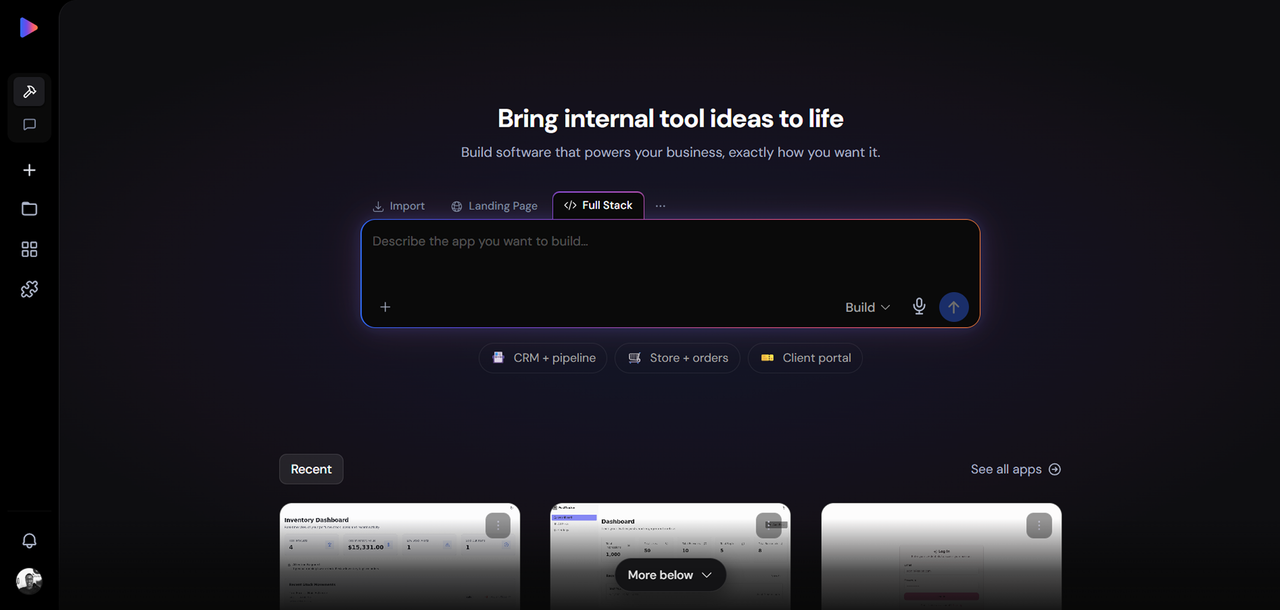
The other tools in this list are subscription products, with pricing typically based on technicians, users, endpoints, or contracted usage. Founding.dev is the only option here where you own the software outright after the build.
The model is straightforward: a flat monthly maintenance fee, billed per company, covering the deployment and customization of a proven platform around your specific MSP workflows plus ongoing support. No per-seat charges.
What gets built: Founding.dev deploys and customizes proven owned software around your workflows. That means ticketing, client management, billing integration, reporting, and monitoring logic built to your specifications, not to a generic MSP template.
Who this is for: MSPs who have crossed the point where per-seat and per-endpoint fees are a meaningful line item. Also relevant for MSPs with specific workflow requirements that off-the-shelf tools handle poorly, forcing workarounds or expensive add-ons.
Pricing: Flat monthly maintenance fee, per company, cancel anytime. No per-seat charges. You own the code.
Get started with Founding Dev now
ConnectWise PSA: Best for Enterprise MSPs Needing End-to-End PSA
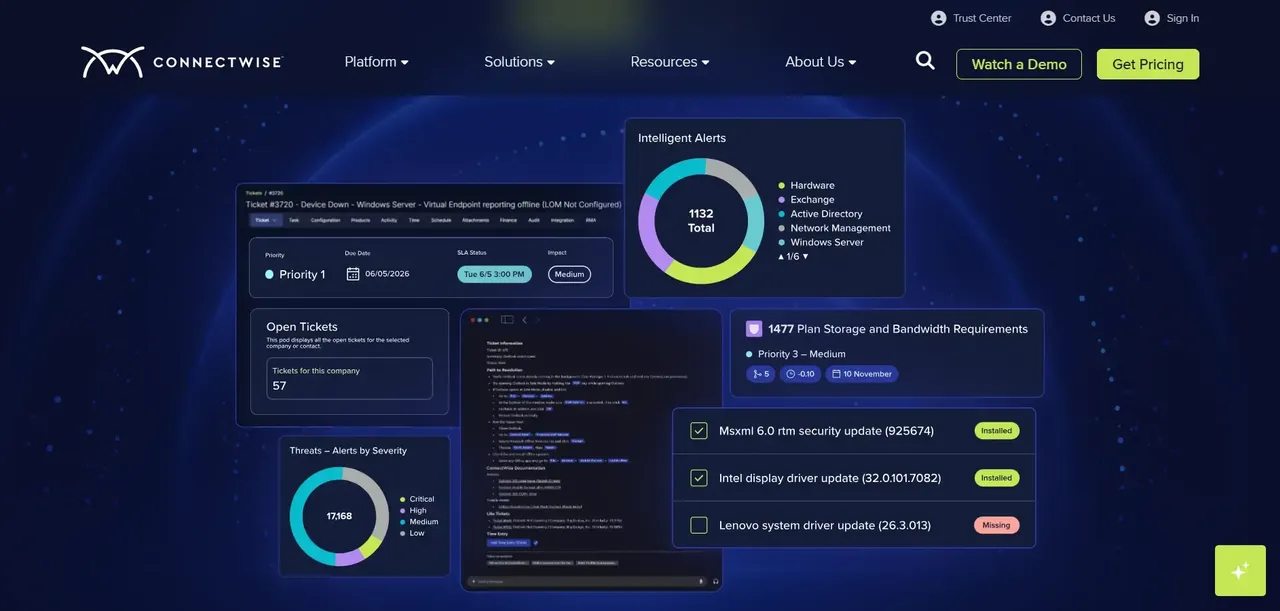
ConnectWise PSA is one of the most established professional services automation platforms in the MSP market. It covers ticketing, time tracking, billing, project management, procurement, and reporting in a single platform, and it integrates tightly with ConnectWise Automate for RMM coverage.
Key features: Full PSA suite including service desk, contract management, time and expense tracking, project management, and client portal. Deep integration with ConnectWise Automate and the broader ConnectWise ecosystem. Extensive third-party integrations via the ConnectWise Marketplace.
Pros:
- Comprehensive end-to-end PSA functionality
- Strong ecosystem integrations
- Supports complex service agreements, billing workflows, procurement, projects, and multi-client service operations
Cons:
- No transparent public pricing; quote-only
- Its broad feature set can require more initial configuration and process setup than simpler PSA tools
- Smaller MSPs that only need basic ticketing, billing, and client management may not need the full feature set
Best for: Established MSPs that need a comprehensive PSA for service delivery, billing, projects, procurement, and complex client agreements.
NinjaOne: Best for Lightweight Remote Monitoring and Management
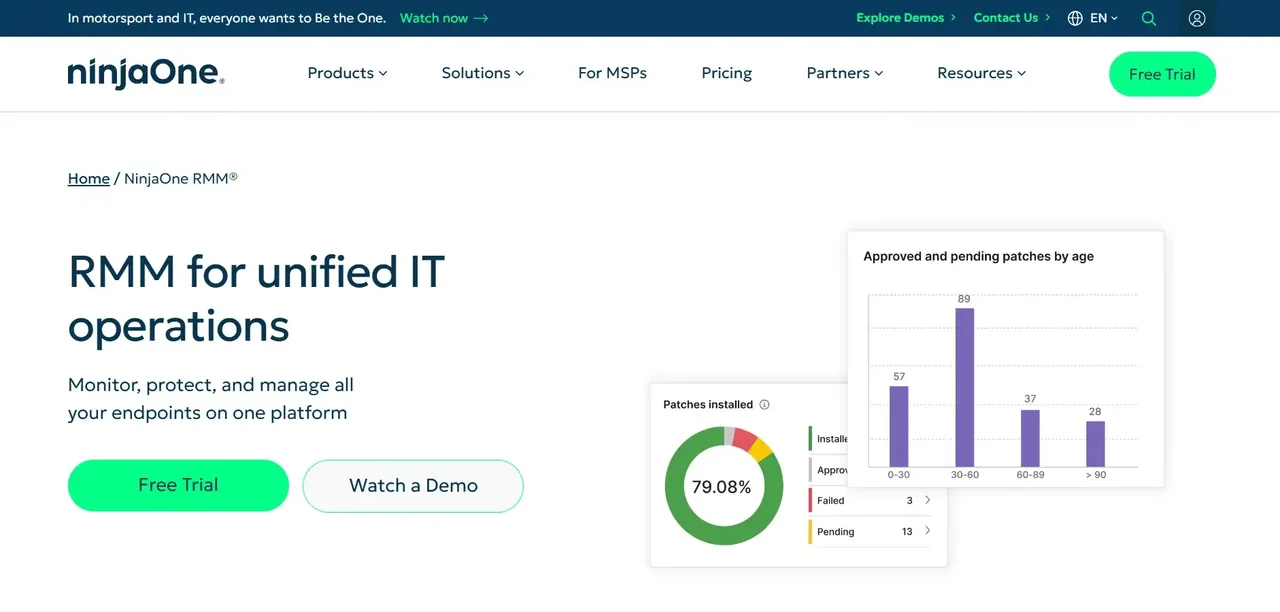
NinjaOne focuses on endpoint management through a unified RMM platform covering monitoring, patching, remote access, automation, and related IT operations. It covers endpoint monitoring, patch management, remote access, scripting, and basic ticketing, with a per-endpoint pricing model that scales with fleet size.
Key features: Unified endpoint management across Windows, macOS, and Linux. Automated patch management, scripting, and alerting. Remote control via integrated tools. Basic ticketing and documentation capabilities. Multi-tenant architecture for MSP client separation.
Pros:
- Scalable per-endpoint pricing with volume discounts
- Strong automation and scripting for endpoint management
- Unified interface for endpoint monitoring, patching, automation, and remote management
Cons:
- No free-forever tier, only a time-limited trial
- MSPs evaluating NinjaOne as both their RMM and PSA should compare its PSA workflows against dedicated PSA platforms based on their billing, contract, project, and service-desk requirements.
Best for: MSPs and IT departments managing large fleets of Windows, macOS, and Linux endpoints who want a modern RMM without the complexity of legacy platforms.
Atera: Best for Small MSPs Wanting All-in-One Pricing
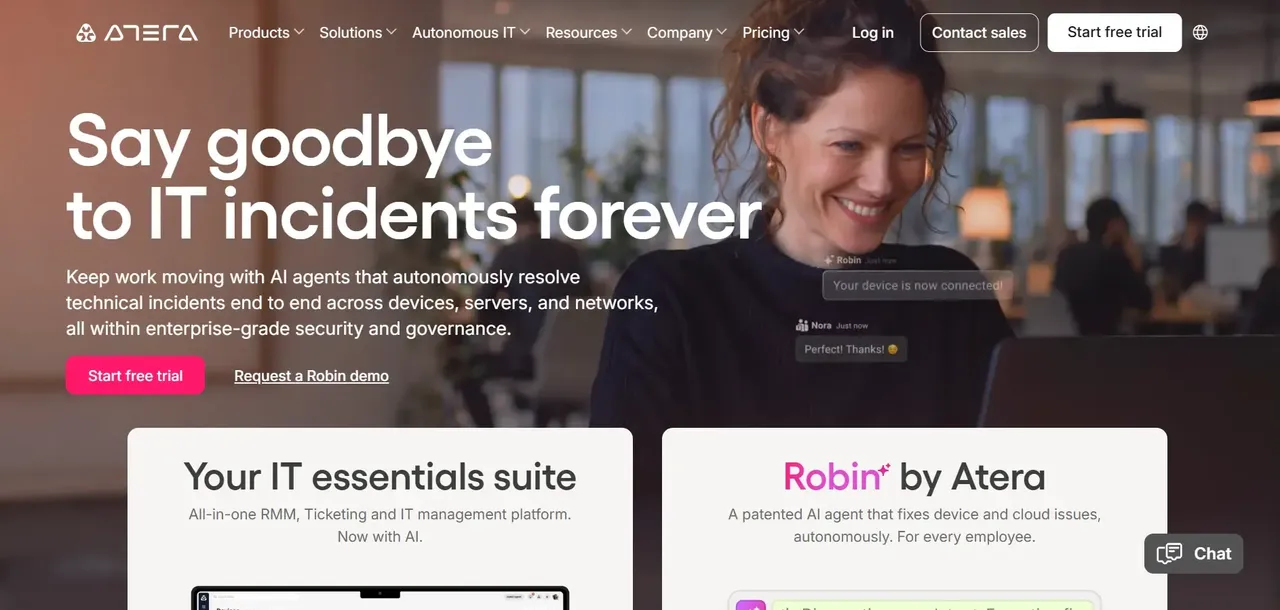
Atera takes a different approach to MSP pricing: instead of charging per endpoint, it charges per technician, with unlimited devices per account. For small MSPs with a handful of technicians managing many endpoints, this model can be cost-effective compared to per-endpoint alternatives.
Key features: Combined RMM and PSA in a single platform. Built-in patch management, remote access, ticketing, billing, and reporting. AI-assisted features for ticket summarization and automation. No per-device charges.
Pros:
- Unlimited devices per technician means costs do not increase simply because additional endpoints are added
- Strong RMM and PSA bundle in one platform
- Built-in automation, patching, and remote access
Cons:
- Entry price may be high for very small teams or solo operators
- Advanced tiers and custom plans require sales contact
- Feature depth and pricing structure can be complex to compare across tiers
Best for: Small to mid-sized MSPs with a stable technician headcount managing a large or growing device count, where per-technician pricing may be more economical than paying separately for every endpoint.
Datto RMM: Best for MSPs Prioritizing Backup and Disaster Recovery Integration
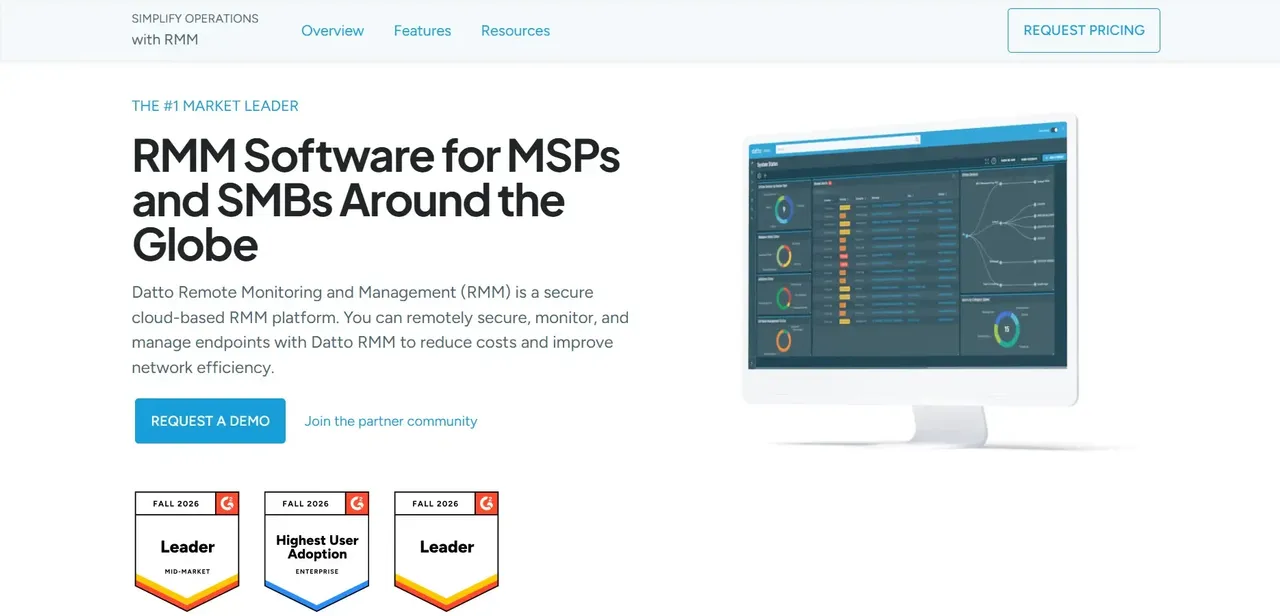
Datto RMM is built for MSPs already operating within the Datto/Autotask ecosystem. Its primary differentiator is tight integration with Datto's backup and business continuity products; That integration can make it particularly relevant for MSPs already using Datto backup/BCDR or Autotask PSA.
Key features: Remote monitoring and automation across managed endpoints. Cloud-first, multi-tenant architecture. Deep integration with Datto backup, Autotask PSA, and the broader Kaseya/Datto product family. Automated remediation and scripting.
Pros:
- Robust remote monitoring and automation
- Tight integration with Datto/Autotask ecosystem
- Cloud-first architecture with scalable multi-tenant design
Cons:
- No transparent public pricing; must request a quote
- Complexity may be high for smaller MSPs
- Billing and licensing details can be difficult to understand without a sales conversation
Best for: MSPs already using Datto backup or Autotask PSA who want a unified vendor relationship and strong BDR integration in their RMM.
Kaseya VSA: Best for MSPs Managing Large Distributed Endpoint Fleets
Kaseya VSA is one of the longer-standing RMM platforms in the MSP market, with a feature set built around managing large, distributed endpoint environments across multiple clients. It sits within the broader Kaseya product family, which includes Datto, IT Glue, and BMS, giving MSPs a path to a consolidated vendor stack.
Key features: Endpoint monitoring, patch management, remote control, scripting, and software deployment at scale. Policy-based automation for large fleet management. Integration with Kaseya's broader product suite including IT Glue for documentation and BMS for PSA. Agent-based and agentless monitoring options.
Pros:
- Provides policy-based automation and centralized management for distributed endpoint environments
- Deep integration across the Kaseya product family
- Mature automation and policy management capabilities
Cons:
- No self-serve option
- Platform depth can create significant onboarding overhead for smaller teams
Best for: MSPs managing distributed endpoint environments that need policy-based automation and want tight integration with the broader Kaseya ecosystem.
HaloPSA: Best for MSPs Wanting Highly Customizable Service Desk Workflows
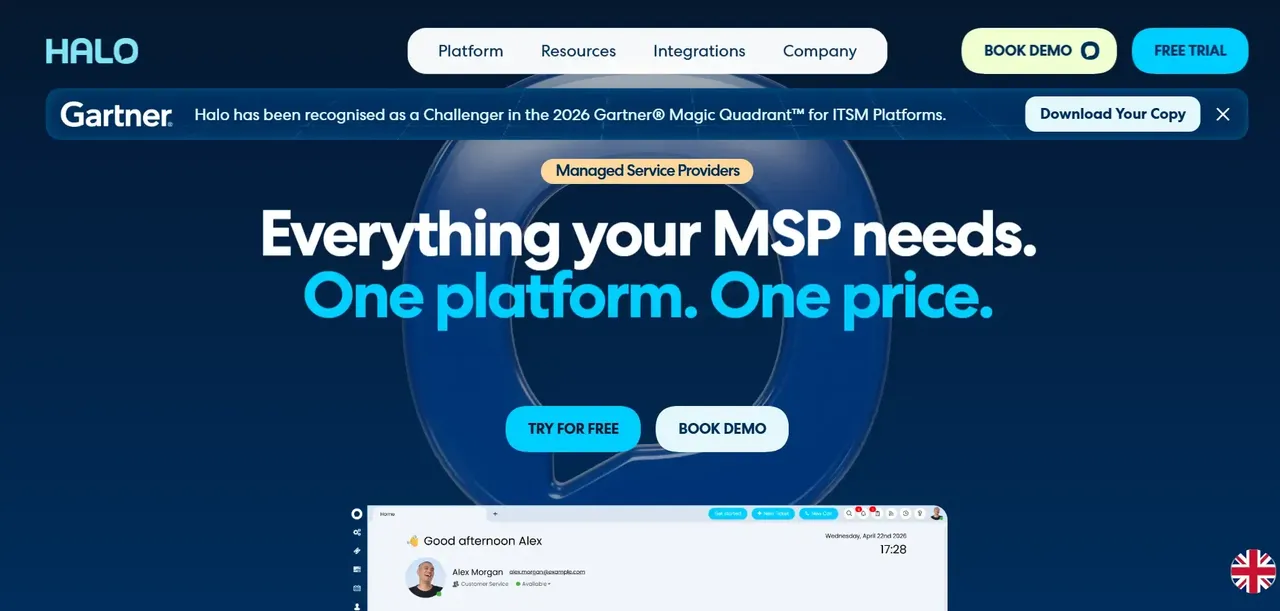
HaloPSA positions itself as a highly configurable PSA platform, giving MSPs more control over how their service desk workflows, ticket routing, SLA rules, and client portals are structured. It is an alternative to platforms such as ConnectWise PSA and Autotask for MSPs that prioritize configurable service-desk and business workflows.
Key features: Fully configurable service desk with custom ticket workflows, SLA management, and escalation rules. Time tracking, billing, contract management, and project management. Client portal with self-service options. Integrations with major RMM platforms, Microsoft 365, and accounting tools.
Pros:
- High degree of workflow customization
- Uses user-based subscription pricing, with larger deployments able to request tailored pricing
- Strong integration library covering RMM, accounting, and communication tools
Cons:
- No transparent self-serve pricing
- Configuration depth means initial setup requires time investment
Best for: MSPs who need a PSA with genuine workflow flexibility and find the major incumbents either too expensive or too inflexible for their service delivery model.
SuperOps: Best for Growing MSPs Seeking a Modern Unified Platform
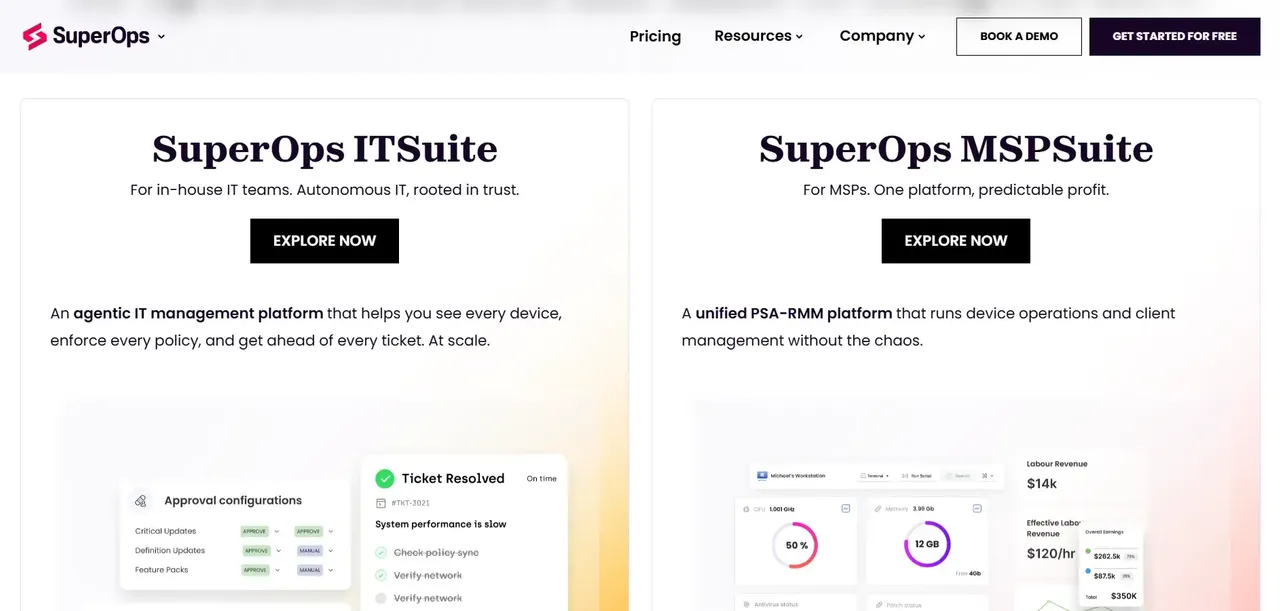
SuperOps is a newer entrant in the MSP platform space, built with a modern interface and a unified PSA and RMM architecture from the ground up, rather than assembled through acquisitions. It targets MSPs looking for a unified PSA and RMM platform with a modern interface and integrated automation.
Key features: Unified PSA and RMM in a single platform. AI-assisted ticket management and automation. Client management, contract billing, and project tracking. Patch management and remote access. Built-in documentation and asset management.
Pros:
- Modern, unified architecture built for MSPs from the start
- AI-assisted features for ticket handling and automation
- Unified PSA and RMM setup reduces the number of separate systems an MSP needs to configure and connect
Cons:
- Newer platform means a shorter track record than ConnectWise or Kaseya
- MSPs with specialized third-party tools should confirm that the integrations they rely on are supported before migrating
- Per-technician pricing scales with headcount
Best for: Growing MSPs that want PSA and RMM in one platform and prefer technician-based pricing over managing separate tools
Syncro: Best for Solo Technicians and Micro MSPs on a Budget
Syncro combines RMM and PSA functionality in a single platform with straightforward per-user pricing, making it one of the more accessible options for solo technicians and very small MSPs who need both capabilities without paying for two separate tools.
Key features: Unified RMM and PSA platform. Ticketing, billing, and contract management. Remote access and scripting. Patch management and alerting. Integrated invoicing and payment processing.
Pros:
- Unified RMM and PSA removes the need for two separate tools
- Clear per-user pricing model with annual and monthly options
- Built-in billing and invoicing can reduce the need for a separate MSP billing tool, although accounting software may still be required
Cons:
- No free-forever plan
- Because pricing is per user, subscription cost increases as more technicians or users require access
- MSPs with complex procurement, project, contract, or reporting requirements should compare Syncro's PSA capabilities against more specialized PSA platforms
Best for: Solo technicians and micro MSPs who need a combined RMM and PSA at a predictable per-user cost without enterprise complexity.
Pulseway: Best for MSPs Who Need Mobile-First Remote Management
Pulseway differentiates itself with a capable mobile application that lets technicians monitor, alert on, and remediate endpoint issues directly from a smartphone. For MSPs where technicians are frequently on-site or away from a desk, this can be useful for technicians who frequently work on-site or away from a desktop.
Key features: Mobile apps with monitoring, alerts, and remote-management capabilities. Automated workflows and scripting. Multi-tenant architecture for MSP client management. PSA integration options.
Pros:
- Strong mobile-first management with a full-featured mobile app
- Comprehensive RMM toolkit including monitoring, patching, and remote control
- Per-endpoint pricing lets MSPs align RMM licensing with the number of managed devices
Cons:
- No transparent self-serve pricing; must contact sales
- Add-on security and patching modules may increase total cost
Best for: MSPs and IT teams where technicians spend significant time on-site or away from a desk and need reliable, full-featured remote management from a mobile device.
How to Choose the Best MSP Software for Your Business
The right MSP software depends on factors such as technician count, managed endpoints, required PSA and RMM capabilities, integrations, automation needs, contract terms, and how you expect the business to scale.
RMM vs. PSA vs. unified platform. Remote monitoring and management (RMM) tools handle endpoint visibility, patching, and automation. Professional services automation (PSA) tools handle ticketing, billing, contracts, and time tracking. Many MSPs run both. Unified platforms like Atera, Syncro, and SuperOps combine both in a single subscription, which simplifies the stack but may trade depth for convenience.
Ownership vs. rental. Every SaaS tool in this list is rented. You pay indefinitely, the vendor controls the roadmap, and switching costs accumulate over time as your data and workflows embed deeper into their platform. If your software spend is already a meaningful line item, the math on a flat per-company fee versus compounding per-seat SaaS costs is worth running.
Integration requirements. If you're already deep in the Kaseya or ConnectWise ecosystem, switching costs are real. Factor in data migration, staff retraining, and workflow rebuilding when evaluating alternatives.
FAQ
What is the difference between RMM and PSA software for MSPs?
RMM (remote monitoring and management) software handles the technical side of MSP operations: monitoring endpoints for health and performance, deploying patches, running automated scripts, and giving technicians remote access to client machines. PSA (professional services automation) software handles the business side: ticketing, time tracking, contract management, billing, and client communication.
How much does MSP software typically cost in 2026?
Pricing varies significantly by model and vendor.
Can I run both an RMM and a PSA tool from the same vendor?
Yes, and several vendors actively encourage it.
What makes Founding.dev different?
Every other tool in this list is software you rent. Founding.dev builds and deploys MSP software you own outright. There are no per-seat charges, no per-endpoint fees, no annual renewals, and no vendor controlling your roadmap or your pricing. The model is a flat monthly maintenance fee, billed per company, covering the deployment and customization of a proven platform around your specific workflows plus ongoing support.