
Running a field service business comes with plenty of moving parts. You have technicians on the road, jobs to schedule, customers expecting updates, and paperwork that never seems to end. Trying to manage all of that with phone calls, spreadsheets, or outdated tools quickly leads to missed appointments, slower response times, and frustrated customers.
The right field service management software brings everything together in one place, and helps your team stay organized and spend more time getting work done instead of chasing updates. Here are 10 of the best field service management software 2026.
Founding.dev: Best
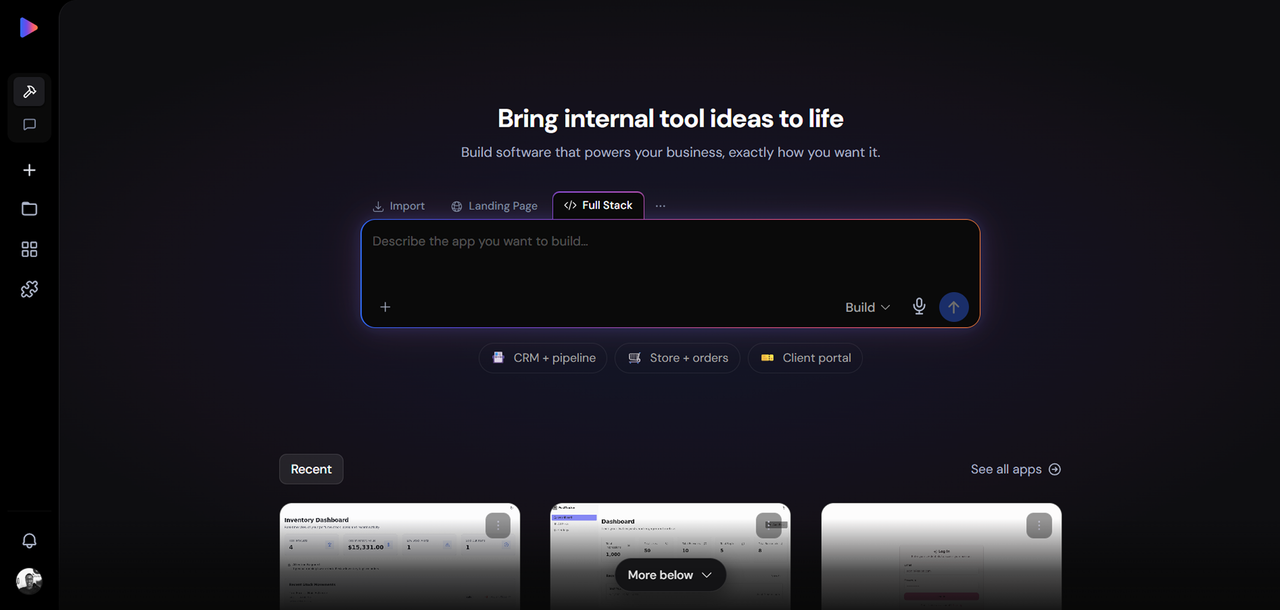
Option If You Want to Own Your Field Service Software Outright
Every other tool on this list is rented. You pay monthly, the vendor controls the roadmap, and the price goes up when you grow. Founding.dev is the only option here where you own the code at the end of the engagement.
What it is: Founding.dev builds and deploys custom field service software tailored to your specific workflows. Scheduling, dispatch, job tracking, invoicing, customer communications, built around how your operation actually runs, not around a generic template designed for the median customer.
The ownership model: You pay a flat monthly maintenance fee, billed per company. There is no per-seat charge, no annual renewal, and no vendor holding your data hostage if you decide to leave. The software is yours.
Who it is for: Field service businesses that are staring at a SaaS renewal and doing the math on what per-seat pricing costs them over three years. Also strong for operators whose workflows do not fit neatly into any off-the-shelf product, the ones who have been duct-taping three tools together because none of them does exactly what the business needs..
Talk to Founding.dev about owning your field service software
Jobber: Best Field Service Management Software for Small Service Businesses
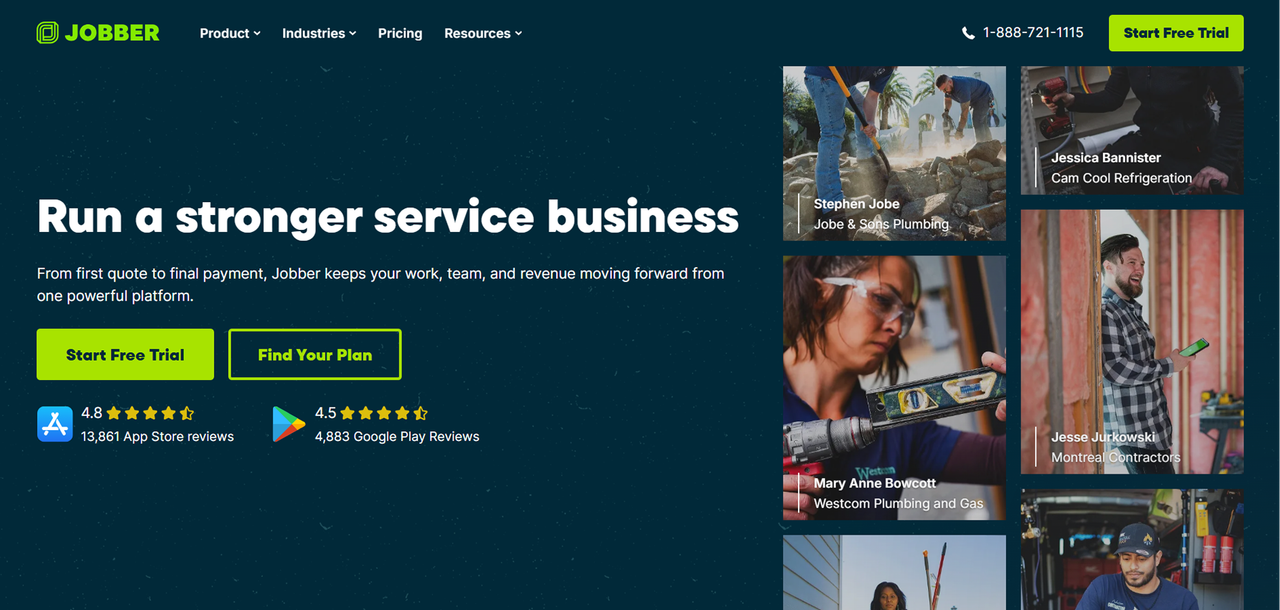
Jobber is one of the most widely used platforms for home-service businesses that need scheduling, quoting, invoicing, and team coordination in a single product. It also covers the core field service workflow well.
Key features: Job scheduling and dispatch, client management, quoting and invoicing, online payments, a client hub for self-service booking, and a mobile app for field technicians.
Pros:
- Solid scheduling and job management for growing home-service teams
- Strong quoting-to-invoice workflow with built-in payments
- Approachable interface that does not require a dedicated admin
Cons:
- Total cost rises with add-ons and additional users
- Advanced automation and marketing tools are gated to higher tiers
- May carry more complexity than a very small solo operator needs
ServiceTitan: Best Field Service Management Software for Residential Trades
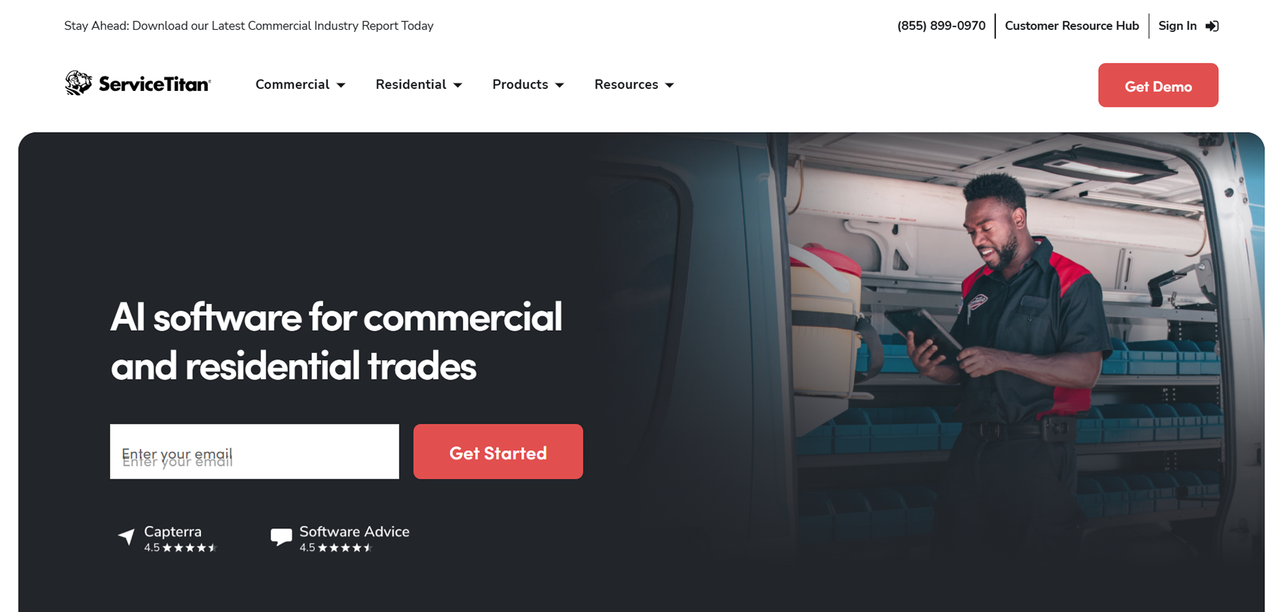
ServiceTitan is built for mid-to-large service contractors that need end-to-end field service management; scheduling, dispatch, sales, marketing, reporting, and payroll integrations under one roof. It is a serious platform for serious operations.
Key features: Scheduling and dispatch, technician mobile app, price book management, sales and marketing tools, reporting and business intelligence, and integrations with accounting platforms.
Pros:
- Comprehensive end-to-end coverage for trades businesses
- Strong reporting and business intelligence capabilities
- Scales well from mid-market into larger contractor operations
Cons:
- No publicly listed pricing; you must go through a sales process to get a number
- Implementation can be complex and time-consuming
FieldEdge: Best Field Service Management Software for HVAC and Plumbing Contractors
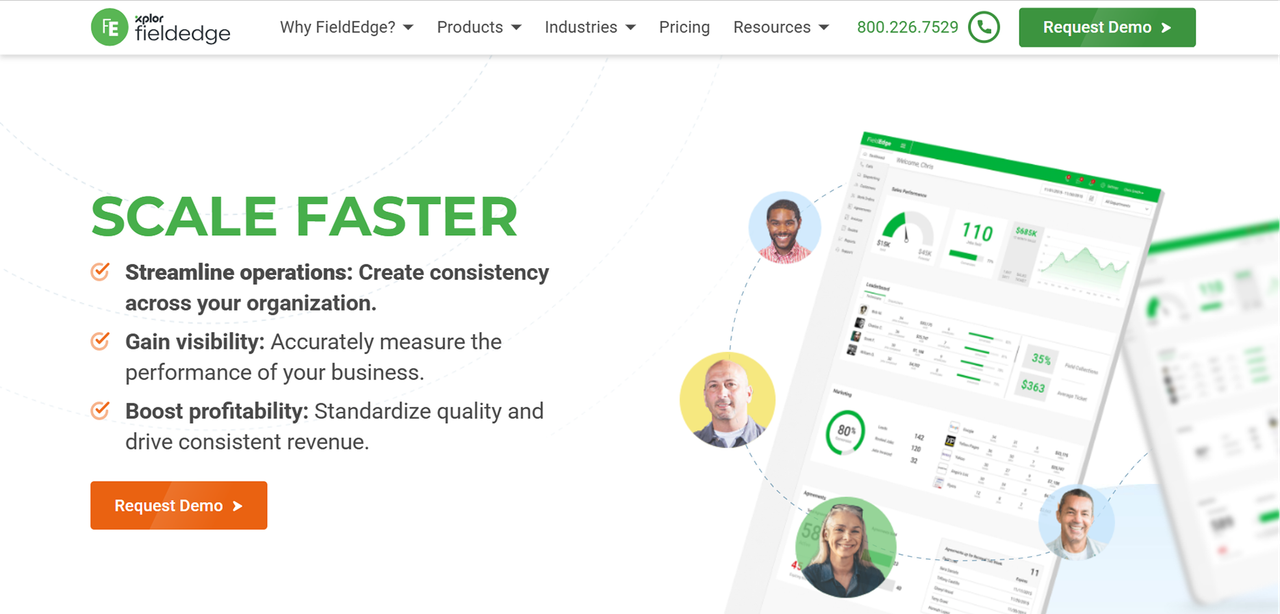
FieldEdge is a field service management platform built specifically for trades contractors, with particular depth in HVAC and plumbing workflows. It covers dispatch, service agreements, invoicing, and QuickBooks integration in a package designed for contractors rather than generic service businesses.
Key features: Scheduling and dispatch board, service agreement management, QuickBooks integration, technician mobile app, and customer history tracking.
Pros:
- Deep workflow fit for HVAC and plumbing contractors
- Service agreement management built into the core product
- Strong QuickBooks integration for contractors already using it for accounting
Cons:
- Quote-only pricing makes it hard to budget without a sales conversation
- Less flexible for service businesses outside the trades vertical
Housecall Pro: Best Field Service Management Software for Home Service Pros
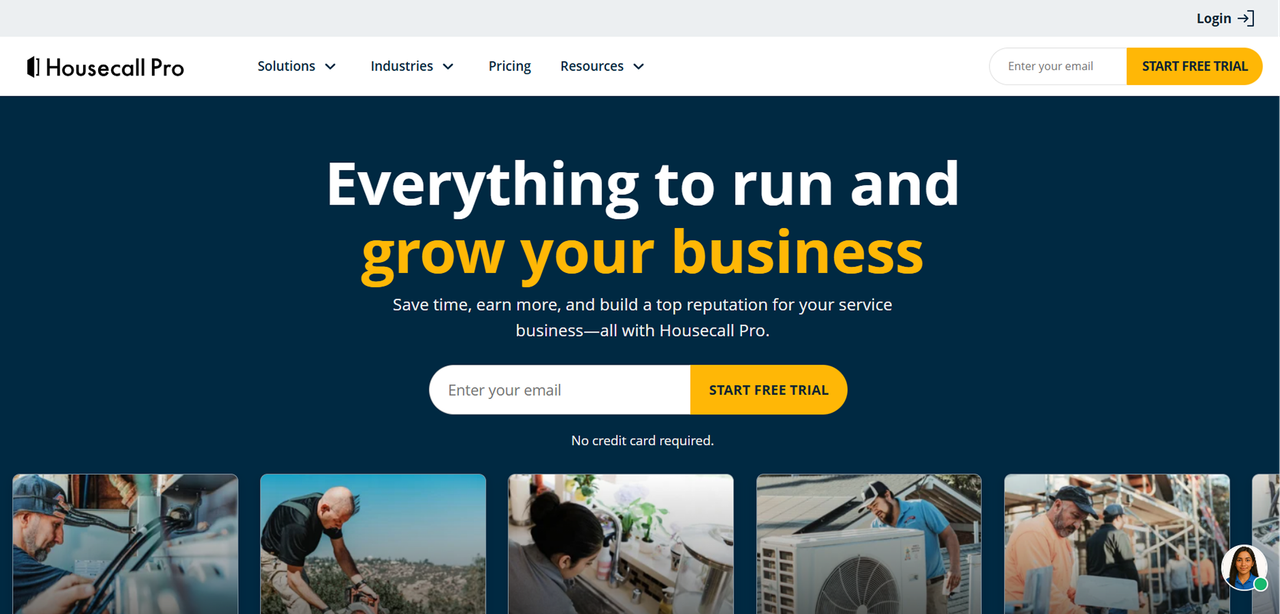
Housecall Pro targets home service businesses, cleaning, HVAC, plumbing, electrical, and similar trades, with an all-in-one platform that covers scheduling, dispatch, invoicing, and customer communications. It is designed to be accessible for operators who are not technical, with a mobile-first approach.
Key features: Scheduling and dispatch, technician mobile app, invoicing and payments, price book, customer notifications, online booking, and recurring service plans.
Pros:
- Strong scheduling, dispatch, and mobile tools for home service teams
- Built-in invoicing, payments, and price book designed for the trades
- Scales from solo operators up to larger teams with the Max plan
Cons:
- Tiered pricing and add-ons can become expensive as the team grows
- Advanced reporting, API access, and recurring plan features are locked to higher tiers
- No permanently free core plan; access starts with a 14-day trial only
ServiceMax: Best Field Service Management Software for Enterprise Asset-Intensive Industries
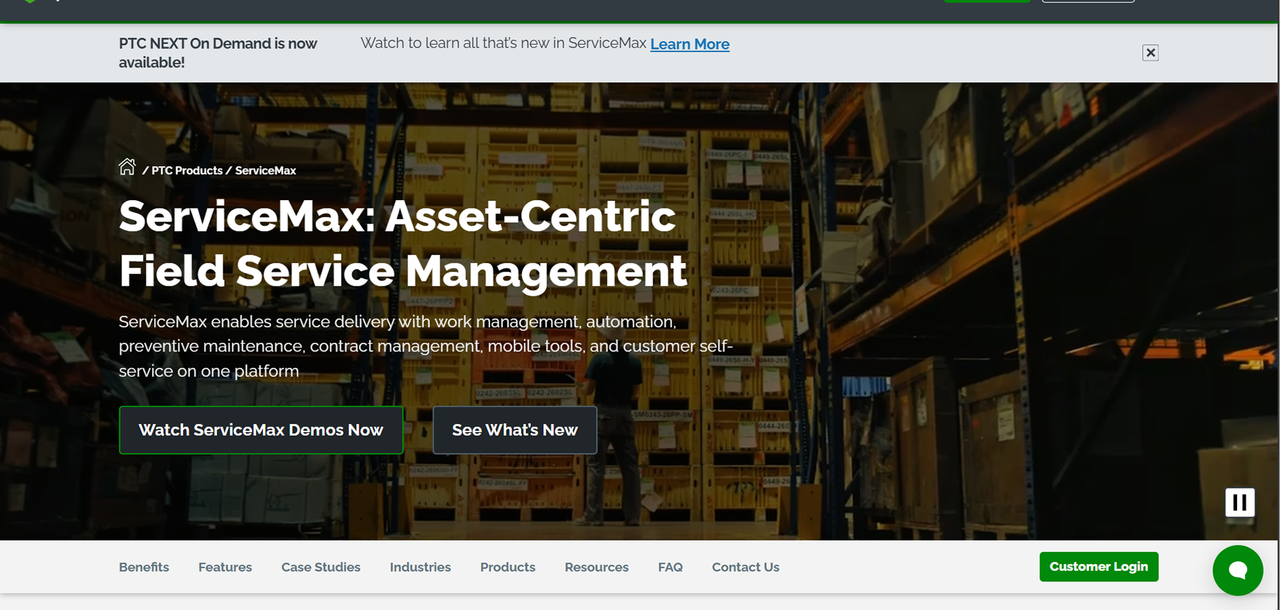
ServiceMax is an enterprise-grade field service management platform built for organizations that manage complex equipment and assets in the field, think medical devices, industrial machinery, or energy infrastructure. It sits at the high end of the market in both capability and cost.
Key features: Work order management, asset and equipment tracking, preventive maintenance scheduling, parts and inventory management, service contract management, and analytics.
Pros:
- Deep asset and equipment lifecycle management
- Strong service contract and warranty tracking
- Built for regulated, asset-intensive industries where compliance matters
Cons:
- Enterprise pricing and implementation complexity put it out of reach for most SMBs
- Requires significant onboarding and configuration investment
Zuper: Best Field Service Management Software for Customizable Workflows
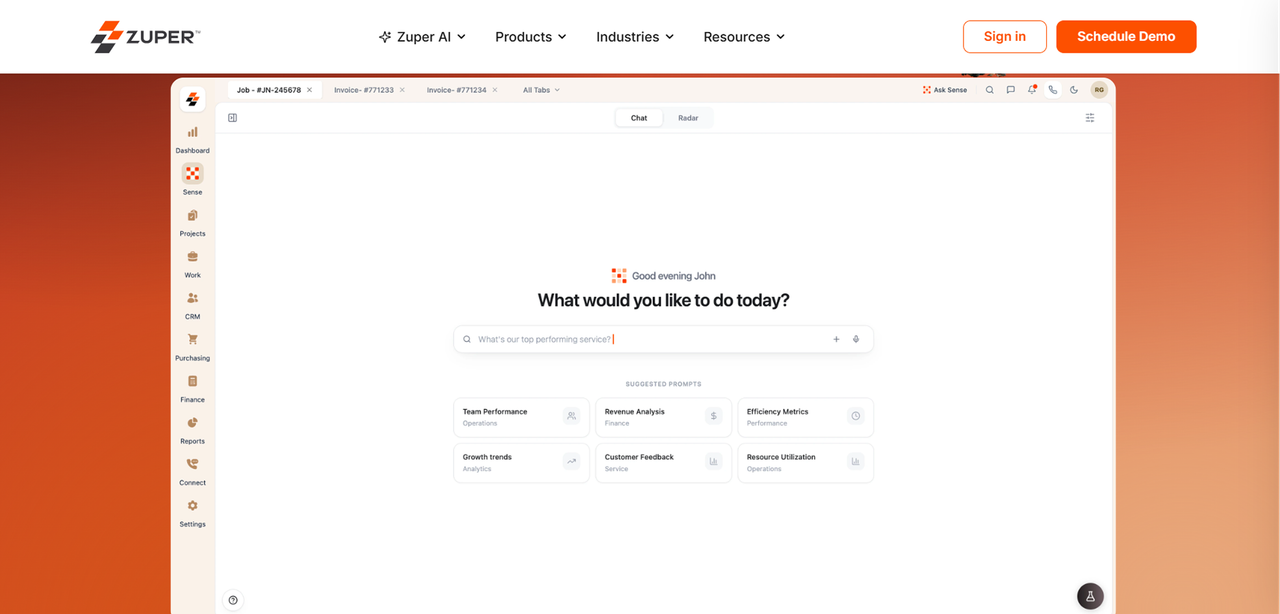
Zuper positions itself as a flexible field service management platform for teams whose workflows do not fit neatly into a rigid off-the-shelf product. It offers configurable scheduling, dispatch, and job management with a focus on letting operators adapt the platform to their process rather than the other way around.
Key features: Configurable scheduling and dispatch, work order management, customer portal, mobile app for field technicians, integrations with CRM and accounting tools, and reporting dashboards.
Pros:
- More configurable than many SMB-focused field service tools
- Covers scheduling, dispatch, invoicing, and customer communications in one platform
- Integrates with common CRM and accounting tools
Cons:
- Quote-only pricing requires a sales conversation before you can evaluate cost
- Customization depth may require onboarding support to set up properly
FieldPulse: Best Field Service Management Software for Growing Multi-Crew Teams
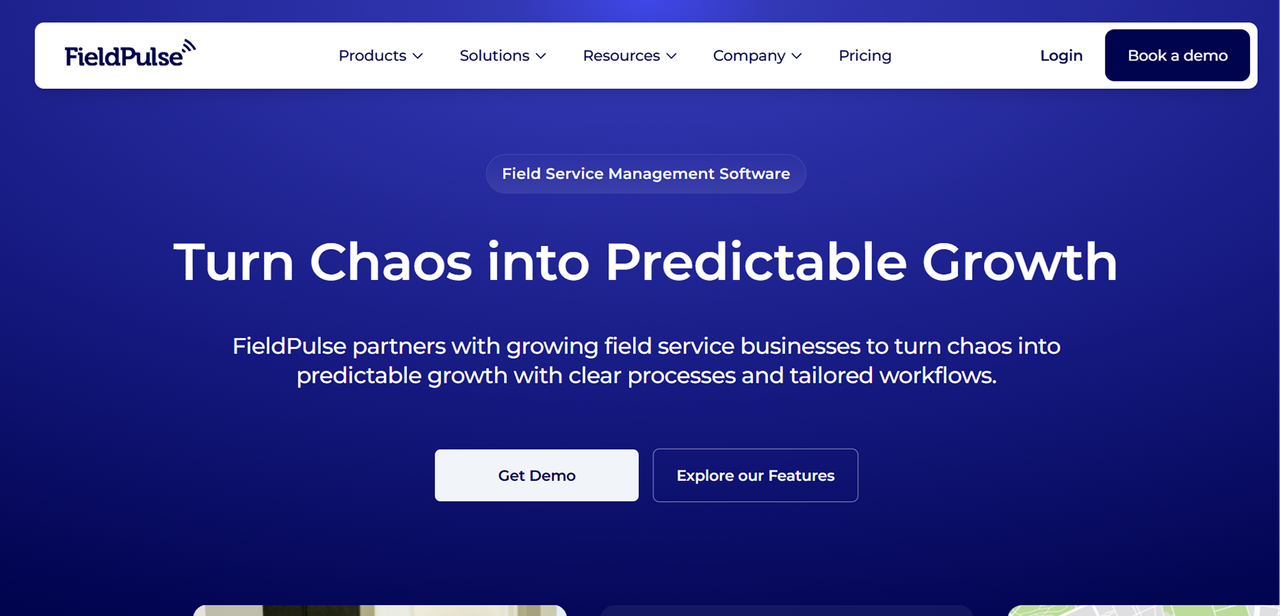
FieldPulse is a field service management platform aimed at small-to-mid-sized service businesses that are scaling from a single crew to multiple teams. It covers the core job management workflow with a focus on keeping growing operations organized without requiring enterprise-level complexity.
Key features: Job scheduling and dispatch, customer management, estimates and invoicing, time tracking, team management, mobile app, and QuickBooks integration.
Pros:
- Designed specifically for the growth phase from small to multi-crew operations
- Covers estimates, invoicing, scheduling, and team management in one product
- QuickBooks integration for businesses already using it for accounting
Cons:
- Per-user pricing means costs scale directly with headcount
- Less depth in enterprise features like asset management or complex service contracts
- Smaller integration ecosystem than larger platforms
Workiz: Best Field Service Management Software for High-Volume Appointment Businesses
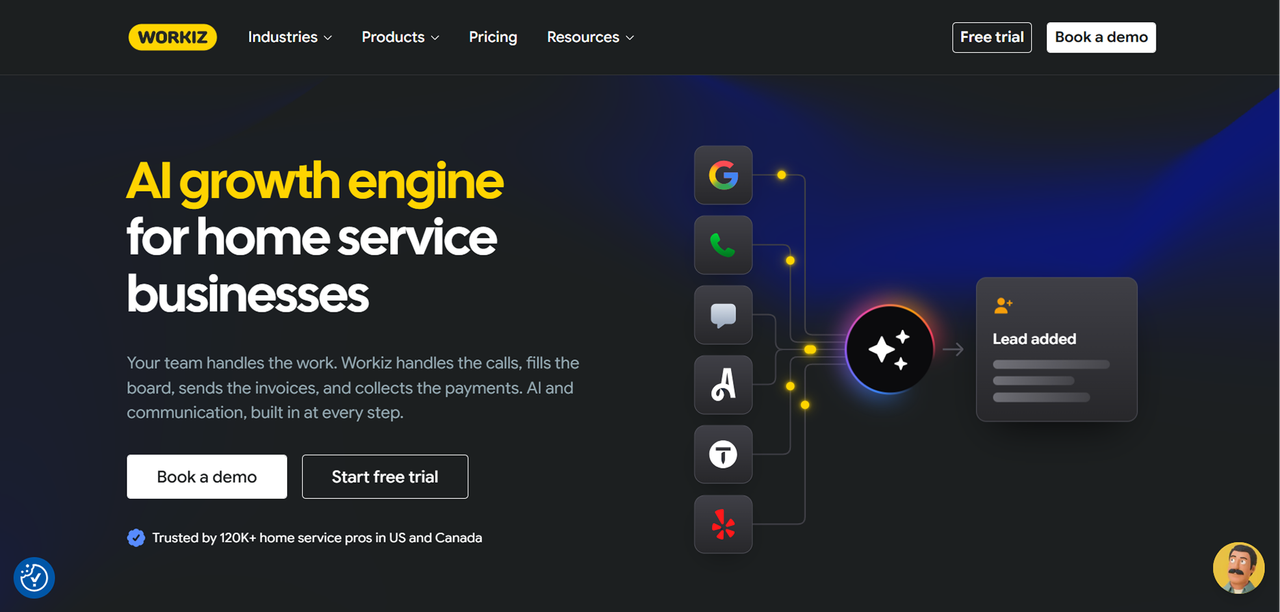
Workiz is built for service businesses that run high volumes of appointments, locksmith, junk removal, appliance repair, and similar operations where call volume and fast dispatch are the operational bottleneck. Its built-in phone system is a differentiator that most field service platforms do not offer natively.
Key features: Scheduling and dispatch, built-in phone system and call tracking, CRM, invoicing and payments, online booking, technician mobile app, and reporting.
Pros:
- Built-in phone system and call tracking is a genuine differentiator for high-call-volume businesses
- Strong scheduling, dispatch, and invoicing workflow
- Scales for growing and multi-location service businesses
Cons:
- No transparent self-serve pricing; all plans are quote-only
- AI add-ons may increase total cost meaningfully
IFS Field Service Management: Best for Complex Multi-Site Service Operations
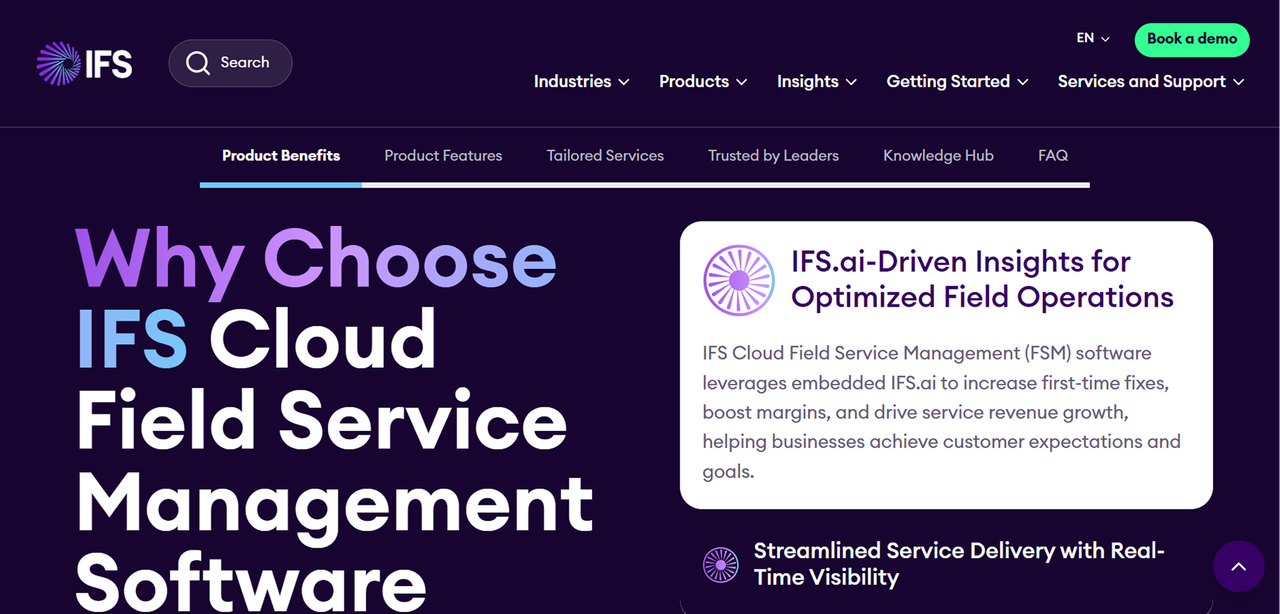
IFS Field Service Management is an enterprise platform designed for organizations running field service operations across multiple sites, regions, or business units. It is built for complexity: contract management, parts logistics, workforce optimization, and integration with broader ERP systems.
Key features: Work order and contract management, scheduling optimization, parts and inventory management, mobile field execution, customer self-service portals, and integration with IFS ERP and third-party systems.
Pros:
- Handles multi-site, multi-region field service operations at scale
- Deep integration with IFS ERP for organizations already in that ecosystem
- Strong contract and SLA management for complex service agreements
Cons:
- Enterprise pricing and implementation timelines are not suited to SMBs
- Requires significant IT and implementation resources to deploy properly
- Overkill for businesses without genuine multi-site complexity
Commusoft: Best Field Service Management Software for Commercial Service Companies
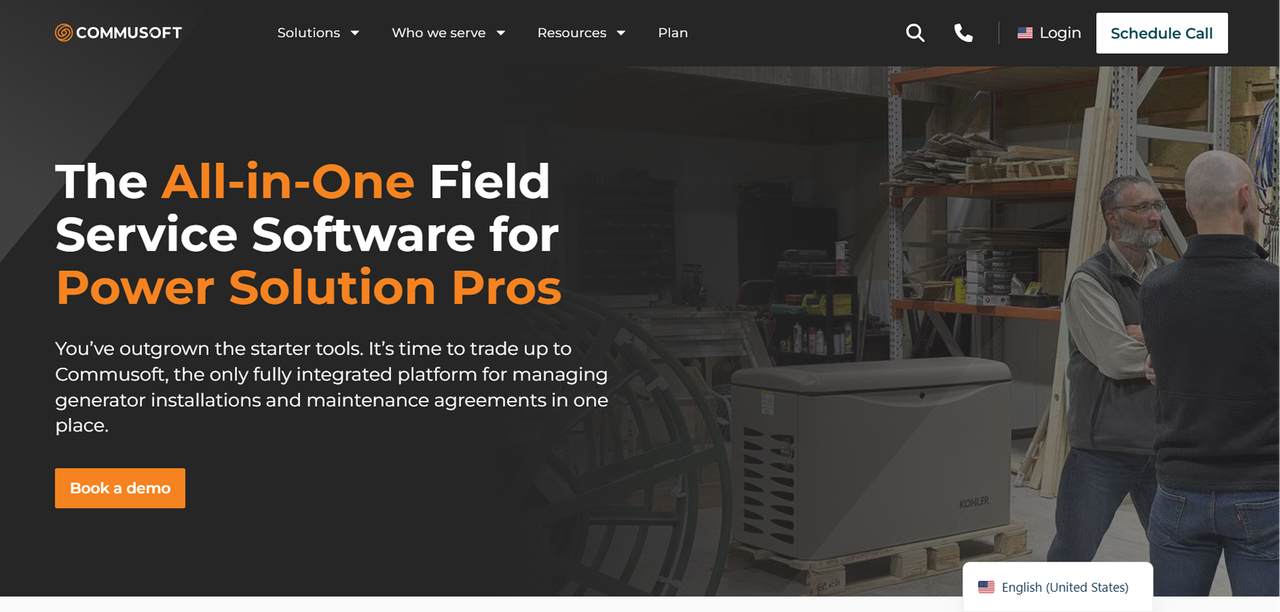
Commusoft is a field service management platform with a focus on commercial service businesses, facilities management, multi-site maintenance contracts, and similar operations where managing ongoing service agreements and compliance documentation is as important as scheduling individual jobs.
Key features: Job scheduling and dispatch, service contract management, compliance and certification tracking, customer portal, invoicing and payments, reporting, and mobile app for field engineers.
Pros:
- Strong service contract and compliance tracking for commercial operations
- Customer portal gives clients visibility into job status and documentation
- Designed for businesses managing ongoing maintenance relationships, not just one-off jobs
Cons:
- Quote-only pricing requires a sales conversation before cost evaluation
- Less suited to residential or high-volume appointment businesses
FAQ
What is field service management software and who needs it?
Field service management software handles the operational workflow for businesses that send workers to customer locations: scheduling jobs, dispatching technicians, tracking work orders, managing invoicing, and communicating with customers. It is used by HVAC contractors, plumbers, electricians, cleaning companies, appliance repair businesses, facilities managers, and any other operation where the work happens off-site.
Can field service software integrate with QuickBooks or other accounting tools?
Most of the tools on this list offer QuickBooks integration, including Jobber, Housecall Pro, Workiz, and FieldPulse. The depth of that integration varies: some sync invoices and payments automatically, others require manual export steps or a third-party connector. If QuickBooks integration is a hard requirement, verify the specific sync behavior, particularly whether it handles two-way sync, how it handles partial payments, and whether the integration is included in your plan tier or sold as an add-on.
How important is a mobile app when choosing field service software?
For most field service operations, the mobile app is the most-used interface in the product. Technicians in the field are not sitting at a desktop, they need to view job details, update work order status, capture photos, collect signatures, and process payments from a phone or tablet. Every tool on this list offers a mobile app, but quality varies significantly.
How long does it typically take to implement field service software?
Implementation timelines vary widely depending on the platform and the complexity of your operation. A small team adopting Jobber or Housecall Pro can often be operational within a few days to a couple of weeks, since these platforms are designed for self-serve onboarding.
What makes Founding.dev different?
Every other option on this list is rented software. You pay monthly, the vendor sets the price, and you have no ownership stake in what you are paying for. Founding.dev builds field service software that you own outright. There is no per-seat charge, no annual renewal, and no vendor who can raise your price or lock a feature behind a higher tier. The build is scoped around your specific workflows, your dispatch logic, your billing model, your customer communication process, rather than a generic template.