

Popular paid software can be useful, but the cost can quickly add up when you need several tools to run your work. Open-source alternatives can offer many of the same core features while giving you more control over your data, customisation, and how you use the software. Here are some of the best open-source alternatives to popular paid tools to consider in 2026.
Why Open Source Alternatives Are Worth Considering in 2026
The Real Cost of Proprietary Software Subscriptions
The sticker price on a SaaS subscription is rarely the real number. Add per-seat fees that compound every time you hire, feature tiers that lock core functionality behind enterprise plans, and annual price increases that arrive quietly in a renewal email, and the actual cost of proprietary software is a moving target that always moves in one direction.
Instaclustr's 2026 compilation of OpenLogic State of Open Source data shows 96% of organizations either maintained or increased their open source usage in the past year, with 26% reporting a significant increase. That is not a trend driven by ideology. It is driven by finance teams looking at renewal invoices and asking whether the value justifies the cost.
Proxmox VE: An Open Source Replacement for VMware
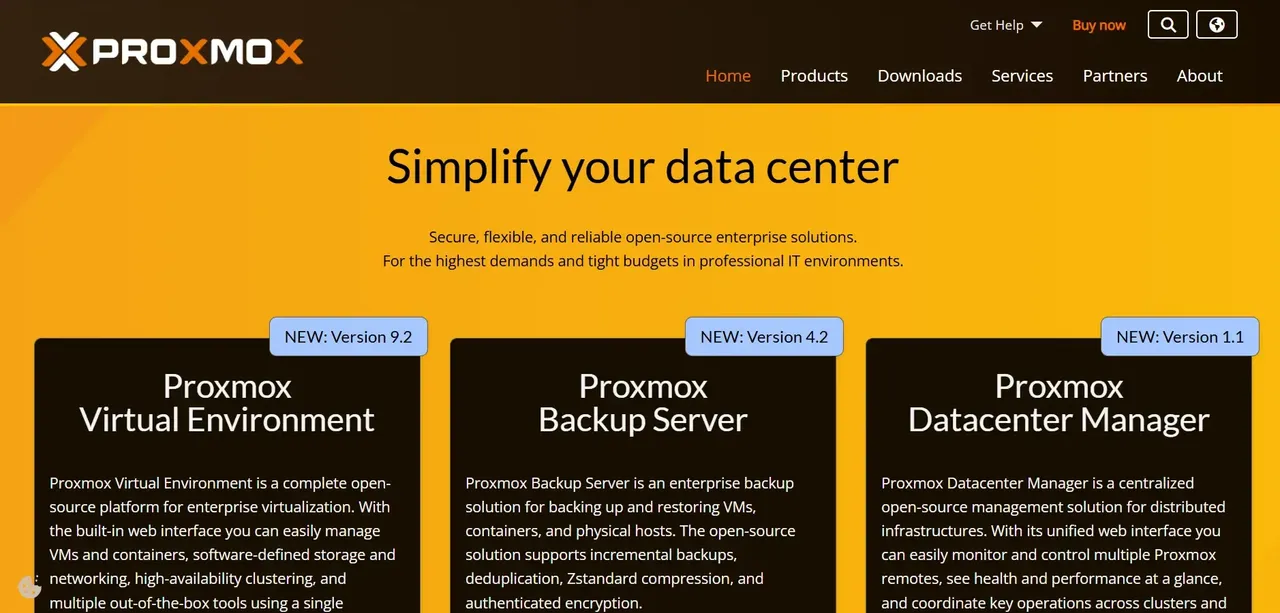
Proxmox VE is a Debian-based virtualization platform that combines KVM-based virtual machines and LXC containers under a single web interface. It is the most direct open source replacement for VMware vSphere and ESXi in the small-to-midsize server environment, and it has seen significant adoption since Broadcom's acquisition of VMware triggered widespread concern about licensing costs and support continuity.
The feature set covers what most organizations actually use: VM and container management, live migration, high availability clustering, software-defined storage (Ceph and ZFS are both supported natively), and a backup solution built in. Management is handled through a web-based interface. Proxmox VE itself is free to use under the AGPL license. Paid subscriptions are available for enterprise support and access to the stable update repository, but the software runs fully without them.
Vaultwarden and Bitwarden: Open Source Password Management
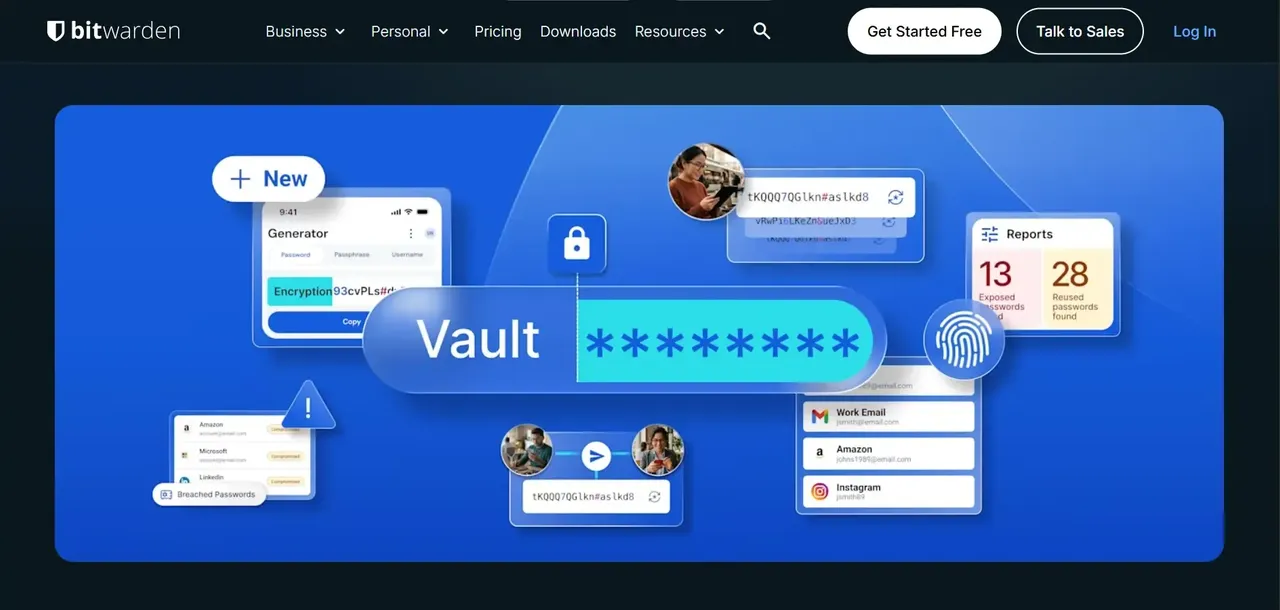
Bitwarden is an open source password manager with a published codebase, end-to-end encryption, and a managed cloud service for individuals and teams. It is a direct replacement for 1Password and LastPass, with the added option of self-hosting the server component if you want full control over where credentials are stored.
Vaultwarden is an unofficial, community-built reimplementation of the Bitwarden server API written in Rust. It is lighter on resources than the official Bitwarden server, making it practical to run on modest hardware. Vaultwarden is compatible with all official Bitwarden clients, so users interact with the same apps they would use with the hosted service. The distinction matters for organizations that want self-hosted credential storage without the resource requirements of the full official server stack.
LibreOffice and Collabora Online: Replacing Microsoft Office With Open Source
LibreOffice is a full desktop office suite covering word processing, spreadsheets, presentations, and more. It reads and writes Microsoft Office formats and has been in active development for over a decade under The Document Foundation. For organizations that primarily create and edit documents internally, it handles the workload without a per-seat license.
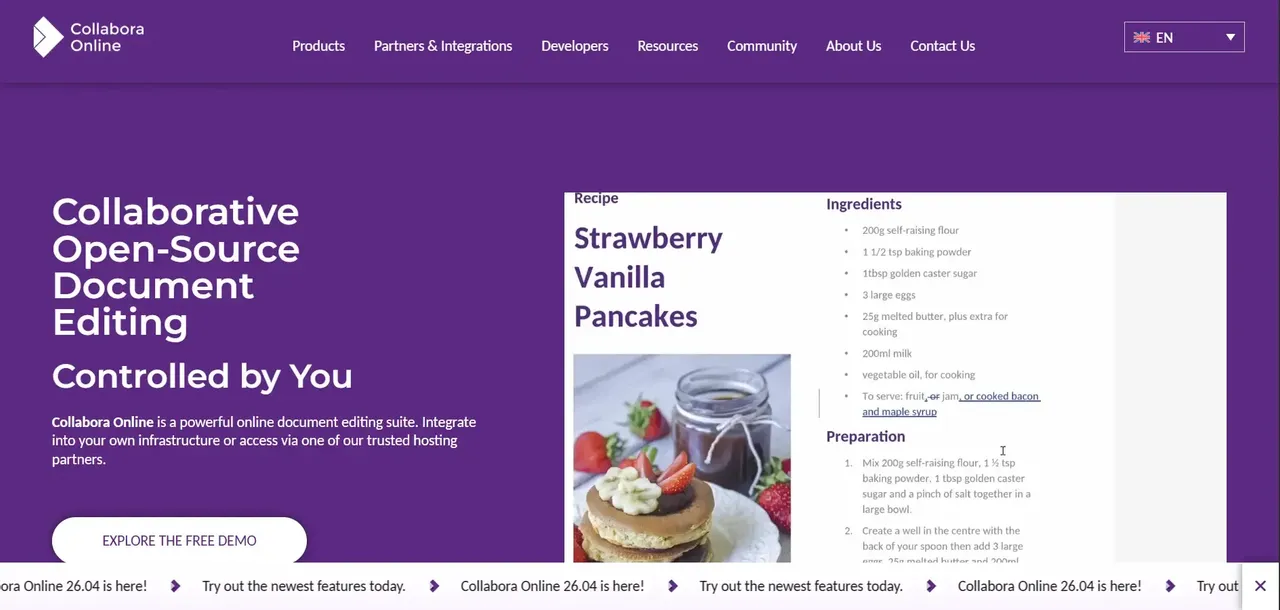
Collabora Online is the browser-based version of LibreOffice, designed to integrate with self-hosted platforms like Nextcloud. It provides collaborative document editing in a web interface, which is the use case that keeps many organizations on Microsoft 365 or Google Workspace. Collabora Online is available under an open source license (MPL-2.0) for self-hosting, with commercial support subscriptions available from Collabora Productivity.
GIMP and Krita: Open Source Tools That Replace Adobe Photoshop
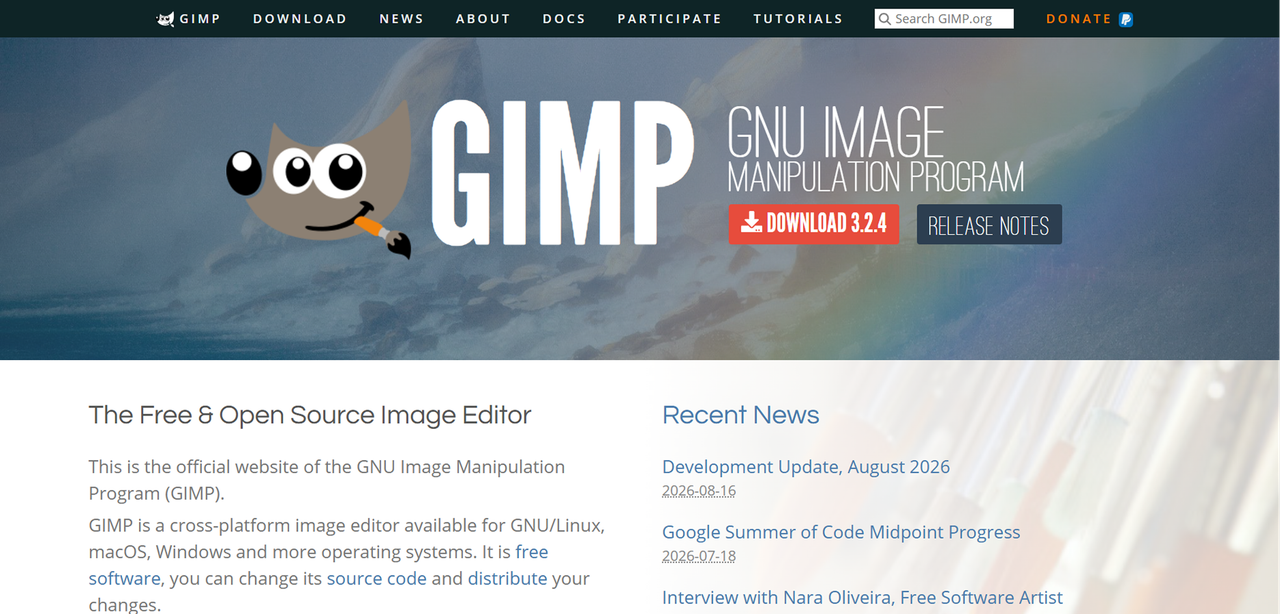
GIMP (GNU Image Manipulation Program) is a raster image editor that covers photo retouching, image composition, and basic graphic design. It supports a wide range of file formats including PSD, and it handles the tasks that make up the majority of Photoshop use cases for non-specialist users: resizing, color correction, masking, and layer-based editing.

Krita is a different tool with a different focus. It is built for digital painting and illustration, with a brush engine and canvas workflow designed for artists rather than photo editors. If your Photoshop use is primarily illustration, concept art, or texture painting, Krita is the more natural replacement. If your use is primarily photo editing and compositing, GIMP is the closer match.
Nextcloud: A Self-Hosted Replacement for Google Workspace and Dropbox
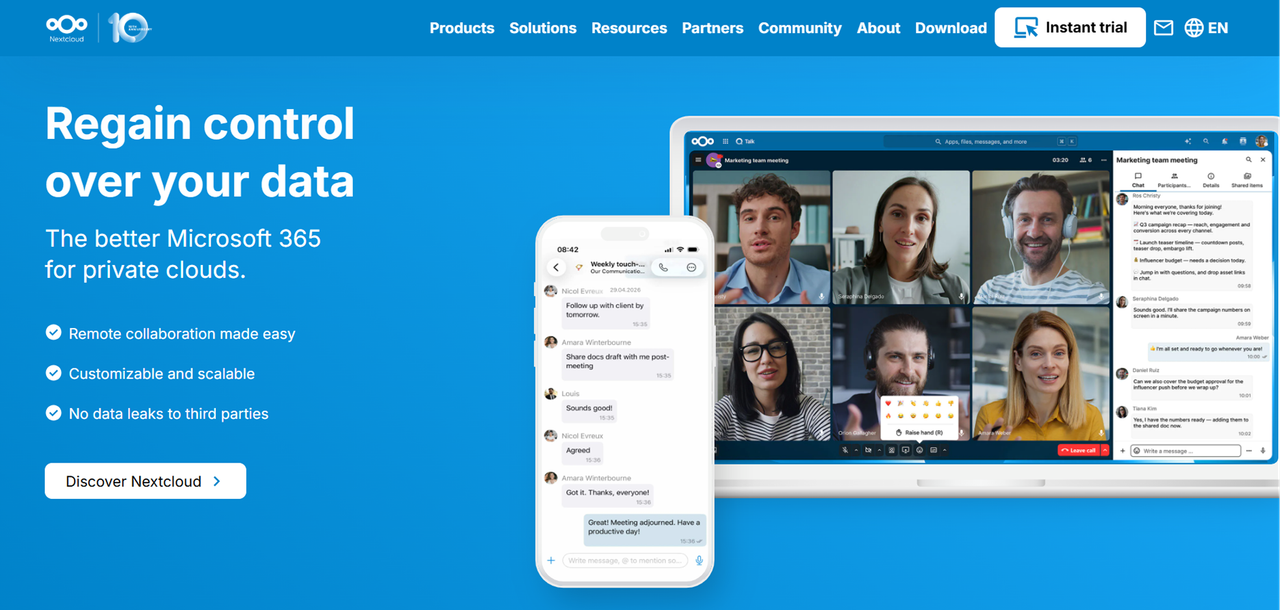
Nextcloud is one of the broadest open-source options for file storage, synchronization and collaboration It replaces the core file-sync-and-share functionality of Google Drive and Dropbox, and with its app ecosystem it extends into calendar, contacts, video calls, and collaborative document editing (via Collabora Online integration). The codebase is AGPL-licensed, and the company behind it offers commercial support subscriptions for enterprise deployments.
For organizations that have data residency requirements, handle sensitive client files, or simply want to stop paying per-seat cloud storage fees, Nextcloud is the most complete open source option available. You control where the data is stored and how access is managed, rather than relying on a third-party cloud provider for the underlying storage.
Matomo, Plausible and Umami: Open Source Picks for Google Analytics
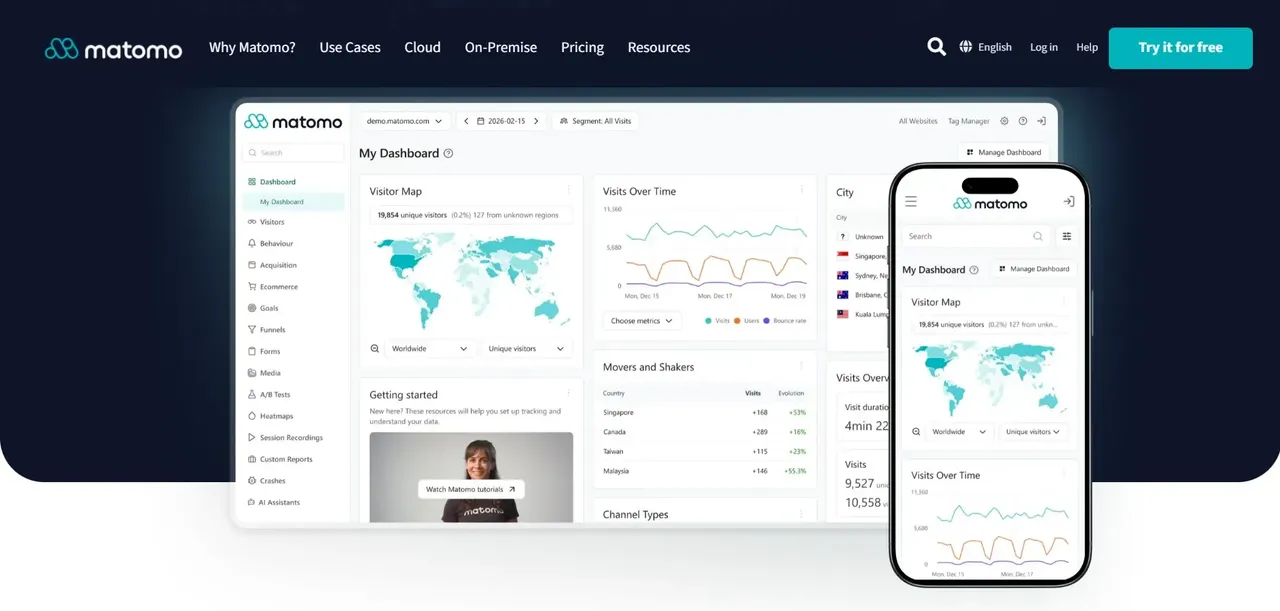
Matomo is the most feature-complete open source analytics platform, offering session recording, heatmaps, goal tracking, and a data model that closely mirrors what Google Analytics users are familiar with. It can be self-hosted or used as a managed cloud service. SSelf-hosting can give organizations greater control over where analytics data is stored, which can make it easier to design an analytics setup that meets applicable privacy requirements. Compliance still depends on how the system is configured and used.
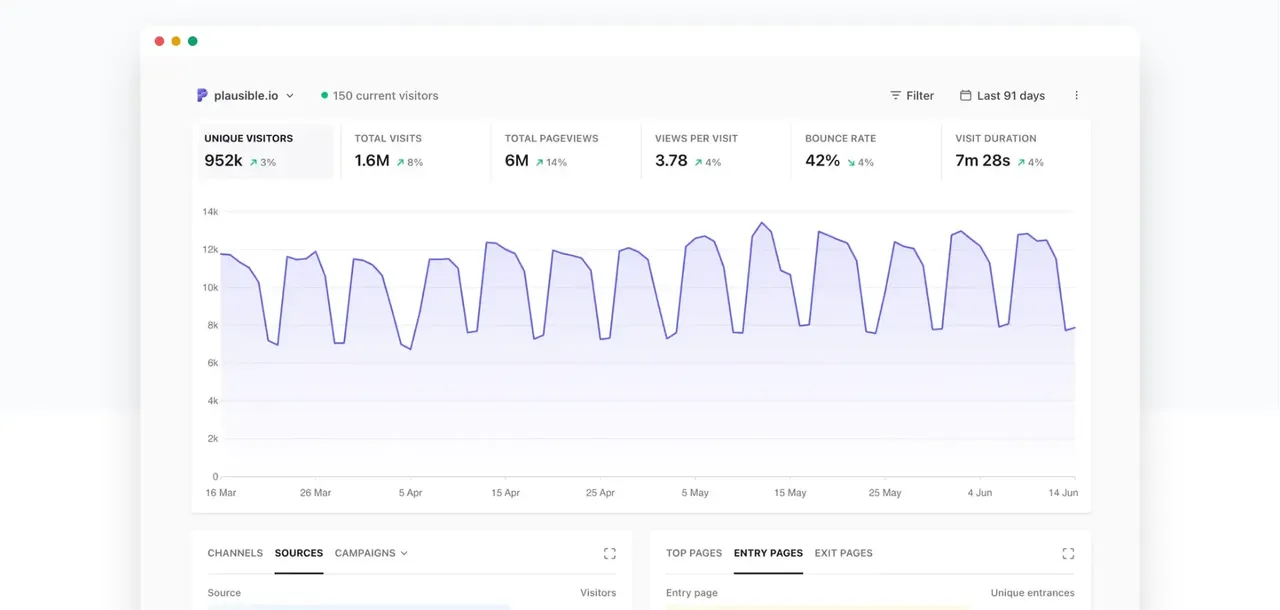
Plausible takes a different approach: lightweight, privacy-focused, and deliberately simple. It tracks the metrics most teams actually use (pageviews, referrers, top pages, conversions) without the complexity of a full analytics suite. It is open source and self-hostable, with a managed cloud option. For teams that found Google Analytics overcomplicated for their actual reporting needs, Plausible is a faster, cleaner replacement.
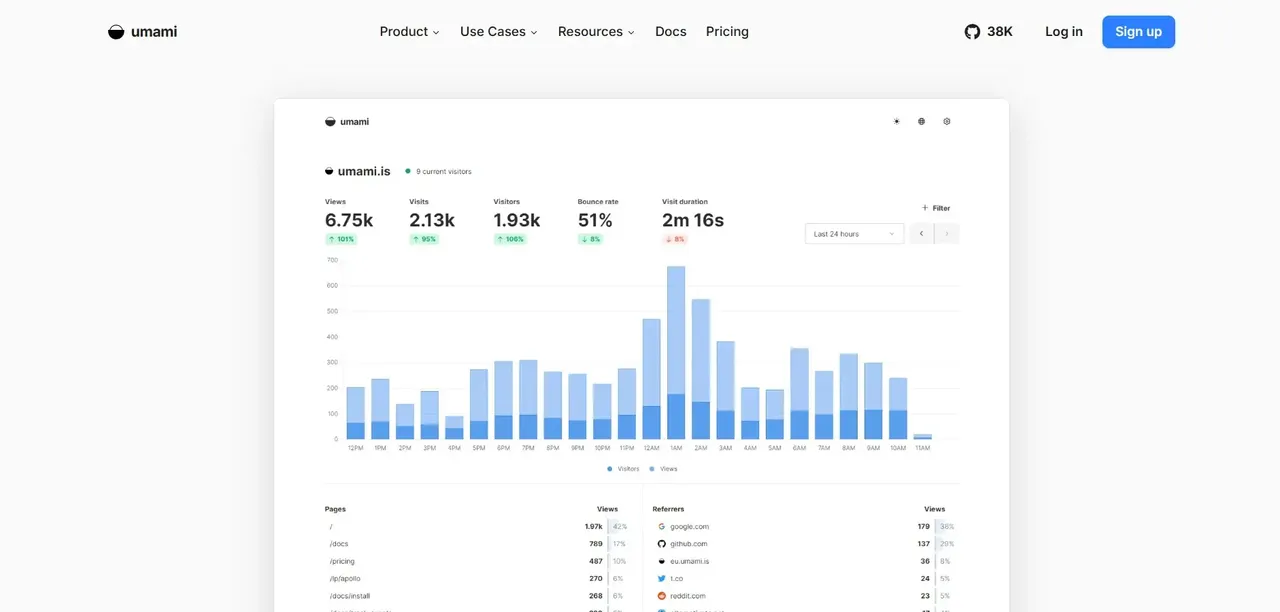
Umami is a privacy-focused analytics platform that remains lightweight while offering features such as custom events, funnels, goals, retention analysis, session data, dashboards and a REST API. It is well-suited to developers who want basic traffic data without any third-party data sharing and are comfortable running their own instance. With their self-hosted deployments, these tools let organizations keep analytics data on infrastructure they control rather than sending it to a third-party analytics platform.
How to Evaluate Any Open Source Tool Before Switching
The category label "open source" does not guarantee a tool is production-ready, actively maintained, or actually open source by the OSI definition. Evaluation requires looking at specific signals rather than taking the label at face value.
Start with the license. Confirm it appears on the Open Source Initiative's approved list. Then look at the repository: check the date of the last commit, the volume of recent pull requests, and how quickly maintainers respond to issues. A project with 10,000 GitHub stars and no commits in 14 months is a warning sign, not a recommendation.
Check the contributor distribution. Many open source projects are effectively single-maintainer operations, even ones with large star counts. Heavy dependence on a single maintainer can create additional continuity risk, particularly when there is no organization or broader contributor base behind the project. Projects with distributed contributor bases and organizational backing are more durable.
Finally, look for a commercial entity or foundation behind the project. Not because commercial backing is required for quality, but because it signals that someone has an economic interest in keeping the project alive and supported.
Red Flags That Signal an Abandoned Open Source Project
- No commits to the main branch in the past six months
- Open issues with no maintainer response for 90 days or more
- Dependencies that are themselves outdated or deprecated
- A single contributor responsible for the majority of the codebase
- No release in over a year despite active issue reports
- Documentation that references software versions several major releases behind current
Making the Switch: A Practical Migration Checklist.
Before you start:
- Export all data from the current tool in the most portable format available (CSV, JSON, OVF, PDF, whatever the tool supports)
- Identify every integration the current tool has with other systems and map which ones the open source alternative supports natively
- Run the open source alternative in parallel with the existing tool for a defined period before cutting over
- Identify the two or three power users on your team who use the current tool most heavily and involve them in testing before the broader rollout
- Confirm your backup and recovery process for the new system before decommissioning the old one
During migration:
- Migrate a subset of data first and validate it before moving everything
- Document any workflow differences the team will need to adapt to
- Set a clear cutover date rather than running both systems indefinitely
After migration:
- Decommission the old tool and cancel the subscription (obvious, but often delayed)
- Monitor for any data or workflow gaps in the first 30 days
- Assign ownership of updates and maintenance so the new system does not drift into an unpatched state
FAQ
Are open source alternatives really free to use?
The software itself is typically free to download, use, and modify. What costs money is everything around it: the server infrastructure to run it, the time to install and maintain it, and optional commercial support subscriptions if you want guaranteed response times and access to stable update channels. T
How do I know if a project is really open source?
Check the license file in the repository and verify that the license appears on the Open Source Initiative's approved list at opensource.org/licenses. A project that calls itself "open source" but uses a Business Source License, a Commons Clause addendum, or a custom "source available" license is not open source by the OSI definition.
Is LibreOffice compatible with Microsoft Office file formats?
LibreOffice reads and writes DOCX, XLSX, and PPTX formats, and for most standard documents the compatibility is good. The gaps appear with complex formatting, VBA macros, proprietary Excel functions, and intricate PowerPoint animations, which may not render identically when opened in LibreOffice.
What should I look for when choosing an open source tool?
Start with the license (confirm it is OSI-approved), then check the project's health: recent commits, active issue responses, and a contributor base that is not entirely dependent on a single person. Look for a commercial entity or foundation backing the project, as that signals someone has an economic interest in keeping it maintained. Evaluate the open-core feature split to understand whether the features you actually need are in the free tier or behind a paid plan. Finally, test your specific workflows and data formats before committing, because compatibility and feature coverage vary significantly between tools and use cases.