
Running an HVAC business means keeping track of jobs, technicians, customers, scheduling, and payments, often all at once. The right software can bring these tasks together and make day-to-day operations easier without adding unnecessary complexity. Here are some of the best HVAC software options for small businesses in 2026, with a focus on tools that fit smaller teams and budgets.
Founding.dev: Best Option If You Want to Own Your HVAC Software Outright
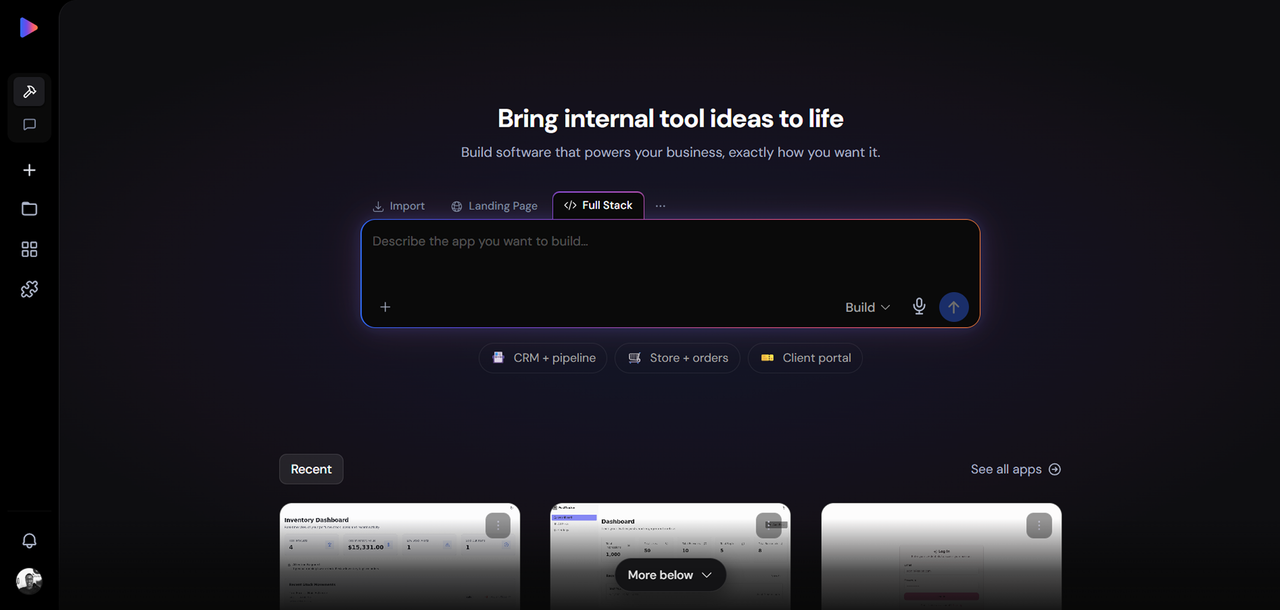
The other platforms in this list are primarily offered as SaaS subscriptions. Some SaaS platforms use per-user pricing, which means software costs can increase as your team grows. Founding.dev is the only option here where you own the software after it is built, no per-seat charges, no renewal negotiations, no features locked behind an enterprise tier.
What it is: Founding.dev builds and deploys custom HVAC business management software tailored to how your shop actually operates. The starting point is a proven, working codebase, not a blank canvas, customized around your dispatch workflow, your pricing structure, your customer communication preferences, and your back-office needs. You get the code. You own it.
Key capabilities: he build can cover the core operational workflows of an HVAC business, including scheduling, dispatch, job tracking, customer records, invoicing, payments, technician access, and automated follow-ups.
Pricing: Flat monthly maintenance fee, billed per company, not per technician. There are no per-seat charges.
Pros:
- The code is yours — no vendor lock-in, no renewal leverage
- No per-seat pricing; adding technicians does not increase your software bill
- Built around your actual HVAC workflow, not a generic field-service template
- Up to 70% cost reduction compared to incumbent SaaS tools
Cons:
- Pricing is scoped to your business rather than published as self-serve tiers
- Not a self-serve signup, you work with the Founding.dev team to scope and deploy
- Not the right fit if you need a tool running tomorrow with zero configuration
Best for: HVAC business owners who are staring at a growing per-seat bill, have outgrown the limitations of their current platform, or want to stop funding a vendor's roadmap and start owning their own stack.
Talk to Founding.dev about owning your HVAC software
ServiceTitan: Best HVAC Software for Growth-Focused Small Businesses
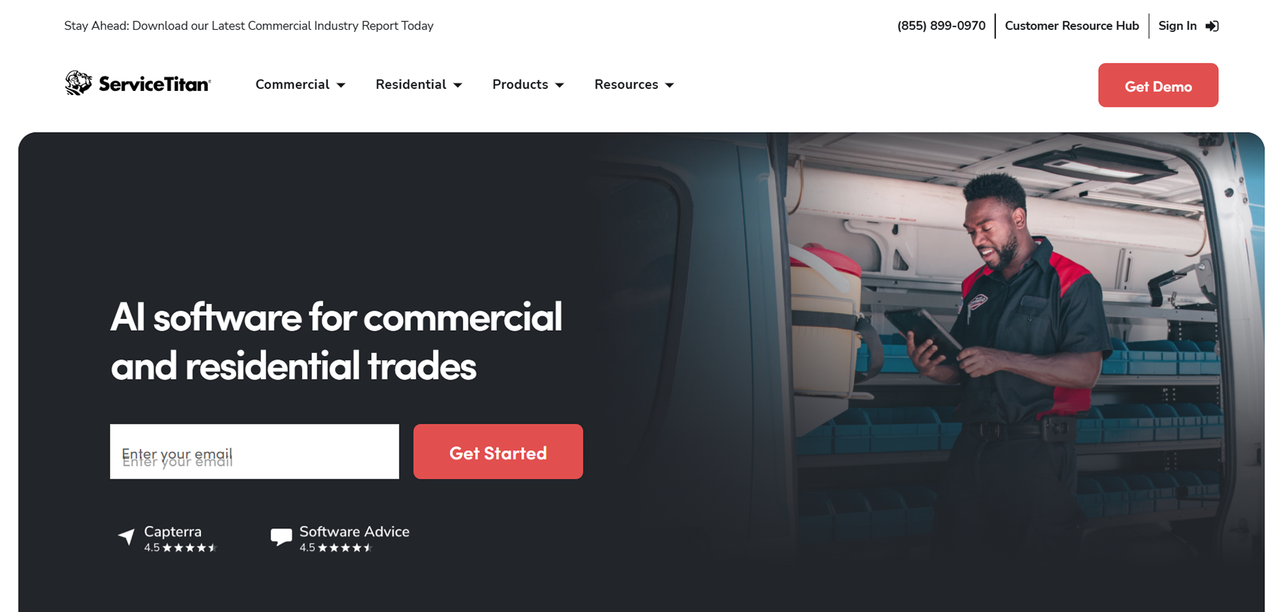
ServiceTitan is one of the popular platforms built for trades contractors. It covers the full operational picture: scheduling, dispatch, invoicing, customer history, reporting, and marketing tools, all in one platform.
Key features: End-to-end job lifecycle management, technician mobile app, customer communication tools, robust reporting and business intelligence, and integrations with accounting systems including QuickBooks.
Pricing: ServiceTitan offers three plans, Starter, Essentials, and The Works, all priced on a per-technician, quote-only basis.
Pros:
- Comprehensive feature set covering the full HVAC business workflow
- Strong reporting and analytics for operators who want visibility into margins and performance
- Scales well as a business grows from small to mid-market
Cons:
- No public pricing
- Implementation complexity can slow adoption for smaller teams
- Because pricing is based on technicians, adding technicians can increase your software costs
Best for: HVAC shops that are actively scaling, have the operational volume to justify a premium platform, and want a single system covering every part of the business.
Jobber: Best HVAC Software for Streamlined Scheduling and Invoicing
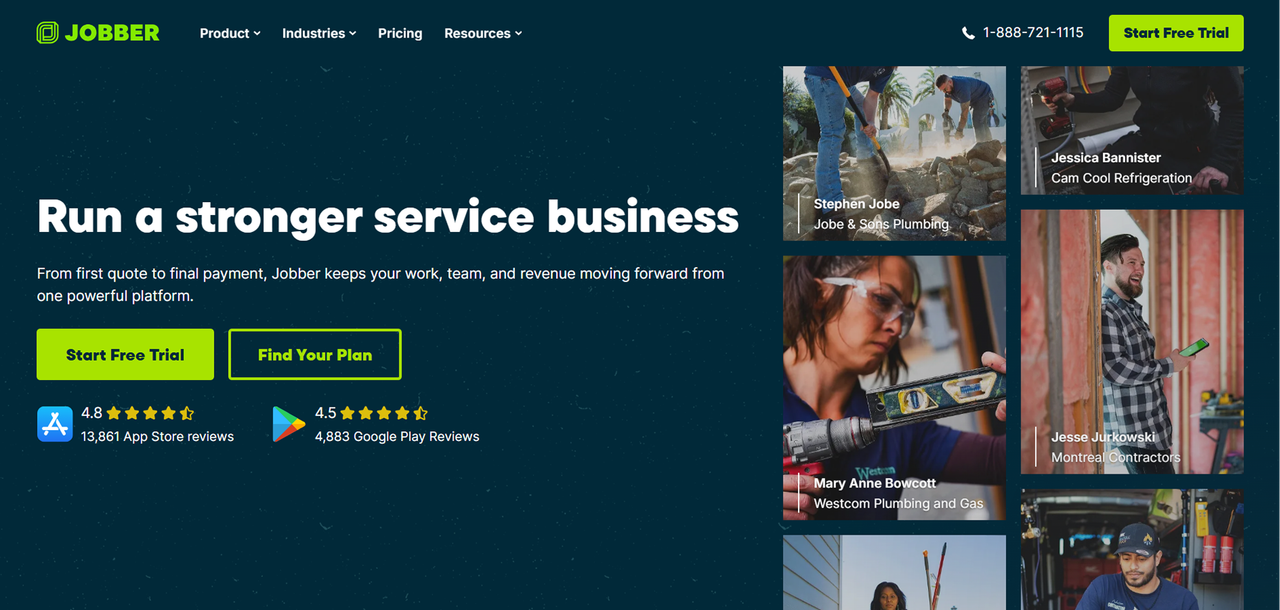
Jobber is a well-regarded option for home-service businesses that need clean scheduling, quoting, and invoicing without the complexity of an enterprise platform. It is a practical choice for HVAC shops that want a structured workflow without a steep learning curve.
Key features: Drag-and-drop scheduling, automated quote and invoice workflows, client hub for customer self-service, payment collection, and a mobile app for field technicians.
Pricing: Jobber offers Core, Connect, Grow, and Plus plans with tiered user limits. Pricing varies by plan and billing term, annual billing reduces the monthly rate.
Pros:
- The interface is designed around straightforward scheduling, quoting, invoicing, and field workflows
- Strong quoting-to-invoice workflow that can reduce admin time
- Good fit for growing HVAC teams that need structure without complexity
Cons:
- Total cost can rise with add-ons and additional users
- Advanced automation and marketing tools are only available on higher tiers
- May be more than a very small or solo operator needs
Best for: HVAC shops with a small team that want a reliable scheduling and invoicing system and are comfortable with a team-size-based SaaS model.
FieldEdge: Best HVAC Software for Real-Time Dispatching
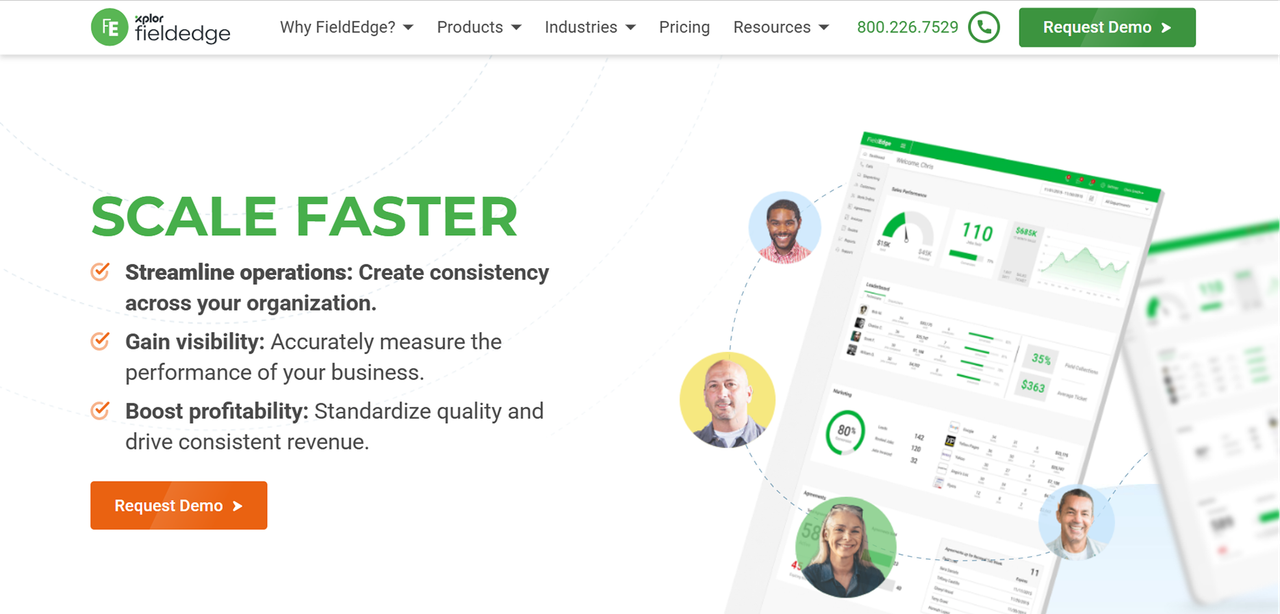
FieldEdge is designed for HVAC and other home-service contractors, which means its dispatching and service-history features are not adapted from a generic field-service template.
Key features: Real-time dispatch board, technician GPS tracking, customer equipment history, flat-rate pricing integration, QuickBooks sync, and a mobile app for field technicians.
Pricing: All pricing is quote-based and varies by technician count and selected add-ons. You will need to contact sales for a figure.
Pros:
- Purpose-built for HVAC workflows, not adapted from a generic platform
- Real-time dispatch visibility is useful for shops managing multiple technicians simultaneously
- Equipment history tied to customer records helps technicians arrive prepared
Cons:
- No public pricing transparency
- Add-on dependence can make the final bill harder to predict
Best for: HVAC shops where dispatch coordination is the primary operational pain point and who want a platform built for the trades rather than a horizontal field-service tool.
Housecall Pro: Best HVAC Software for Ease of Use

Housecall Pro covers the core operational needs, scheduling, dispatch, invoicing, and payments, without requiring significant configuration or training time.
Key features: Scheduling and dispatch, mobile technician app, built-in invoicing and payment collection, price book, customer notifications, and review generation tools.
Pricing: Three plans, Basic, Essentials, and Max, with tiered monthly SaaS subscriptions. Each plan includes a fixed number of users, with higher-priced month-to-month options available.
Pros:
- Fast to set up and easy for technicians to adopt in the field
- Built-in payment collection and customer notifications reduce back-office admin
- Scales from solo operators up to larger teams with the Max plan
Cons:
- Tiered pricing and add-ons can become expensive as the team grows
- Advanced reporting, API access, and recurring service plans are locked to higher tiers
- No permanently free core plan
Best for: HVAC shops that want to get operational quickly and prioritize ease of use over deep customization.
Service Fusion: Best HVAC Software for Flat-Rate Pricing Teams
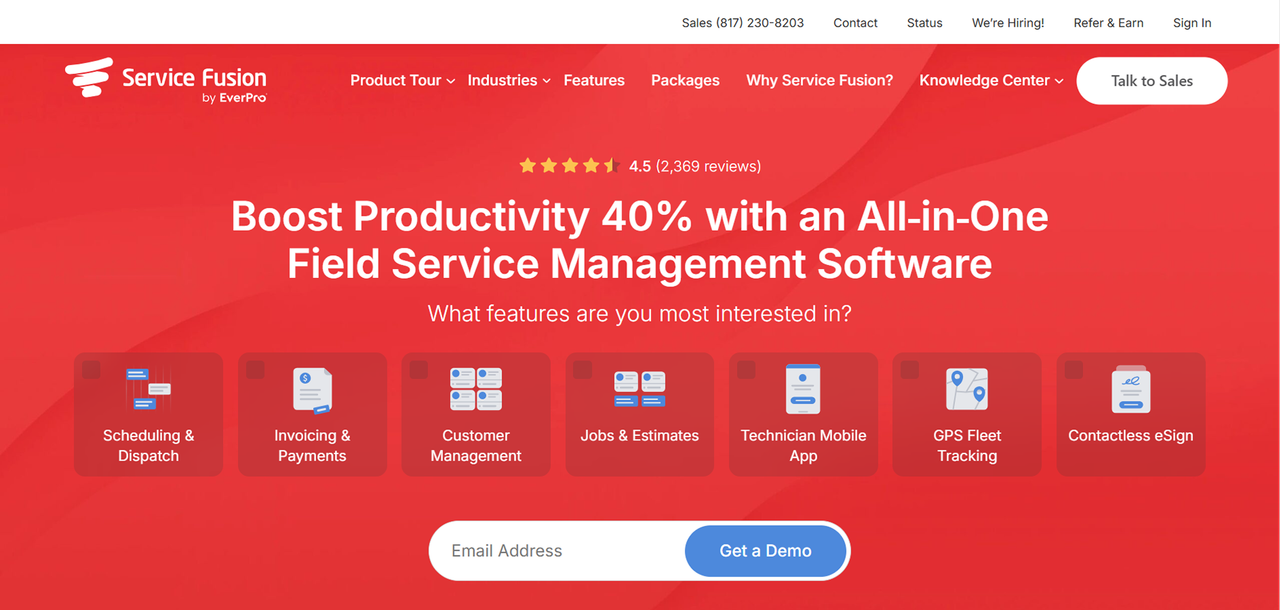
Service Fusion stands out in the HVAC software market for one structural reason: its plans include unlimited users at a flat monthly rate. For a shop that is adding technicians, that pricing model removes the per-seat penalty that makes most SaaS tools progressively more expensive.
Key features: Scheduling and dispatch, flat-rate pricing integration, customer management, invoicing, payment processing, QuickBooks integration, and GPS fleet tracking.
Pricing: Three plans, Starter, Plus, and Pro, but you'll need to request pricing on website.
Pros:
- Unlimited-user pricing means adding technicians does not increase your software bill
- Solid coverage of the core HVAC field-service workflow
- QuickBooks integration is included, not an add-on
Cons:
- Pricing details not publicly available.
- Implementation and training may be needed for full adoption
- Advanced communications tools are mainly available on higher tiers
Best for: HVAC shops actively hiring technicians who want a flat-rate SaaS model that does not penalize growth with per-seat charges.
MHelpDesk: Best HVAC Software for Automating Customer Follow-Ups
mHelpDesk is a field-service platform that covers the standard HVAC operational workflow, scheduling, dispatch, invoicing, with a particular emphasis on automating customer communication touchpoints like follow-up messages, appointment reminders, and service notifications.
Key features: Scheduling and job management, automated customer follow-up workflows, invoicing and payment collection, customer portal, QuickBooks integration, and a mobile app for field technicians.
Pricing: Current pricing details are not public. Contact sales to get more info.
Pros:
- Automated follow-up workflows reduce the manual effort of staying in contact with customers
- Customer portal gives clients visibility into their service history and invoices
- QuickBooks integration is available for accounting sync
Cons:
- Advanced automation features may require higher-tier plans
Best for: HVAC shops where customer retention and follow-up communication are a priority and the owner wants those touchpoints automated rather than managed manually.
Workiz: Best HVAC Software for Teams Relying on Phone and Text Communication
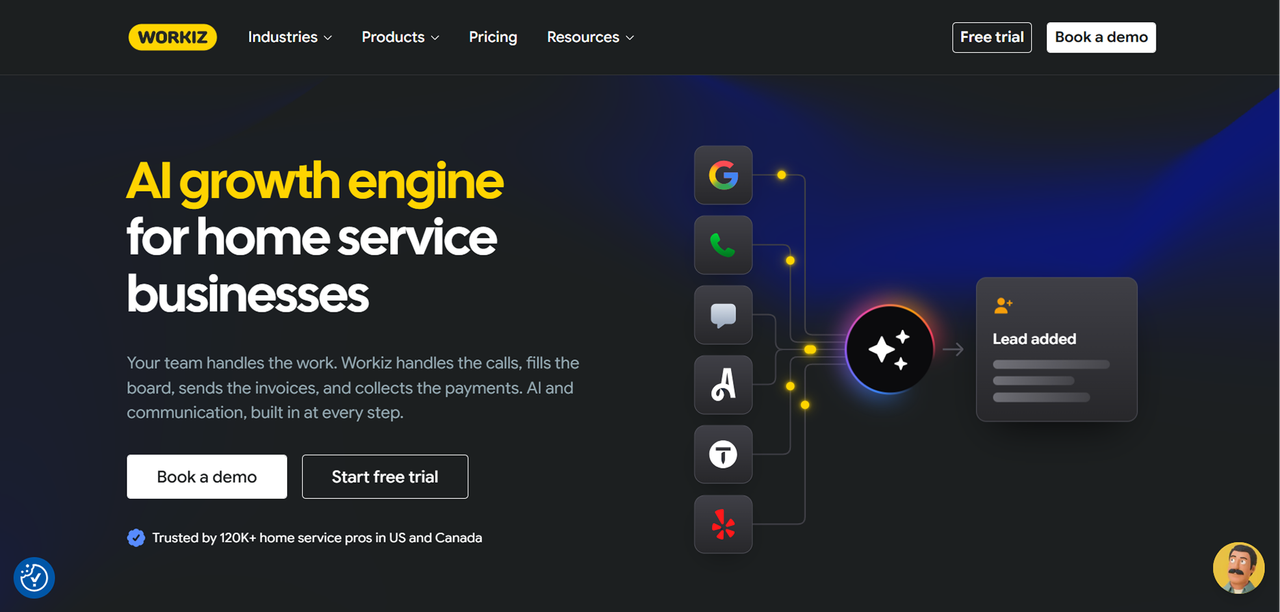
Workiz differentiates itself from most HVAC software options by building phone and SMS communication tools directly into the platform. For shops where a significant portion of customer interaction happens by call or text, having those channels inside the same system as scheduling and dispatch reduces the number of tools the team has to manage.
Key features: Built-in phone system and SMS, scheduling and dispatch, invoicing, customer management, technician mobile app, and reporting.
Pricing: Three plans, Standard, Pro, and Ultimate, with no public dollar amounts listed. All plans require contacting sales for a quote, and additional users and phone or AI add-ons are billed separately.
Pros:
- Built-in phone and text tools reduce the need for a separate communication platform
- Solid coverage of the core field-service workflow
- Supports multi-location and franchise management on its Ultimate plan
Cons:
- No transparent self-serve pricing; a sales conversation is required before you know the cost
- Phone and AI add-ons can increase the total bill meaningfully
- May be more complex than a very small or simple operation needs
Best for: HVAC shops where the office team handles a high volume of inbound calls and texts and wants those interactions logged alongside job records.
ServiceM8: Best HVAC Software for Solo Operators and Micro Teams
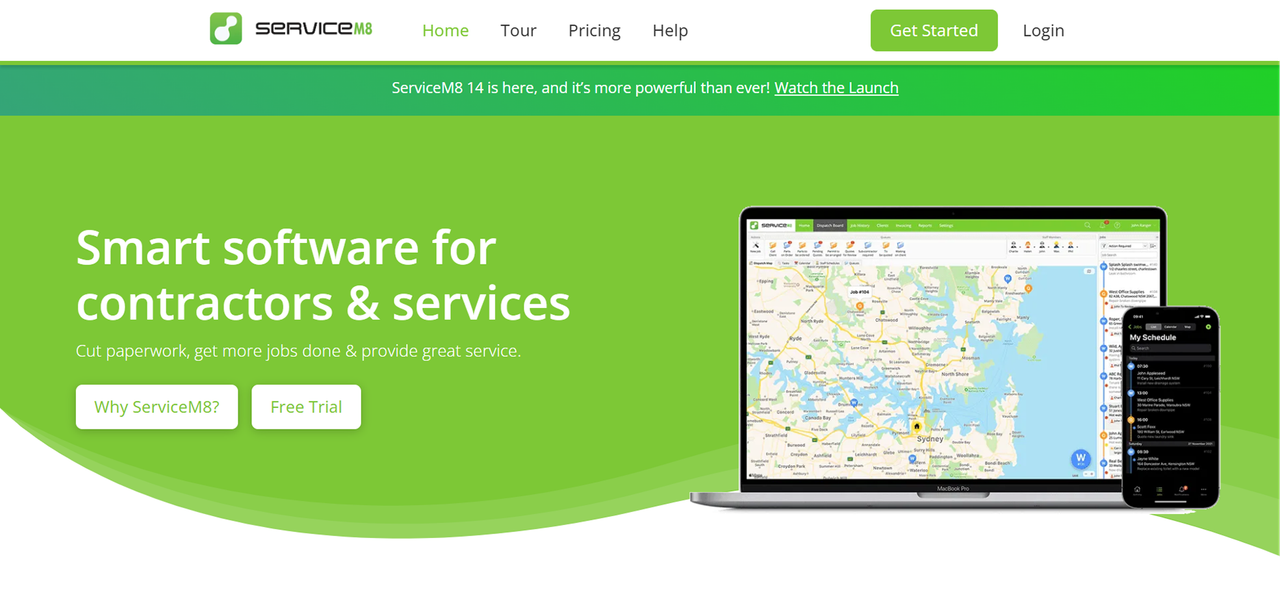
ServiceM8 is designed for very small field-service operations, solo operators and teams of two to five, where simplicity and mobile-first access matter more than enterprise-grade reporting or complex dispatch boards.
Key features: Job management, quoting, invoicing, scheduling, client communication, and a mobile app built for iOS. Integrates with QuickBooks Online and Xero.
Pricing: ServiceM8 uses monthly subscription plans based partly on job volume rather than charging separately for each user. Its current plans include a free tier and paid tiers with increasing monthly job limits
Pros:
- Per-job pricing can be more economical than per-seat plans for small-volume operators
- Mobile-first design works well for solo technicians managing their own admin
- Simple enough to get running without dedicated onboarding support
Cons:
- Per-job pricing can become expensive as job volume grows
- Less suited to shops with multiple technicians needing coordinated dispatch
- Reporting and analytics are limited compared to larger platforms
Best for: Solo HVAC operators or micro teams who want a lightweight, mobile-first tool without a complex setup.
FieldPulse: Best HVAC Software for Budget-Conscious Small Businesses
FieldPulse positions itself as a full-featured field-service platform at a price point accessible to smaller HVAC shops. It covers the core operational workflow without requiring the budget that platforms like ServiceTitan demand.
Key features: Scheduling and dispatch, quoting and invoicing, customer management, flat-rate pricing, technician mobile app, QuickBooks integration, and basic reporting.
Pricing: FieldPulse uses a monthly rate per user. It is generally positioned as a more affordable alternative to the higher-end platforms in this list.
Pros:
- More accessible price point than enterprise-focused competitors
- Covers the full core HVAC workflow without requiring add-ons for basic features
- QuickBooks integration is included
Cons:
- Per-user pricing still scales with team size
- Reporting and analytics are less advanced than platforms like ServiceTitan
- Smaller user community than some of the more established competitors
Best for: Budget-conscious HVAC shops that need a complete operational platform and want to avoid the premium pricing of the larger players.
How to Choose the Best HVAC Software for Your Small Business
Choosing the best HVAC software for your small business comes down to three variables: how your costs scale, how much control you want over the tool, and what your actual operational pain points are.
- Start with the pricing model.
- Match the tool to your actual workflow.
- Prioritize integrations you actually use.
FAQ
Does HVAC software for small businesses integrate with QuickBooks?
Yes, QuickBooks integration is standard across most of the platforms reviewed here. Jobber, Housecall Pro, Service Fusion, FieldEdge, FieldPulse, ServiceM8, mHelpDesk, and Workiz all offer QuickBooks connectivity. ServiceTitan also integrates with QuickBooks.
Can I run HVAC software from a mobile device in the field?
Every platform reviewed in this article includes a mobile app or mobile-optimized access for field technicians. Jobber, Housecall Pro, FieldEdge, Service Fusion, Workiz, ServiceM8, FieldPulse, and ServiceTitan all offer technician-facing mobile apps covering job details, scheduling, invoicing, and customer information.
What features should I prioritize when choosing HVAC software for a small business?
The core features that should matter most for a small HVAC shop are scheduling and dispatch, job tracking, invoicing and payment collection, customer records with equipment history, and a mobile app for technicians.
What makes Founding.dev different?
Founding.dev builds HVAC business management software that you own, for a flat monthly maintenance fee billed per company, cancel anytime. There are no per-seat charges, no renewal negotiations, and no features locked behind a higher tier. The software is built around your specific workflow, your dispatch process, your pricing structure, your customer communication preferences.