
Managing a few rental properties can quickly become a lot of work when rent, maintenance requests, tenant communication, and paperwork all start piling up. The right property management software can take much of that work off your hands without forcing small landlords into complicated or expensive systems. Here are some of the best options to consider in 2026, with a focus on tools that are practical for smaller portfolios.
Founding.dev: Best Option If You Want to Own Your Property Management Software Outright
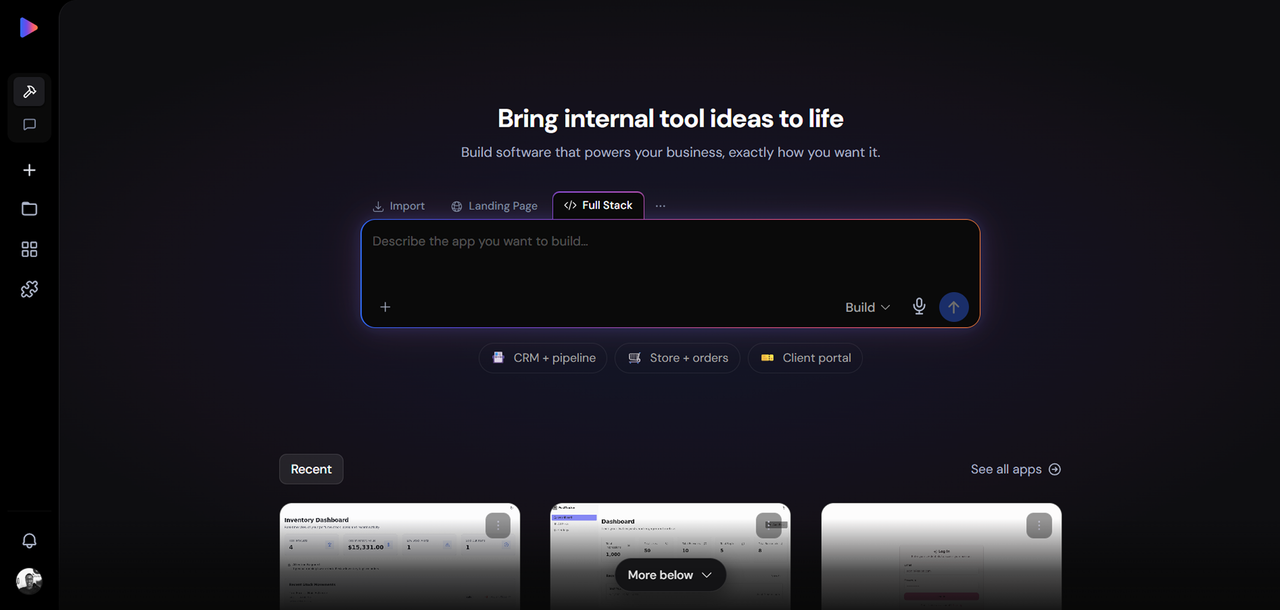
Every tool on this list is rented. You pay monthly or annually, the vendor controls the roadmap, and in most cases, the price goes up as you grow. Founding.dev is the only option here where you own the software outright, for a flat monthly maintenance fee.
The model is straightforward: Founding.dev builds and deploys a custom property management system around your specific workflows, the code belongs to you, and there are no per-seat or per-unit charges. An optional flat maintenance arrangement is available if you want ongoing support, but it's not mandatory and you can cancel it without losing access to your software.
What you get: A property management system built around how you work, not a generic template. That can include rent collection, lease management, maintenance tracking, tenant communications, and financial reporting, configured to match how you operate.
Pricing: Flat monthly maintenance fee, per company. No per-seat charges, no per-unit fees, no renewal surprises. You own the code.
Best for: Landlords and small operators who have outgrown free tools, are staring at a SaaS renewal that keeps climbing, or want a system that fits their workflow rather than forcing them to adapt to someone else's.
Not the right fit if: You need a tool live today with zero setup time and are not ready to invest in a build.
Talk to Founding.dev about owning your property management software
Buildium: Best All-in-One Solution for Growing Portfolios
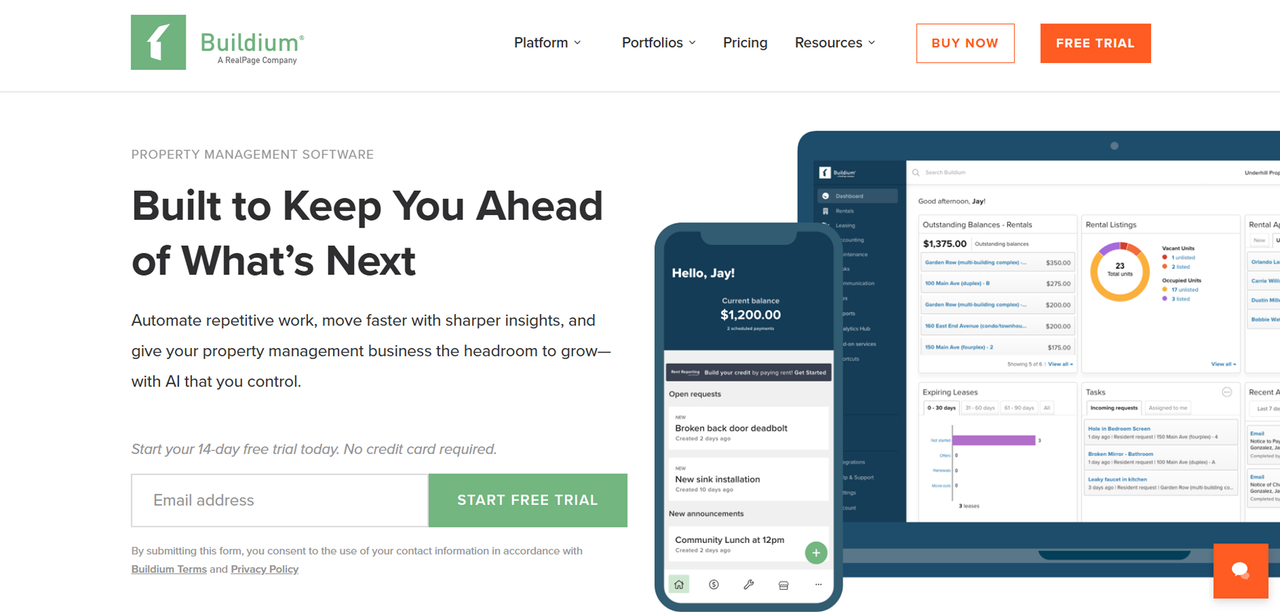
Buildium is a full-stack property management platform aimed at landlords and property managers who are scaling beyond a handful of units and need accounting, leasing, maintenance, and tenant communications under one roof. It covers residential, association, and student housing portfolios.
Key features: Online rent collection, vacancy and leasing management, maintenance request tracking, owner and tenant portals, built-in accounting with bank reconciliation, and reporting tools. Buildium also offers a resident center where tenants can pay rent, submit maintenance requests, and access documents.
Pricing: Buildium uses flat monthly tiers rather than per-unit pricing: Essential at $62/month, Growth at $192/month, and Premium at $400/month, with unlimited users and no free plan (a 14-day free trial is available).
Pros: Comprehensive feature set, strong accounting tools, scales well as your portfolio grows, established platform with a large user base.
Cons: The $62/month entry tier is steep for a landlord with only a few units, transaction fees stack on top of the base price, and the feature set is more than most small portfolios need.
TurboTenant: Best Free Option for Budget-Conscious Landlords
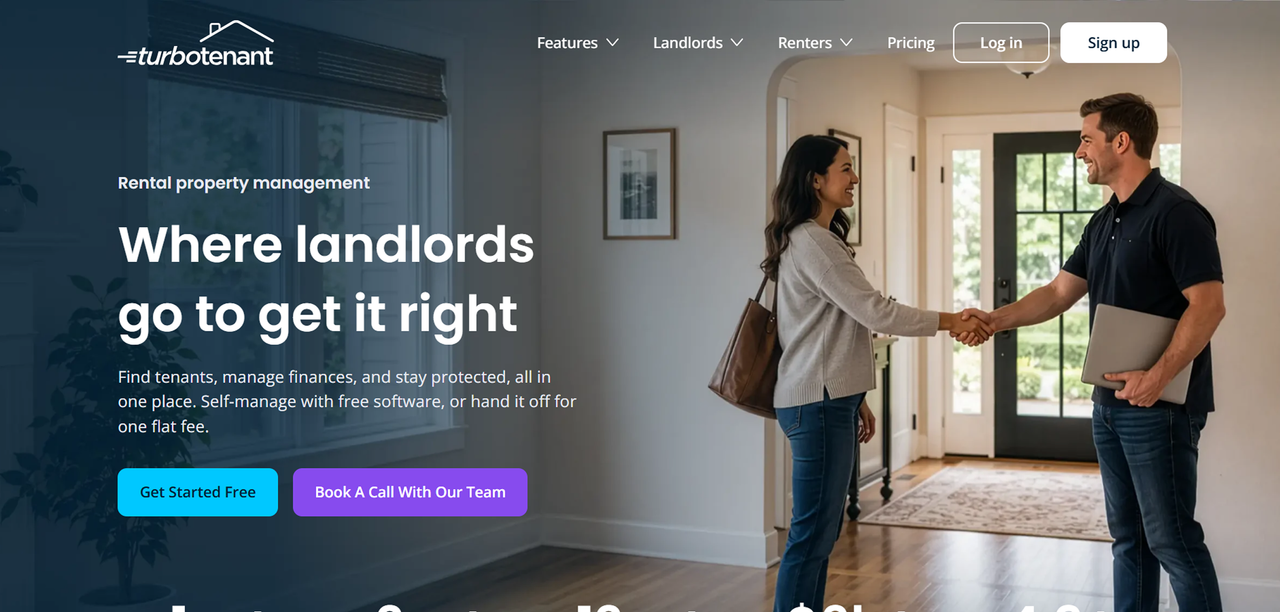
TurboTenant is one of the few property management platforms that offers a free tier. The free plan covers unlimited rentals and includes core tools: rental listings, tenant applications, lease management, and online rent collection.
Key features: Rental listing syndication, online applications and screening, lease creation, rent collection, and maintenance request tracking. The paid Essentials and Pro plans add features like expedited rent payments, advanced lease customization, and priority support.
Pricing: Free plan at $0 for unlimited rentals. Paid plans are billed annually: Essentials at $149 per year and Pro at $199 per year.
Pros: Free tier, flat annual pricing that doesn't scale with unit count, streamlined workflow from listing to lease.
Cons: Some advanced tools are locked behind the paid tier, and third-party integrations are more limited.
Rentec Direct: Best for Detailed Accounting and Reporting
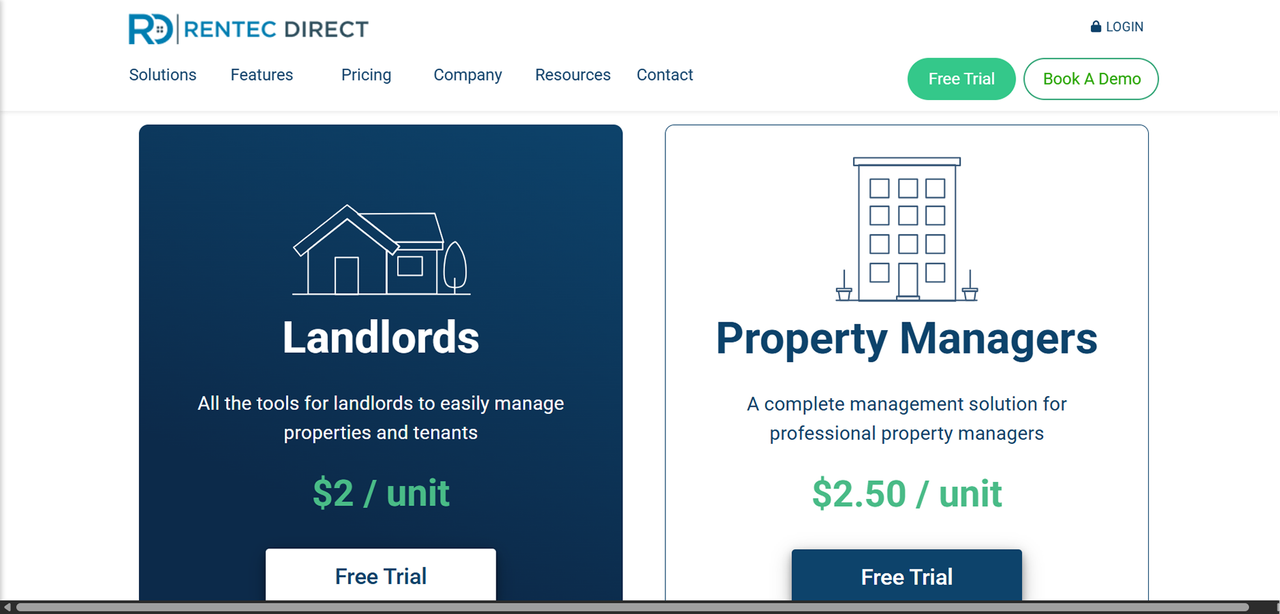
Rentec Direct is more of a serious accounting tool for landlords and property managers, not just a workflow organizer. It offers two plans, Rentec Pro for independent landlords and Rentec PM for property managers, both priced on a per-unit model with a monthly minimum. The official pricing calculator on their site gives live rates based on your unit count.
Key features: Full general ledger accounting, bank reconciliation, owner and tenant portals, online rent collection, maintenance tracking, tenant screening, and a robust reporting suite.
Pricing: Per-unit monthly pricing with a minimum fee. You can use the pricing calculator on Rentec Direct's site for your specific unit count.
Pros: Strong accounting and reporting, tenant and owner portals, scales from small portfolios to larger operations, established platform.
Cons: The interface feels less modern than newer competitors, and native third-party integrations are more limited than some rivals.
Avail: Best for DIY Landlords Who Want Simplicity
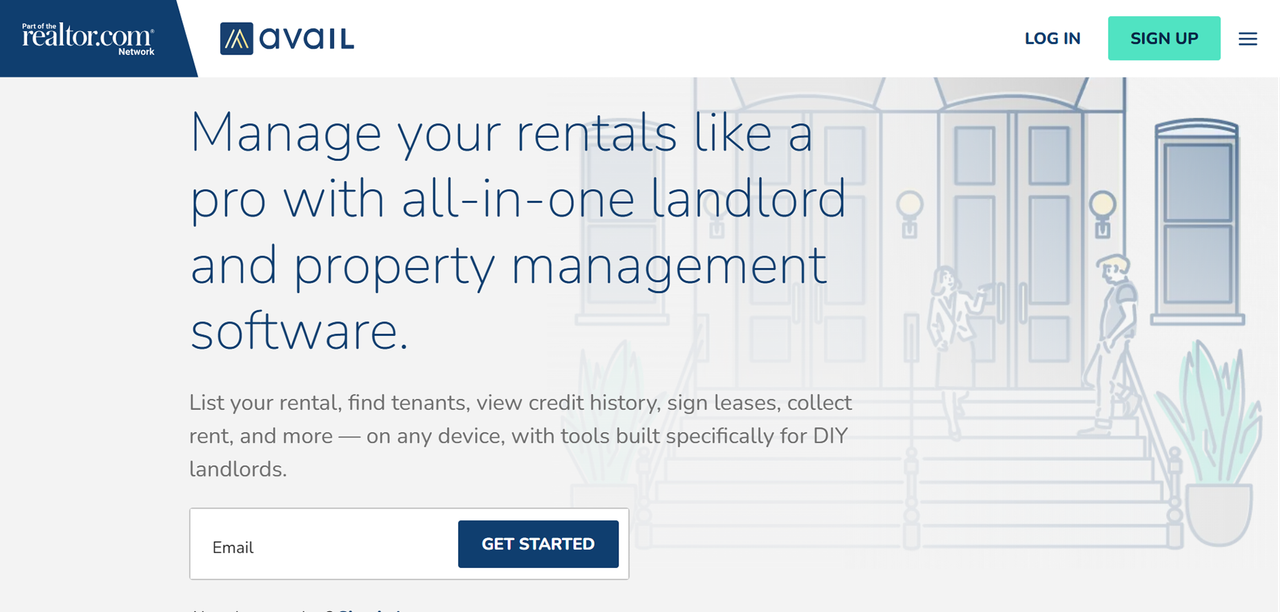
Avail is built for the landlord who wants to handle everything themselves without a steep learning curve. The free plan covers the core workflow: listings, applications, lease signing, and rent collection. The paid tier adds faster payment processing and additional customization options.
Key features: Rental listings, online applications, tenant screening, state-specific lease templates, online rent collection, maintenance tracking, and a tenant portal. The interface is clean and the workflow is designed to be self-explanatory.
Pricing: Unlimited (free) plan at $0. Unlimited Plus at $9 per unit per month.
Pros: Free plan available, strong core features for DIY landlords, state-specific lease templates reduce legal risk, clean interface.
Cons: The paid plan is per-unit, so costs grow with your portfolio. Advanced features are gated behind Unlimited Plus, and the free plan has some limitations on payment speed and customization.
Stessa: Best for Rental Property Financial Tracking
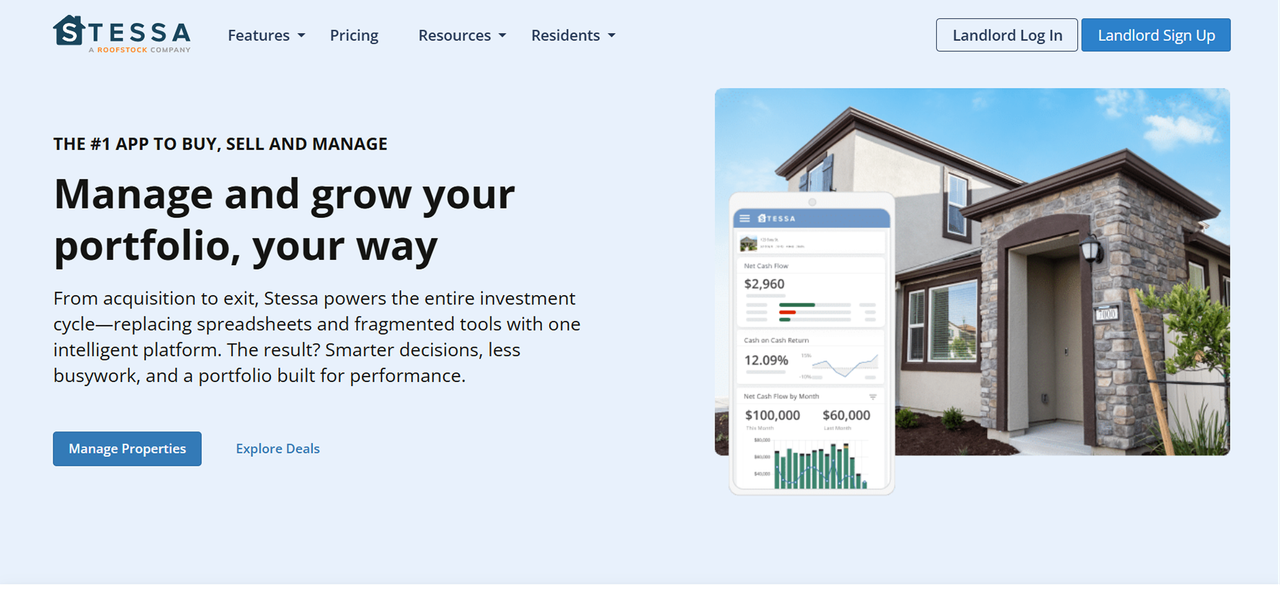
Stessa started as a financial tracking tool for rental investors and has expanded into broader property management. Its core strength remains on the financial side: income and expense tracking, automated transaction categorization, and reporting designed to make tax time less painful.
Key features: Income and expense tracking, automated bank feeds, financial reporting, rent collection, lease management, and a dashboard that gives a portfolio-level financial view. The Pro plan adds advanced reporting and higher APY on cash held in Stessa accounts.
Pricing: Essentials plan is free with unlimited properties. Manage plan is $12 per month billed annually. Pro plan is $28 per month billed annually. All plans are flat per-account, not per-unit.
Pros: Strong free tier with unlimited properties, purpose-built for rental investors, flat per-account pricing that doesn't scale with unit count, clear upgrade path.
Cons: Key operational tools like rent collection and lease management are gated behind paid plans, advanced reporting is Pro-only, and the platform has less breadth than full-stack property management suites.
RentRedi: Best Mobile-First App for On-the-Go Landlords
RentRedi is built around the assumption that landlords manage their properties from their phones. Both the landlord and tenant apps are central to the product, and the platform covers the full rental lifecycle from listing to lease to maintenance.
Key features: Rent collection, tenant screening, lease management, maintenance request tracking with photo and video submission, listing syndication, and a tenant-facing mobile app. The Grow plan adds full leasing and screening tools.
Pricing: Start Plan at $12 per month. .
Pros: Flat pricing with unlimited units and teammates, strong mobile experience for both landlords and tenants, full leasing and screening tools on Grow and Pro plans.
Cons: No permanently free tier, advanced accounting and reporting may feel limited for complex portfolios, and the Pro plan requires a sales conversation for pricing.
Propertyware: Best for Single-Family Rental Specialists
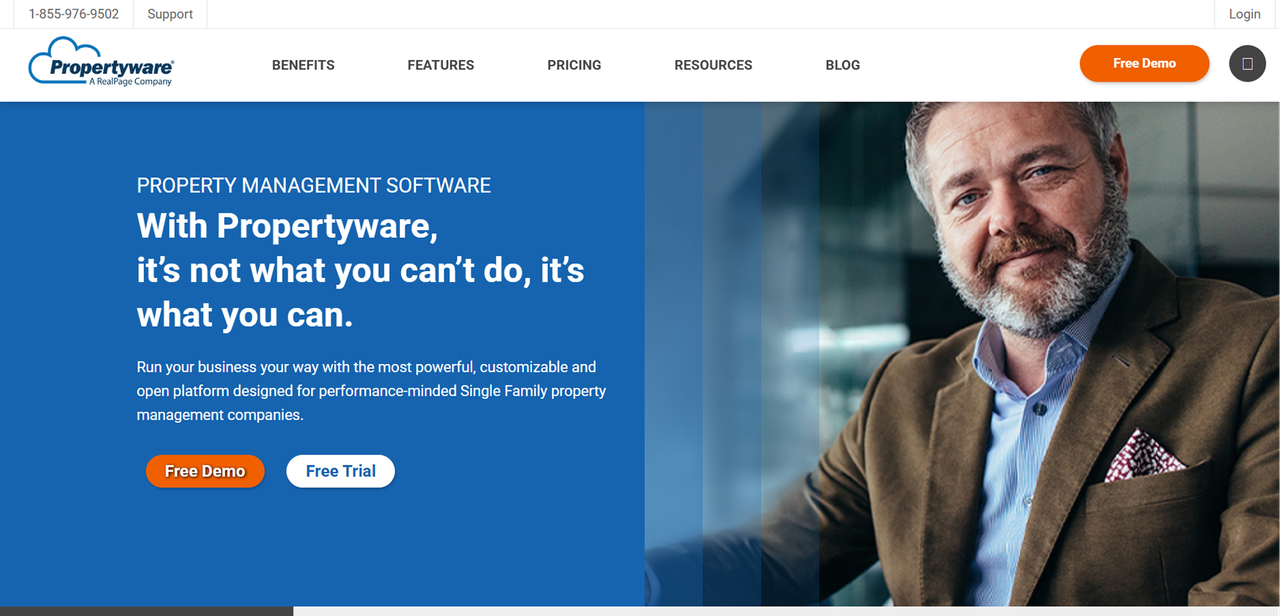
Propertyware is a property management platform built specifically for single-family rental operators. It goes deeper on the workflows that matter for scattered-site portfolios: maintenance coordination, owner reporting, and portfolio-level visibility across properties that aren't in the same building.
Key features: Maintenance management with vendor coordination, owner portals, tenant portals, online rent collection, accounting, and reporting. Propertyware also offers marketing tools for vacancy management.
Pricing: Propertyware uses a per-unit pricing model that starts at $1 per month.
Pros: Purpose-built for single-family rentals, strong maintenance and vendor coordination, owner portal designed for investor reporting.
Cons: Per-unit pricing with minimums can be expensive for small portfolios.
DoorLoop: Best for Ease of Use and Modern Interface
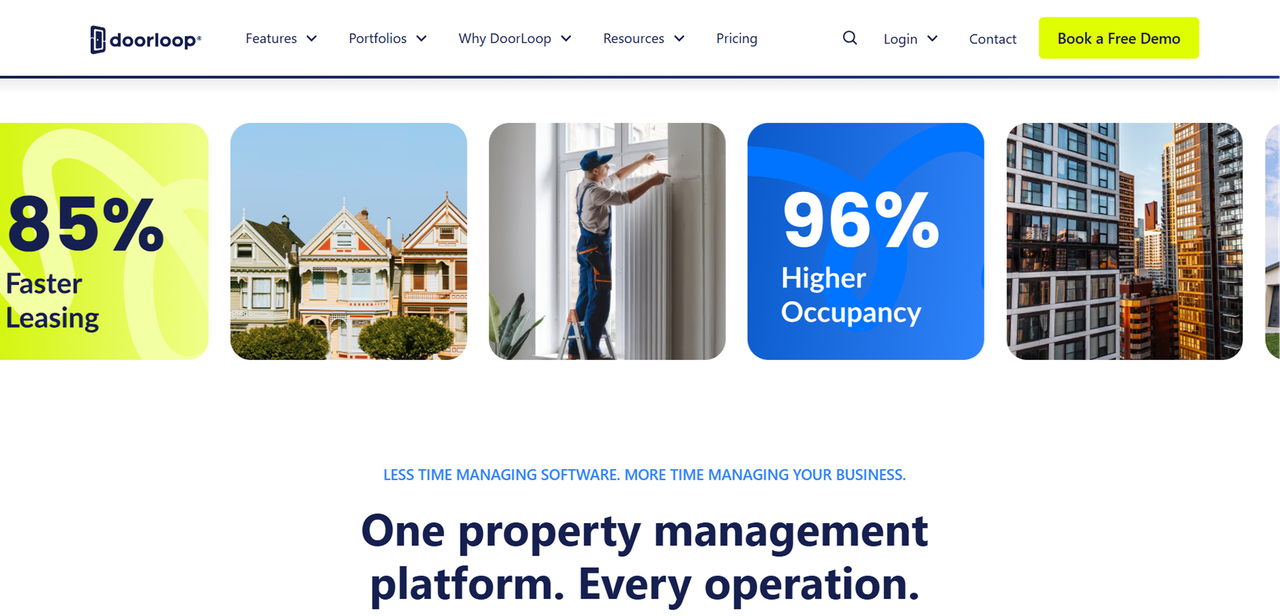
DoorLoop is a newer entrant in the property management space that has built a reputation for a clean, modern interface and a workflow that is easy to learn. It covers the full property management lifecycle and is designed to work for both residential and mixed portfolios.
Key features: Online rent collection, tenant screening, lease management, maintenance tracking, accounting, owner portals, and reporting.
Pricing: DoorLoop pricing starts at $69 for 10 units billed annually.
Pros: Strong all-in-one workflow, modern and intuitive interface, covers accounting, maintenance, and tenant communications, suitable for residential and mixed portfolios.
Cons: Costs may vary by unit count and billing term.
Hemlane: Best for Landlords Who Want Optional Local Agent Support
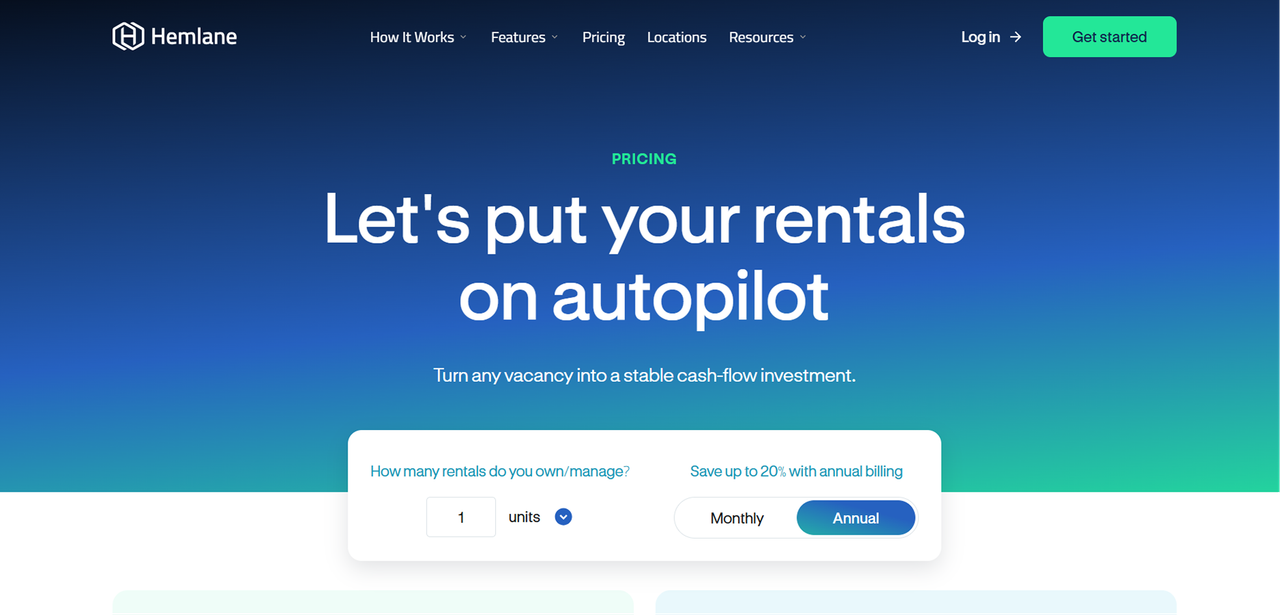
Hemlane occupies a specific niche: it's a property management platform that also connects landlords with a network of local agents and vendors for tasks that are hard to handle remotely.
Key features: Tenant screening, leasing workflows, rent collection, maintenance coordination, and access to a network of local agents and vendors for showings, inspections, and on-the-ground tasks.
Pricing: Hemlane uses a per-unit plus base fee model across Free, Basic, Essential, and Complete plans.
Pros: Strong automation for remote landlords, robust tenant screening and leasing workflows, hybrid local and remote management via agent and vendor network.
Cons: Higher costs at larger unit counts compared to flat-rate competitors, and limited native third-party integrations.
How to Choose the Best Property Management Software for Small Landlords
The right tool depends on how many units you manage, cost and what your primary pain point is.
- Start with your unit count.
- Identify your primary workflow need.
- Match the tool to your growth trajectory.
FAQ
What is the best free property management software for small landlords?
TurboTenant and Avail both offer free plans that cover the core landlord workflow: listings, applications, lease management, and rent collection. TurboTenant's free plan supports unlimited rentals with no unit cap, making it the stronger free option for landlords who want to scale without immediately hitting a paywall. Avail's free tier is similarly capable but the paid upgrade is per-unit, so costs grow with your portfolio. Stessa also offers a free Essentials plan with unlimited properties.
How many units do I need to justify paying for property management software?
There's no universal threshold, but the math changes quickly. At one or two units, a free tool like TurboTenant or Avail covers most needs without any cost. At five or more units, the time you spend on manual rent collection, maintenance coordination, and lease management typically justifies a paid tool.
Does property management software help with tax preparation?
Yes, most platforms on this list include some level of income and expense tracking that simplifies tax preparation.
Can I manage tenants and collect rent online with these tools?
Yes, every paid tool on this list supports online rent collection and tenant communication.The specific payment methods, processing times, and fees vary by platform, so it's worth checking each tool's official pricing page for current transaction fee details before committing.
What makes Founding.dev different?
Every other tool on this list is a SaaS subscription: you pay monthly or annually, the vendor owns the code, and your bill increases as your portfolio grows or as the vendor adjusts its pricing. Founding.dev builds and deploys a custom property management system for your specific workflows, and the code is yours outright, covered by a flat monthly maintenance fee. There are no per-unit charges, no per-seat fees, and no renewal surprises.