
Zoho offers a wide range of business tools in one ecosystem, but that doesn’t necessarily make it the right fit for every team. You may want simpler software, more specialised features, better flexibility, or a different pricing model as your business grows. Here are some of the best Zoho alternatives to consider in 2026 and what makes each one worth a look.
What to Look for in a Zoho Replacement
The right replacement depends on what you're actually replacing. Zoho One is a suite. Zoho CRM is a point product. Zoho Desk is a helpdesk. Before evaluating alternatives, be specific about which Zoho product is causing the problem.
Beyond that, look for:
- Transparent pricing that remains predictable as your team grows
- A migration path that doesn't require rebuilding your data from scratch
- Depth in the specific area you care about most, whether that's pipeline management, customer support, or project delivery
How We Evaluated These Zoho Alternatives
Evaluation Criteria Overview
Every tool in this guide was assessed against the same criteria: feature depth relative to the Zoho product it replaces, pricing model and total cost at scale, ease of migration, and fit for specific team types. We did not include tools based on affiliate relationships or vendor-supplied claims.
Business Size and Use Case Scope
This guide is written with small and mid-sized companies in mind, particularly teams evaluating Zoho for sales, support, project management, or business operations.
HubSpot
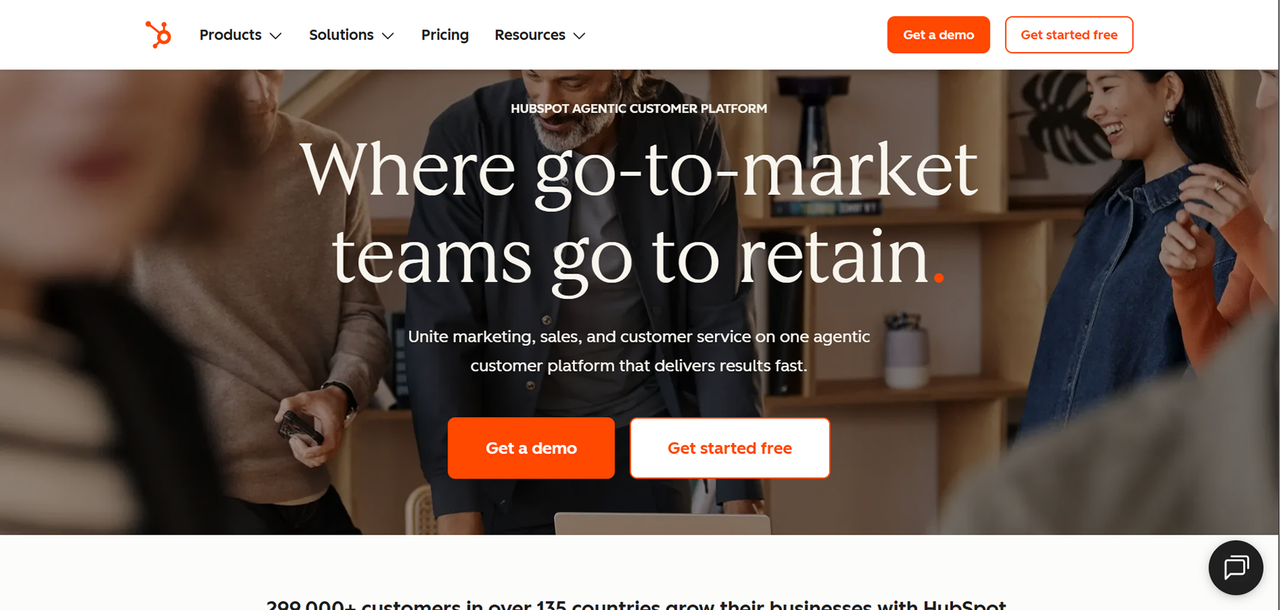
HubSpot CRM is genuinely free at the base level, and the paid hubs (Marketing, Sales, Service, Operations, CMS) layer on top of a shared contact database.
Zoho offers a similar connected approach through Zoho One, although its broader suite is organized across individual applications
The tradeoff is that HubSpot's free tier is limited enough that most growing teams end up on paid plans quickly, and Its pricing can increase as your requirements for seats, contacts, and advanced features grow.
HubSpot Pricing in 2026
HubSpot offers a free CRM tier plus paid plans across its individual hubs and bundled CRM Suite, with Starter, Professional, and Enterprise tiers for each. Billing varies by hub: some are priced per seat, others by contact volume.
Best For: Who Should Choose HubSpot
HubSpot is the right call if your primary pain point with Zoho is marketing-to-sales alignment and you want marketing and sales teams to manage more of their day-to-day workflows within the CRM. It's less compelling if you're primarily a sales-led or service-led business.
Salesforce
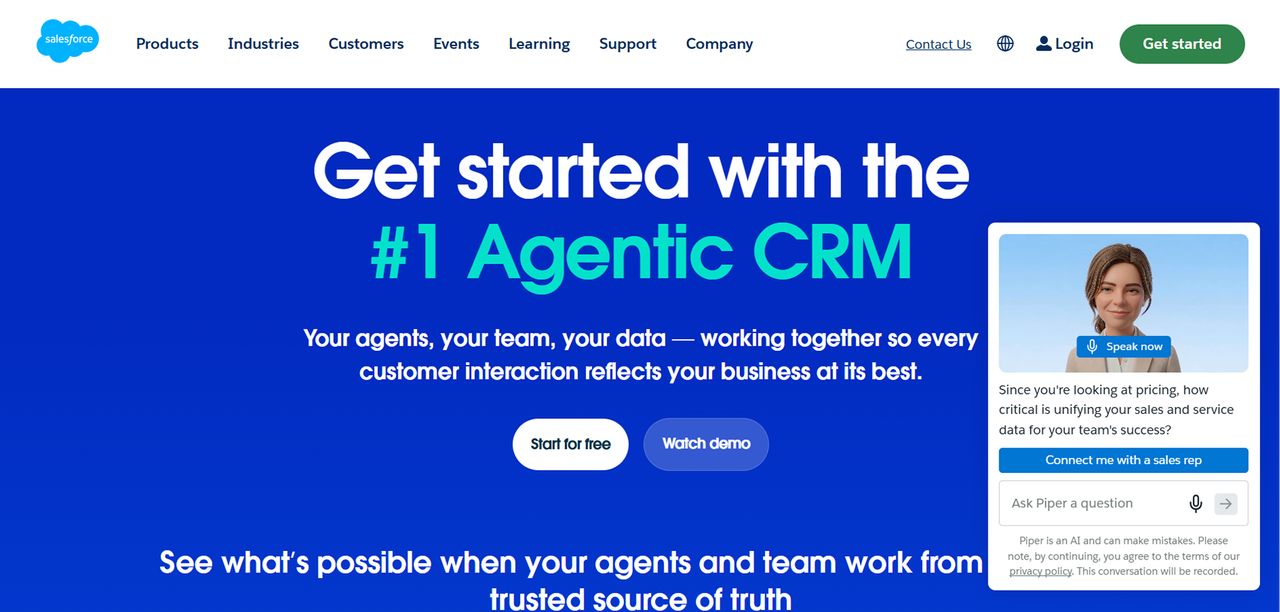
Salesforce is one of the most established enterprise CRM platforms. Compared to Zoho CRM, it offers deeper customization, a larger ecosystem of integrations and marketplace apps, and more mature forecasting and territory management tools.
The gap between Zoho and Salesforce is most visible in complex B2B environments: multi-stage approval workflows, custom objects, advanced role-based permissions, and deep API access. Salesforce offers extensive customization and administration capabilities for these types of complex environments
Salesforce Pricing
Salesforce Sales Cloud is available in multiple editions, typically billed per user per month on an annual contract. For current plan names and exact figures, visit Salesforce's official pricing page.
Best For: Who Should Choose Salesforce
Salesforce makes sense if you have a dedicated sales ops function, complex deal structures, and a budget that accounts for implementation and administration, not just licensing. If you're switching from Zoho because it felt too complex, Salesforce will not solve that problem.
Freshsales
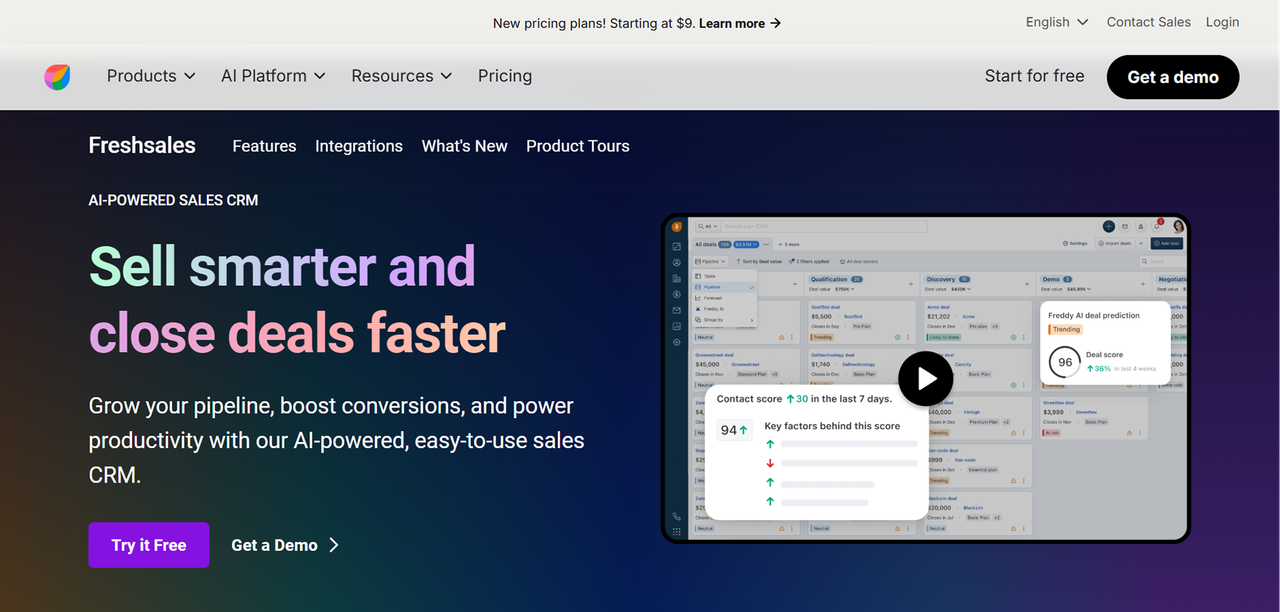
Freshsales is Freshworks' sales CRM. It covers contact and deal management, built-in telephony, email tracking, AI lead scoring, and workflow automation. It includes built-in phone capabilities and contact scoring, which can be useful for sales teams that rely heavily on calls.
The Freshworks suite also includes Freshdesk (support) and Freshservice (IT), so teams looking for a Zoho One-style bundle have a credible alternative in the Freshworks ecosystem.
Freshsales
Freshworks provides Growth, Pro, and Enterprise tiers for Freshsales. For current plan prices, see Freshworks' official CRM pricing page.
Best For: Who Should Choose Freshsales
Freshsales is a strong fit for sales teams that need built-in telephony and AI lead scoring without the complexity of Salesforce or the marketing-first orientation of HubSpot. It's particularly well-suited to teams running high call volumes where native dialing matters.
Pipedrive
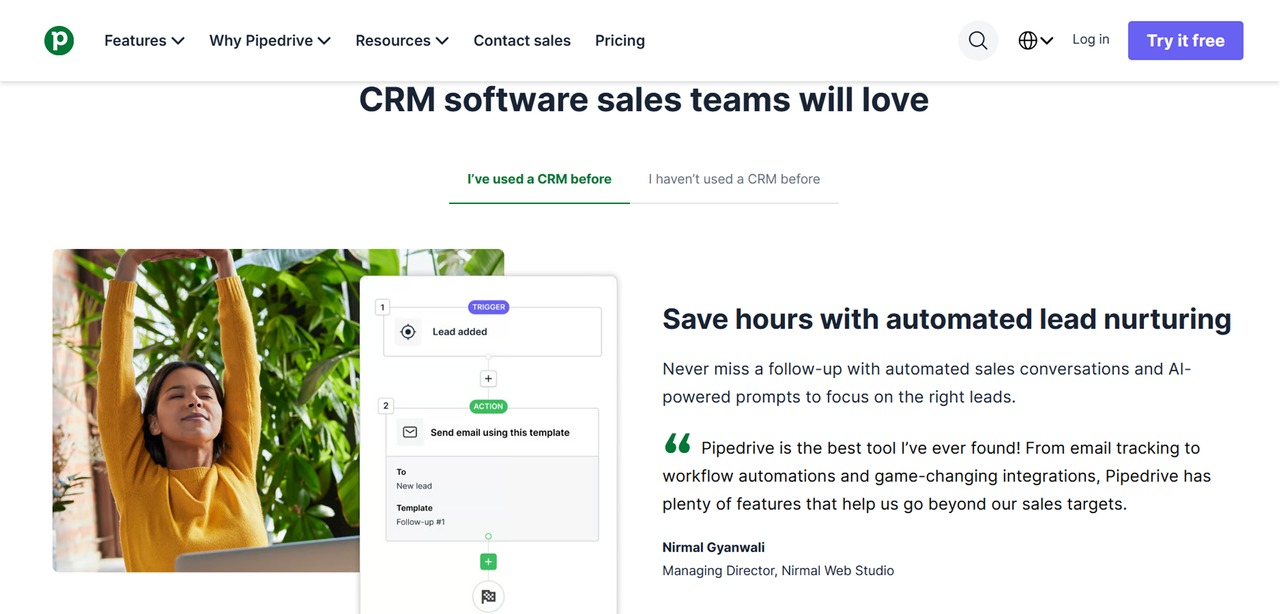
Pipedrive is built around one thing: managing a sales pipeline visually. Where Zoho CRM tries to be many things, Pipedrive is deliberately narrow. That focus produces a cleaner interface for sales teams that don't need marketing automation or a helpdesk baked in.
Key capabilities include drag-and-drop deal management, activity-based selling prompts, email integration, and reporting on pipeline velocity. Pipedrive is a strong pick for teams that found Zoho CRM's interface cluttered and its pipeline view less intuitive than they needed.
Pipedrive Pricing Breakdown
Pipedrive offers several tiers, typically Lite, Growth, Premium and Ultimate, billed per user per month with monthly or annual options.
Best For: Who Should Choose Pipedrive
Pipedrive is a strong option for teams that want a focused sales pipeline without the broader scope of a business suite.. It's not the right choice if you need marketing automation, a helpdesk, or project management in the same platform.
Monday.com CRM
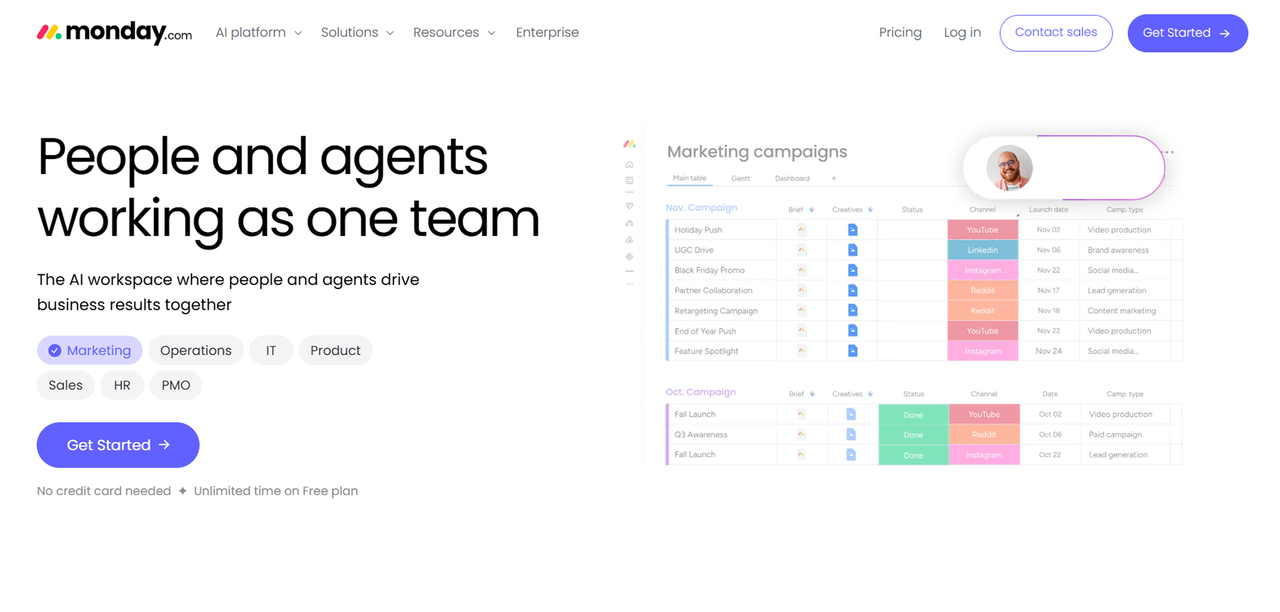
Monday.com started as a work management platform and has expanded into CRM territory. For businesses where project delivery is as central as sales pipeline, that combination is genuinely useful. It stands out as a Zoho alternative for agencies and professional services firms that need CRM and project tracking in one place.
Compared to Zoho One, Monday CRM is more visual and more flexible in how you structure data, think of it as a strong operational hub that can hold CRM data, rather than a purpose-built sales tool.
Monday.com Pricing in 2026
Monday.com offers several tiers for its CRM product, billed per seat per month. For current plan names and exact figures, visit Monday.com's official pricing page.
Best For: Who Should Choose Monday.com
Monday.com is the right fit for agencies, consultancies, and project-heavy teams that want to track clients and projects in the same system. It's less suited to pure sales organizations or businesses that need deep CX tooling.
Side-by-Side Comparison: Best Zoho Alternatives at a Glance
Tool | Best For | Pricing Model | Free Tier |
|---|---|---|---|
HubSpot | Inbound marketing teams | Per seat / per contact | Yes |
Salesforce | Enterprise sales ops | Per user, annual contract | No |
Freshsales | High-velocity sales teams | Per user per month | Yes |
Pipedrive | Pipeline-focused sales | Per user per month | No |
Monday.com CRM | Project-driven businesses | Per seat per month | No |
Founding.dev custom build | 10-150 person companies exiting per-seat SaaS | Flat price, no per-seat fees — you own it | N/A |
The Option Most Comparison Guides Skip: Own Your Stack with Founding.dev
Founding.dev approaches software from a different angle.. We build and deploy custom software for small businesses, replacing the SaaS tools they're renting with software they own outright. One flat price, no per-seat fees, optional flat maintenance if we run it for you, cancel anytime.
This isn't a blank-canvas dev shop engagement. We deploy and customize proven, production-ready products around your specific workflows. The result is software that fits how you actually operate, and does not cost you more as your team grows.
A claims-management company we worked with replaced two SaaS tools and cut their software spend from $30,000 per year to $8,800 per year, roughly a 70% reduction. An educational organization used Founding.dev to build a workflow tailored to its specific requirements.
See how Founding.dev replaces Zoho
How to Migrate Away from Zoho Without Losing Data
Exporting Your Zoho Data
Zoho allows data export across its products, but the process varies by module. For Zoho CRM, you can export contacts, leads, accounts, deals, and activities as CSV files from the Data Administration section. For Zoho Desk, ticket exports are available but may require multiple passes to capture all associated data (attachments, comments, SLA history).
Before you export anything, audit what you actually need. Some companies may find outdated, duplicated, or irrelevant records during a migration, so it's worth cleaning the data before importing it into the new system. Cleaning the data before migration can reduce the amount of unnecessary data you need to map and review.
FAQ
Can I replace the entire Zoho One suite with a single tool?
It depends on how much of Zoho One your business actually uses. Because Zoho One covers CRM, finance, HR, support, marketing, collaboration and other functions, replacing the entire suite with one product may require compromises.
How long does it take to migrate from Zoho to another CRM?
Migration timelines vary widely. A simple CRM migration can be relatively quick, while migrations involving multiple apps, custom fields, integrations, and historical data can take considerably longer. That includes data auditing, cleaning, export, field mapping, import, parallel running, and team training. Smaller teams with cleaner data can move faster. Larger teams with complex workflows, custom fields, and years of historical data should budget toward the longer end.
Which Zoho alternative has the best API and developer support?
Salesforce has a large developer ecosystem, extensive API documentation, and the AppExchange marketplace. HubSpot's API is well-documented and widely used for integrations. Pipedrive and Freshsales both offer solid APIs for mid-market use cases. If API access and developer extensibility are primary requirements, Salesforce is the reference standard, though the cost and complexity that come with it are significant. For teams that want full API control without per-seat licensing, a custom-built system is worth considering.
What makes Founding.dev different?
Every other option in this guide is rented software. You pay monthly, the vendor controls the roadmap, and your bill increases as you grow. Founding.dev builds software you own outright. One flat price, no per-seat pricing, optional flat maintenance at a fixed rate if we run it for you, cancel anytime, no renewal negotiations. When we build your CRM or business workflow tool, the code belongs to you. We deploy and customize proven, production-ready products around how your business actually operates, not around how a SaaS vendor decided the average customer should work.