
Housecall Pro makes it easier for home service businesses to manage scheduling, dispatching, payments, and customer communication, but it won’t be the right fit for every team. You may need different features, more flexibility, or pricing that better suits your business as it grows. Here are some of the best Housecall Pro alternatives to consider in 2026 and how they compare.
Why Businesses Are Looking for Housecall Pro Alternatives
Common Complaints About Housecall Pro
The reasons businesses look for alternatives vary. Pricing can be one factor, particularly as a team grows or needs features available on higher plans. Other businesses may need reporting, marketing, integrations, or trade-specific workflows that are better handled by another platform.
The important question is not whether Housecall Pro is a good or bad product. It is whether its features, pricing, and workflow still make sense for your particular business.
Who Should Consider Switching
You should seriously evaluate alternatives if any of the following apply to your business:
- Your software costs have increased as you've hired, without enough additional value to justify the increase
- You're running workarounds in spreadsheets or separate apps because Housecall Pro doesn't cover a specific workflow
- Your technicians struggle with the mobile workflow or adoption is inconsistent
- You need tighter integration with QuickBooks, a specific payment processor, or a phone system
- You're in a trade vertical such as HVAC, plumbing, or electrical and need features such as flat-rate pricing catalogs, service agreements, or equipment tracking
What to Look for in a Field Service Management Tool
Not every alternative will be the right fit. Before evaluating options, get clear on what actually matters for your operation:
- Scheduling and dispatch: Does it handle your volume, your team structure, and your preferred view (calendar, map, board)?
- Mobile experience: Will your technicians actually use it in the field, or will it create friction?
- Invoicing and payments: Can you collect payment on-site, and does it sync with your accounting software?
- Pricing model: How is the plan priced, what does it include, and how does the cost change as your team grows?
- Customization: Can you adapt workflows to your business, or do you need to adapt your business to the software?
- Support: What support channels and response options are available when something goes wrong?
How We Evaluated These Housecall Pro Competitors
Evaluation Criteria Breakdown
Each alternative was assessed across five areas: core feature coverage (scheduling, dispatch, invoicing, CRM, mobile), pricing model and scalability, ease of onboarding and daily use, integration depth, particularly with QuickBooks and payment processors, and user sentiment from independent review platforms.
Pricing was also considered carefully because the total cost of field service software can change as a company adds users, moves to higher plans, or needs additional features.
Pricing Transparency Score
Where pricing is publicly available, we use information from the vendor's official pricing page. Where a vendor requires businesses to request a quote, we say so rather than relying on third-party pricing estimates.
Software pricing changes frequently, so businesses should confirm current pricing and plan inclusions directly with the vendor before making a decision.
User Review Aggregation Sources
User sentiment can also be compared using independent review platforms such as G2 and Software Advice, which collect reviews for Housecall Pro and competing field service platforms.
Jobber: Best Housecall Pro Alternative for Small Service Businesses
Jobber Key Features
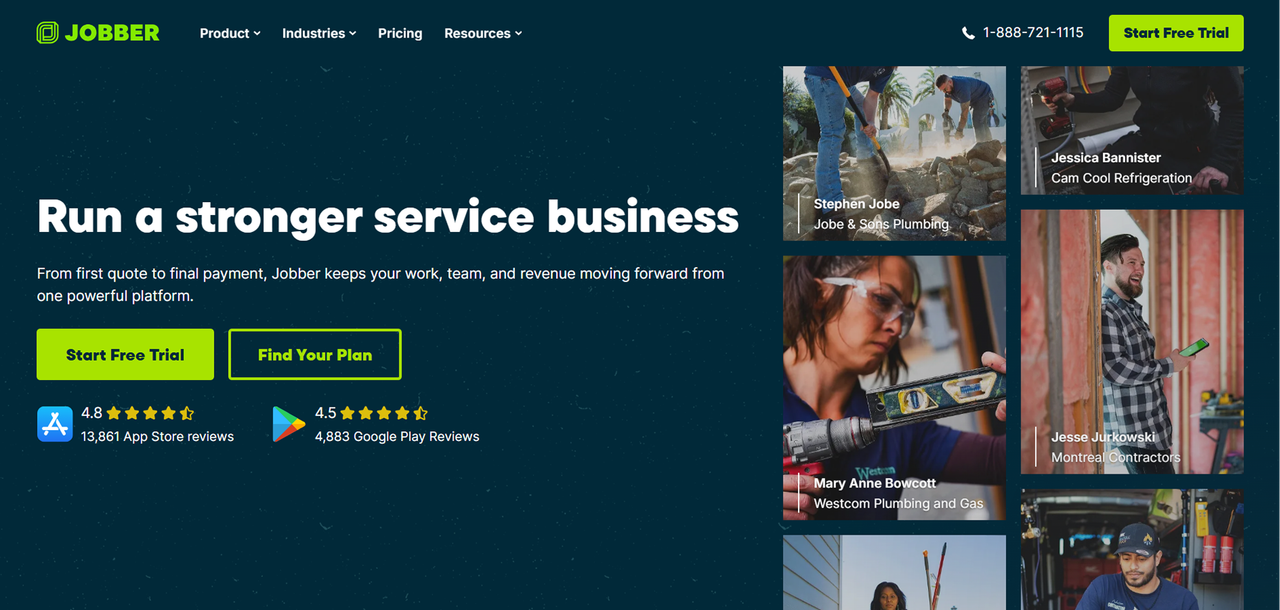
Jobber is one of the closest alternatives to Housecall Pro for small home-service businesses. It covers quoting, scheduling, invoicing, payment collection, customer management, and other common field service workflows.
Its Client Hub gives customers a place to approve quotes, check appointment information, and pay invoices. Higher plans add features such as automated reminders, quote and invoice follow-ups, QuickBooks Online sync, job costing, two-way SMS, and custom workflow automations.
For small service businesses, the appeal is having many of these functions in one platform rather than connecting several separate apps.
Jobber Pricing Plans
Jobber's pricing varies according to plan, billing commitment, and number of users. Current plans include Core, Connect, Grow, and Plus.
Plan | Monthly Price |
|---|---|
Core | $29/month / User |
Connect | $99/month / User |
Grow | $149/month / User |
Jobber Pros and Cons vs Housecall Pro
Pros:
- Public pricing makes initial cost comparison easier
- Covers the core scheduling, quoting, invoicing, and customer-management workflow
- Higher plans add automation, job costing, two-way SMS, and other operational features
- QuickBooks Online integration is available on Connect and higher plans
Cons:
- Some automation, profitability, and advanced workflow features require higher plans
- Pricing increases as you move to plans designed for larger teams and more advanced workflows
ServiceTitan: Best for Larger Field Service Operations
ServiceTitan: Best for Larger Field Service Operations
ServiceTitan Key Features
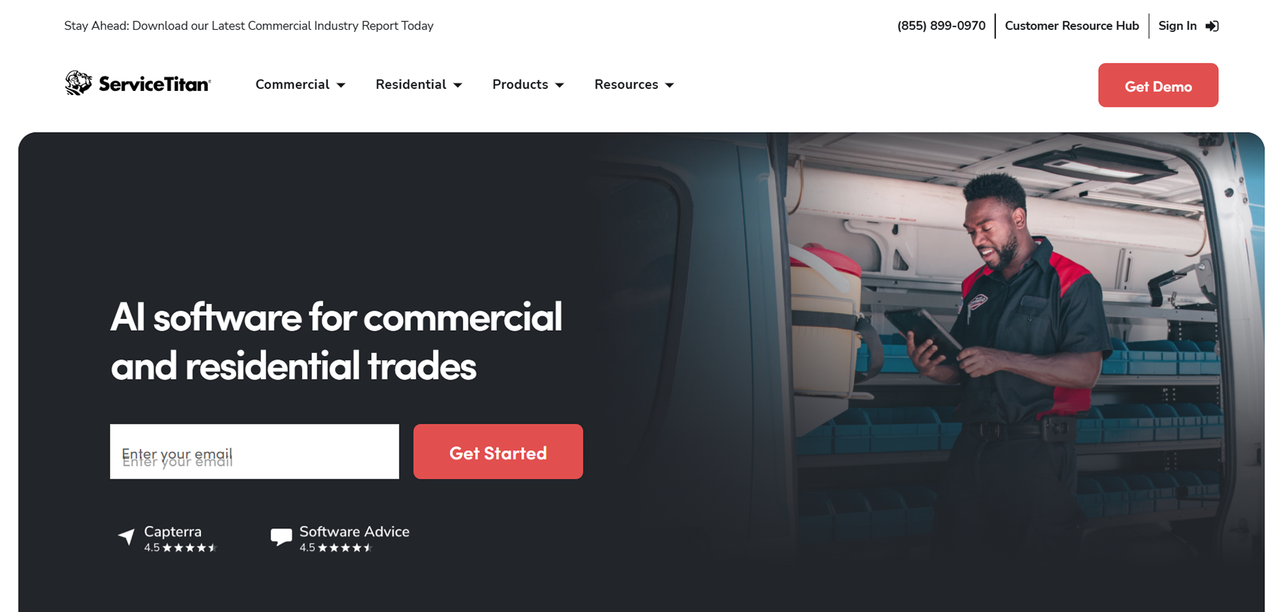
ServiceTitan is aimed at field service businesses that need a broader operational platform. Its plans cover core functions such as dispatching, scheduling, call booking, invoicing, and pricebooks, with higher packages adding features such as mobile estimates, payroll management, advanced reporting, commission tracking, and customizable memberships.
ServiceTitan also offers tools for areas such as service agreements, marketing, inventory, customer experience, and commercial workflows.
That broader feature set makes it more relevant to established field service companies with more complex requirements than businesses looking for a simple scheduling and invoicing tool.
ServiceTitan Pricing and Contract Terms
ServiceTitan does not publish fixed dollar pricing on its website. Its current pricing page says pricing is structured per technician and requires businesses to request a quote.
ServiceTitan offers Starter, Essentials, and The Works packages, with features varying between them.
Because pricing and contract terms depend on the quote provided to your business, ask for the full cost, included features, implementation requirements, contract length, and cancellation terms before comparing it with another platform.
ServiceTitan Pros and Cons vs Housecall Pro
Pros:
- Broad feature set for established field service operations
- Advanced reporting and operational tools available
- Strong focus on trades and home-service businesses
- Supports more complex service and commercial workflows
Cons:
- No fixed public dollar pricing
- Requires a sales process to get a business-specific quote
- Its broader feature set may be unnecessary for smaller operations with simpler requirements
FieldEdge: Best Housecall Pro Alternative for HVAC and Plumbing
FieldEdge Key Features
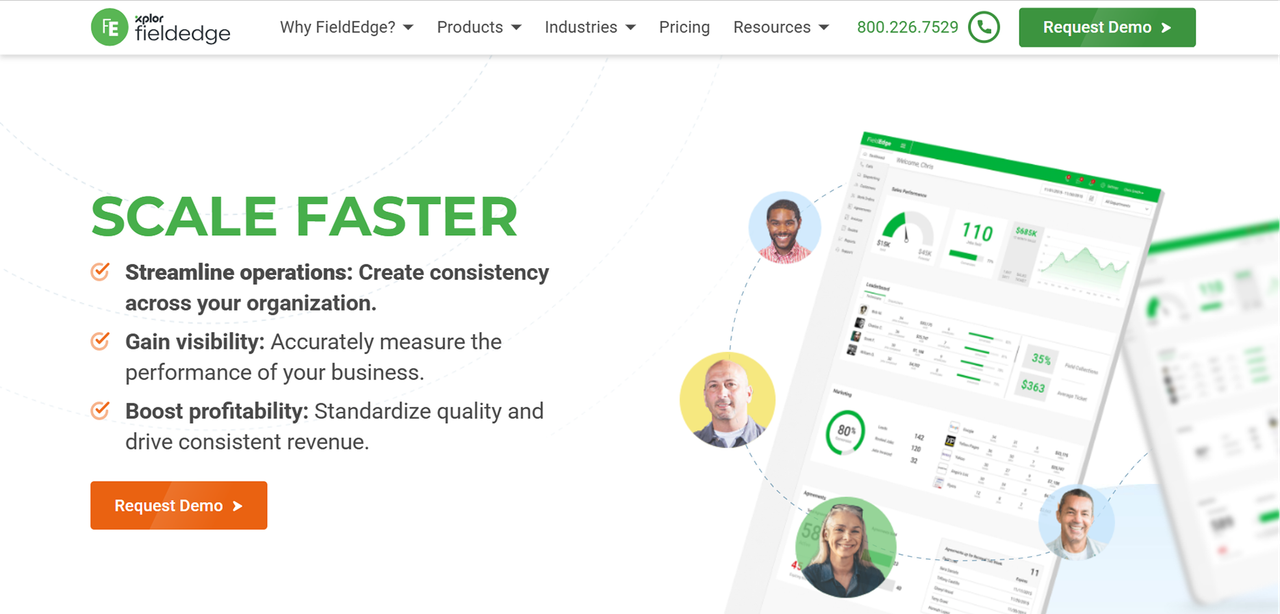
FieldEdge is built around field service businesses, with a particular focus on trades such as HVAC, plumbing, and electrical.
Its plans include scheduling, dispatching, invoicing, customer management, pricebooks, flat-rate pricing, integrated payments, and QuickBooks Online and Desktop integration. Higher plans add capabilities such as advanced dispatching, advanced service agreements, additional mobile app licenses, more reporting, and other operational features.
FieldEdge also provides an onboarding specialist across its plans, which can be useful for businesses migrating from another platform.
FieldEdge Pricing
FieldEdge does not publish fixed pricing publicly. Pricing requires requesting a quote or demo.
FieldEdge Pros and Cons vs Housecall Pro
Pros:
- QuickBooks Online and Desktop integration across current plans
- Flat-rate pricing tools designed for field service businesses
- Service agreement and equipment-related capabilities
- Onboarding support included
- Strong focus on HVAC, plumbing, electrical, and similar trades
Cons:
- No fixed public pricing
- Some advanced capabilities are limited to higher plans or sold as add-ons
- Pricing can vary based on team size and selected features
Workiz: Best for Communication-Heavy Service Teams
Workiz Key Features
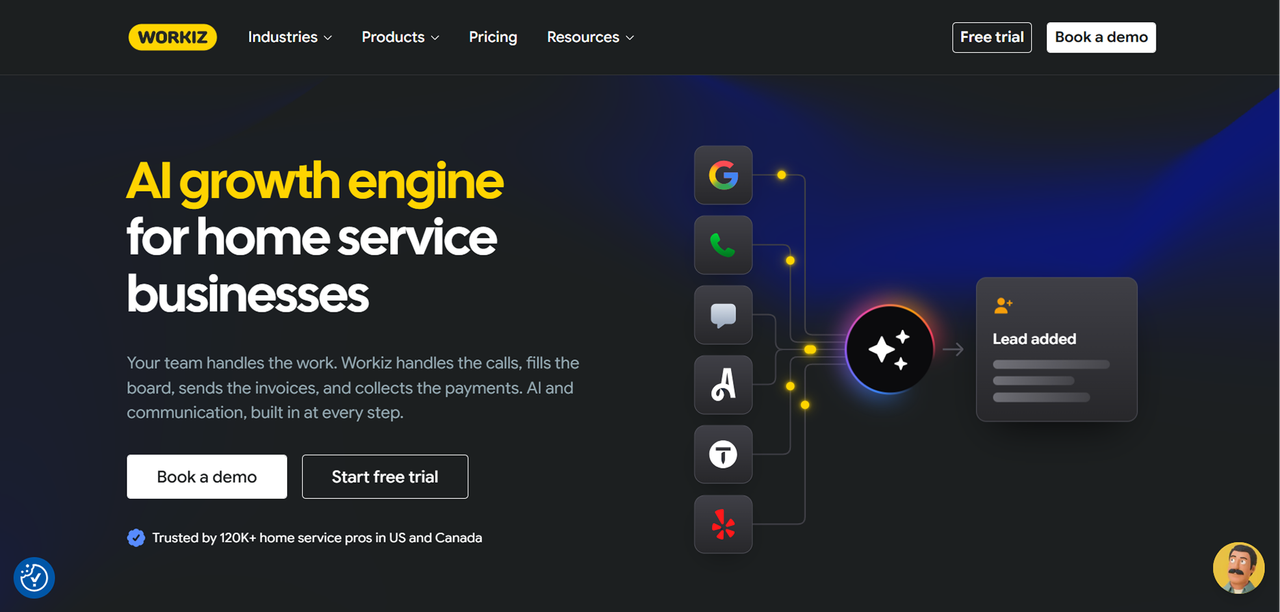
Workiz combines field service management with communication and AI features. Its core platform covers scheduling, jobs, estimates, invoices, client management, payments, reports, and other common field service tasks.
Workiz also offers communication products such as Genius Phone and Genius Answering, while higher plans add features such as Genius Scheduling, custom reports, service plans, inventory management, equipment tracking, multi-day jobs, and an open API.
That combination can make Workiz worth considering for service businesses that want job management and customer communication within the same ecosystem.
Workiz Pricing Plans
Workiz currently lists Standard, Pro, and Ultimate plans but does not publish fixed dollar prices for them on its main pricing page. Businesses need to request pricing.
Workiz Pros and Cons vs Housecall Pro
Pros:
- Field service and communication tools available within the same ecosystem
- Two-way texting and integrated phone capabilities
- AI-assisted scheduling and communication features are available
- Higher plans support more complex operations, including inventory and equipment tracking
Cons:
- Fixed plan prices are not currently published
- Some communication and AI capabilities are separate add-ons
- Advanced operational features such as inventory, equipment tracking, and open API access require higher plans
ServiceM8: Best Housecall Pro Alternative for Solo Operators and Micro Teams
ServiceM8 Key Features
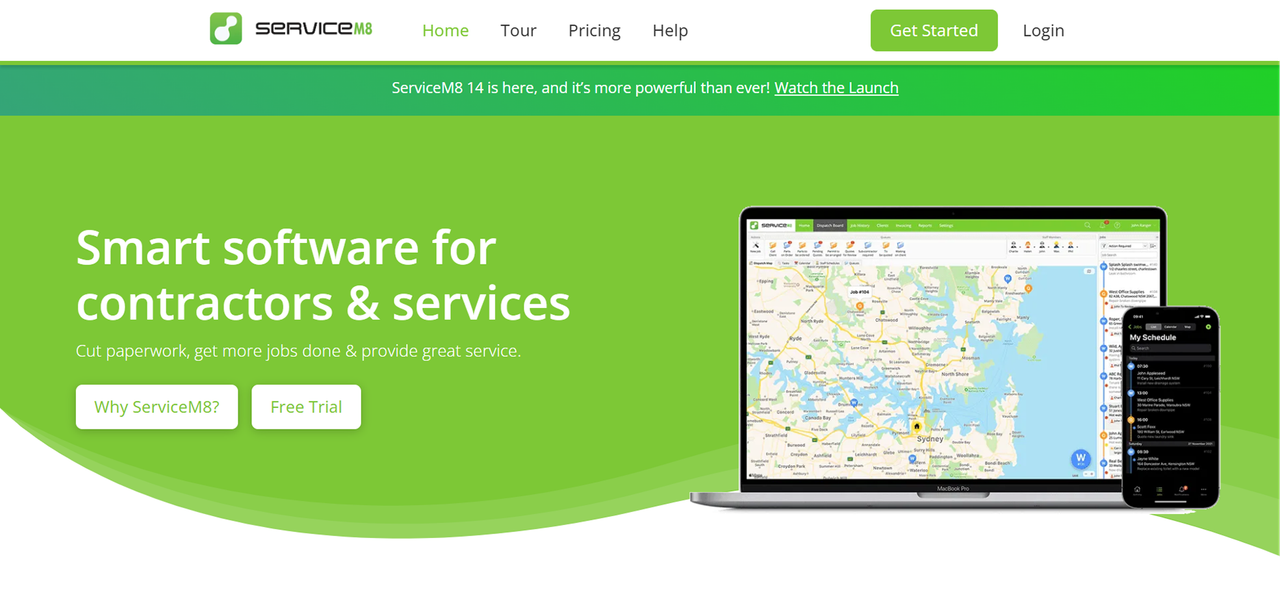
ServiceM8 is designed for trades and service businesses and offers job management, scheduling, quoting, invoicing, customer communication, mobile payments, and accounting integrations.
The Free plan is designed for solo operators and supports one user and up to 30 jobs per month. Paid plans remove the one-user restriction and are priced around job volume rather than charging per user.
ServiceM8 now provides full-featured iOS and Android apps, allowing field teams to create and manage jobs, communicate with clients, send quotes and invoices, and take payments from mobile devices.
Side-by-Side Comparison Table: Housecall Pro vs Top Alternatives
Feature | Housecall Pro | Jobber | ServiceTitan | FieldEdge | Workiz | Founding.dev |
|---|---|---|---|---|---|---|
Pricing model | Per-user | Tiered flat | Custom quote | Custom quote | Flat-fee | Flat price, no per-seat fees — you own it |
Public pricing | Yes | Yes | No | No | No | Yes |
Scales without per-seat cost | No | Partial | Unknown | Unknown | Yes | Yes |
QuickBooks integration | Yes | Yes | Yes | Real-time | Yes | Custom |
Mobile app | Yes | Yes | Yes | Yes | Yes | Custom |
Built-in phone/SMS | Limited | Limited | Yes | Limited | Yes | Custom |
You own the software | No | No | No | No | No | Yes |
Vertical specialization | General | General | HVAC/Plumbing/Electrical | HVAC/Plumbing | General | Built to your workflow |
How to Choose the Right Housecall Pro Alternative for Your Business
Questions to Ask Before Switching Software
Before you commit to any platform, get clear answers to these questions:
- How does pricing change when you add your fifth, tenth, or twentieth user?
- What does the contract look like, and what are the cancellation or renewal terms?
- Can you export your customer data, job history, invoices, and other important records if you leave?
- What does onboarding actually cost in time and money?
- Which features require a higher plan or separate add-on?
- Which integrations are native, and which require another service or additional fee?
Migration Tips: Moving Away from Housecall Pro
Switching field service platforms requires preparation, particularly when the existing system contains years of customer and job data.
- Export the customer, job, invoice, and other records you need before closing your existing account
- Confirm exactly which data the new platform can import and in what format
- Test accounting, payment, and other important integrations before fully switching over
- Train technicians on the new mobile workflow before it becomes their primary system
- Consider a short parallel-testing period if your operation cannot tolerate downtime or missing data
The appropriate migration period depends on the size of your business, the amount of historical data involved, and the complexity of your workflows. There is no universal two-to-four-week migration timeline.
The Build-and-Own Alternative: Founding.dev
If you've been running your field service operation long enough, you may already know where your current software fits and where it forces you into workarounds.
Founding.dev takes a different approach from the SaaS products above. Instead of paying indefinitely for access to vendor-owned software, Founding.dev builds field service software that the customer owns, including the code, data, and infrastructure.
The field service product starts from an existing foundation covering functions such as scheduling, dispatch, job tracking, and invoicing, then adapts that system around the company's workflow. Founding.dev charges a build price rather than per-seat software fees, with optional flat-fee hosting, support, and maintenance.
According to Founding.dev, a public-adjusting company with more than 150 users replaced parts of its previous software stack and reduced its annual software bill from about $30,000 to $8,800. That is a customer example rather than a guarantee of what every business will save, but it shows how the economics can differ when software costs are not tied to the number of users.
For businesses evaluating Housecall Pro alternatives primarily because of recurring software costs, workflow limitations, or the need for greater control, ownership is another model worth comparing with the SaaS options above.
FAQ
Is Jobber cheaper than Housecall Pro?
It depends on your team size, billing term, and the features you need.
Jobber's current Core plan starts at $29 per month with annual billing for one user, while higher plans include additional features and can support larger teams. Housecall Pro also uses tiered plans with different user allowances and feature sets.
Instead of comparing only the lowest advertised prices, price both products for the number of users and features your business actually needs. Then repeat the calculation based on the team size you expect to have as you grow.
Can I migrate my customer data from Housecall Pro to another platform?
In many cases, yes, but the process depends on the data you need to move and what the destination platform can import.
Before canceling your existing account, confirm which customer, job, invoice, attachment, and other records you can export. Then check which of those fields the new platform supports.
Accounting integrations should also be checked carefully after migration to make sure records have transferred and synced correctly.
Which Housecall Pro alternative works best on mobile?
There is no single mobile app that will be best for every field service business. Jobber, Workiz, ServiceM8, FieldEdge, and ServiceTitan all provide mobile capabilities, but their workflows and features differ.
ServiceM8, for example, now offers full-featured iOS and Android apps. Other platforms also support technicians working from phones or tablets in the field.
The safest way to compare them is to test the apps on the actual devices your technicians use and run through common tasks such as viewing jobs, updating statuses, adding photos, creating invoices, and collecting payments.
What makes Founding.dev different?
The main difference is ownership.
Housecall Pro, Jobber, ServiceTitan, FieldEdge, and Workiz are SaaS products. You pay for access to software operated by the vendor.
Founding.dev builds software that the customer owns. According to its current field service offering, customers own the code, data, and infrastructure and can choose whether Founding.dev continues to provide hosting, support, and maintenance.
There are no per-seat charges under that model, so adding another technician does not automatically add another software seat. The tradeoff is that this is a different purchasing model from subscribing to an off-the-shelf SaaS product: the initial system is built and customized around the business rather than activated through a standard subscription.