

Pipedrive is a popular CRM for managing leads, deals, and sales pipelines, but it may not be the right fit for every business. You might be looking for more features, greater flexibility, a simpler interface, or a pricing model that works better as your team grows. Here are some of the best Pipedrive alternatives to consider in 2026 and what each one brings to the table.
Who Should Consider Switching CRMs
You should seriously evaluate alternatives if any of these describe your situation:
- Your team has grown and your CRM costs have increased significantly with headcount
- You're paying for a separate email marketing tool because Pipedrive's native automation doesn't cover your workflows
- Your sales process involves complex custom objects, multi-stage approvals, or non-linear pipelines that Pipedrive's structure doesn't accommodate
- You need deeper reporting than Pipedrive's standard dashboards provide
What to Look for in a Pipedrive Replacement
Not every CRM is a straight swap. Before evaluating options, get clear on what you actually need:
- Automation depth: Can it handle your sequences, triggers, and workflows without third-party tools?
- Pricing model: Is it per-seat, flat-rate, or contact-based? How does it scale with your team?
- Integration fit: Does it connect natively to the tools you already use?
- Reporting: Can it produce the forecasts and dashboards your leadership actually reads?
How We Evaluated These Pipedrive Alternatives
Evaluation Criteria Breakdown
Every tool in this guide was assessed against the same criteria:
- Feature parity with Pipedrive: Pipeline management, contact records, deal tracking, email integration
- Automation capabilities: Native workflow builders, sequences, triggers
- Pricing transparency: Published pricing on the vendor's own site, no estimates from aggregators
- Fit by team size and use case: No single CRM is right for everyone.
HubSpot CRM: Best Free Pipedrive Alternative for Growing Teams
Key Features vs Pipedrive
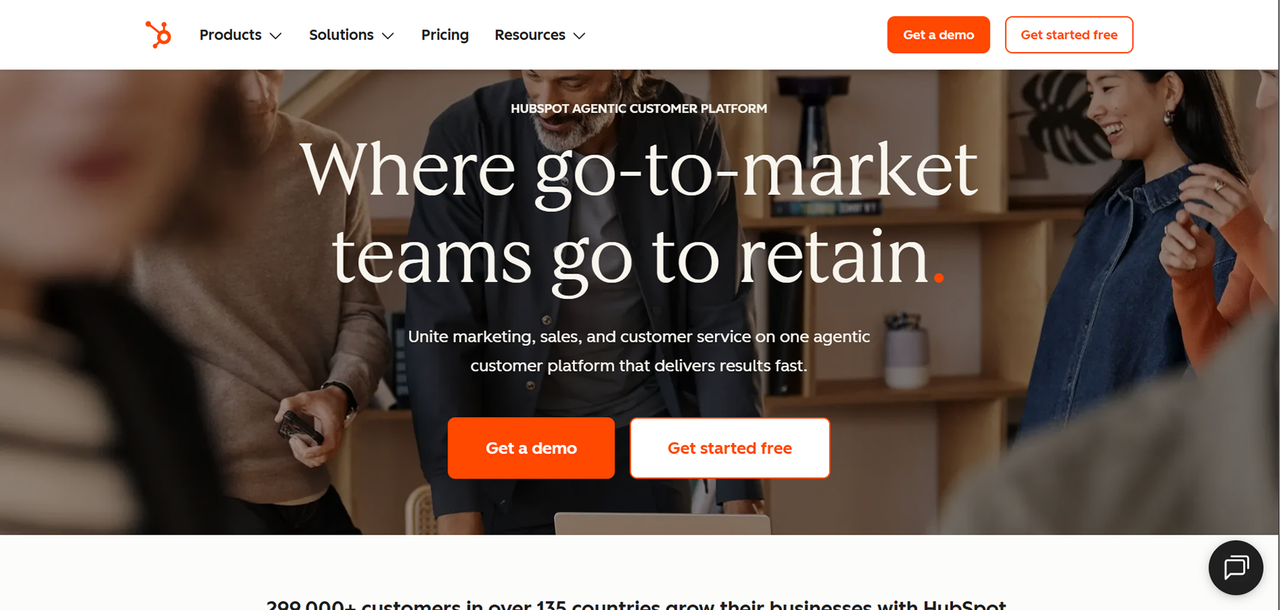
HubSpot is one of the closest all-in-one alternatives to Pipedrive for teams that want marketing and sales in a single platform. Where Pipedrive focuses on pipeline management, HubSpot wraps CRM around a broader suite: email marketing, landing pages, live chat, ticketing, and a content management system, all connected to the same contact database.
The free tier is genuinely functional for small teams. You get contact management, deal pipelines, email tracking, and basic reporting without paying anything. The gap between Pipedrive and HubSpot widens at the Professional tier, where HubSpot's automation, custom reporting, and sequences become significantly more capable than what Pipedrive offers natively.
HubSpot Pricing in 2026
A look at HubSpot's Sales Hub pricing
Plan | Price |
|---|---|
Free | $0/month |
Starter | From $20/month/seat |
Professional | From $1300/month for 5 users |
Enterprise | From $4,300/month for 7 users |
Best Fit: Who Should Choose HubSpot
HubSpot makes sense if you want marketing and sales in one platform, you're starting from scratch and want a free tier to grow into, or your team is marketing-led and needs content tools alongside CRM.
Salesforce: Best Enterprise-Grade Pipedrive Alternative
Key Features vs Pipedrive
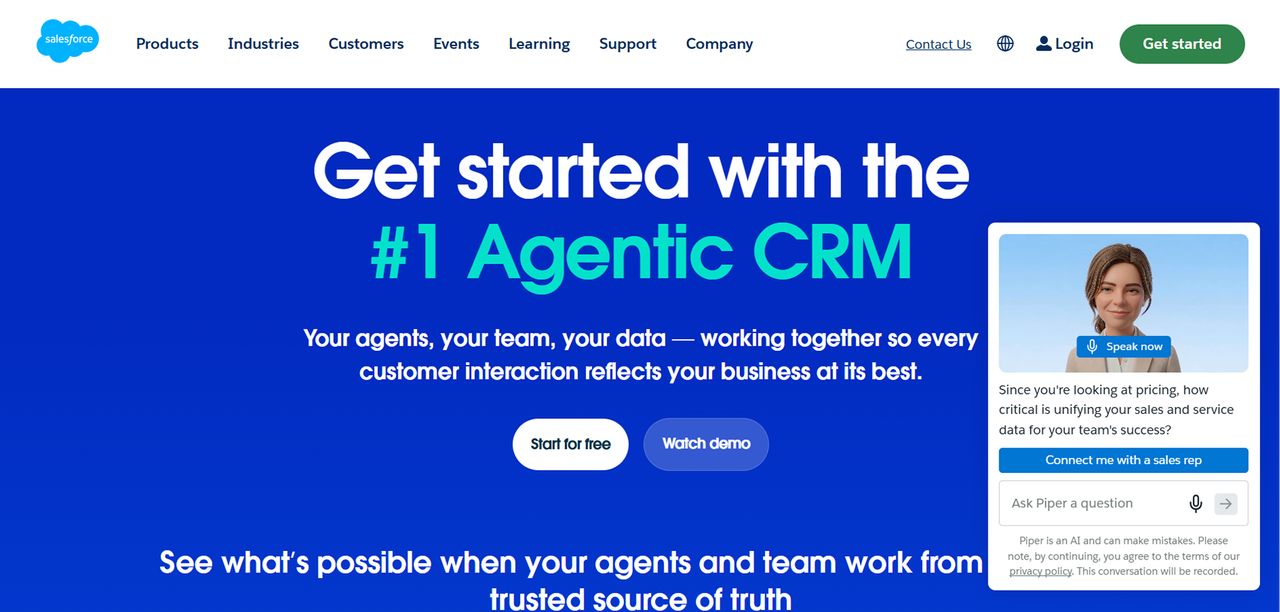
Salesforce Sales Cloud is the category leader by market share. Compared to Pipedrive, Salesforce offers custom objects, advanced workflow automation, Einstein AI for forecasting and scoring, territory management, and reporting that can be configured to almost any business requirement. The platform can model virtually any sales process, which is both its strength and its complexity.
The honest trade-off: Salesforce is expensive, implementation takes time, and smaller teams often find themselves paying for capability they won't use for years.
Salesforce Pricing in 2026
A look at Salesforce's Sales Cloud pricing
Plan | Price |
|---|---|
Starter | $25/user/month (billed annually) |
Pro Suite | $100/user/month (billed annually) |
Enterprise | $175/user/month (billed annually) |
Unlimited | $350/user/month (billed annually) |
Best Fit: Who Should Choose Salesforce
Salesforce is the right call for companies with complex, multi-stage sales processes, large teams that need territory management and advanced forecasting, or organizations that require deep integration with enterprise systems.
Close CRM: Best Pipedrive Alternative for Sales-Focused Teams
Key Features vs Pipedrive
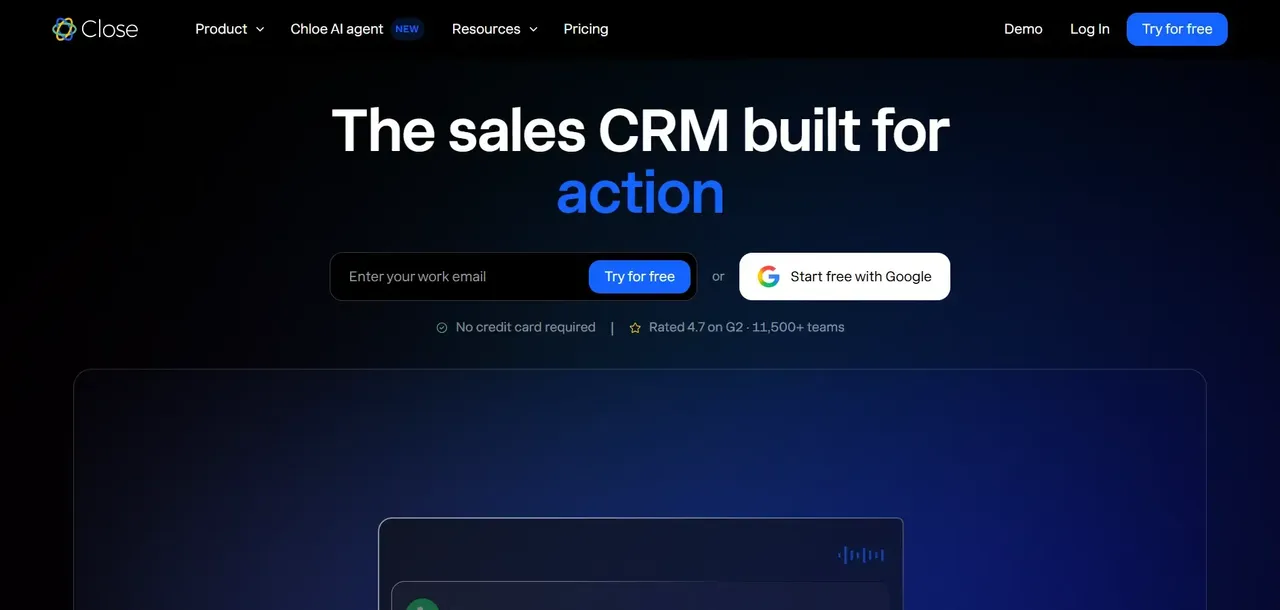
Close CRM is built specifically for inside sales teams that live on the phone and in their inbox. Where Pipedrive is pipeline-first, Close is communication-first: built-in calling, SMS, email sequences, and power dialing are native features.
For outbound-heavy teams, this matters. You don't need a separate calling tool, a separate sequencing tool, or a separate SMS platform. Everything is logged automatically, which reduces the manual data entry that kills CRM adoption on most sales floors.
Compared to Pipedrive, Close offers stronger native communication tools and better automation for outbound sequences.
Close CRM Pricing in 2026
Plan | Price |
|---|---|
Solo | $9/user/month (billed annually) |
Essentials | $35/user/month (billed annually) |
Growth | $99/user/month (billed annually) |
Scale | $139/user/month (billed annually) |
Best Fit: Who Should Choose Close CRM
Close is the right fit for inside sales teams doing high-volume outbound, teams that want calling and sequencing built in rather than bolted on, and sales-led companies where the CRM is primarily a communication tool rather than a reporting or marketing platform.
Zoho CRM: Best Budget-Friendly Pipedrive Alternative
Key Features vs Pipedrive
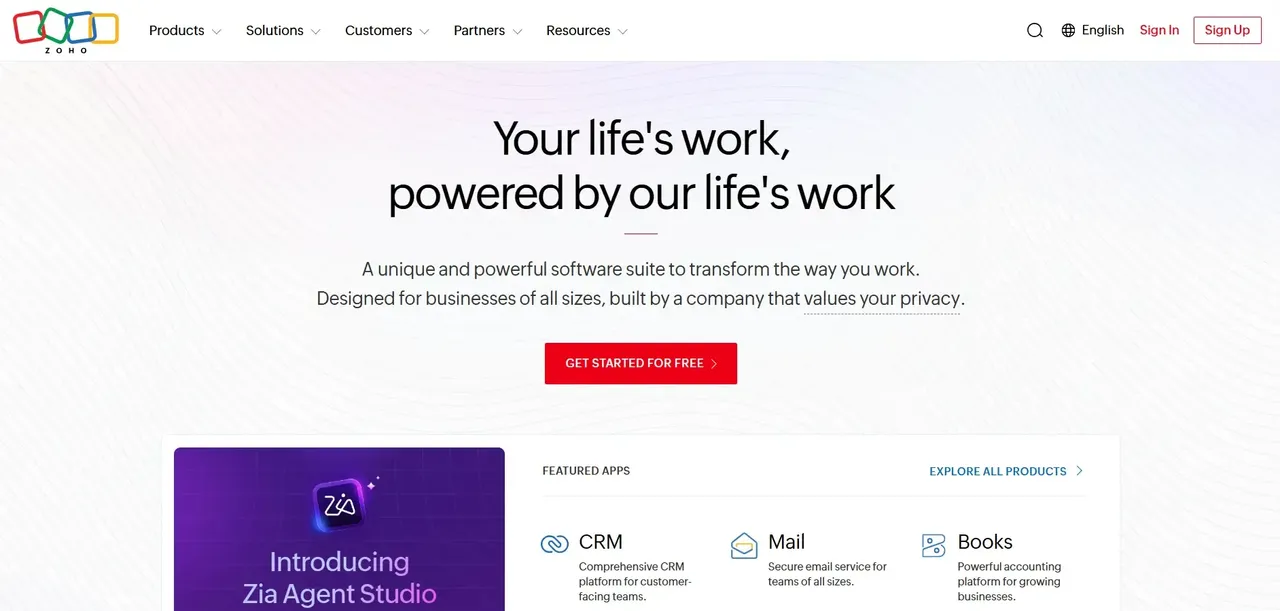
Zoho CRM competes directly with Pipedrive on price while offering a broader feature set at every tier. You get workflow automation, email marketing, custom modules, AI-powered scoring (Zia), and a large integration library, all at per-seat costs that undercut most competitors.
Zoho CRM has more features than Pipedrive at comparable price points, but the UI reflects that breadth. Teams that want a clean, focused pipeline view often find Zoho's interface busier than Pipedrive's. That said, for teams willing to invest in setup, Zoho CRM delivers more capability per dollar than almost any other option on this list.
Zoho also sits inside a broader ecosystem (Zoho One) that includes project management, accounting, HR, and marketing tools, which makes it attractive for teams looking to consolidate their entire software stack.
Zoho CRM Pricing in 2026
Plan | Price (billed annually) |
|---|---|
Standard | $14/user/month |
Professional | $23/user/month |
Enterprise | $40/user/month |
Ultimate | $52/user/month |
Best Fit: Who Should Choose Zoho CRM
Zoho CRM is the right choice for budget-conscious teams that need more automation and customization than Pipedrive offers, companies already using other Zoho products, and SMBs that want a scalable platform without enterprise-level pricing.
Monday CRM and Notion CRM: Best Flexible Pipedrive Alternatives
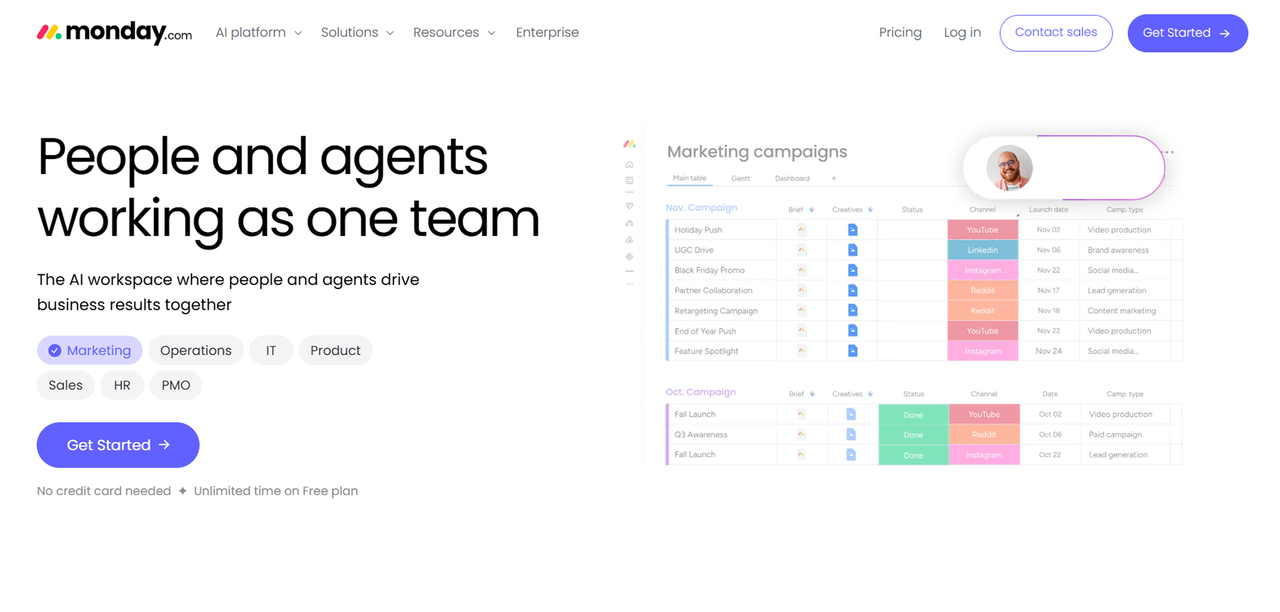
Monday CRM Overview and Pricing
Monday CRM is built on the Monday.com work operating system, which means it blends pipeline management with project tracking, task assignment, and team collaboration in a single visual workspace. For agencies, service firms, and operations-heavy teams, this convergence is genuinely useful. You can track a deal from first contact through project delivery without switching tools.
Compared to Pipedrive, Monday CRM is more flexible but less opinionated about sales process. It requires more configuration to function as a true CRM, but that flexibility is the point for teams whose work doesn't fit a standard sales pipeline.
Here's Monday CRM's pricing
Plan | Price (billed annually) |
|---|---|
Basic | From $12/seat/month |
Standard | From $17/seat/month |
Pro | From $28/seat/month |
Enterprise | Custom pricing |
Notion CRM Overview and Pricing
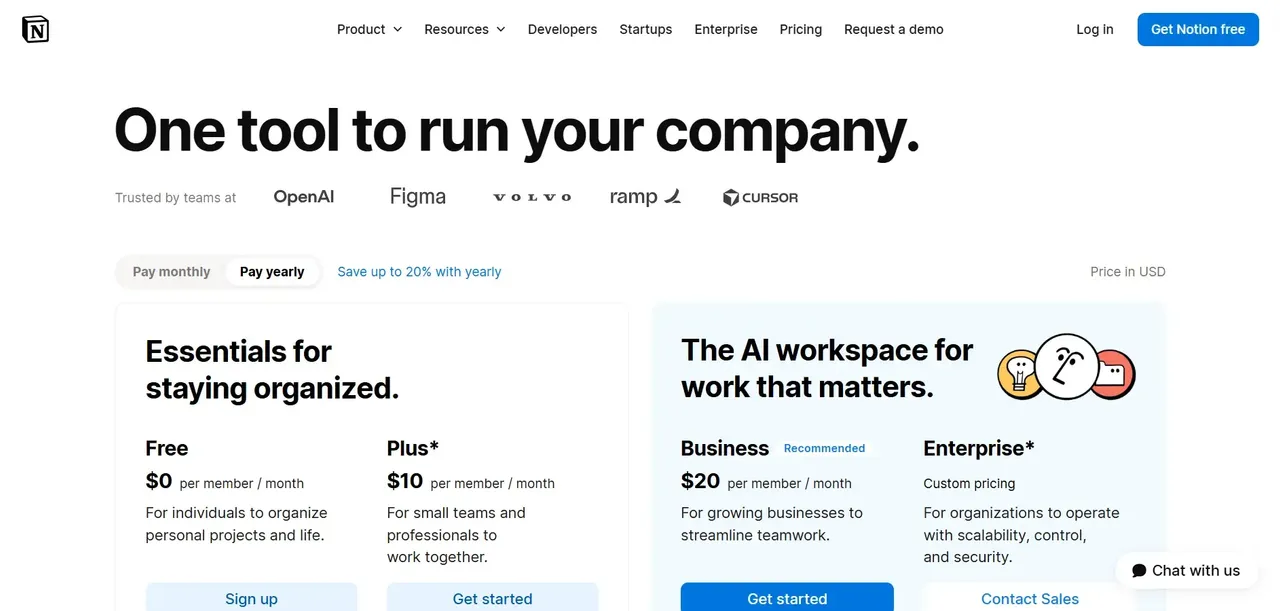
Notion is not a dedicated CRM, but a growing number of small teams use it as one by building custom databases for contacts, deals, and pipelines. The appeal is cost: Notion's paid plans are priced per user at rates well below dedicated CRM tools, and the flexibility of its database structure means you can model almost any workflow.
The limitation is that Notion lacks native CRM features: no email tracking, no calling, no automation triggers, no reporting dashboards. What you build in Notion is a structured database, not a sales system. For very small teams with simple pipelines and low deal volume, that may be enough. For anyone running an active sales operation, it will fall short quickly.
Plan | Price (billed annually) |
|---|---|
Free | $0/user/month |
Plus | $10/user/month |
Business | $20/user/month |
Side-by-Side Comparison: Pipedrive vs Top Alternatives
Feature Comparison Table
Feature | Pipedrive | HubSpot | Salesforce | Zoho CRM | Close CRM | Monday CRM |
|---|---|---|---|---|---|---|
Pipeline management | Strong | Strong | Strong | Strong | Strong | Flexible |
Native email marketing | Limited | Strong | Via add-on | Strong | Sequences only | Limited |
Built-in calling | Via add-on | Via add-on | Via add-on | Via add-on | Native | No |
Workflow automation | Basic | Strong | Advanced | Strong | Strong | Moderate |
Custom objects | Limited | Professional+ | Yes | Enterprise+ | Limited | Yes |
AI features | Basic | Yes | Einstein AI | Zia AI | Limited | Limited |
Reporting depth | Moderate | Strong | Advanced | Strong | Moderate | Moderate |
Free tier | No | Yes | No | No | No | No |
How to Migrate from Pipedrive to a New CRM Without Losing Data
Step-by-Step Pipedrive Data Export
Before you touch your new CRM, export everything from Pipedrive first. Go to your account settings and use the Data Export section to download your contacts, organizations, deals, activities, and notes as CSV files. Export each object type separately. Do this before you cancel or downgrade your Pipedrive plan, because access to historical data can be restricted on lower tiers.
Also export any custom field definitions separately, because the field names and structures won't automatically map to your new platform. Document what each custom field means and how it's used in your current process.
Importing Contacts and Deals into Your New CRM
Most CRMs accept CSV imports for contacts and deals. The critical step is field mapping: matching your Pipedrive column headers to the equivalent fields in your new system. Spend time on this before you import. A rushed field mapping creates duplicate records, lost data, and a cleanup project that takes longer than the migration itself.
Import in this order: organizations first, then contacts linked to those organizations, then deals linked to those contacts. Activities and notes are typically the hardest to migrate cleanly and may need to be handled manually or via a third-party migration tool.
Common Migration Mistakes to Avoid
- Migrating before auditing your Pipedrive data. Clean your data first: remove duplicates, archive dead deals, and standardize field values.
- Skipping a test import. Always import a small sample first and verify the results before running the full migration.
- Canceling Pipedrive before the migration is confirmed complete. Keep both systems running in parallel for at least two weeks.
- Forgetting email history. Email integrations in Pipedrive don't export cleanly. Decide in advance how much historical email context you actually need in the new system.
- Not training the team before go-live. A new CRM that nobody uses correctly is worse than the old one.
FAQ
What is the closest free alternative to Pipedrive?
HubSpot CRM's free tier is the most direct free alternative to Pipedrive. It includes contact management, deal pipelines, email tracking, and basic reporting at no cost. The free tier is genuinely functional for small teams, though you'll hit limits on automation and reporting as you grow.
Is Pipedrive still worth it in 2026?
Pipedrive remains a solid choice for small sales teams that want a clean, focused pipeline tool and don't need deep marketing automation or advanced reporting. Where it becomes harder to justify is at scale: the per-seat pricing compounds as you hire, add-ons increase the effective cost, and teams with complex workflows often find themselves working around Pipedrive's limitations rather than through them. If your team has grown past 20 people or your software bill has grown faster than your revenue, it's worth running the numbers on alternatives.
Which Pipedrive alternative is best for small businesses?
Zoho CRM is the strongest value for small businesses that need real automation and customization without enterprise pricing. HubSpot's free tier is the right starting point if budget is the primary constraint.
Does any Pipedrive alternative include built-in email and calling?
Can I use a project management tool like Monday as a CRM instead of Pipedrive?
Yes, with caveats. Monday CRM is a legitimate CRM option for teams whose sales process overlaps heavily with project delivery, such as agencies and service firms. It handles pipeline management, contact tracking, and deal stages well, and the visual interface is genuinely flexible. What it doesn't do natively is email tracking, calling, automation sequences, or deep sales reporting. If your team's primary need is pipeline visibility and project coordination in one place, Monday works. If you need automation, forecasting, or communication tools, a dedicated CRM will serve you better.
What makes Founding.dev different?
Every CRM on this list is software you rent. Founding.dev builds software you own. There are no per-seat fees, no renewal negotiations, and no features locked behind a higher tier. We build a CRM around your specific sales process, deploy it on your infrastructure, and hand you the code. You pay one flat price and an optional flat maintenance rate if you want us to run it for you. Cancel anytime, and you own the code, data, and infrastructure.