
Jobber gives service businesses a straightforward way to manage jobs, schedules, quotes, invoices, and customer communication. But depending on how your business operates, you may need stronger automation, different features, or a pricing structure that makes more sense for your team. Here are the best Jobber alternatives to consider in 2026 and what each one does differently.
Who Should Consider Switching
You're a good candidate for a Jobber alternative if any of these apply:
- Your team is growing and the cost of moving between plans or adding users is becoming significant
- You operate in a specific trade and need features designed around that industry's workflow
- You're running multiple locations and need stronger visibility across them
- You need a different accounting or integration workflow than Jobber currently supports
- Your team relies on workarounds because the software doesn't quite match how the business operates
None of those automatically means Jobber is the wrong product. They simply give you a good reason to see what else is available before your next renewal.
What to Look for in a Jobber Competitor
Don't start by comparing feature counts. Start with the part of your current setup that's causing trouble.
If dispatching is the problem, look closely at the dispatch board and routing tools. If technicians hate using the mobile app, test competing apps with the people who will actually use them. If accounting is creating extra work, don't settle for a checkmark next to "QuickBooks integration"; find out exactly what information moves between the two systems and in which direction.
The core capabilities any replacement needs to cover are fairly straightforward:
- Scheduling and dispatching with mobile access for field staff
- Estimates, work orders, and invoicing in a single workflow
- Customer records and service history
- Payment collection and useful reporting
- Integration with your accounting system
Beyond those basics, concentrate on what Jobber specifically isn't giving you. That's where the differences between these platforms start to matter.
ServiceTitan: Best Jobber Alternative for Large Field Service Companies
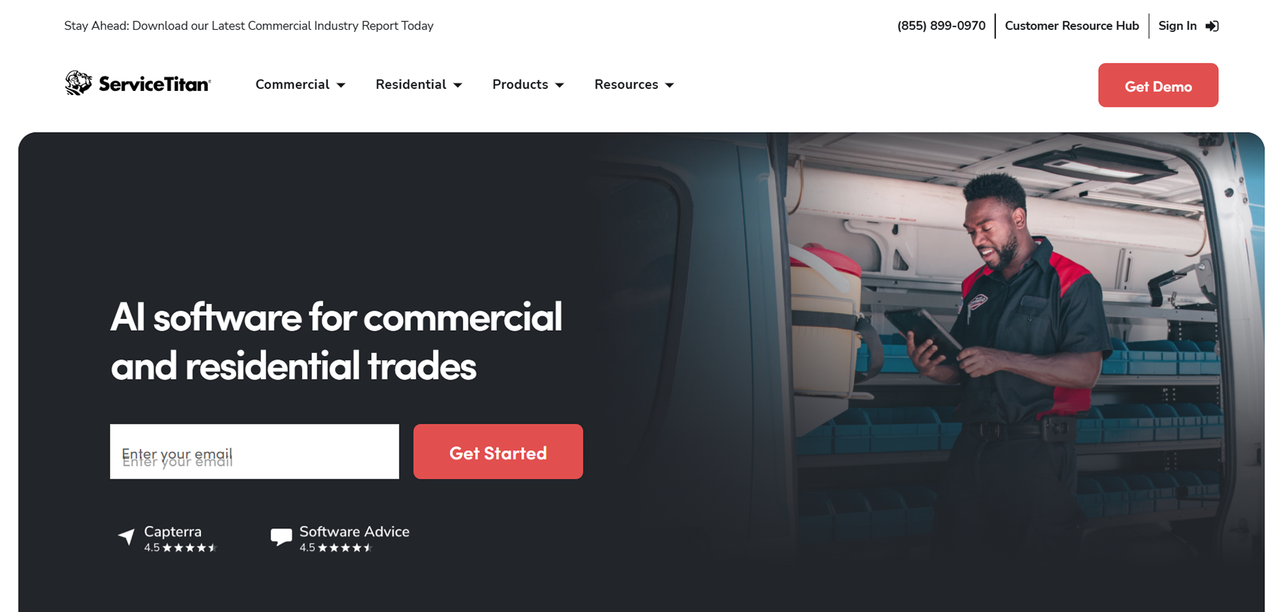
ServiceTitan is built for field service businesses that need more than basic scheduling and job management. Its current packages cover dispatching, scheduling, call booking, invoicing, pricebooks, mobile estimates, payroll management, reporting, commission tracking, and membership management, with availability varying by package.
Key differentiators over Jobber include:
- Advanced dispatching and scheduling tools
- Built-in call booking
- Pricebook management
- Payroll and commission tracking on eligible packages
- Advanced reporting on higher packages
ServiceTitan currently offers three packages: Starter, Essentials, and The Works. Starter covers its core operational tools, while Essentials and The Works add more advanced features.
Pricing and Plans
ServiceTitan does not publish dollar pricing on its website. Its pricing is quote-based and structured per technician. You'll need to request pricing directly from ServiceTitan based on your business and the package you need.
Pros and Cons
Pros:
- Broad field service feature set
- Built-in pricebook, payroll, and commission capabilities
- Advanced reporting available on higher packages
- Integrations with accounting and other business systems
Cons:
- No public dollar pricing
- Pricing is per technician
- More features and setup than some smaller field service businesses need
Who ServiceTitan Is Best For
ServiceTitan is best suited to established field service businesses that need capabilities beyond straightforward scheduling, quoting, invoicing, and customer management. Its deeper operational tools make it particularly relevant to larger HVAC, plumbing, electrical, and other trade businesses.
For a wider comparison, see our guide to the best ServiceTitan alternatives in 2026.
Housecall Pro: Best Jobber Alternative for Small Businesses
Key Features vs Jobber
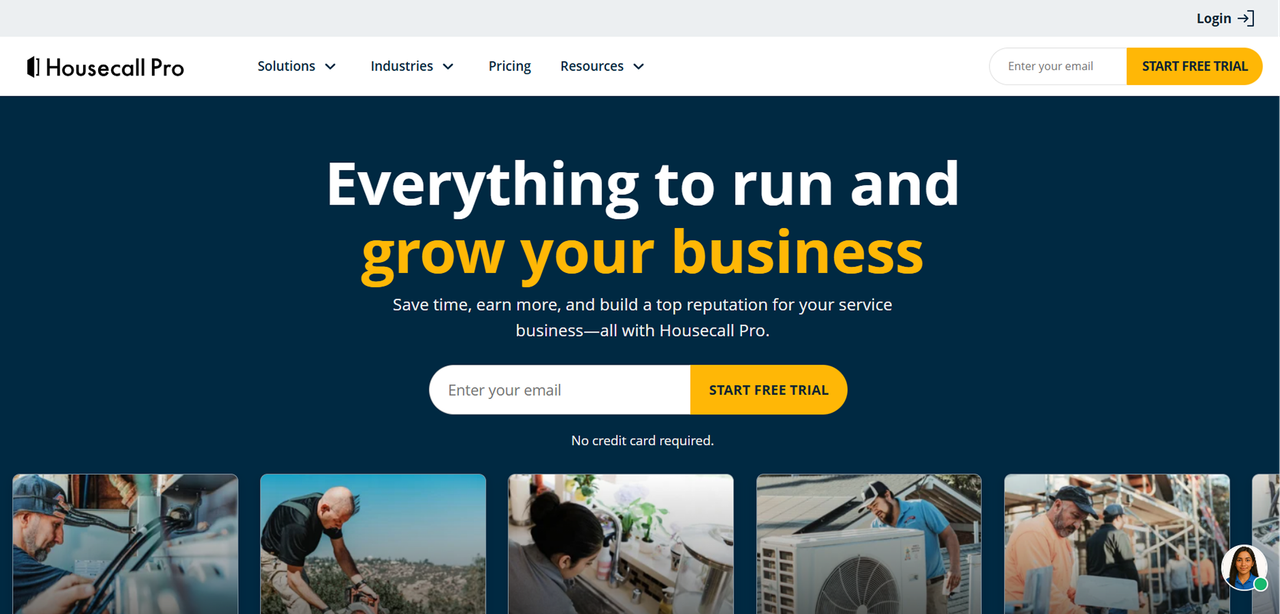
Housecall Pro is one of Jobber's closest competitors in the home service market. Both platforms cover scheduling, dispatching, invoicing, estimates, payments, online booking, and customer management.
Housecall Pro's Basic plan includes:
- Online booking
- Invoices and payments
- Scheduling and dispatching
- Quotes and proposals
- Review management
Higher plans add features for larger teams and more advanced operations, including QuickBooks Online integration, GPS tracking, recurring service plans, pipeline management, and route optimization.
Pricing and Plans
Housecall Pro's Basic starts at $59 per month when billed annually and includes one user. The same plan costs $79 per month on monthly billing.
Pricing increases on Essentials and MAX as more users and features are included.
Pros and Cons
Pros:
- Public pricing
- Scheduling, dispatching, invoicing, payments, and online booking included
- Mobile tools for field technicians
- Higher plans add more advanced operational features
Cons:
- Some features require higher plans
- Additional users can increase the total cost
- Less customizable than more configurable FSM platforms
Who Housecall Pro Is Best For
Housecall Pro is a strong fit for home service businesses that need scheduling, dispatching, estimates, invoicing, payments, and customer communication in one platform. Because it overlaps closely with Jobber, it's one of the more direct alternatives to compare if you want similar core functionality.
FieldEdge: Best for HVAC and Plumbing Contractors
Key Features vs Jobber
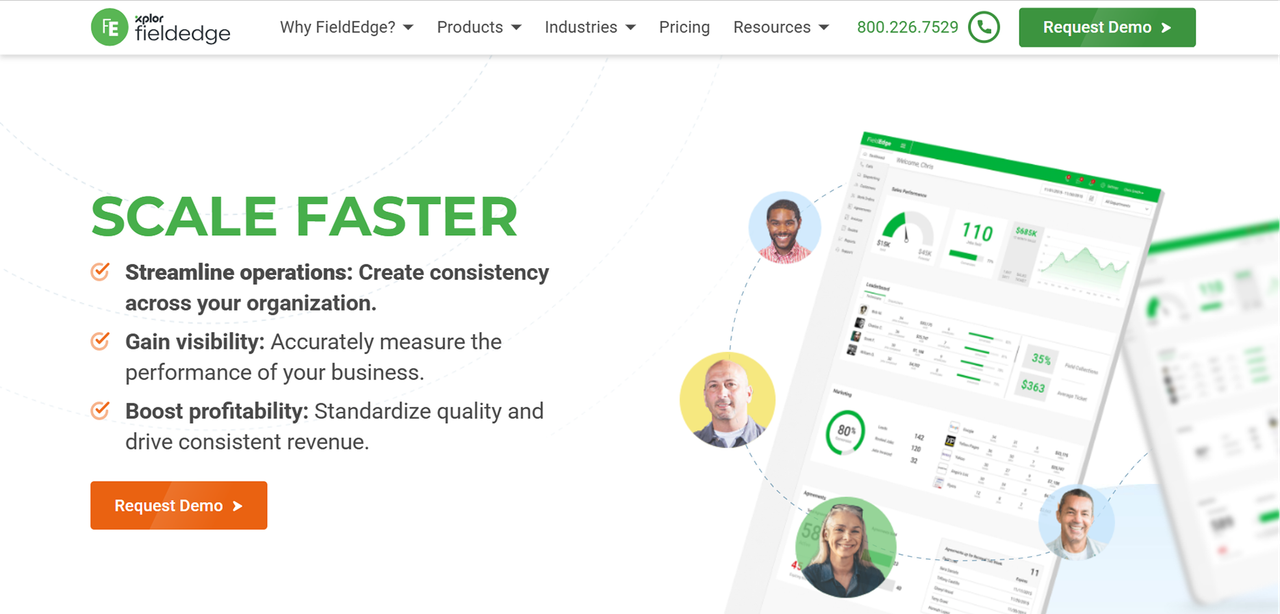
FieldEdge is built for trade contractors and has a strong focus on HVAC and plumbing workflows. Its current plans cover dispatching, booking and scheduling, customer management, agreements, quoting, pricebooks, reporting, and technician management.
Key features include:
- Service agreement management
- Flat-rate pricebook
- Advanced dispatching on Premier and Elite
- Performance and commission tools on higher plans
- QuickBooks integration
- Mobile apps for technicians
Pricing and Plans
FieldEdge does not publish dollar pricing publicly.
It offers three plans: Select, Premier, and Elite. According to FieldEdge, pricing varies based on factors such as the number of technicians or employees and the add-ons required. You'll need to request a demo to get a price for your business.
Pros and Cons
Pros:
- Built around trade-service workflows
- Service agreement management
- Flat-rate pricebook
- Advanced dispatching available on higher plans
Cons:
- No public dollar pricing
- Some features are limited to higher plans
- Pricing varies based on team size and add-ons
Who FieldEdge Is Best For
FieldEdge is a strong option for HVAC and plumbing contractors that need service agreements, flat-rate pricing, dispatching, technician management, and accounting integration in the same platform.
WorkWave Service: Best for Pest Control and Lawn Care Businesses
Key Features vs Jobber
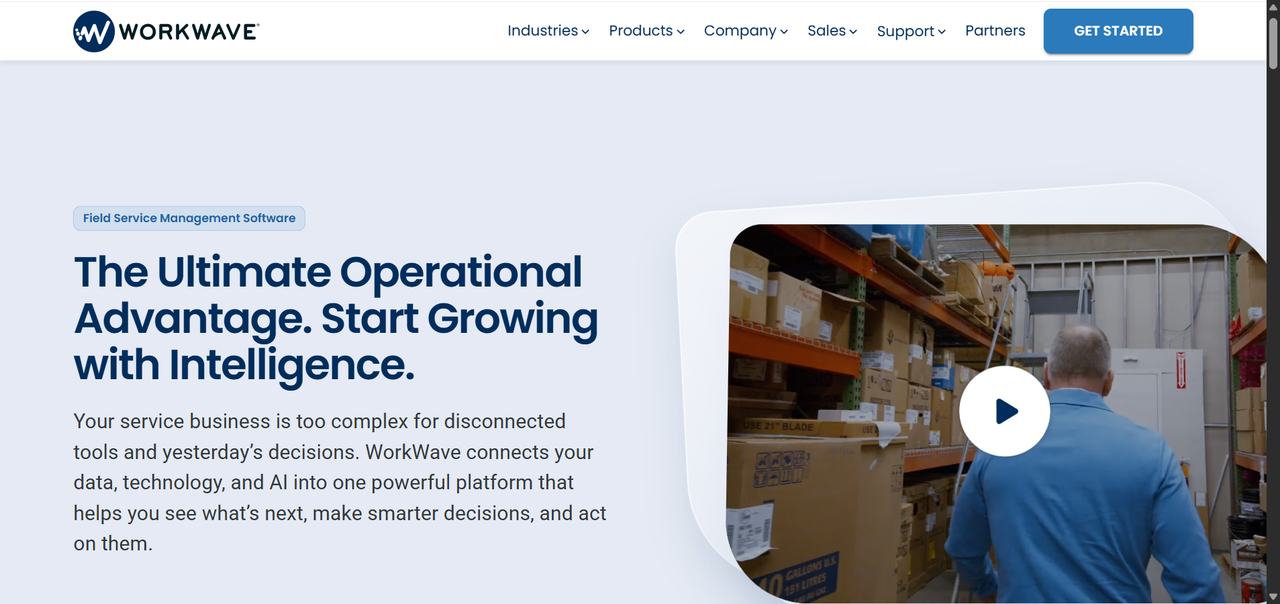
WorkWave Service is positioned for recurring-service businesses, particularly pest control and lawn care, where route optimization and repeat scheduling are central to operations. This is a different operational model than the on-demand service calls that Jobber handles well.
Differentiating features include:
- Scheduling and dispatching
- Route planning and optimization
- Recurring service management
- Billing and payment tools
- Customer management
- Mobile access for field teams
Pricing and Plans
WorkWave Service does not publish standard dollar pricing publicly. Businesses need to contact WorkWave for a quote based on their requirements.
Pros and Cons
Pros:
- Scheduling and route-management tools
- Supports recurring-service workflows
- Relevant to route-based businesses
- Wider WorkWave product ecosystem
Cons:
- Pricing requires a sales conversation
- Less relevant if route management and recurring work aren't important to your business
Who WorkWave Is Best For
WorkWave Service is worth considering for pest control, lawn care, and other field service businesses where recurring visits and route planning are central to day-to-day operations.
Zuper: Best Jobber Alternative for Customization and Integrations
Key Features vs Jobber
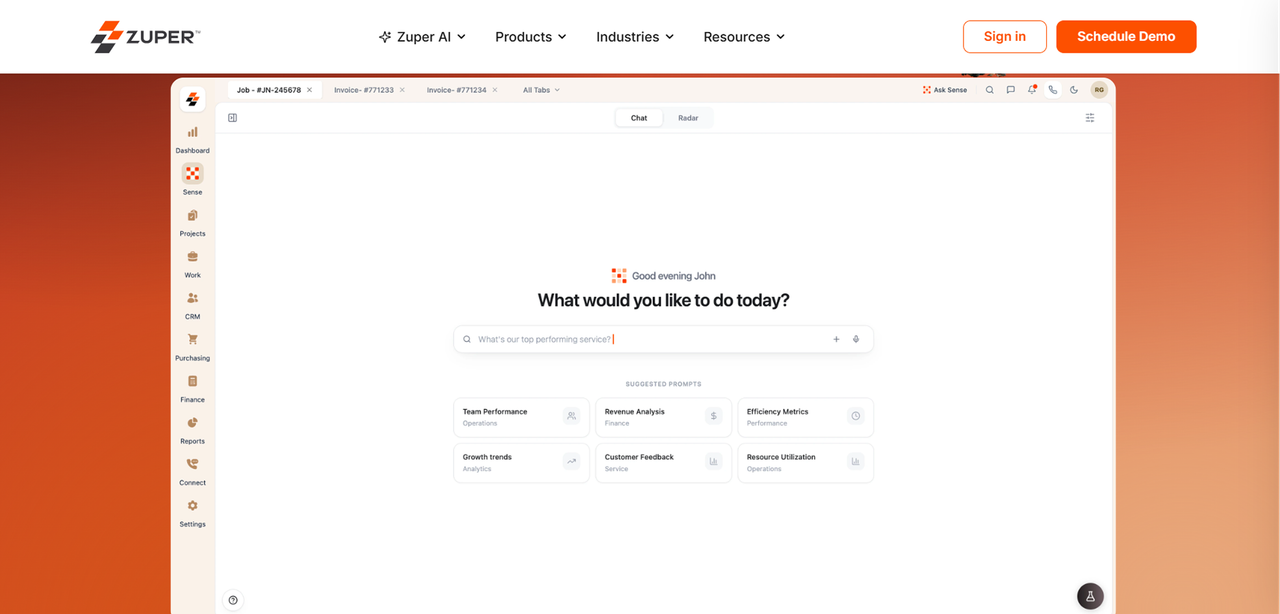
Zuper positions itself as a highly configurable FSM platform, which makes it relevant for businesses that have found Jobber too rigid. Where most FSM tools give you their workflow and expect you to adapt, Zuper is built around the idea that your workflow should drive the software configuration.ns.
Key capabilities include:
- Configurable forms, checklists, and workflows
- Scheduling and dispatching
- Mobile field-service tools
- Integrations with CRM, ERP, accounting, and other business systems
- Multi-location capabilities
- Workflow automation
Pricing and Plans
Zuper does not publish standard dollar pricing publicly. Pricing requires a demo or sales conversation.
Pros and Cons
Pros:
- Configurable workflows
- Broad integration capabilities
- Multi-location support
- Mobile tools for field teams
Cons:
- No public pricing
- More configuration may be required during setup
- May offer more functionality than a small operation needs
Who Zuper Is Best For
Zuper is best suited to field service businesses with more complex workflows, multiple locations, or integration requirements that aren't covered well by a simpler platform.
Side-by-Side Comparison: Jobber vs Top Alternatives
Feature Comparison Table
Feature | Jobber | ServiceTitan | Housecall Pro | FieldEdge | WorkWave | Zuper | Founding.dev |
|---|---|---|---|---|---|---|---|
Scheduling & Dispatch | Yes | Yes | Yes | Yes | Yes | Yes | Custom-built |
Mobile App | Yes | Yes | Yes | Yes | Yes | Yes | Yes |
Invoicing & Payments | Yes | Yes | Yes | Yes | Yes | Yes | Yes |
Industry-Specific Tools | General | Trade-focused | Home services | HVAC/Plumbing | Pest/Lawn | Configurable | Built to spec |
QuickBooks Integration | Yes, select plans | Yes | Yes, select plans | Yes | Yes | Yes | Custom |
Multi-Location | Limited | Yes | Available | Yes | Yes | Yes | Yes |
Custom Workflows | Higher plans | Configurable | Limited | Configurable | Configurable | Yes | Fully custom |
Pricing Structure | Tiered; user limits vary by plan | Per technician | Tiered; users included by plan | Quote-based | Quote-based | Quote-based | No per-seat fee |
You Own the Software | No | No | No | No | No | No | Yes |
Pricing Comparison Table
Platform | Pricing Model | Public Pricing | Official Source |
|---|---|---|---|
Jobber | Tiered subscription; user limits vary by plan | Yes — starts at $29/mo annually | |
ServiceTitan | Per-technician / quote-based | No | |
Housecall Pro | Tiered subscription; users included by plan | Yes — Basic starts at $59/mo annually | |
FieldEdge | Custom / quote-based | No | |
WorkWave Service | Custom / quote-based | No | |
Zuper | Custom / quote-based | No | |
Founding.dev | Build price + optional flat maintenance; no per-seat fee | No |
The Option Most Comparison Guides Skip: Own Your Field Service Software
Every platform listed above is SaaS. You pay for access to the vendor's software, while the vendor controls the underlying product, pricing structure, and roadmap.
There is another model. Founding.dev builds and deploys field service software that your business owns.
The software is built around your workflows and deployed so that the code, data, and infrastructure belong to your business. There are no per-seat software fees, and ongoing hosting and maintenance can be handled through an optional flat-fee arrangement.
A Florida public adjusting company with more than 150 users replaced parts of its previous SaaS stack with software built through Founding.dev. Its annual software cost fell from about $30,000 to $8,800, a reduction of roughly 70%. Get started with Founding Dev now.
Final Verdict: Which Jobber Alternative Should You Choose?
The right choice depends on what's actually missing from your current setup.
Housecall Pro is one of the closest alternatives if you want similar core field-service functionality. FieldEdge offers more trade-specific capabilities for HVAC and plumbing contractors, while WorkWave Service is relevant to businesses built around recurring routes. Zuper provides more workflow configuration and integration options, and ServiceTitan offers a broader operational platform for businesses that need more advanced field-service capabilities.
If your problem is less about a particular Jobber feature and more about fitting your operation into off-the-shelf software, owning the software is another option to compare.
FAQ
What is the closest alternative to Jobber?
Housecall Pro is one of the closest functional alternatives to Jobber for home service businesses. Both platforms cover scheduling, dispatching, estimates, invoicing, payments, online booking, customer management, and mobile access.
The main differences come down to the features included in each plan, pricing at your team size, and the specific workflows your business needs.
Is Housecall Pro cheaper than Jobber?
It depends on the plan and team size.
Jobber currently starts at $29 per month when billed annually for Core, which includes one user. Housecall Pro Basic starts at $59 per month when billed annually and also includes one user.
That doesn't mean Jobber will always be cheaper. Both products add capabilities and different user allowances as you move through their plans, so compare the plan that contains the features and number of users you actually need rather than their lowest advertised prices.
Can I migrate my data from Jobber to another platform?
Yes, although what can be transferred depends on the destination platform.
Jobber allows eligible accounts to export client information as CSV or vCard files. Client exports can include information such as contact details, property addresses, tags, and custom fields.
Other records and configurations may need to be handled separately. Before switching, identify the customer data, jobs, invoices, attachments, custom fields, and other records you need to preserve, then confirm what the new platform can import.
Which Jobber alternative is best for QuickBooks integration?
Most of the major platforms in this guide offer some form of QuickBooks integration, but the way those integrations work differs.
Jobber's newer QuickBooks Online integration uses Jobber as the source of truth for supported records and syncs data from Jobber to QuickBooks. ServiceTitan supports QuickBooks integrations, Housecall Pro offers QuickBooks Online integration on eligible plans, and FieldEdge also integrates with QuickBooks.
Rather than choosing based on the presence of a QuickBooks logo, compare which records sync, the direction of the sync, which QuickBooks products are supported, and whether the integration is available on the plan you're considering.
Are there free Jobber alternatives?
Some field service and workforce-management platforms offer free plans, but a free plan isn't automatically a direct replacement for Jobber. The available scheduling, invoicing, payments, integrations, automation, and user limits vary significantly between products.
If you're looking for a free alternative, compare the features you actually use in Jobber against the limits of the free plan before moving your business onto it.
Does ServiceTitan work for small businesses?
ServiceTitan doesn't publish a minimum business size for using its platform. Its Starter package includes dispatching, scheduling, call booking, invoicing, and pricebook tools, while Essentials and The Works add more advanced capabilities.
Whether it makes sense for a small business therefore depends on the features required and the quote ServiceTitan provides. A smaller business that only needs basic scheduling and invoicing should compare that cost and feature set with simpler field service platforms before deciding.
What makes Founding.dev different?
The other options in this guide are SaaS platforms. Founding.dev builds field service software that your business owns.
The code, data, and infrastructure belong to your business, and there are no per-seat software fees. Founding.dev can also handle hosting and maintenance through an optional flat-fee arrangement.
The model is most relevant to businesses whose workflows don't fit off-the-shelf software well or whose existing software costs make ownership worth comparing with another SaaS subscription.
One public adjusting company with more than 150 users reduced its annual software cost from about $30,000 to $8,800 after replacing parts of its previous SaaS stack with software built through Founding.dev. That's a specific customer result rather than a guaranteed saving for every business.