
Salesforce is one of the most powerful CRM platforms available, but its pricing, complexity, and extensive feature set can make it more than some businesses need. If you want something easier to manage, more affordable, or simply better suited to your team’s workflow, there are several strong alternatives worth considering. In this guide, we’ll compare the best Salesforce alternatives for 2026, including their key features, pricing, and where each one fits best.
Who Should Actually Consider Switching
Not every company should leave Salesforce. If you have a complex sales operation, dedicated CRM or RevOps resources, extensive customization, and important integrations built around Salesforce, the cost and disruption of migrating may outweigh the benefits.
Switching becomes more worth considering when your team uses a relatively straightforward sales process, your current Salesforce setup requires more administration than you want to maintain, or the total cost no longer matches the functionality your team actually uses.
The strongest reason to evaluate an alternative is a clear mismatch between your requirements and your current CRM. That could mean you need something simpler, less expensive, easier to administer, more tightly connected to another part of your business, or more customizable around your own workflow.
How We Evaluated These Salesforce Alternatives
Evaluation Criteria: Pricing, Features, Ease of Use, and Support
Every tool in this guide was evaluated against four criteria. First, pricing transparency: does the vendor publish clear pricing, and how does the cost change as your team or usage grows? Second, core CRM features: pipeline management, contact records, activity tracking, automation, and reporting. Third, ease of use: how much configuration and training does a typical sales team need to start using the platform effectively? Fourth, support and migration: what resources are available for implementation, support, data import, and eventual export?
HubSpot CRM: Best Free Salesforce Alternative for Small Teams
Key Features and What Sets HubSpot Apart
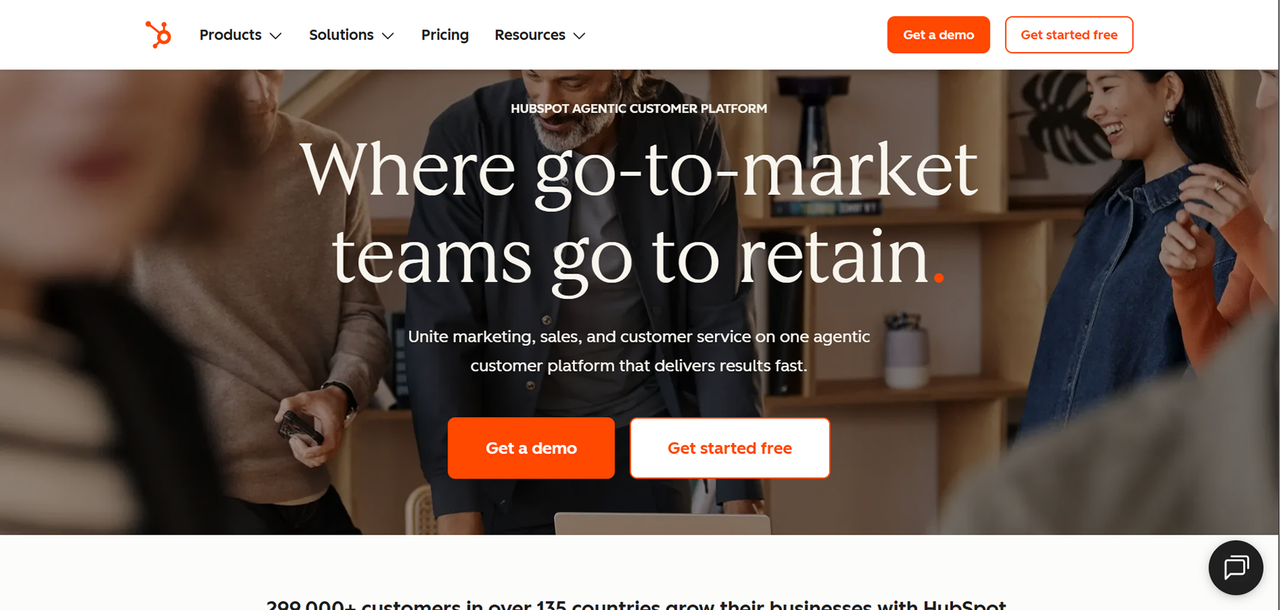
HubSpot built its reputation around an accessible CRM connected to a broader customer platform. Its current free tools include contact management, deal pipelines, CRM imports, reporting dashboards, email tools, and other foundational CRM functionality without requiring a credit card.
The key differentiator is the broader HubSpot platform. Marketing, sales, service, content, and data-management products can all use the same underlying CRM data. For businesses that want several customer-facing functions connected without building integrations between separate vendors, that can simplify the software stack.
HubSpot Pricing Breakdown
HubSpot offers free CRM tools alongside paid Starter, Professional, and Enterprise products. Exact pricing depends on the HubSpot products and seats you need, so businesses should price the actual combination they intend to use rather than assuming one CRM subscription covers every HubSpot feature.
- Free tools – foundational CRM functionality for up to 2 users and 1,000 contacts
- Starter – adds paid CRM functionality and removes some of the limits of the free tools
- Professional – adds more advanced automation, reporting, AI, and CRM capabilities depending on the HubSpot product
- Enterprise – adds functionality such as custom objects, more advanced permissions, organizational controls, and other enterprise features
Check HubSpot's pricing page for the current price of the specific products and seats your team needs.
HubSpot vs Salesforce: Head-to-Head
Feature | HubSpot | Salesforce |
|---|---|---|
Free tier | Yes, up to 2 users | Yes, Free Suite available |
Pricing model | Seat and product-based | Primarily per-user editions |
Setup complexity | Varies by product and tier | Varies by edition and setup |
Marketing automation | Available in Marketing Hub | Available through marketing products |
Admin dependency | Depends on implementation | Depends on implementation |
Customization depth | Extensive, varies by tier | Extensive, especially on higher editions |
Who Should Choose HubSpot
HubSpot is worth considering for teams that want their CRM connected to marketing, sales, and service tools within the same platform. It is particularly relevant for businesses where marketing and sales share customer data and workflows.
The free tools also provide a practical way for a very small team to start using a CRM before paying for a larger implementation. However, the current free account is limited to two users, and costs can increase as you add paid seats, products, contacts, and more advanced functionality.
Pipedrive: Best Salesforce Alternative for Sales-Focused Teams
Key Features and Pipeline Management Tools
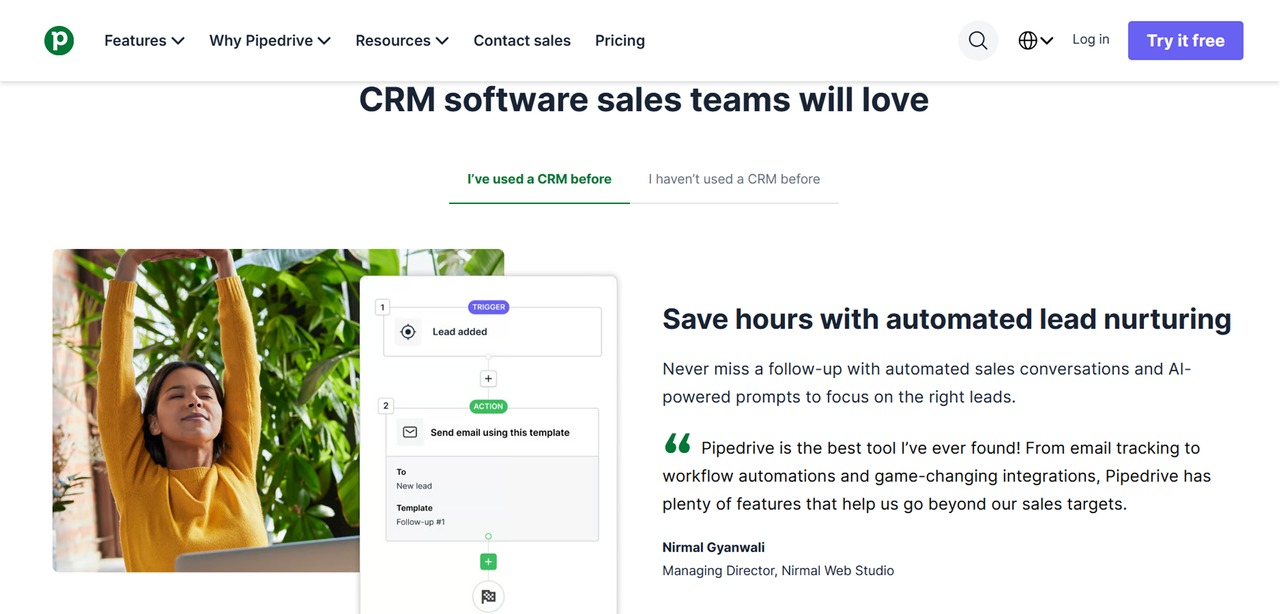
Pipedrive is built around visual pipeline management and sales activity. Its interface gives reps a clear view of deals by stage, while activities such as calls, meetings, emails, and follow-ups can be connected to the sales process.
Key capabilities include customizable pipelines, deal and contact management, email features, reporting, automation on eligible plans, forecasting tools, and mobile access. The narrower sales focus makes it relevant for teams that do not need the broader enterprise platform and customization available in Salesforce.
Pipedrive Pricing Breakdown
Pipedrive currently offers four main plans, with optional add-ons and usage top-ups available separately.
- Lite – core lead, deal, contact, calendar, and pipeline management
- Growth – adds functionality including automations and additional sales tools
- Premium – increases automation, reporting, customization, and other limits while including some add-ons
- Ultimate – highest limits and broader controls for larger or more demanding sales operations
Some capabilities, including LeadBooster, Projects, Smart Docs, Campaigns, and Web Visitors, may be included only on particular plans or sold separately.
Check Pipedrive's pricing page for current per-user pricing and the features included with each plan.
Pipedrive vs Salesforce: Head-to-Head
Feature | Pipedrive | Salesforce |
|---|---|---|
Pipeline UX | Visual pipeline-focused interface | Highly configurable |
Pricing model | Per-user subscription | Primarily per-user editions |
Setup time | Depends on configuration | Depends on implementation complexity |
Marketing automation | Available through add-ons and integrations | Available through separate products |
Admin dependency | Depends on configuration | Depends on implementation |
Reporting depth | Sales reporting and forecasting | Extensive reporting capabilities |
Who Should Choose Pipedrive
Pipedrive is a strong fit for sales-focused teams that want a CRM centered on leads, deals, activities, and pipeline visibility without adopting a broader enterprise platform.
Zoho CRM: Best Budget-Friendly Salesforce Alternative
Key Features and Automation Capabilities
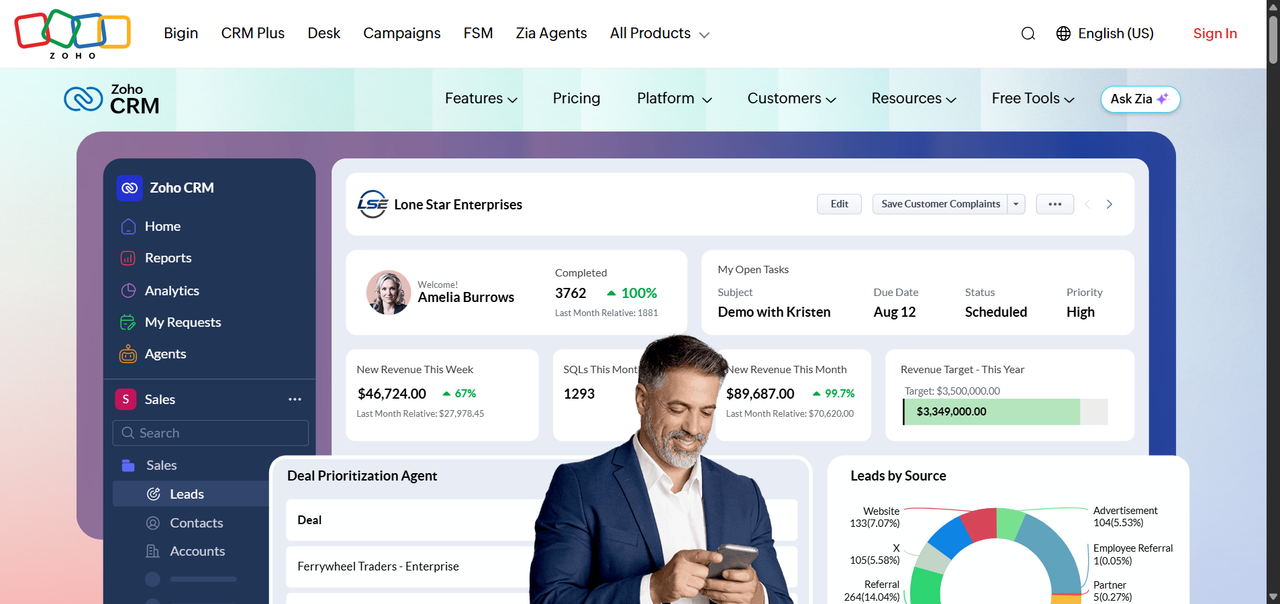
Zoho CRM combines relatively low per-user pricing with a broad set of sales and CRM features. Depending on the edition, the platform includes workflow automation, forecasting, scoring, process management, inventory features, email intelligence, customization, and Zia AI capabilities.
Zoho CRM also benefits from the broader Zoho ecosystem. Businesses using products such as Zoho Books, Zoho Desk, or Zoho Campaigns can connect their CRM with other parts of the Zoho suite rather than building their entire stack from separate vendors.
Zoho CRM Pricing Breakdown
Zoho CRM has a free edition for up to three users and four main paid editions.
- Free – core CRM functionality for up to 3 users
- Standard – $14 per user per month when billed annually
- Professional – $23 per user per month when billed annually
- Enterprise – $40 per user per month when billed annually
- Ultimate – $52 per user per month when billed annually
Monthly billing costs more than annual billing. Feature availability also changes substantially between editions, particularly for advanced AI, customization, process management, and analytics.
Zoho CRM vs Salesforce: Head-to-Head
Feature | Zoho CRM | Salesforce |
|---|---|---|
Pricing model | Per-user subscription | Primarily per-user editions |
Free plan | Yes (up to 3 users) | Yes, Free Suite available |
AI features | Zia, varies by edition | Einstein and Agentforce capabilities vary by edition |
Ecosystem integration | Zoho suite native | Salesforce ecosystem and AppExchange |
Setup complexity | Varies with configuration | Varies with implementation |
Customization depth | Extensive on higher tiers | Extensive, especially for enterprise deployments |
Who Should Choose Zoho CRM
Zoho CRM is worth considering for small and mid-sized businesses that want a broad CRM feature set at a lower starting price than many enterprise-focused alternatives.
It is particularly relevant for companies already using other Zoho products and businesses that need more automation, customization, and process-management capabilities than a basic CRM provides without moving immediately to enterprise-level pricing.
monday CRM: Best for Flexible Sales Workflows
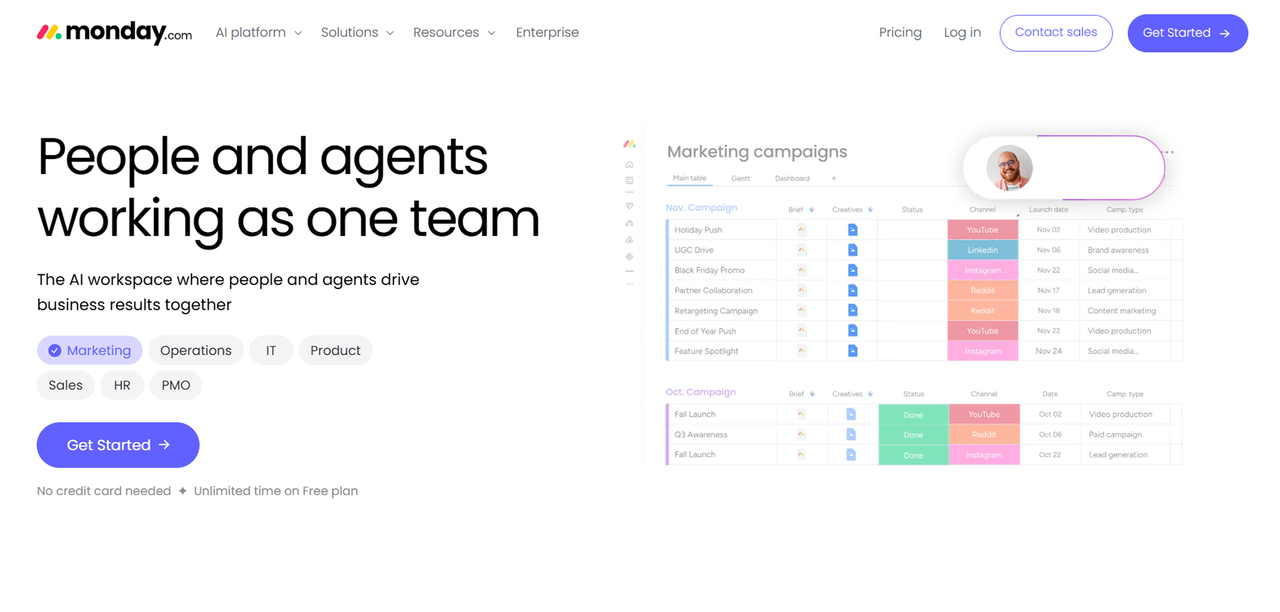
monday CRM: Features and Use Cases
monday CRM grew out of monday.com's broader Work OS, but it should no longer be treated as merely a project-management board configured to imitate a CRM. It is now a dedicated CRM product with lead and contact management, deal pipelines, quotes and invoices, email tools, automation, dashboards, AI features, and sales-specific workflows.
Its board-based architecture still gives teams considerable flexibility in how they structure their sales process. That can be particularly useful for service businesses, agencies, consultancies, and other companies where sales and delivery workflows need to stay closely connected.
monday CRM also now offers sales sequences on eligible plans, along with pipeline alerts and forecasting capabilities. Businesses evaluating it should compare plan limits and feature availability carefully because more advanced sales functionality is concentrated on higher tiers.
Notion and Airtable as Lightweight CRM Options
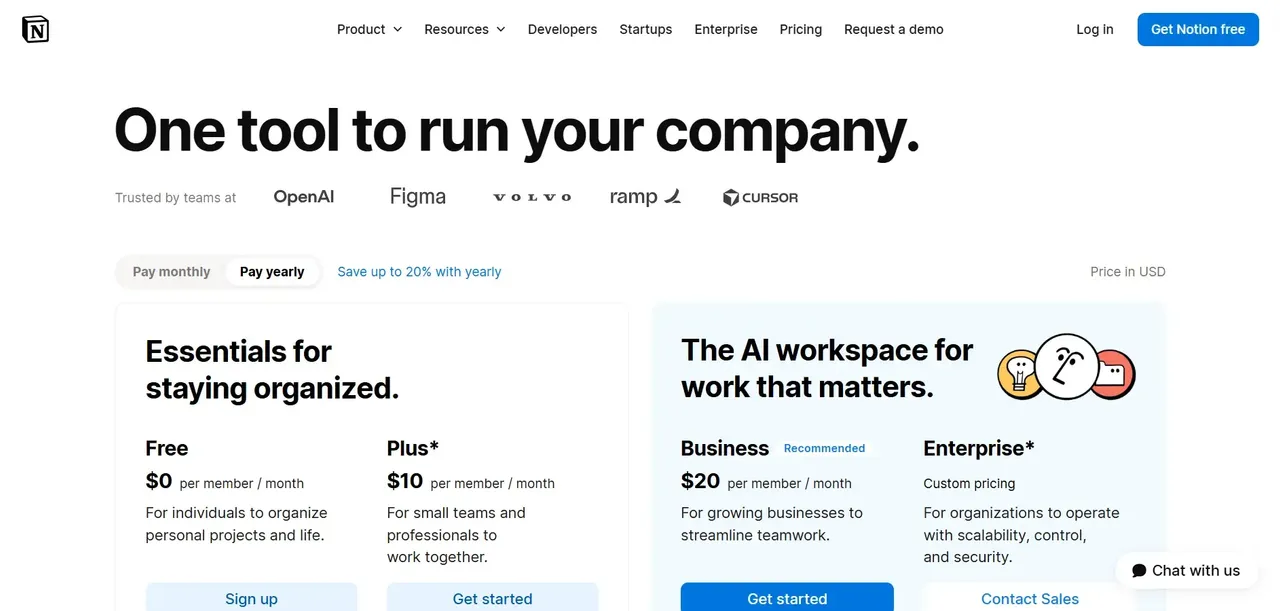
Notion and Airtable can both be configured to track contacts, opportunities, sales stages, and related information. They are better understood as flexible workspace and database tools than dedicated CRMs, but that flexibility can be enough for a small team with a simple sales process.
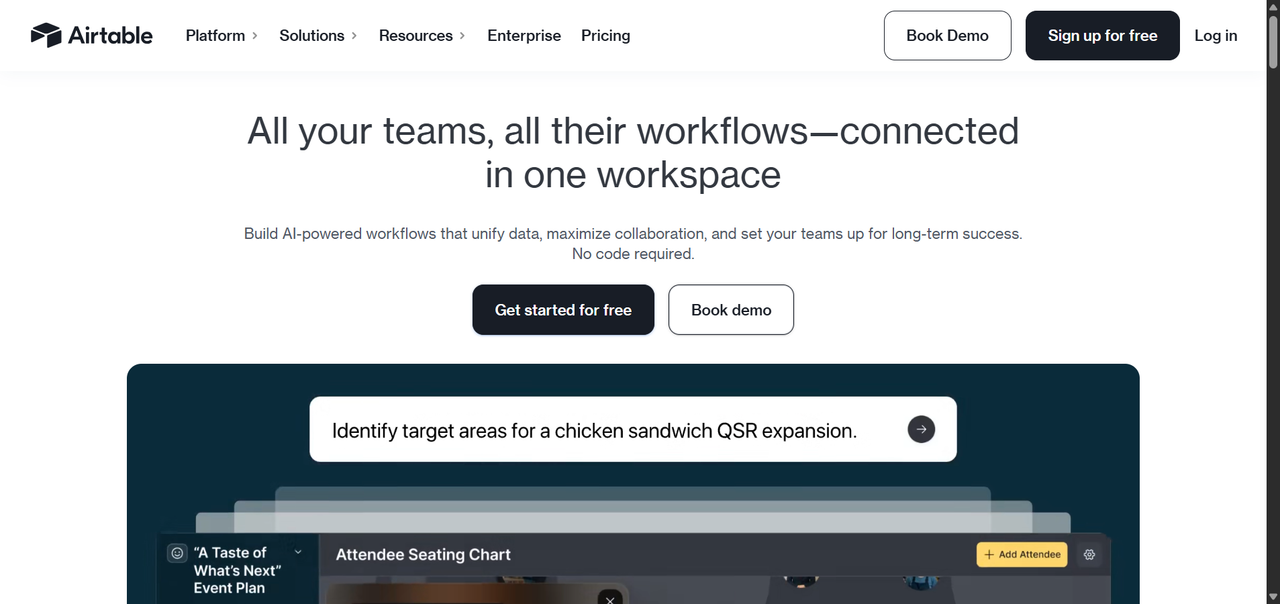
As sales requirements become more complex, businesses should consider whether they need CRM-specific capabilities such as sales sequences, forecasting, structured activity tracking, advanced permissions, territory management, or deeper sales reporting. At that point, a dedicated CRM may require less custom configuration and maintenance.
Close: Best Salesforce Alternative for High-Volume Inside Sales
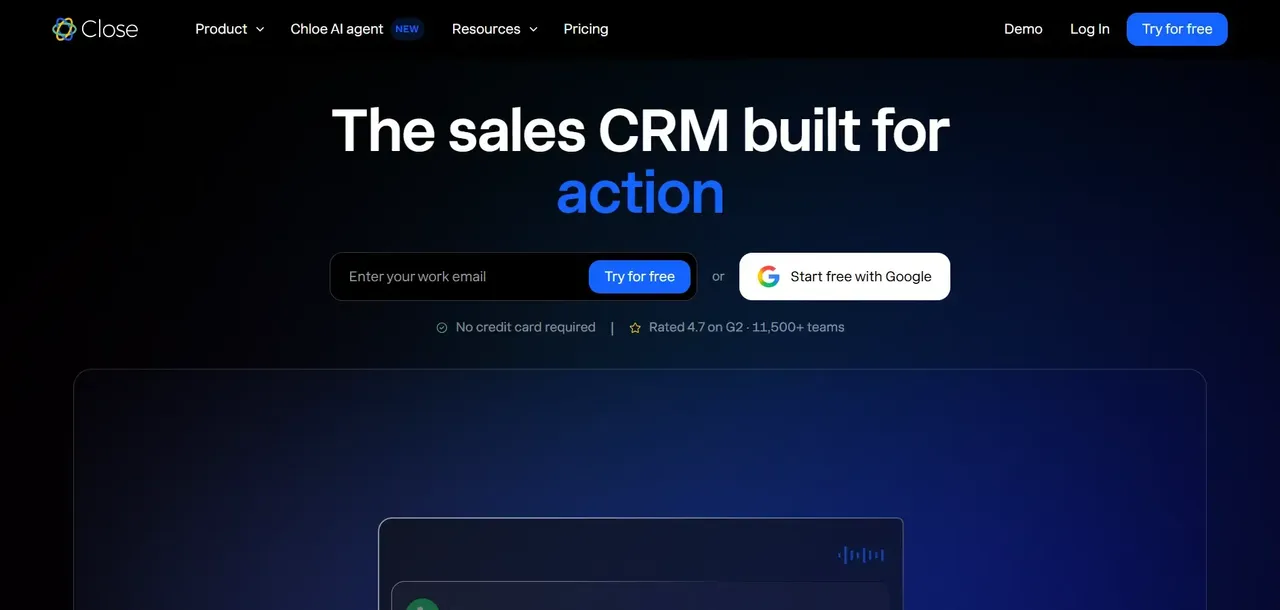
Close CRM: Built-In Calling and Email Sequences
Close is designed around sales communication, with calling, email, SMS, CRM records, and automation available within the same platform. That makes it particularly relevant for inside-sales and outbound teams that would otherwise need separate communication tools connected to their CRM.
The exact calling and automation capabilities depend on the plan. Close's current Growth plan includes automated workflows and the Power Dialer, while the Scale plan adds the Predictive Dialer, advanced permissions, call coaching, and other controls.
Freshsales: AI-Powered Lead Scoring and Workflows
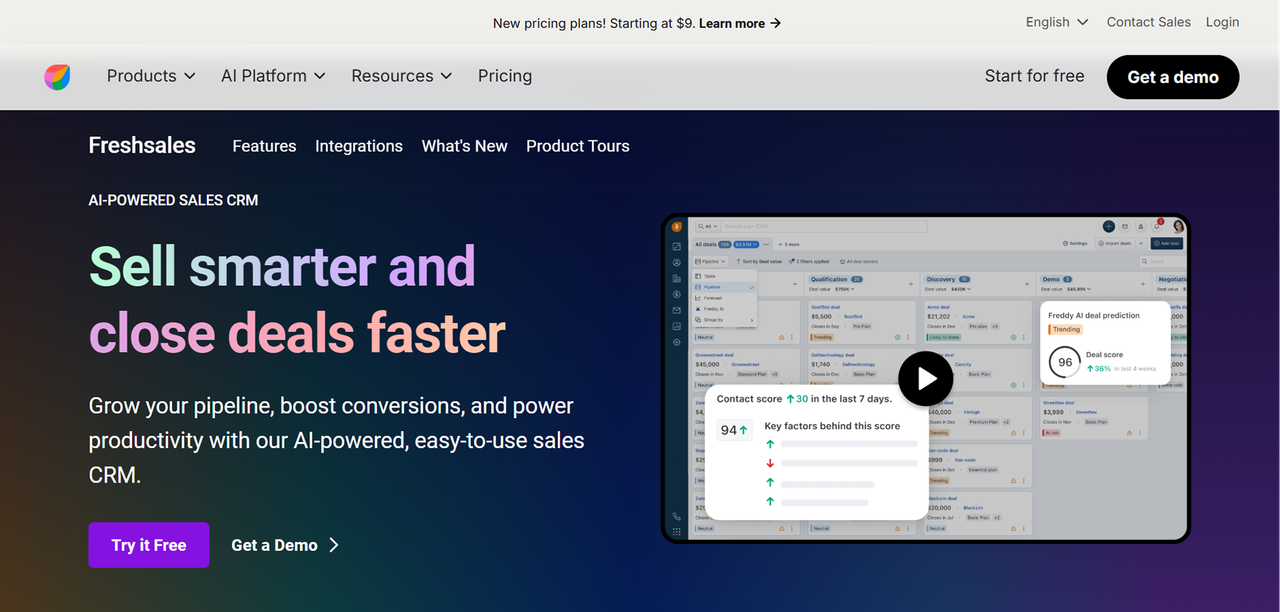
Freshsales combines contact and account management, pipeline management, sales communication, automation, and Freddy AI capabilities. Its current Pro plan includes features such as contact scoring, deal insights, territory management, and sales sequences, while Enterprise adds forecasting insights, custom modules, field-level permissions, sandbox functionality, and audit logs.
Freddy AI functionality varies by feature and plan, and Freshworks also sells some AI capabilities separately. Businesses interested specifically in AI should therefore compare the included features and available add-ons rather than assuming every Freddy capability comes with every Freshsales subscription.
Freshsales also sits within the broader Freshworks ecosystem, making it relevant for businesses that use or are considering other Freshworks products.
Current Freshsales pricing starts at $9 per user per month for Growth when billed annually, followed by Pro at $39 and Enterprise at $59. Freshworks also lists a free Freshsales option for up to three users.
Open-Source and Self-Hosted Salesforce Alternatives
SuiteCRM: Best Dedicated Open-Source CRM Option
SuiteCRM is an open-source CRM released under the AGPLv3 license. It covers traditional CRM requirements including accounts, contacts, leads, opportunities, cases, campaigns, workflows, and reporting.
There are no per-user software licensing fees for the open-source platform. Businesses can self-host it on their own infrastructure or pay for hosting, implementation, support, and other professional services.
For technical teams that want control over their CRM deployment, SuiteCRM provides an alternative to per-user SaaS licensing. Self-hosting, however, also means taking responsibility for infrastructure and maintenance unless those responsibilities are outsourced to a managed provider.
Odoo CRM: Best for Businesses Wanting CRM Connected to a Broader ERP
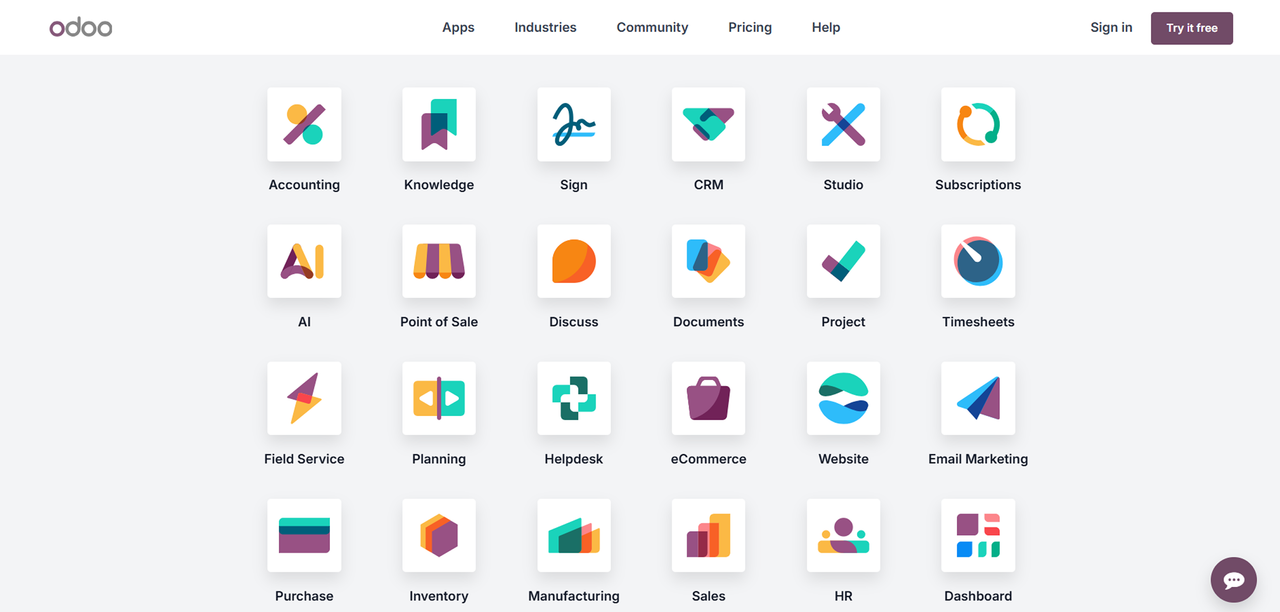
Odoo takes a broader approach than a standalone CRM. Its business application suite includes CRM alongside sales, accounting, inventory, manufacturing, HR, project management, e-commerce, and other operational software.
Odoo is available in two editions. Odoo Community is the free, open-source edition, while Odoo Enterprise is a licensed commercial offering with additional functionality and services. Odoo also offers a One App Free cloud plan, which allows businesses to use one application with unlimited users, while paid Standard and Custom subscriptions provide access to the wider suite.
The CRM is most compelling for businesses that want sales data connected with other operational functions in the same platform. Companies evaluating Odoo should distinguish between the capabilities and responsibilities of the Community edition, Odoo Online plans, Odoo.sh, and self-hosted Enterprise deployments rather than treating them as one pricing or hosting model.
Pros and Cons of Self-Hosting Your CRM
Self-hosting gives you more control over deployment, but it also creates operational responsibilities.
Advantages:
- Greater control over hosting and infrastructure
- More control over how and where data is stored
- Ability to customize the system beyond the constraints of many hosted SaaS products
- Open-source options can eliminate per-seat software licensing fees
Disadvantages:
- Requires technical resources or a managed provider
- Your team or hosting partner is responsible for infrastructure reliability
- Backups, security, monitoring, and updates need to be managed
- Customization and version upgrades can require additional engineering work
The Ownership Alternative: Founding.dev
Most of the commercial SaaS products covered above require an ongoing subscription for continued access, although their pricing models differ. HubSpot, Pipedrive, Zoho CRM, monday CRM, Close, Freshsales, and Salesforce all operate primarily as hosted subscription products. SuiteCRM and Odoo Community are exceptions because they provide open-source, self-hostable options.
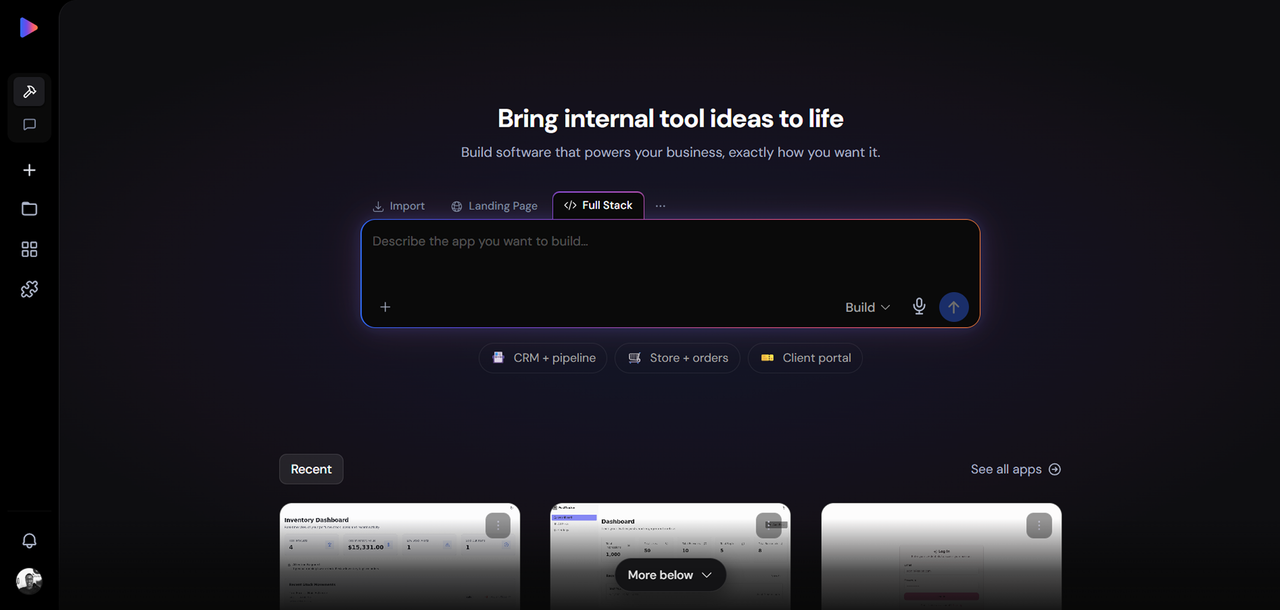
Founding.dev uses a different model. We build a custom CRM around your sales process and you own the resulting software. Rather than adding another SaaS subscription to your stack, the system can be built around the workflows, integrations, permissions, and reporting your business actually needs.
The economics depend on what your business currently spends and what needs to be built. A custom system should be compared against the full cost of the software it replaces, including subscriptions, add-ons, integrations, implementation, and ongoing maintenance.
A claims-management company we worked with replaced two SaaS tools and reduced its annual software spend from $30,000 to $8,800.
A custom-built CRM from Founding.dev means:
- No per-seat licensing for the software itself
- A system designed around your company's workflow
- Ownership of the resulting code
- The ability to customize the software as your requirements change
- An optional company-level maintenance arrangement for ongoing support
If the reason you are evaluating Salesforce alternatives is that none of the available products fits your workflow cleanly, ownership gives you another option alongside moving to a cheaper or simpler SaaS CRM. See what a custom-built CRM looks like for your business.
Side-by-Side Comparison: Best Salesforce Alternatives at a Glance
Tool | Best For | Pricing Model | Ownership | Setup Complexity |
|---|---|---|---|---|
Founding.dev | Companies wanting a custom CRM | Custom build, no per-seat software licensing | You own the code | Build handled for you |
HubSpot CRM | Integrated marketing + sales teams | Free tools plus paid seats and products | SaaS subscription | Varies by scope |
Pipedrive | Sales-focused teams | Per-user subscription plus add-ons | SaaS subscription | Relatively straightforward |
Zoho CRM | Cost-conscious SMBs | Free plan plus per-user paid editions | SaaS subscription | Varies with customization |
Monday CRM | Flexible sales workflows | Per-seat subscription | SaaS subscription | Flexible configuration |
Close CRM | Inside sales, high call volume | Per-user subscription plus usage costs | SaaS subscription | Focused sales setup |
Freshsales | Freshworks sales teams | Free option plus per-user paid plans | SaaS subscription | Relatively straightforward |
SuiteCRM | Technical teams, self-hosted | No per-user open-source license; hosting costs apply | Open source/self-hosted | Requires deployment and configuration |
Odoo CRM | All-in-one ERP + CRM | Community, free single-app, and paid options | Open-source and commercial editions | Varies by deployment |
Salesforce | Complex, highly customizable sales operations | Free Suite plus per-user paid editions and add-ons | SaaS subscription | Varies by implementation |
How to Choose the Right Salesforce Alternative for Your Business
Questions to Ask Before Switching CRMs
Before you commit to any platform, work through these questions:
- How many paid users do you have today, and how is that likely to change? If the CRM charges per user, model the cost at your expected team size rather than only today's headcount.
- How much administration does your current CRM require, and who is responsible for it?
- What's your primary use case: pipeline management, marketing automation, customer support, outbound sales, or a combination?
- Which parts of your current Salesforce configuration are actually important to the business?
- What does your data migration look like? Do you rely on custom objects, automations, integrations, attachments, or historical activities that need to move?
- Are you primarily looking for lower cost, less complexity, different functionality, or greater control over the software?
- Which integrations are essential, and are equivalent integrations available on the alternative?
- What data can you export if you decide to leave the new platform later?
FAQ
What is the closest free alternative to Salesforce?
There is no single free option that is best for every business. HubSpot's free CRM tools support up to two users and 1,000 contacts. Zoho CRM offers a free edition for up to three users, and Freshsales also has a free option for up to three users. Salesforce itself now offers a Free Suite, so businesses looking specifically to avoid paying for Salesforce should compare the limits and features of each free product rather than assuming Salesforce has no free option.
For teams with technical resources, SuiteCRM is another option because its open-source software does not carry per-user licensing fees, although hosting, implementation, support, and maintenance still have costs.
Is HubSpot really a good replacement for Salesforce?
It can be. HubSpot is particularly relevant for businesses that want CRM, marketing, sales, and service tools connected on the same platform without requiring the same degree of enterprise customization available in Salesforce.
The better choice depends on your current Salesforce implementation. If you rely heavily on custom objects, specialized automation, Salesforce-specific applications, or complex enterprise processes, migration requires a detailed feature and data-model comparison. If your requirements are primarily contact management, pipeline management, sales automation, marketing, and service, HubSpot is worth evaluating alongside the other alternatives in this guide.
How much does it cost to switch from Salesforce to another CRM?
There is no reliable universal cost because migration complexity varies substantially. Costs can include the new software subscription, data migration, implementation services, integration rebuilding, customization, user training, and productivity lost during the transition.
A relatively simple CRM with clean contact and opportunity data can be much easier to move than a Salesforce deployment with custom objects, extensive automation, third-party applications, and years of historical activity.
For a custom-built system through Founding.dev, the relevant comparison is the cost of the build and maintenance against the multi-year cost of the software and integrations being replaced. There is no universal team size or first-year break-even point that applies to every business.
Which Salesforce alternative is best for small businesses?
The best option depends on what the business needs. Pipedrive is well suited to straightforward sales pipeline management, while Zoho CRM offers a broad feature set at relatively low published prices. HubSpot is worth considering when marketing, sales, and service need to share one customer platform, and its free tools can work for teams of up to two users. Freshsales and Salesforce itself also provide free options for small teams.
A small business with an unusual but stable workflow may also consider custom software, but ownership should be compared against SaaS based on the actual build, maintenance, and subscription costs rather than assuming custom software will automatically be cheaper.
Can I migrate my Salesforce data to another CRM without losing anything?
Salesforce provides data export capabilities, and CRM vendors commonly provide import tools or migration services. However, a successful migration depends on more than moving rows from one CSV file to another.
Custom fields, object relationships, attachments, activities, automations, integrations, permissions, and other Salesforce-specific structures may not map directly to the destination CRM. Create a complete backup, map the data model before migration, test with representative records, and validate the migrated system before retiring Salesforce.
Are there any open-source alternatives to Salesforce?
Yes. SuiteCRM is a dedicated open-source CRM released under the AGPLv3 license and can be self-hosted without per-user software licensing fees. Odoo Community is also open source and includes CRM as part of a broader suite of business applications.
Odoo needs a little more distinction because Community is not the same thing as Odoo's commercial Enterprise offering. Odoo Community is open source, while Enterprise adds licensed functionality and services. Businesses can also use Odoo's cloud pricing options, including its One App Free plan.
Both open-source options give businesses more deployment control, but self-hosting also means someone needs to manage infrastructure, security, backups, updates, and customization.
What makes Founding.dev different?
Founding.dev is different from the SaaS CRMs in this guide because the goal is to build software around your company's requirements rather than give you access to the same hosted CRM product as every other customer.
You own the resulting code, there are no per-seat software licensing fees, and the CRM can be built around your specific sales process, integrations, permissions, and reporting requirements. Ongoing maintenance can be handled through a company-level support arrangement rather than adding another software seat whenever the team grows.
This model is not automatically the cheapest option for every company. It makes the most sense when your workflow is stable enough to build around, existing SaaS products require significant compromises or workarounds, or the long-term cost and limitations of your current software stack justify a custom system.
A claims-management company we worked with reduced its annual software spend from $30,000 to $8,800 after replacing two SaaS products with owned software. That is one deployed customer result, not a guaranteed saving for every business. See how it works for your business.