

Airtable sits somewhere between a spreadsheet and a database, which is exactly why so many teams use it to organise work. But as your workflows grow, you may find yourself wanting more flexibility, lower costs, or better control over your data.
We compared six of the best Airtable alternatives in 2026, looking at pricing, features, APIs, automation, self-hosting, and the trade-offs that are easy to miss when comparing them at a glance.
What to Look for in a Replacement
The right Airtable replacement depends on what your team needs. If the issue is cost, look at flat-rate or self-hosted options. If the issue is data control, look at tools with genuine self-hosting and SQL access. If the issue is workflow complexity, look at platforms with programmable automations and open APIs.
The non-negotiables for most teams making this switch are:
- Grid, Kanban, and form views as baseline (not premium add-ons)
- An API that does not rate-limit you into a higher plan
- A pricing model that does not scale linearly with headcount
- A clear answer to the question: who owns the data and where does it live?
Notion: Best Airtable Alternative for All-in-One Workspaces
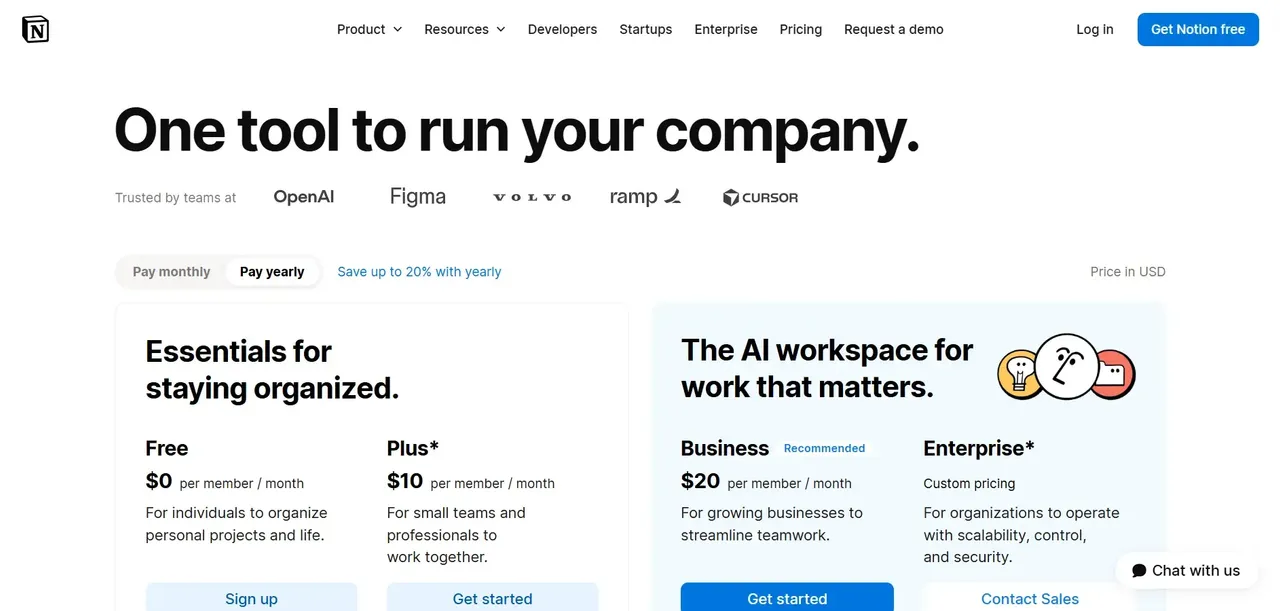
Notion Database Views vs. Airtable Grid
Notion treats databases as a content type inside a broader workspace, which is a fundamentally different mental model than Airtable's spreadsheet-first approach. A Notion database can be rendered as a table, board, gallery, list, calendar, or timeline view, and you can embed multiple views of the same database on different pages. That flexibility is genuinely useful for teams that want their project tracker and their documentation to live in the same place.
For teams whose primary use case is a relational database with complex field logic, Notion's database layer will feel like a home.
Notion API and Automation Capabilities
Notion's API allows reading and writing to databases, pages, and blocks, which covers most integration use cases. The platform has expanded its automation capabilities significantly, including Notion AI and Custom Agents that can act on workspace content. These features are evolving rapidly, with multiple releases in 2026 adding new AI-driven workflow capabilities.
Native automations handle triggers like property changes and new database entries, with actions that can update records, send notifications, or call external URLs. For more complex workflows, teams typically connect Notion to an external automation layer. The API is well-documented and actively maintained, which makes it a reasonable foundation for custom integrations.
Notion Pricing Breakdown
Notion offers Free, Plus, Business, and Enterprise plans, all with per-member pricing . The Free plan covers individual use with limited page history and guest access. Business-oriented features, including advanced permissions, audit logs, and the full AI feature set, require paid plans.
NocoDB: Best Airtable Alternative for Self-Hosters
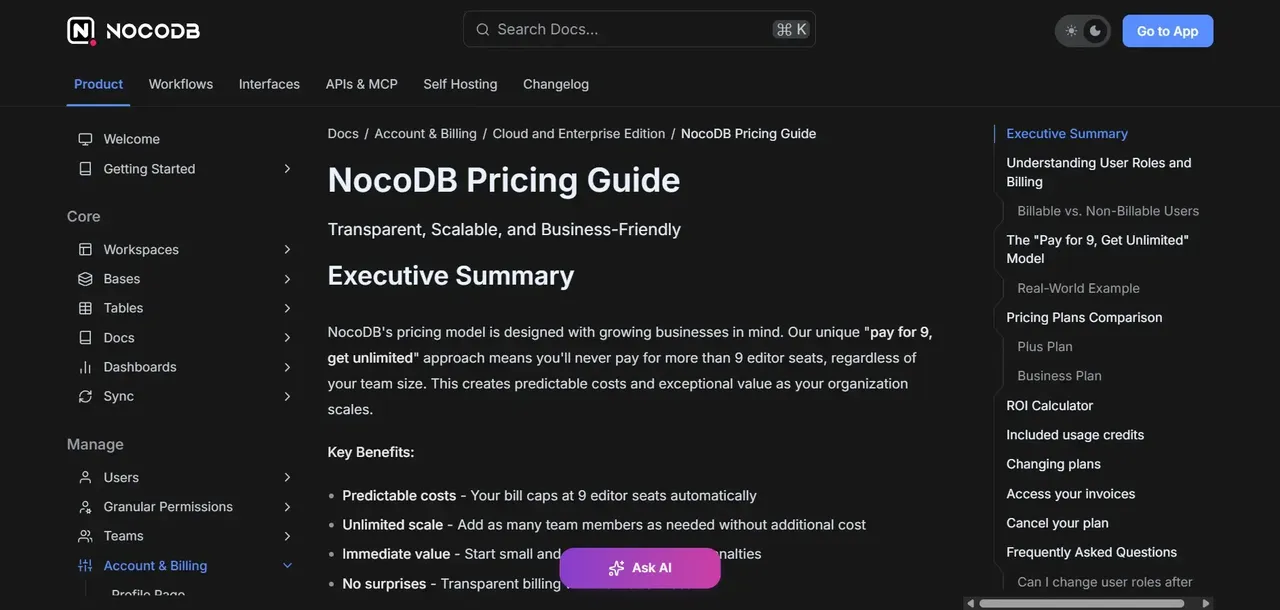
NocoDB Setup and Self-Hosting Options
NocoDB is a source-available tool that puts a spreadsheet-style interface on top of an existing database, whether that is MySQL, PostgreSQL, SQLite, or SQL Server. The self-hosted path is genuinely accessible: you can run it via Docker with a single command, point it at an existing database, and have a working interface within minutes.
The cloud option follows a tiered model with Free, Plus, Business, and Scale plans billed per editor seat.
NocoDB Feature Parity with Airtable
NocoDB covers the core Airtable use cases: grid view, gallery view, Kanban, form view, and a REST API generated automatically from your schema. Because it sits on top of a real database, you get actual SQL access to your data alongside the no-code interface. Linked records, lookups, and rollups are supported, and the interface is close enough to Airtable.
Who Should Choose NocoDB
NocoDB is the right call for teams with an existing database they want to expose through a no-code interface, or for developers who want Airtable-style views without surrendering SQL access.
Baserow: Best Airtable Alternative for Privacy-First Teams
Baserow Cloud vs. Self-Hosted Deployment
Baserow is an open-source database tool that offers both a managed cloud service and a self-hosted deployment path. The self-hosted version is genuinely open source under an MIT license for the core, which means you can inspect the code, modify it, and run it on your own infrastructure without a license fee. The cloud version follows a per-seat subscription model with Free, Premium, Advanced, and Enterprise tiers (as of August 2026).
The self-hosted path is well-documented and supports Docker-based deployment, making it accessible to teams with basic DevOps capacity.
Baserow's Plugin and Integration Ecosystem
Baserow supports a plugin architecture that allows extending the platform with custom field types, views, and integrations. The native view set covers grid, form, gallery, Kanban, and calendar, which matches Airtable's core offering. Webhook support and a REST API are available across plans, with API rate limits varying by tier.
Native integrations are more limited than Airtable's marketplace, so teams that depend on a specific third-party connector should verify availability before migrating. For custom integration work, the API is well-structured and the open-source codebase means a developer can build directly against the platform if needed.
Smartsheet: Best Airtable Alternative for Enterprise Project Management
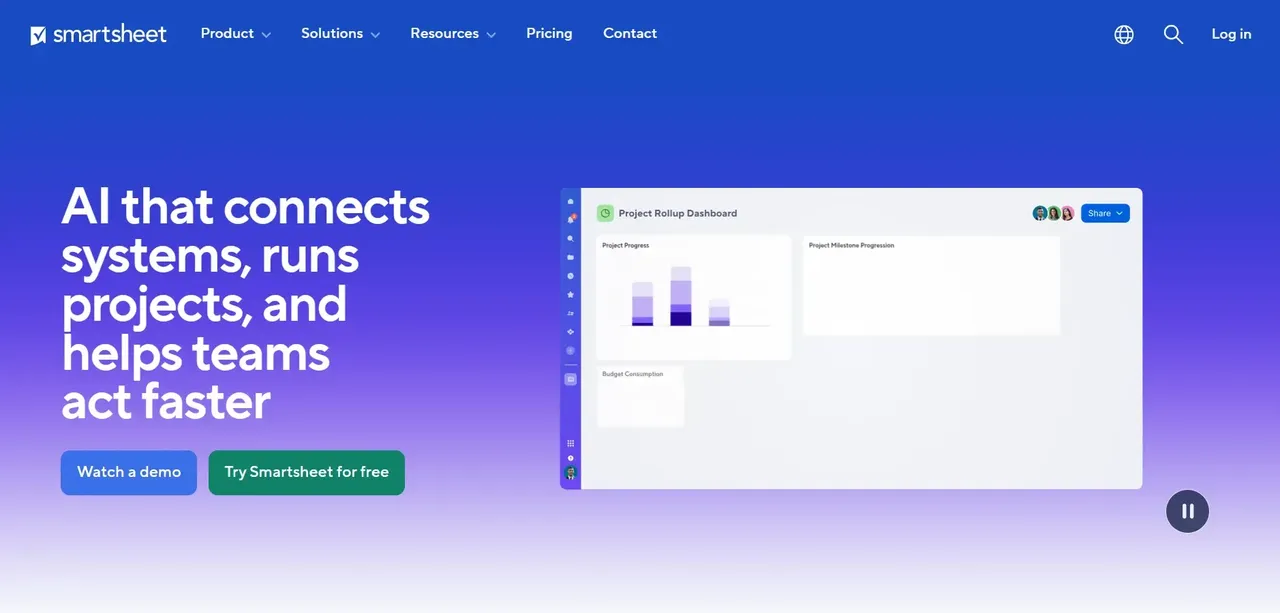
Smartsheet Grid and Sheet Views Explained
Smartsheet organizes work around sheets that look and behave more like traditional spreadsheets than Airtable's database-first interface. Rows represent tasks or records, columns represent fields, and the hierarchy system allows indented subtasks within a flat grid. This makes Smartsheet feel immediately familiar to anyone who has managed projects in Excel, which is a genuine onboarding advantage for non-technical teams.
Beyond the grid, Smartsheet offers card view (Kanban-style), Gantt chart view, and calendar view. The Gantt view in particular is a capable feature, with dependency tracking and critical path visualization built in.
Enterprise Security and Compliance Features
Smartsheet's enterprise tier includes SSO, directory integration, advanced user management, and audit logging. The platform has broad enterprise adoption and the compliance certifications that large organizations require. For teams that need to demonstrate SOC 2, HIPAA, or GDPR compliance, Smartsheet's enterprise offering covers those requirements.
Who Should Choose Smartsheet
Smartsheet is the right fit for teams that think in spreadsheet terms, need Gantt and dependency tracking, and are operating at a scale where enterprise security features are non-negotiable.
Grist: Best Airtable Alternative for Data-Heavy Spreadsheet Power Users
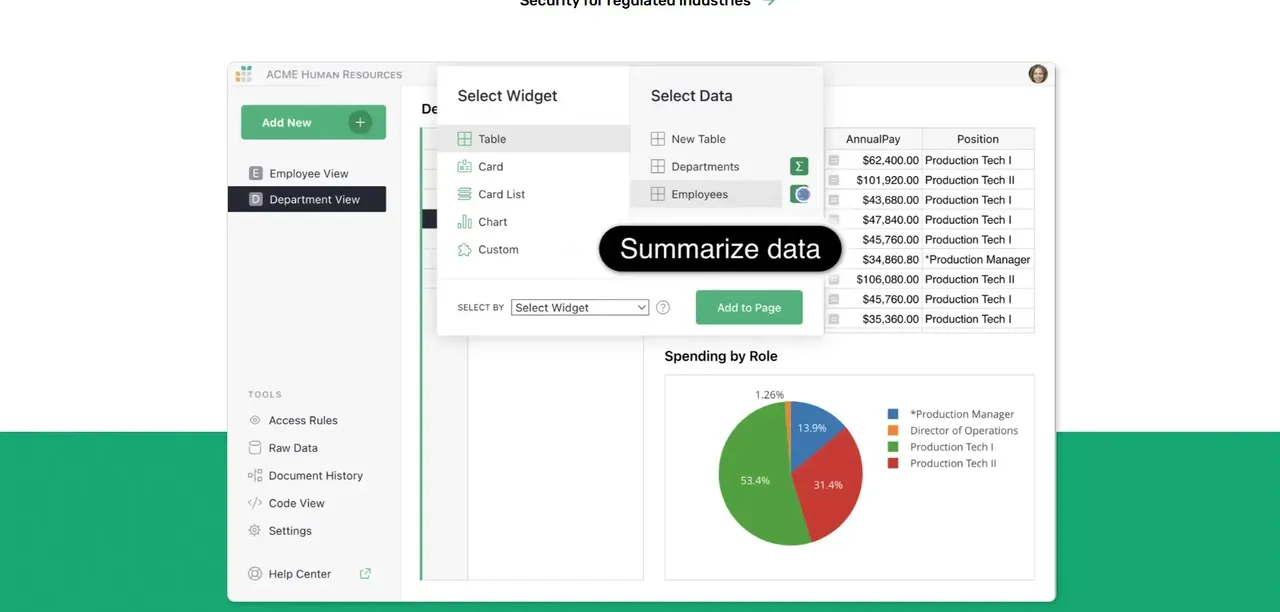
Grist's Relational Data Model vs. Airtable's Linked Records
Grist takes a different architectural approach than most Airtable alternatives. Rather than mimicking Airtable's linked records model, Grist uses a genuine relational data model where tables reference each other through typed reference columns. This means relationships between tables behave more like a real database than a spreadsheet workaround, which matters when your data model has more than two or three related tables.
The interface presents this relational structure in a familiar spreadsheet layout, so users who are comfortable in Excel or Google Sheets can work with genuinely relational data without learning SQL.
Python Formulas and Custom Widgets in Grist
Grist uses Python for formulas rather than a proprietary formula language, which is a significant capability difference for technical users. Python formulas can reference other tables, perform complex calculations, and access the full Python standard library within the formula context.
Custom widgets allow embedding external web content or custom-built views directly inside a Grist document, which extends the platform's surface area without requiring a separate tool. For teams that need custom visualizations or specialized input interfaces, this is a practical escape hatch.
Who Should Choose Grist
Grist is the right choice for technically capable teams that need genuine relational data modeling, Python-powered formulas, and the option to self-host without a license fee.
Teable: Best Airtable Alternative for Real-Time Collaboration at Scale
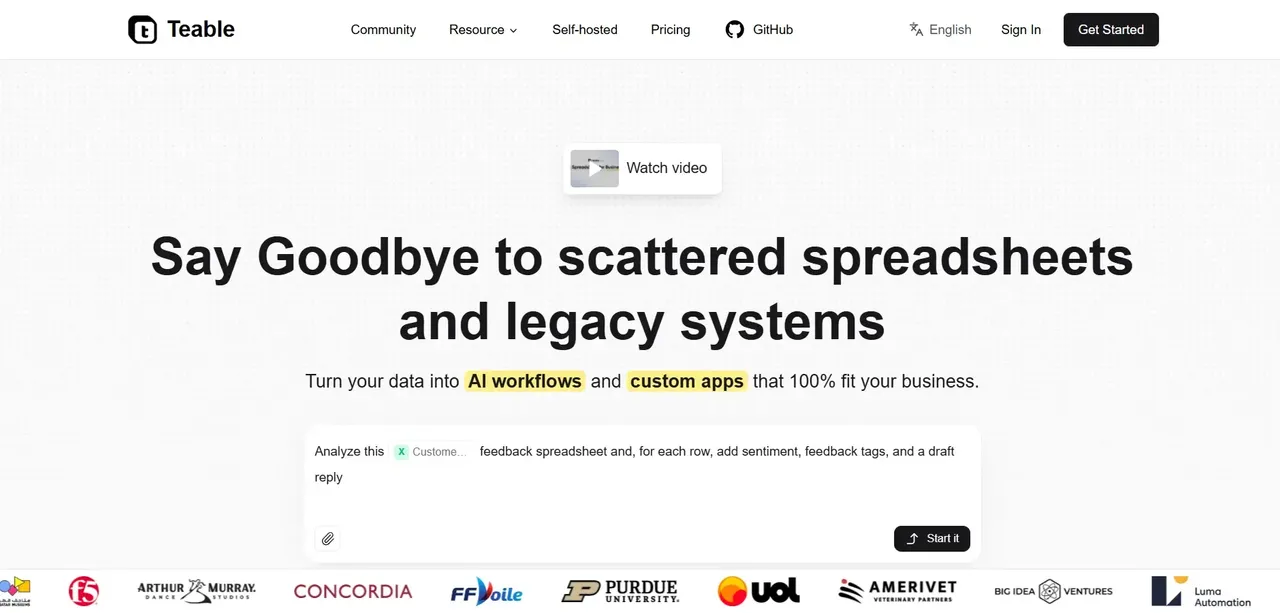
Teable's Postgres Foundation and Performance Benchmarks
Teable is built on PostgreSQL as its native data layer, which is a fundamental architectural difference from Airtable and most of the alternatives in this list. Because your data lives in a real Postgres database, you get native SQL access, standard database tooling, and performance characteristics that scale with your data volume rather than degrading at arbitrary row limits.
The Postgres foundation also means Teable can handle millions of rows without the performance degradation that affects spreadsheet-based tools at scale.
Teable Collaboration and Permissions Model
Teable supports real-time collaborative editing with a permissions model that covers workspace, base, and table-level access controls. Multiple users can edit the same view simultaneously without conflicts, and the permission system allows granular control over who can read, write, or administer specific tables.
The interface covers standard view types including grid, Kanban, gallery, form, and calendar, keeping the learning curve low for teams migrating from Airtable. API access is available for integration work, and the Postgres foundation means teams can also connect directly via standard database clients.
Who Should Choose Teable
Teable fits teams that have hit real performance limits with Airtable or other spreadsheet-based tools and need a database-backed alternative that still looks and feels like a no-code interface.
Head-to-Head Comparison: Airtable Alternatives at a Glance
Pricing Comparison Table
Tool | Pricing Model | Self-Hosted Option |
|---|---|---|
Notion | Per member | No |
NocoDB | Per editor seat (cloud); free self-hosted | Yes |
Baserow | Per seat (cloud); free core self-hosted | Yes |
Smartsheet | Per member | No |
Grist | Per user | Yes (Community) |
Teable | Per seat (cloud); free self-hosted | Yes |
Founding.dev | Flat monthly fee (no per-seat) | You own it |
All prices as of August 2026. Verify current rates on each vendor's official pricing page before purchasing.
Feature Matrix: Views, Automations, and API
Feature | Notion | NocoDB | Baserow | Grist | Teable |
|---|---|---|---|---|---|
Grid/Table View | Yes | Yes | Yes | Yes | Yes |
Kanban View | Yes | Yes | Yes | No | Yes |
Calendar View | Yes | Yes | Yes | No | Yes |
Gallery View | Yes | Yes | Yes | No | Yes |
Form View | Yes | Yes | Yes | Yes | Yes |
Native Automations | Yes | Yes | Yes | Paid tiers | In development |
REST API | Yes | Yes | Yes | Yes | Yes |
Python Formulas | No | No | No | Yes | No |
SQL Access | No | Yes | No | No | Yes |
Self-Hosting and Data Ownership Summary
Tool | Self-Hosted | License Type | Data Stays On Your Infrastructure |
|---|---|---|---|
Notion | No | Proprietary SaaS | No |
NocoDB | Yes | Source-available | Yes |
Baserow | Yes | Open source (core) | Yes |
Smartsheet | No | Proprietary SaaS | No |
Grist | Yes | Open source (Community) | Yes |
Teable | Yes | Source-available | Yes |
Founding.dev | You own the deployment | You own the code | Yes |
How to Choose the Right Airtable Alternative for Your Use Case
Budget-First vs. Feature-First Selection
If budget is the primary constraint, the self-hosted options (NocoDB, Baserow, Grist Community) remove per-seat costs entirely for the core product. The operational cost of self-hosting is real but predictable, unlike per-seat SaaS pricing that scales with every hire. For teams with 20 or more users, the cumulative savings from self-hosting versus a per-seat SaaS tool are substantial over a two-to-three year horizon.
If features are the primary constraint, identify the specific capability that Airtable is missing or overcharging for. Gantt and dependency tracking: Smartsheet. Python formulas and relational modeling: Grist. Real-time collaboration on large datasets: Teable. All-in-one workspace: Notion. Matching the tool to the specific gap avoids the common mistake of switching to a tool that has the same limitations in a different package.
Migration Tips When Leaving Airtable
Airtable allows CSV export of individual tables, which is the most reliable migration path regardless of destination. Before migrating, audit your bases for linked records, rollups, and lookups, because these relationships do not survive a CSV export and need to be rebuilt in the destination tool. Automations are almost never portable and should be treated as a rebuild project rather than a migration.
For large bases, migrate in stages: move the data first, validate it, then rebuild views and automations. Running both systems in parallel for two to four weeks reduces the risk of losing work in progress. If your Airtable base has external integrations (Zapier, Make, or direct API connections), update those connection credentials before decommissioning the Airtable workspace.
Founding.dev: Own Your Airtable Replacement Instead of Renting Another Tool
When Off-the-Shelf Alternatives Still Don't Fit
Every tool in this list is a general-purpose platform built to serve thousands of different use cases. That generality is also its limitation. If your workflow does not map cleanly onto a grid-plus-Kanban model, you end up bending your process to fit the tool rather than the other way around. Teams that have already tried two or three Airtable alternatives and found themselves back at the same workarounds are usually dealing with a workflow that is specific enough to warrant a purpose-built solution.
What Owning Your Software Means (Code, Data, Infrastructure)
When Founding.dev builds your replacement, you own the code, the data, and the deployment. There is no vendor relationship to manage, no pricing page to check next renewal cycle, and no feature locked behind an enterprise tier you did not budget for. The codebase is yours to inspect, modify, and hand to any developer. Your data lives where you decide it lives.
This is a different category from the tools above. NocoDB and Grist let you self-host their software. Founding.dev builds software that is yours from the first line of code. The distinction matters when your requirements change, when you want to add a capability the platform does not support, or when you simply want to stop paying a vendor for something you use every day.
Flat Monthly Fee vs. Per-Seat Pricing
Founding.dev's model is a flat monthly fee, billed per company, not per seat. Your software bill does not increase when you hire your 30th employee. It does not increase when you add a new department. The cost is fixed and predictable in a way that no per-seat SaaS tool can match.
For a team of 40 people on a mid-tier Airtable plan, the per-seat cost compounds every year. A custom-built replacement at a flat monthly fee costs the same whether you have 10 people or 100. That math is not complicated, but it requires someone to run it honestly against their actual headcount trajectory.
Next Step: See How Founding.dev Replaces SaaS
If you are staring at a SaaS renewal and the number no longer makes sense for what you actually get, the next step is a direct conversation about what a custom-built replacement would cost and what it would cover. Get started now.
FAQ
Is there a free open-source alternative to Airtable?
Yes. Baserow's core is open source under an MIT license and can be self-hosted at no license cost. Grist's Community edition is also open source and self-hostable for free. NocoDB offers a self-hosted path with no license fee, though it is source-available rather than OSI-licensed open source. All three give you a working Airtable-style interface without a subscription, provided you have the infrastructure to run them.
Which Airtable alternative is best for self-hosting?
It depends on your technical requirements. Baserow is the most accessible for teams that want open-source code and a straightforward Docker deployment. Grist is the strongest choice for teams that need relational data modeling and Python formulas in a self-hosted environment. NocoDB is the best fit if you want to put a no-code interface on top of an existing database you already manage. Teable is worth evaluating if you need Postgres-backed performance at scale.
Can Notion fully replace Airtable for database management?
For most database-heavy use cases, Notion is a partial replacement rather than a full one. Notion's databases handle straightforward structured data well, and the multi-view system (table, board, calendar, gallery) covers common use cases. However, Notion lacks the field-type depth, formula power, and relational record behavior that Airtable users rely on for complex data models.
How difficult is it to migrate data from Airtable to one of these alternatives?
The data migration itself is straightforward: Airtable exports individual tables as CSV files, and every tool in this list can import CSV. The harder part is rebuilding relationships, views, and automations. Linked records, rollups, and lookups do not survive a CSV export and must be reconstructed manually in the destination tool. Automations are almost never portable and should be treated as a rebuild. B
What makes Founding.dev different?
Every tool in this article is software you rent. Founding.dev builds software you own. There is no per-seat pricing, no renewal negotiation, and no feature locked behind a tier you did not budget for. Founding.dev deploys and customizes proven software around your specific workflow, and when the build is complete, the code, the data, and the deployment belong to you.