
The average employee spends 3.6 hours per day searching for information, and 8 in 10 workers regularly recreate documents that already exist somewhere on their company's systems. Managing documents gets messy fast when files are scattered across folders, inboxes, and different cloud services. Open-source document management tools give teams more control over how their files are stored, organised, and shared without relying entirely on proprietary platforms. Here are some of the best open-source document management tools to consider in 2026.
Understanding Open Source Document Platforms
A document management system (DMS) is software that centralizes how your organization stores, retrieves, versions, and controls access to documents. Open source document platforms do all of that while publishing their source code publicly, meaning you can inspect it, modify it, and deploy it on infrastructure you control.
The distinction matters because it changes the economic and operational relationship you have with your software. You are not renting access to a vendor's platform. You are running software that you can audit, extend, and migrate away from without asking anyone's permission.
Key Differences Between Open Source and Proprietary DMS
The practical differences between open source and proprietary DMS come down to four areas: cost structure, data control, customization depth, and long-term risk.
Cost structure. Proprietary DMS platforms typically charge per seat, per month, often with separate tiers for storage, compliance features, or API access. Open source software carries no licensing fee. Your costs are infrastructure (a server or cloud instance), optional commercial support, and the time to deploy and maintain it.
Data control. With a proprietary SaaS DMS, your documents live on the vendor's servers under their terms of service. With a self-hosted open source DMS, your data stays where you put it.
Customization depth. Proprietary platforms give you configuration options within the boundaries the vendor chose. Open source gives you the source code. If you need a custom metadata schema, a non-standard workflow, or an integration with an internal system, you can build it.
Core Features to Look for Before You Choose a Tool
Must-Have Features vs. Nice-to-Have Features
Must-have features are the ones that define whether a tool qualifies as a DMS at all:
- Full-text search across document contents, not just filenames
- Version control with the ability to view and restore prior versions
- Access controls at the folder or document level, with role-based permissions
- Metadata tagging so documents can be found by attributes beyond their name
- Audit logging that records who accessed or modified a document and when
- Bulk import and export so you are never locked into the system's internal format
Nice-to-have features add real value but are not disqualifying if absent:
- Optical character recognition (OCR) for scanned documents and PDFs
- Workflow automation for routing documents through review and approval steps
- Native document editing (rather than download-edit-reupload cycles)
- Mobile apps for access outside the office
- E-signature integration for contracts and approvals
- AI-assisted classification or tagging
Paperless-ngx: Best for Home Labs and Small Teams
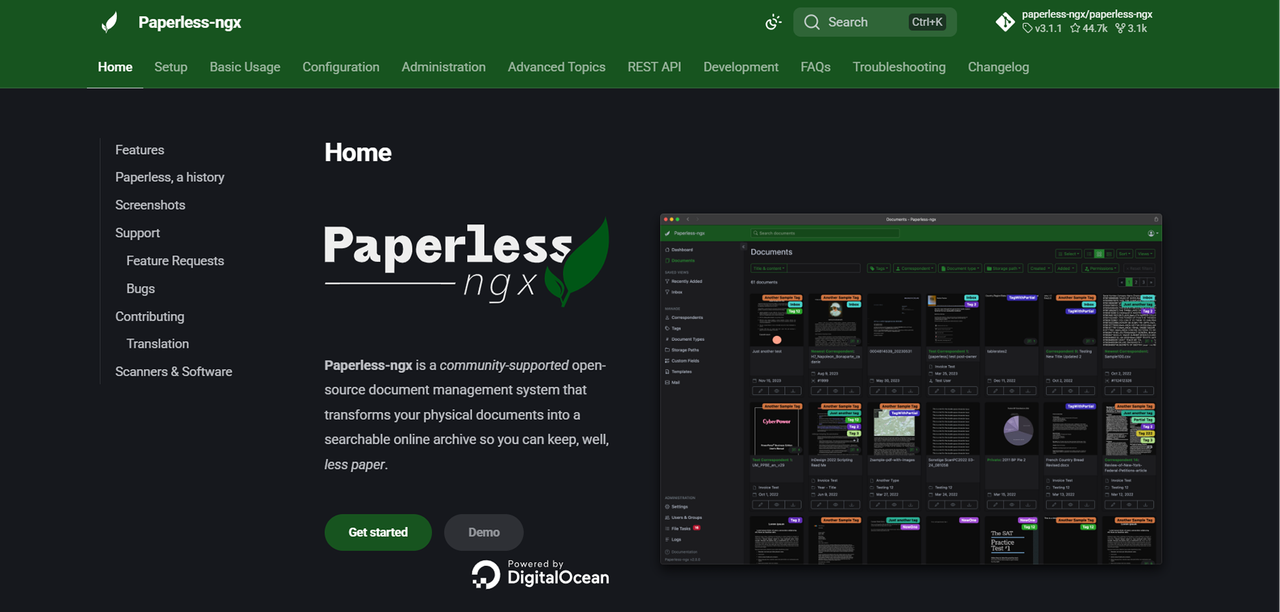
Paperless-ngx is a community-maintained fork of the original Paperless project, built specifically for ingesting, indexing, and searching physical documents that have been scanned or received digitally. Its core loop is simple: documents go in, OCR runs automatically, and everything becomes searchable.
It is free and self-hosted, with no commercial tier or vendor behind it. The project is maintained by its open source community.
Strengths and Trade-offs
Where it shines:
- Automatic OCR on ingestion using Tesseract, making scanned PDFs and images fully searchable
- Intelligent auto-tagging and correspondent matching based on rules you define
- Clean, fast web interface that non-technical users can navigate without training
- Docker-based deployment that is straightforward for anyone comfortable with containers
- Active community with regular releases and good documentation
What to watch for:
- Not designed for team collaboration. There is no meaningful multi-user workflow, document routing, or approval process.
- No native document editing. You manage documents, you do not create or edit them inside the system.
- Limited access control granularity. It works well for a single user or a very small team with shared access, but it is not built for role-based permissions across departments.
Nextcloud: Best All-in-One Open Source DMS and File Platform
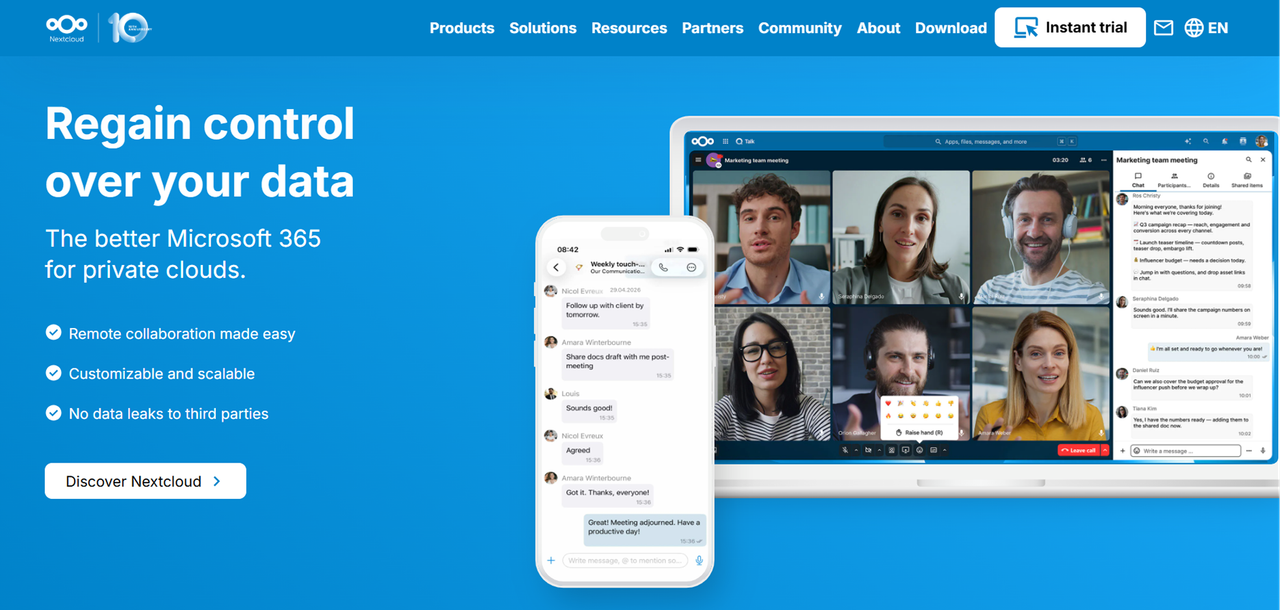
Nextcloud is a self-hosted file sync and collaboration platform that has grown into one of the most complete open source alternatives to cloud storage and document management combined. It covers file storage, sharing, versioning, and collaborative editing through integrations with document editing layers like Collabora Online or OnlyOffice.
Nextcloud Hub is freely available under the open source AGPL license. Nextcloud GmbH, the company behind it, offers commercial support subscriptions for enterprises that need SLAs, but the software itself carries no per-seat licensing fee.
What Works Well and What Doesn't
Strong points:
- Full file sync across desktop, mobile, and web, comparable to Dropbox or Google Drive but self-hosted
- Version history and file recovery built into the core platform
- Granular sharing controls, including password-protected links, expiry dates, and per-user permissions
- App ecosystem that extends the platform with features like Nextcloud Talk (video calls), Nextcloud Mail, and Forms
- Native integration with Collabora Online and OnlyOffice for in-browser document editing
- Strong compliance posture for GDPR-conscious deployments, with data staying entirely on your infrastructure
- Active development, large community, and well-maintained Docker and Kubernetes deployment options
Weak points:
- It is a file platform first, a DMS second. Advanced DMS features like structured metadata schemas, document classification workflows, and retention policies require additional configuration or third-party apps.
- Performance at scale requires careful server tuning. Large deployments with many concurrent users need dedicated infrastructure and database optimization.
- Commercial support subscriptions are priced for enterprises, which may be more than a small team needs.
Seafile: Best Lightweight Open Source DMS
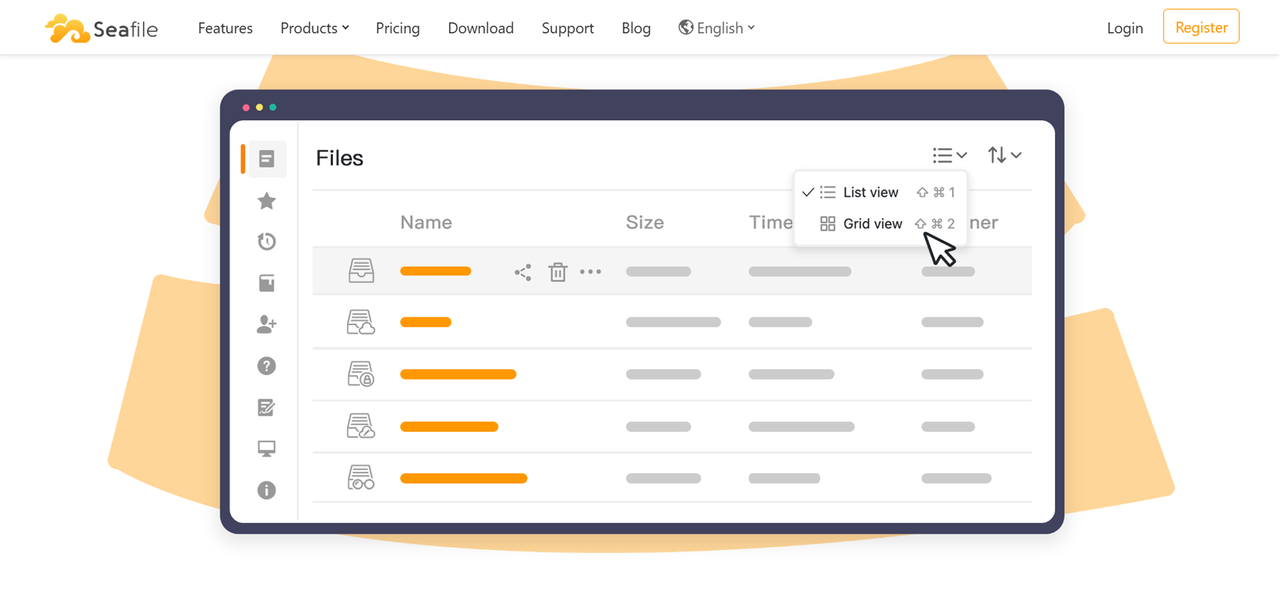
Seafile is another self-hosted file sync and collaboration platform that prioritizes performance and reliability, particularly for large file libraries and high-concurrency environments. Its architecture is designed around efficient syncing, and it handles large volumes of files faster than many comparable platforms.
The Upside and the Catch
Where it excels:
- Exceptionally fast file sync, even with large libraries, due to its block-level sync architecture
- Libraries (collections of files) can be encrypted end-to-end, with keys held only by the user
- Clean, stable web interface with reliable desktop and mobile sync clients
- Wiki and document editing features built into the platform (SeaDoc for collaborative markdown editing)
- Strong access control at the library level
The trade-offs:
- The Community Edition is genuinely limited compared to Pro. Features like audit logging, online Office editing integration, and advanced admin controls are gated behind the commercial Pro tier.
- The Pro tier is free for up to three users, but beyond that, pricing is per-seat and requires checking the vendor's current pricing page directly for accurate figures (as of July 2026).
- Less active community development compared to Nextcloud. The open source community edition receives fewer updates and less third-party app development.
- Not a full DMS in the traditional sense. It lacks structured metadata, classification workflows, and compliance-grade retention policies in the community edition.
BookStack: Best Open Source Tool for Docs-as-Wiki Document
Organization
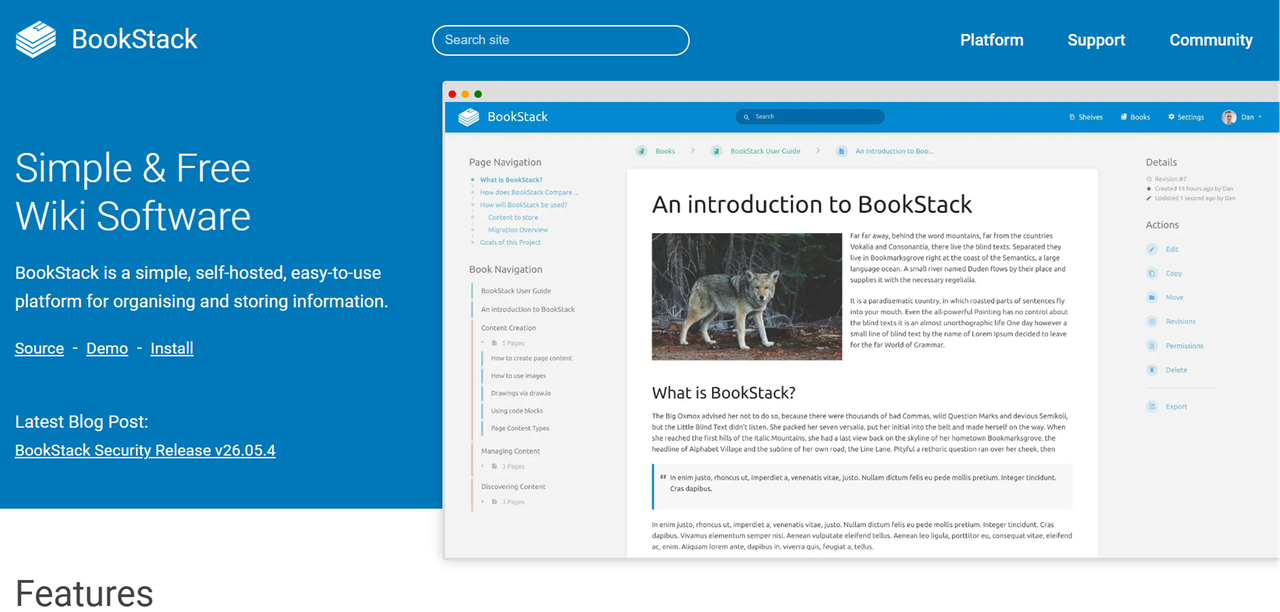
BookStack takes a different approach to document management. Rather than treating documents as files to be stored and retrieved, it organizes content into a hierarchy of Shelves, Books, Chapters, and Pages. It is built for teams that create and maintain living documentation, internal knowledge bases, and structured written content.
BookStack is free, open source (MIT license), and self-hosted.
Strengths and Gaps
What it gets right:
- Intuitive hierarchical organization that mirrors how people actually think about documentation (books with chapters and pages)
- Built-in WYSIWYG and Markdown editors, so documents are created and edited directly in the platform
- Full-text search across all content
- Role-based permissions at the shelf, book, and page level
- Page revision history with diff views
- Clean, fast interface that non-technical users adopt quickly
- Active single-developer project with consistent releases and good documentation
What's missing:
- Not designed for file-based document management. You cannot upload a PDF and have it indexed alongside your written pages in a meaningful way.
- No workflow automation, approval routing, or document lifecycle management.
- Audit logging is present but basic compared to compliance-grade DMS platforms.
- Single-developer maintenance is a long-term sustainability consideration, even with an active community.
- No native mobile app. The web interface is mobile-responsive but not optimized for mobile-first use.
Side-by-Side Comparison: Which Open Source DMS Is Right for You?
Feature | Paperless-ngx | Nextcloud | Seafile | BookStack |
|---|---|---|---|---|
Primary use case | Scanned document archive | File sync and collaboration | File sync (performance) | Knowledge base / wiki |
Full-text search | Yes (OCR-powered) | Yes | Yes | Yes |
Version control | Basic | Yes | Yes | Yes (page revisions) |
Role-based access control | Limited | Yes | Yes (Pro for advanced) | Yes |
Document editing | No | Via OnlyOffice / Collabora | Via SeaDoc (markdown) | Built-in WYSIWYG |
Workflow / approval routing | No | Limited (via apps) | No | No |
OCR on ingestion | Yes | Via plugins | No | No |
Mobile app | No | Yes | Yes | No (responsive web) |
Database required | Yes | Yes | Yes | Yes |
License | AGPL | AGPL | Community: AGPL / Pro: Commercial | MIT |
Commercial support available | No | Yes | Yes (Pro tier) | No |
How to Self-Host and Deploy Your Chosen Platform
Self-hosting an open source DMS is not a one-time task. It involves an initial deployment decision, ongoing maintenance, and a security posture that you own entirely. Getting the deployment right from the start saves significant remediation work later.
Security and Backup Best Practices
Self-hosting means you own the security posture. The following practices are not optional for any deployment handling real business documents:
- Reverse proxy with TLS termination. Never expose your DMS directly on port 80 or 443 without a reverse proxy (Nginx or Caddy are common choices) handling TLS certificates. Use Let's Encrypt for automated certificate renewal.
- Firewall rules. Restrict access to the server at the network level. If the DMS is internal-only, it should not be reachable from the public internet at all.
- Authentication hardening. Enable two-factor authentication where the platform supports it. Integrate with your existing identity provider (LDAP, Active Directory, SAML) rather than managing a separate user database.
- Regular, tested backups. Back up both the application data (files, database) and the configuration. Store backups off the host server, ideally in a separate location or cloud bucket. Test restoration periodically. A backup you have never restored is a backup you cannot trust.
- Keep software current. Open source projects patch security vulnerabilities in new releases. Staying multiple major versions behind is a meaningful risk. Subscribe to release announcements for the platforms you run.
- Principle of least privilege. Give users access to what they need, not everything. Configure role-based permissions from the start rather than retrofitting them after documents have accumulated.
FAQ
Is Paperless-ngx suitable for a small business with no IT staff?
Probably not without some technical help for the initial setup. Paperless-ngx requires deploying Docker containers, configuring a database, and setting up a reverse proxy if you want secure remote access. The ongoing maintenance is light once it is running, but the initial deployment assumes comfort with the command line and basic server administration.
Can these open source platforms handle compliance requirements like GDPR or HIPAA?
They can support compliance, but they do not deliver it automatically. GDPR compliance, for example, depends on where data is stored, who has access, how long it is retained, and how deletion requests are handled. A self-hosted Nextcloud deployment keeps data on your own infrastructure, which addresses data locality requirements, but you still need to configure access controls, audit logging, and retention policies correctly. HIPAA compliance involves additional technical and administrative safeguards that require deliberate configuration and, in most cases, a Business Associate Agreement with any hosting provider involved.
What is the difference between Nextcloud and Seafile for document management?
Both are self-hosted file sync platforms, but they prioritize different things. Nextcloud is broader: it has a large app ecosystem, built-in integrations for document editing, video calls, and email, and a more active third-party development community. Seafile is narrower and faster: its block-level sync architecture handles large file libraries more efficiently, and its client-side encryption is stronger by default.
Do any of these open source DMS tools offer mobile apps?
Nextcloud and Seafile both offer mobile apps for iOS and Android, covering file access, sync, and basic document viewing. Paperless-ngx does not have an official mobile app, though its web interface is accessible from a mobile browser.
How much does it cost to self-host one of these platforms?
The software itself is free for the community editions of every platform covered in this article. Your actual costs are infrastructure and, optionally, commercial support. A basic single-server deployment on a cloud VPS (enough to run Nextcloud or Paperless-ngx for a small team) typically runs to a modest monthly bill, depending on the provider and server size.
Can I migrate documents from one open source DMS to another?
Yes, with varying degrees of effort depending on the platforms involved. Because these are self-hosted systems and you control the data, you are never locked in the way you might be with a proprietary SaaS platform.