Best Open Source Trello Alternatives for Teams in 2026
Trello works well until your team grows, your boards become business records, or your free plan stops covering the work you need to do. Then the real questions appear: who owns the data, what does each new user cost, and how much control do you have over the roadmap?
An open source alternative to Trello can give you more control and lower software overhead. The tradeoff is direct: self-hosting means your team owns the servers, updates, backups, and security work too.
Why Teams Are Looking Beyond Trello in 2026
Trello made Kanban boards easy for teams that did not need a full project management system. Cards, lists, labels, and due dates are enough for many simple workflows.
The limits show up when the board becomes part of your operating system. You may need custom fields, stricter permissions, audit controls, data residency, or workflows that do not fit a fixed SaaS product. You may also be adding users while your software bill rises with every seat.
The market for open source project tools is also maturing. Tools such as Plane and OpenProject now target teams that want more than a basic board, while Taiga focuses on agile planning and Scrum workflows. The result is a wider set of choices than a simple Trello clone.
The Cost and Data Ownership Case for Leaving
Most hosted project tools charge based on users, features, or both. That model is easy to start with, but it turns hiring into a recurring software expense. A board that costs little for five people can become a meaningful overhead line as more teams use it.
Self-hosted software changes the cost structure. You pay for infrastructure and the work needed to operate it, but you are not renting access to your own work data from a vendor. You control where the system runs, how long the data is retained, and what changes are made to the code.
That control matters for more than privacy. It can support internal retention rules, regional hosting requirements, and long-term access to project records. It also reduces the risk that a vendor changes its pricing or locks a workflow behind a higher plan.
The honest tradeoff is that ownership includes responsibility. You need a plan for:
- Server hosting and storage
- Backups and recovery
- Software updates
- Access control
- Security patches
- Monitoring and uptime
- User support
- Integrations and custom changes
If your team has no capacity for those tasks, self-hosting may replace a SaaS bill with an operations burden.
What Teams Actually Need in a Project Board
A Trello replacement should start with the way your team works, not with a long feature list. Most teams need a clear board, simple task ownership, due dates, comments, attachments, and useful notifications.
Growing teams often need more:
- Multiple boards or projects
- Custom workflows
- Labels and filters
- Role-based permissions
- Search across projects
- Activity history
- Milestones or roadmaps
- Scrum support
- Reporting and dashboards
- An API or integration options
- Export and backup tools
The right choice depends on the gap you are trying to close. Wekan may be enough if you want a focused Kanban board. Plane may fit better if engineering work needs issues, cycles, and project structure. Taiga is a stronger match when Scrum is part of the process.
What to Look for in an Open Source Trello Alternative
Open source is not a feature by itself. It is a licensing and ownership model. Before choosing a tool, confirm its license, hosting model, update process, and support options.
You should also separate three different choices:
- Self-hosted open source software
- A vendor-hosted plan built on an open source project
- A custom deployment that you own and someone else maintains
Those options can have very different costs and responsibilities.
What Self-Hosting Really Involves
Self-hosting means you run the application instead of relying on the vendor's cloud. That can mean a server in your own environment, a private cloud account, or a managed hosting provider.
The application is only one part of the system. You also need to manage:
- Database storage
- File and attachment storage
- Domain and certificates
- User authentication
- Backups
- Updates
- Logs and monitoring
- Recovery testing
- Security reviews
Docker can make deployment easier, but it does not remove ownership of the environment. Someone still needs to apply updates, check backups, respond to failures, and decide when a change is safe.
For a small team with technical staff, this may be a reasonable trade. For a busy operations team, it can become a hidden cost. Free software is not free if nobody has time to maintain it.
Kanban Features That Matter Most
A useful Kanban board should make work visible without forcing every task through the same process. Look for flexible columns, clear ownership, due dates, filters, and a quick way to move work forward.
Custom fields matter when cards need structured data, such as account type, priority, budget, or approval status. Permissions matter when different teams should see different projects. Search matters once the board becomes a long-term record rather than a temporary task list.
You should also test the boring parts before committing:
- Can you export your data?
- Can you restore a backup?
- Can you move a card between projects?
- Can you control who can edit a board?
- Can you find old attachments?
- Can you update the system without downtime?
- Can you connect it to the tools your team already uses?
Plane: The Open Source Project Management Powerhouse
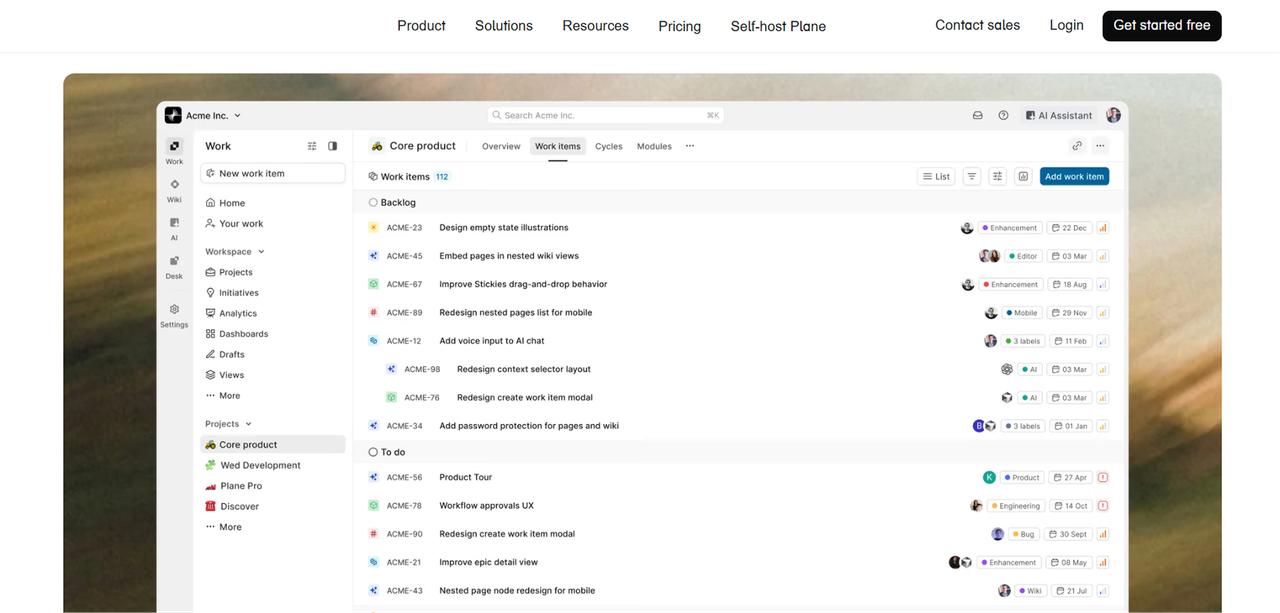
Plane is an open source project management tool aimed at teams looking for an alternative to Jira, Linear, or Monday. It offers a self-hosted Community Edition under the AGPL-3.0 license, alongside hosted options.
Plane is a strong candidate when a simple board is no longer enough. It is designed for structured project work, rather than only visual task tracking.
Plane's Standout Features
Plane is built around projects, issues, cycles, and broader planning workflows. That makes it more suitable for engineering teams that need to connect daily tasks to planned work.
It may fit your team if you need:
- Issue-based project tracking
- Cycles for planned work
- Product or engineering workflows
- More structure than a basic card board
- Self-hosted deployment
- Code-level customization
The extra structure is also the main risk. A team that only needs a lightweight board may find Plane heavier than necessary. Before migrating, decide whether you need a project management system or simply a better place to organize cards.
What Self-Hosting Plane Actually Involves
The self-hosted edition gives you control over the application and its data, but you still own the operating work. Your team must manage deployment, updates, storage, access, backups, and security.
Plane also has a cloud model with free and paid tiers, but hosted access does not provide the same level of infrastructure control as running the software yourself. Check the current vendor terms before choosing between the two models.
Focalboard: The Lightweight Kanban Board by Mattermost
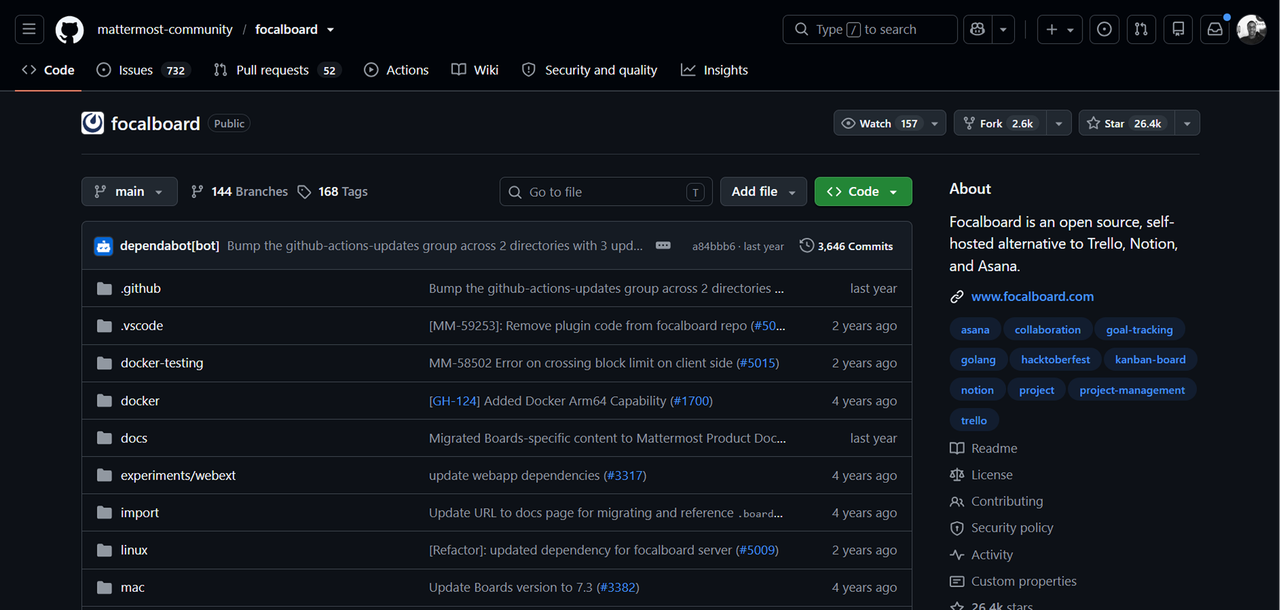
Focalboard is a lightweight, open source Kanban-style tool associated with Mattermost. It is aimed at teams that want a visual board with less process overhead than a full project management suite.
Focalboard can make sense when your workflow is straightforward:
- Tasks move through a few clear stages
- The team wants a visual board
- You do not need extensive agile planning
- You prefer to run the tool yourself
- You want a smaller system to understand and maintain
The main question is long-term maintenance. Before adopting it for important work, check the current project activity, deployment instructions, and support options. A lightweight tool is only useful if your team can keep it running and recover its data.
Taiga: The Agile-First Open Source Alternative
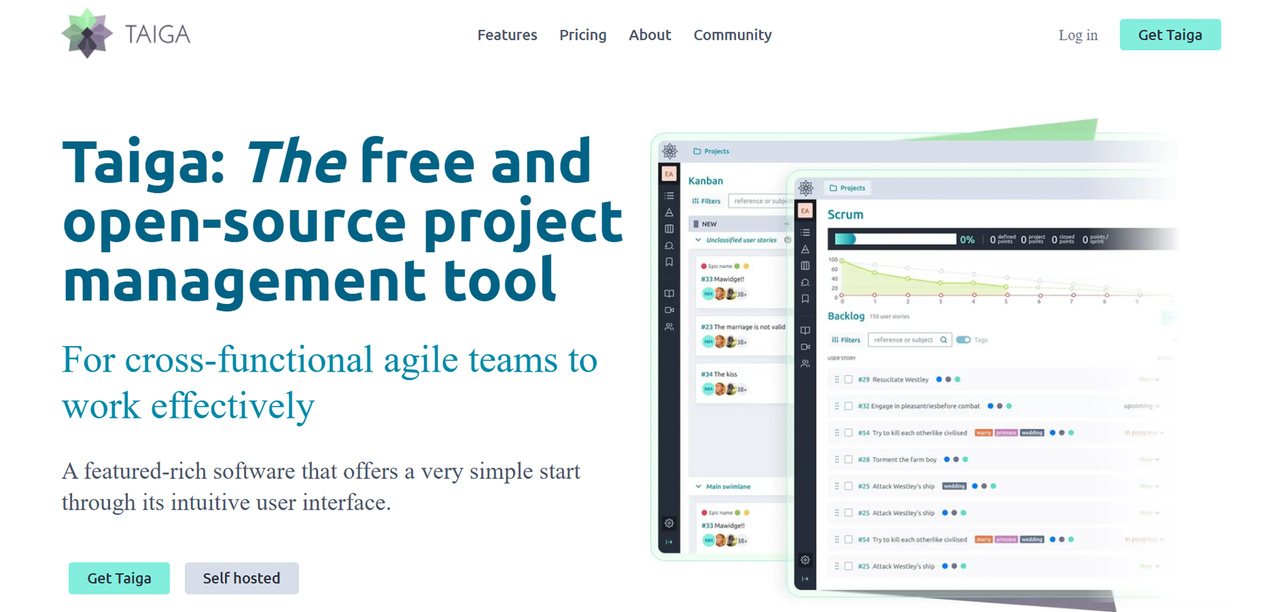
Taiga is an open source platform built around agile project work. It supports teams that need more than a basic Kanban board but do not want to adopt a large enterprise system.
Taiga offers cloud and self-hosted deployment options. Its cloud plans include Starter, Standard, and Premium tiers. As of August 2026, the listed monthly prices are €5 for Starter, €20 for Standard, and €60 for Premium, with annual prices shown for some plans on its official deployment and pricing page.
Taiga's Scrum and Kanban Hybrid Workflow
Taiga is useful when your team moves between Kanban and Scrum. You can organize work visually while also using a more structured agile process for planned development.
That makes it a reasonable fit for:
- Software development teams
- Product teams
- Agile project managers
- Teams running sprints
- Organizations that need self-hosting
- Groups that want a board with more planning structure
Taiga may be more process than a marketing or operations team needs. If your work is mostly requests moving from “new” to “done,” a simpler board can reduce training and administration.
Wekan: The Minimalist Self-Hosted Kanban Board
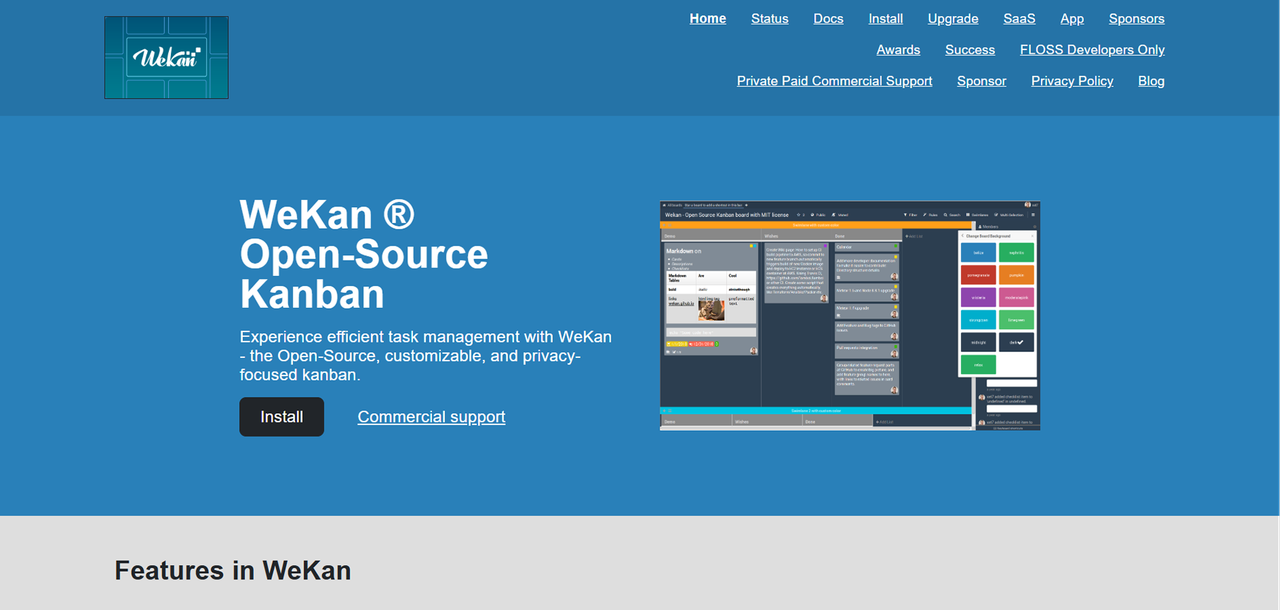
Wekan is a self-hosted, open source Kanban board designed to stay close to the core Trello experience. It is a practical option when your priority is visual task movement rather than roadmaps, Scrum planning, or enterprise reporting.
Wekan may fit a small team that wants:
- Lists and cards
- A familiar Kanban workflow
- Self-hosted data
- A focused interface
- Code-level control
- A small operational footprint
Its simplicity is the point. It is not the right choice if you need a full software delivery process, advanced portfolio reporting, or complex resource planning.
Leantime: The Strategic Project Manager for Small Teams
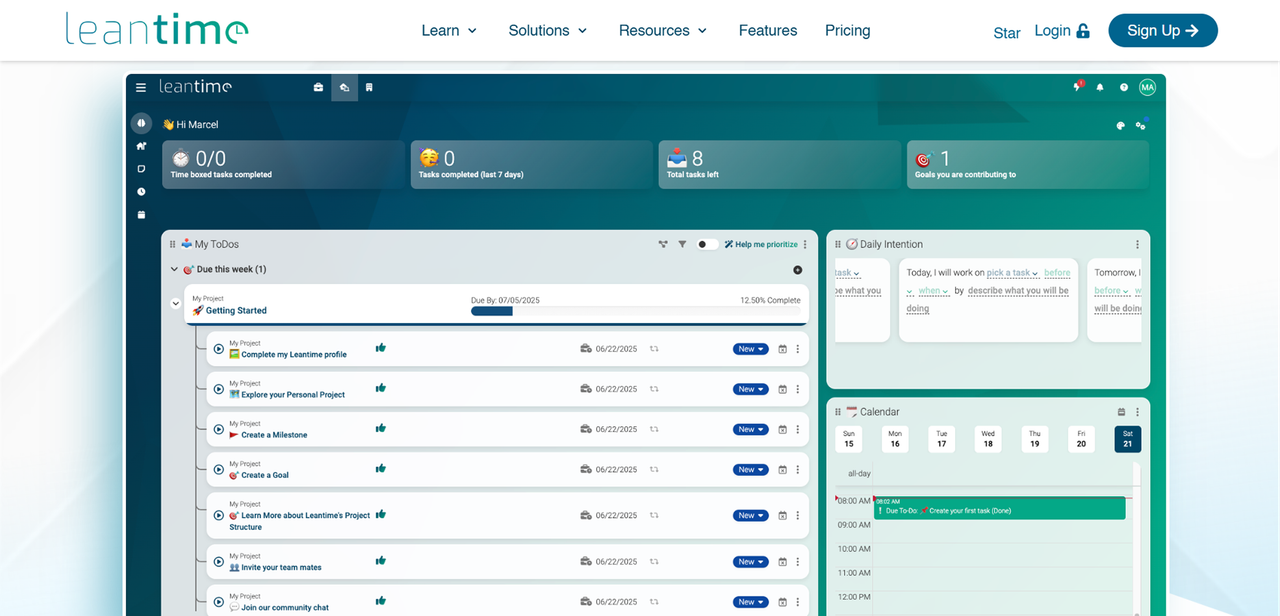
Leantime is an open source planning tool aimed at small teams and organizations that want to connect ideas, goals, and execution. It is broader than a basic Kanban board, with a focus on planning and project direction.
It can be a fit when your team needs to connect:
- Goals to projects
- Projects to tasks
- Planning to execution
- Strategy to day-to-day work
That broader scope can help founders and operations leads keep work connected to business priorities. It can also feel too involved if you only need a simple shared task board.
Vikunja: The To-Do and Kanban Hybrid Worth Knowing
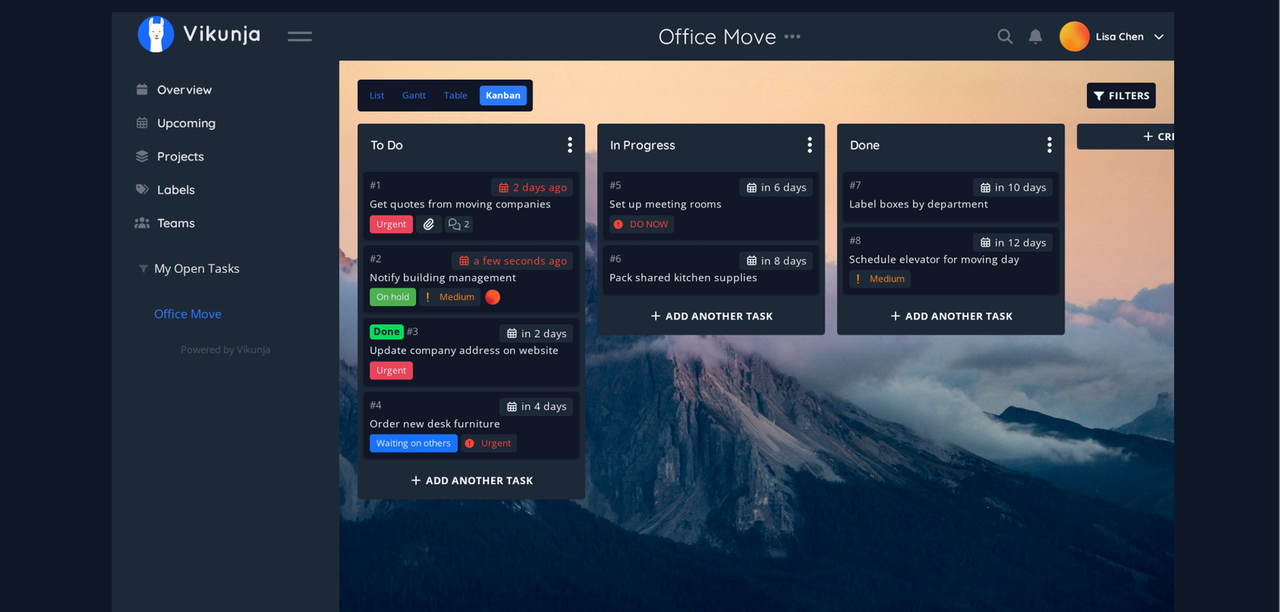
Vikunja combines personal task management with team-oriented project organization and Kanban views. It is worth considering if some users need individual to-do lists while teams also need shared boards.
This hybrid model can work for small companies where the same people manage both personal tasks and team projects. It may be less suitable if your main requirement is Scrum, software issue tracking, or detailed portfolio management.
As with any self-hosted project tool, confirm the current license, deployment instructions, and maintenance activity before making it the system of record for your team.
Head-to-Head Comparison: Which Open Source Trello Alternative Wins?
There is no single winner for every team. The right tool depends on how much structure you need and whether your team can operate the software.
Comparison Table: Features, Hosting, and Community
Tool | Best fit | Workflow style | Hosting model | Main tradeoff |
|---|---|---|---|---|
Plane | Software and product teams | Issues, projects, and cycles | Self-hosted Community Edition and hosted options | More structure to manage |
Focalboard | Teams wanting a light board | Simple Kanban-style work | Self-hosted | Check current project maintenance before relying on it |
Taiga | Agile teams | Kanban and Scrum | Self-hosted and cloud | More process than a basic board |
Wekan | Small teams wanting a Trello-like board | Minimal Kanban | Self-hosted | Limited planning depth compared with larger tools |
Leantime | Small teams connecting goals and projects | Strategic planning and tasks | Self-hosted options | Broader system may require more setup |
Vikunja | Individuals and small teams | To-do lists and Kanban | Self-hosted options | Not focused on full Scrum or software delivery |
Which Tool Fits Your Team Size and Stack
For a solo developer or very small team, Wekan or Vikunja may be enough. They keep the workflow simple and avoid forcing a full project structure onto small amounts of work.
For an engineering team, Plane or Taiga are stronger candidates. Plane is suited to issue and cycle-based work, while Taiga is a better match when your team actively uses Scrum and Kanban.
For a small company with mixed business teams, Focalboard or Leantime may be easier to adapt. Choose Focalboard for a focused visual board. Choose Leantime when goals and planning need to sit closer to task execution.
For regulated or privacy-sensitive work, self-hosting can give you stronger control over where data lives. But do not confuse control with automatic compliance. Your team still has to configure access, protect the server, maintain backups, and document the system.
Comparison Table: Ownership and Operating Cost
Ownership question | Self-hosted open source tool | Hosted SaaS tool | Maintained owned deployment |
|---|---|---|---|
Who controls the code? | Your team, subject to the license | Vendor | Your company |
Who controls the data location? | Your team | Vendor-defined hosting options | Agreed deployment environment |
Per-seat fees | Often none for the software license | Commonly part of the pricing model | No per-seat fee |
Who handles updates? | Your team | Vendor | Maintenance provider |
Who handles backups? | Your team | Vendor, under its terms | Defined as part of the deployment |
Customization | Code, plugins, or configuration | Limited to vendor options | Built around your workflow |
Main risk | Hidden operations burden | Vendor lock-in and price changes | Ongoing maintenance fee |
How to Migrate Your Trello Boards to an Open Source Alternative
Migration is not only a file export. Your board contains names, labels, due dates, attachments, comments, and habits that may not map directly to the new system.
Start with one active board, not your entire workspace. Use it to test the export, import, permissions, notifications, and day-to-day workflow before moving more data.
Exporting Your Trello Data
First, list the boards you need to move and separate active work from archived material. Old boards may be useful for records, but importing everything can create noise in the new system.
Then export your data using the options available in Trello. Keep the original export in a protected location. Do not delete the source boards until the new system has been checked by the people who use it.
Before importing, review:
- Board and list names
- Card titles and descriptions
- Members and owners
- Labels
- Due dates
- Checklists
- Attachments
- Comments
- Archived cards
- Links between cards and other systems
Some data may require manual cleanup. User accounts may not match, attachments may need to be moved, and custom fields may need a new design.
Importing Into Plane, Focalboard, or Taiga
Map the old Trello structure to the new tool before you import. A Trello list may become a workflow state, a project, or a sprint depending on the destination.
For Plane, decide how boards map to projects, issues, and cycles. For Focalboard, keep the structure close to the original board if simplicity is the goal. For Taiga, decide whether each board represents a Kanban project, a Scrum backlog, or a mix of both.
Run a small test migration first. Ask users to verify that:
- Cards are assigned to the right people
- Dates and labels survived
- Attachments open correctly
- Comments are present where required
- Permissions match the old workspace
- Notifications work as expected
- Reports and filters still support the workflow
Once the test passes, migrate the remaining boards in groups. Keep a read-only copy of the original export and document any fields that were intentionally changed.
If you like one of these tools but do not want to run the servers yourself, there is a third path. You can import an open source alternative into Founding.dev's platform and try it out to see if it works for you. If it does, Founding.dev customizes and maintains it as software you own, for a flat monthly fee per company, with no per-seat charges and the option to cancel anytime. See how owned software compares to your current stack.
FAQ
Which open source Trello alternative is easiest to self-host?
Wekan is usually the closest fit when you want a focused Kanban board with limited project structure. Focalboard can also suit teams looking for a lightweight board, but you should review its current maintenance and deployment status before making it central to your operations.
The easiest tool is not always the cheapest to operate. You still need backups, updates, access control, and security work after the initial installation.
Can I migrate my existing Trello boards without losing data?
You can usually move the main board information, but a perfect one-to-one migration is not guaranteed. Cards, lists, labels, dates, and some attachments may transfer, while permissions, comments, custom fields, and integrations may need cleanup.
Run a test migration before moving every board. Keep your original export and source workspace until users confirm that the new system contains the records they need.
Is Plane a good replacement for Trello for software development teams?
Plane can be a good fit when your development team needs issues, projects, cycles, and more planning structure than Trello provides. It is less appropriate if your team only wants a very simple visual board.
The key decision is whether your team will use the added structure. If it will, Plane can reduce the need to force engineering work into generic cards. If it will not, Wekan or Focalboard may be easier to run.
Do any of these open source alternatives support scrum in addition to kanban?
Taiga is the clearest fit for teams that need both Scrum and Kanban workflows. Its agile focus makes it useful for teams that plan sprints while still needing visual flow management.
Plane can also suit software teams with planned cycles and issue-based work. Choose based on whether your team needs a Scrum process, a software planning system, or only a flexible board.
Are these open source Trello alternatives really free to use?
The self-hosted software may be available without a license fee, but running it still costs money and staff time. Servers, storage, backups, monitoring, updates, and security are part of the real operating cost.
Some projects also offer hosted plans with recurring fees. Taiga, for example, lists cloud plans alongside its self-hosted deployment options. Always check the current license and hosting terms before treating a tool as free.
Which alternative works best for a solo developer or very small team?
Wekan or Vikunja may be the simplest starting points for a solo developer or very small team. They can support visual task management without requiring a full agile planning process.
Plane or Taiga make more sense when the team expects software projects to become more structured. If you want a tool adapted to your exact workflow without managing the deployment yourself, an owned custom deployment may be a better path.