
ServiceTitan is a powerful platform for managing field service businesses, but its features and pricing may not suit every company. Smaller teams or businesses with different workflows may prefer something simpler, more flexible, or more affordable. Here are some of the best ServiceTitan alternatives to consider in 2026 and what each one offers.
Why Businesses Are Looking for ServiceTitan Alternatives
High Cost and Complex Pricing Structure
ServiceTitan does not publish standard pricing publicly, so prospective customers need to contact the company for a quote. Its broad feature set and quote-based pricing can make it harder for smaller businesses to estimate their total software costs before speaking with sales.
ServiceTitan implementations can involve several weeks of configuration, testing, and training. ServiceTitan describes one implementation process with a four-week configuration phase followed by about two weeks of end-user testing and training. This comparison by Service Trade notes that the platform's breadth of features, while powerful for large operations, creates significant friction for smaller teams without dedicated admin resources.
What to Look for in a ServiceTitan Alternative
Core Features: Scheduling, Dispatching, and Invoicing
Any platform you consider should handle the fundamentals without friction: drag-and-drop scheduling, real-time dispatch visibility, work order management, and invoicing with mobile payment collection. The question is whether the platform executes them cleanly or buries them under enterprise-grade complexity you don't need.
Look for platforms that let dispatchers assign jobs quickly and technicians close them out from the field without relying on the office
Mobile App Quality for Field Technicians
For technicians, the mobile app is one of the most important parts of the platform, and a weak mobile experience creates friction on every single job. Evaluate whether the app works offline, whether technicians can capture photos and signatures, whether they can see job history for a customer, and whether they can collect payment without a separate device or process.
Integration with QuickBooks, CRMs, and Other Tools
Many small and mid-size service businesses use QuickBooks, so QuickBooks compatibility should be one of the first integrations you check.. Check whether the integration supports the records and workflows you need and how much manual reconciliation it requires.. Beyond accounting, consider whether the platform connects to your phone system, your marketing tools, and any CRM you use for lead tracking.
The best alternatives offer open integrations or published APIs.
Transparent Pricing and Scalability
Prioritize platforms with public pricing pages, clear per-user or flat-rate structures, and month-to-month options. You should be able to calculate your annual cost before you ever talk to a salesperson.
Scalability matters in both directions. You want a platform that grows with you, but you also want one where adding a technician does not trigger a pricing tier jump that wipes out the margin on that hire.
Jobber: Best ServiceTitan Alternative for Small Businesses
Key Features and Standout Capabilities
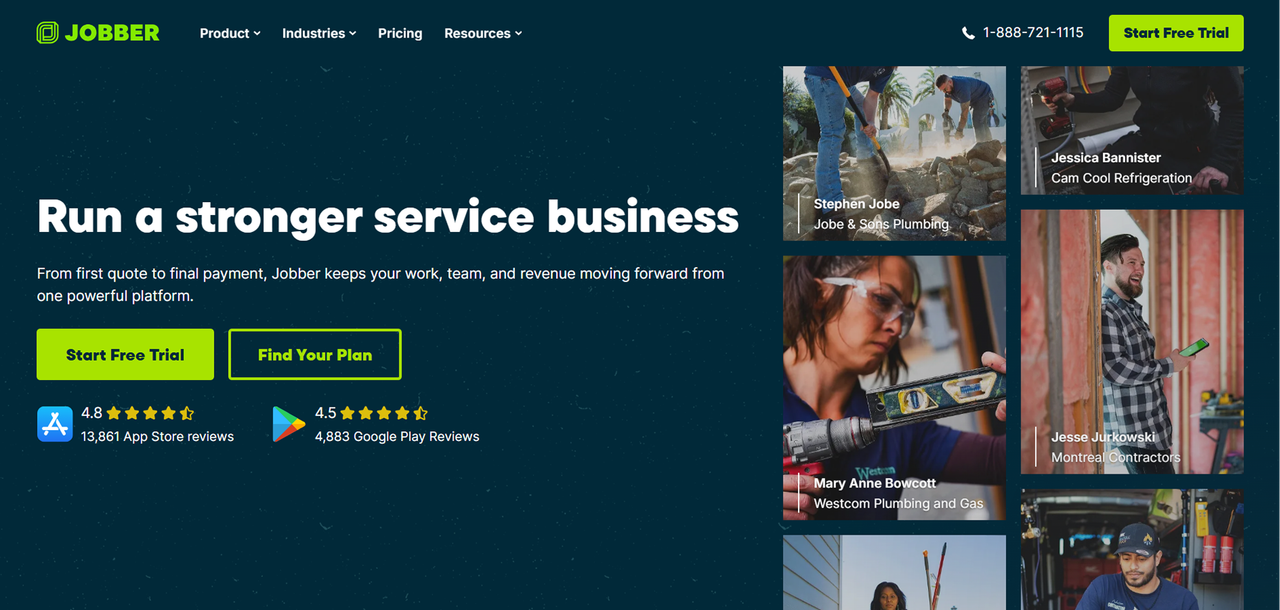
Jobber is a popular option for small residential service businesses., and the reputation is earned. The platform covers scheduling, client management, quoting, invoicing, and payment collection in a clean interface that is designed to be manageable without the administration overhead associated with larger field-service platforms.
Key capabilities include:
- Drag-and-drop job scheduling and calendar view
- Client hub where customers can approve quotes, pay invoices, and request work
- Automated follow-up emails and appointment reminders
- GPS tracking for field technicians
- Mobile app for iOS and Android with offline functionality
Jobber is built for residential trades: cleaning, landscaping, HVAC, plumbing, electrical, and similar businesses. It does not try to be an enterprise platform, and that restraint is part of what makes it work.
Jobber Pricing Breakdown
Jobber's current pricing is structured across three tiers:
Plan | Starting Price | User Limit |
|---|---|---|
Connect | $105/month (billed annually) | 5 users |
Grow | $210/month (billed annually) | Up to 10 users |
Plus | $371/month (billed annually) | Up to 15 users |
Monthly billing is available at higher rates. Pricing should be verified directly at Jobber's pricing page, as rates and tier structures change.
Who Should Choose Jobber Over ServiceTitan
Jobber is a strong option for smaller residential service businesses that want scheduling, quoting, invoicing, and customer management without the broader complexity of an enterprise FSM platform.
Housecall Pro: Best for Home Service Contractors
Key Features and Standout Capabilities
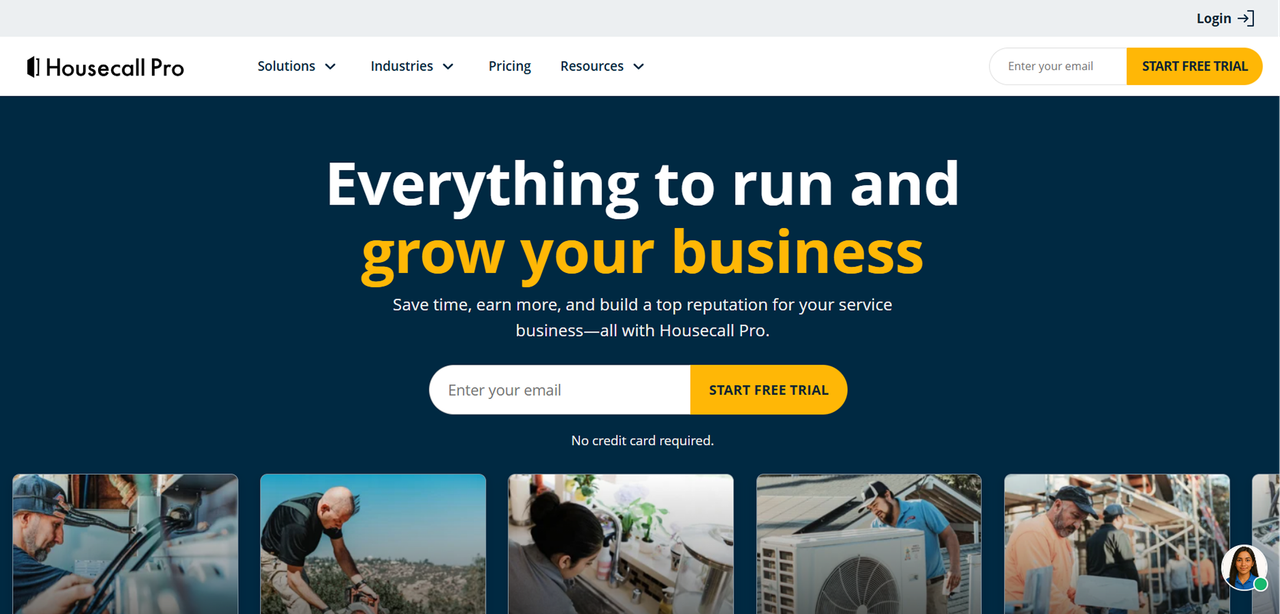
Housecall Pro targets the same residential trades market as Jobber but leans harder into marketing and customer communication features. It is a strong fit for owner-operators who want their software to help generate repeat business, not just manage existing jobs.
Key capabilities include:
- Online booking widget for your website
- Automated review requests after job completion
- Two-way SMS with customers
- Integrated payment processing with consumer financing options
- Recurring service plan management
- Postcard and email marketing tools built into the platform
- QuickBooks integration
The platform has invested in AI-assisted scheduling and dispatch features in recent product updates, positioning it as a modern alternative for businesses that want automation without enterprise complexity.
Housecall Pro Pricing Breakdown
Plan | Starting Price | Users |
|---|---|---|
Basic | ~$59/month (billed annually) | 1 user |
Essentials | ~$299/month (billed annually) | Up to 5 users |
Max | ~$649/month (billed annually) | Up to 8 users |
Who Should Choose Housecall Pro Over ServiceTitan?
Housecall Pro is the better fit if customer communication and repeat business generation are priorities alongside job management. It is best suited to residential contractors with technicians who want a growth-oriented platform without ServiceTitan's cost or complexity.
FieldEdge: Best for HVAC and Plumbing Companies
Key Features and Standout Capabilities
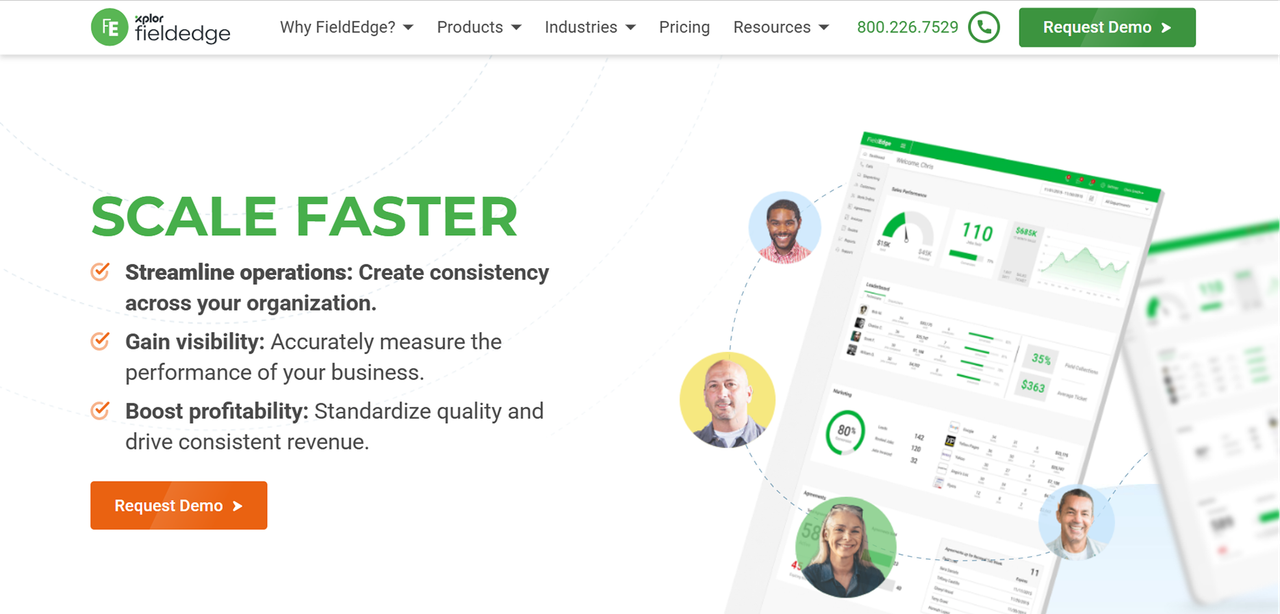
FieldEdge is designed for HVAC, plumbing, electrical and other multi-truck service contractors, with a feature set that reflects the specific workflows of those trades rather than generic field service management. It has been in the market for decades and carries operational tools that HVAC and plumbing businesses already use.
Key capabilities include:
- Real-time QuickBooks sync (two-way, not one-directional)
- Service agreement and maintenance contract management
- Equipment tracking with full service history per unit
- Dispatch board with technician performance visibility
- Customer history accessible from the field
For HVAC companies specifically, the equipment tracking and service agreement features address workflows that generic that can be particularly useful for HVAC businesses where technicians need equipment and service history before arriving at a job.
FieldEdge Pricing Breakdown
FieldEdge does not publish pricing publicly. Pricing is quote-based and varies by company size and feature requirements. Prospective buyers should contact FieldEdge directly for current rates.
Who Should Choose FieldEdge Over ServiceTitan
FieldEdge is the right choice for HVAC and plumbing contractors who need deep equipment tracking, strong service agreement management, and a reliable QuickBooks sync without paying for ServiceTitan's full enterprise feature set. If your business runs on maintenance contracts and repeat service calls, FieldEdge's trade-specific workflows will fit more naturally than a horizontal platform.
Service Fusion: Best Budget-Friendly ServiceTitan Alternative
Key Features and Standout Capabilities
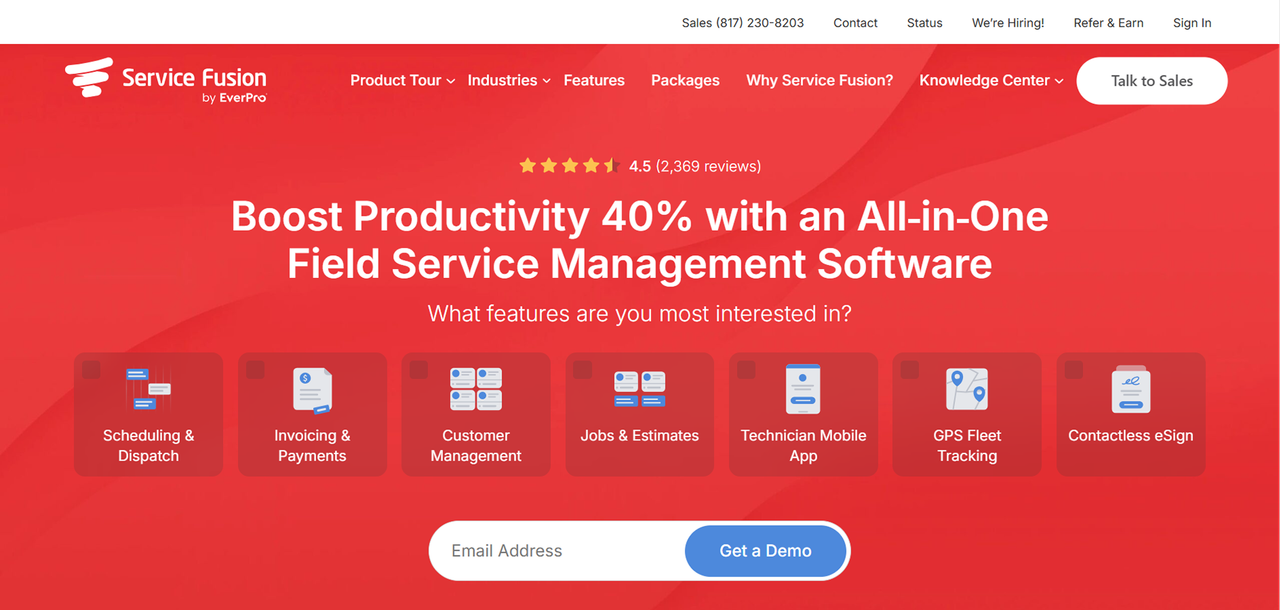
Service Fusion according to Adalo, is one of the more affordable options for growing service businesses that need dispatch, invoicing, and phone integration without the premium price tag. It targets the mid-market: businesses that have outgrown basic tools but are not ready for enterprise-level complexity or cost.
Key capabilities include:
- Integrated VoIP phone system with call recording
- GPS fleet tracking built into the platform
- Customer portal for estimates and invoices
- Inventory management
- QuickBooks integration
- Automated SMS and email notifications
The integrated phone system is a genuine differentiator. Most FSM platforms require a separate VoIP tool and manual integration. Service Fusion bundles it, which reduces both cost and complexity for businesses where inbound call volume is high.
Service Fusion Pricing Breakdown
Current pricing should be verified directly at Service Fusion's official pricing page before purchase.
Who Should Choose Service Fusion Over ServiceTitan
Service Fusion is the right fit for service businesses that want a comprehensive platform, including phone integration and fleet tracking, without charging separately for each additional user on its listed plans. If your operation handles high inbound call volume and you want call recording and job creation tied together, the integrated VoIP is a meaningful operational advantage.
Workiz: Best for Multi-Location and Franchise Operations
Key Features and Standout Capabilities
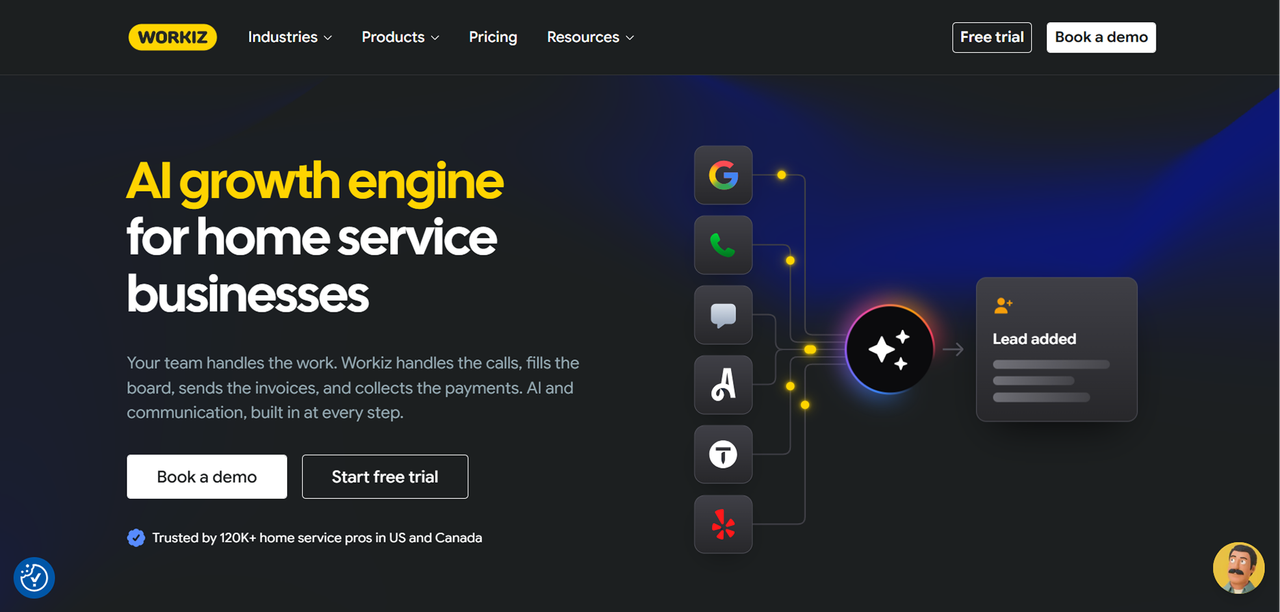
Workiz combines field-service management with communication, booking and automation features. Its interface is clean, and it has invested in communication and automation features that appeal to growth-oriented operators.
Key capabilities include:
- Multi-location management with centralized reporting
- Integrated call tracking and lead attribution
- Automated booking and follow-up workflows
- Technician performance dashboards
- Online booking and customer self-service
- Two-way SMS and email communication
- QuickBooks and Zapier integrations
The call tracking and lead attribution features make Workiz a strong fit for businesses that invest in paid advertising and want to track leads and connect marketing activity with booked jobs and revenue.
Workiz Pricing Breakdown
Workiz does not publish detailed pricing on their website. Current pricing should be verified directly at Workiz's official pricing page before purchase.
Who Should Choose Workiz Over ServiceTitan
Workiz is the right choice for service businesses running multiple locations or franchise operations that need centralized visibility without ServiceTitan's implementation overhead. It is also a strong fit for marketing-driven operators who want call tracking and lead attribution built into their FSM platform rather than managed through a separate tool. It is less suited to commercial contractors with complex job costing requirements or businesses that need deep trade-specific equipment tracking.
Side-by-Side Comparison: ServiceTitan vs Top Alternatives
All pricing should be verified at each vendor's official pricing page before purchase. ServiceTitan pricing is not publicly listed; figures cited in third-party sources are unverified estimates.
Feature | ServiceTitan | Jobber | Housecall Pro | FieldEdge | Service Fusion | Workiz |
|---|---|---|---|---|---|---|
Public pricing | No | Yes | Yes | No | Yes | No |
Starting price (approx.) | Quote-based | $105/month | ~$59/month | Quote-based | $205/month | Quote-based |
Per-seat pricing | Yes | Yes (tiered) | Yes (tiered) | Quote-based | Flat-rate tiers | Tiered |
Month-to-month option | No (annual only) | Yes | Yes | No | No | Yes |
Mobile app | Yes | Yes | Yes | Yes | Yes | Yes |
QuickBooks integration | Yes | Yes | Yes | Yes (two-way) | Yes | Yes |
Built-in phone/VoIP | Yes | No | Yes | No | Yes | Yes |
Equipment tracking | Yes | Limited | Limited | Yes | Limited | Limited |
Multi-location support | Yes | Limited | Limited | Limited | Yes | Yes |
Best fit | Large contractors | Small residential | Home service | HVAC/plumbing | Mid-market | Multi-location |
Option | Pricing model | Custom to your workflow? |
|---|---|---|
ServiceTitan | Quote-based | No |
Jobber | Per seat, tiered | No |
Housecall Pro | Per seat, tiered | No |
FieldEdge | Quote-based | No |
Service Fusion | Flat-rate tiers | No |
Workiz | Tiered | No |
Founding.dev custom build | Flat monthly, no per-seat — up to 70% less | Yes |
How to Switch from ServiceTitan Without Losing Data or Momentum
Exporting Your Data from ServiceTitan
ServiceTitan provides customer-data export options, although the process and available formats vary by data type. Its terms also state that, after termination and upon request, it will make commercially reasonable efforts to provide customer data electronically, subject to applicable restrictions and possible fees. Confirm which data fields your new platform can import and map them before you start the migration, not after.
Request a data export well in advance of your contract renewal date. Review your contract and renewal terms well before the renewal date so you understand any notice requirements and avoid an unexpected extension.
Onboarding Your Team on New Software
Data quality and user adoption are two of the major risks in a platform migration. Your technicians and dispatchers have built habits around the old system, and a new interface will create friction before it creates efficiency. Plan for a parallel-run period where both systems are active, even briefly, so your team can build confidence on the new platform without operational risk.
Identify one or two internal champions, typically a dispatcher and a lead technician, who learn the new system first and become the go-to resources for the rest of the team.
Avoiding Common Migration Mistakes
Common migration mistakes are predictable and avoidable:
- Migrating incomplete or dirty data. Clean your customer records before you export them, not after you import them into a new system.
- Going live during a peak season. Schedule your cutover during a slower period so operational disruption is contained.
- Underestimating configuration time. Even simpler platforms require setup: service types, pricing, user roles, notification templates. Budget time for this before go-live.
- Not confirming integrations work before launch. Test your QuickBooks sync, your payment processing, and any other critical integrations with real data before you decommission the old system.
Which ServiceTitan Alternative Is Right for Your Business?
The alternatives above are SaaS products, so you access the software through an ongoing subscription rather than owning the underlying application. That model can be convenient because the vendor handles hosting, updates, and maintenance, but it also means your software environment remains tied to the vendor's pricing, product roadmap, and platform.
There is a different option. At Founding.dev, we build and deploy custom field service software that you own outright. Not a white-labeled SaaS product. Not a template with your logo on it. Software you own, deployed on your infrastructure, built around the workflows your team actually uses.
A claims-management company we worked with replaced two SaaS platforms and cut their software spend from $30,000 per year to $8,800 per year, a reduction of roughly 70%. That is not a projection. That is a deployed result.
If you are staring at a ServiceTitan renewal and wondering whether there is a better model, there is. See what a custom-built alternative looks like for your operation.
FAQ
Is there a free alternative to ServiceTitan?
Free options exist, but they generally involve limits on users, jobs, features, or integrations and are unlikely to match ServiceTitan's full feature set. If cost is the primary driver, the more productive question is whether a flat-rate or owned-software model eliminates the per-seat overhead that makes ServiceTitan expensive at scale.
Can small businesses use ServiceTitan alternatives effectively?
Many smaller businesses may find a simpler FSM platform easier to implement and operate. Platforms like Jobber and Housecall Pro are specifically designed for small residential service businesses and can be operational within days. The key is matching the platform to your actual workflow complexity rather than buying for features you will not use.
Do ServiceTitan alternatives integrate with QuickBooks?
Most of the major alternatives integrate with QuickBooks, including Jobber, Housecall Pro, FieldEdge, Service Fusion, and Workiz. FieldEdge is notable for offering a two-way real-time sync rather than a one-directional export, which reduces reconciliation work for businesses with high job volume. Before committing to any platform, confirm whether the QuickBooks integration covers your specific version (Online vs. Desktop) and whether it syncs customers, invoices, and payments or only a subset of those records.
How long does it take to migrate from ServiceTitan to another platform?
Migration timelines vary significantly based on data volume, team size, and platform complexity. Smaller migrations can often be completed more quickly than complex migrations involving large customer databases, equipment records, integrations, or multiple locations.
Which ServiceTitan alternative has the best mobile app for technicians?
Jobber and Housecall Pro both offer mobile apps with features such as offline access, photos, signatures and payments. Workiz has also invested in its mobile experience, particularly for businesses that want technicians to see lead and call information alongside job details. The best mobile app is ultimately the one your technicians will actually use, so running a real-world pilot with a small group before full rollout is worth the time.
What makes Founding.dev different?
Every other platform in this article is offered primarily as SaaS. You pay monthly. Founding.dev builds field service software that you own outright, deployed on your infrastructure, built around your specific workflows rather than a generic template. There are no per-seat fees, no annual contract lock-in (it's a flat monthly fee, cancel anytime), and no features locked behind an enterprise tier you cannot afford. If you want to stop renting and start owning, see what we build at founding.dev/servicetitan-alternative.