
Roofing businesses have a lot to keep track of, from new leads and estimates to ongoing jobs, crews, and customer follow-ups. A good CRM can bring those moving parts together and make it easier to stay on top of every job without adding more admin work. Here are some of the best roofing CRM software options for 2026 and what each one offers.
What Is a Roofing CRM and Why Does Your Business Need One?
A CRM (Customer Relationship Management) system helps businesses track relationships and interactions with prospects and customers, from initial contact through the sales process and ongoing customer management. A roofing CRM does that and can layer in workflows specific to contracting, including job stages, crew scheduling, photo documentation, insurance supplements, and proposal generation. For roofing companies managing sales, field work, documents, and customer communication across multiple jobs, it can become a central system for coordinating that work.
How a Roofing CRM Differs from a Generic CRM
A general-purpose CRM like Salesforce is designed to support sales and customer management across many industries. It can be customized for contractors, but roofing-specific workflows usually require additional configuration, integrations, or tools.
Roofing-specific CRMs are built around the stages of a roofing job: lead captured, inspection scheduled, estimate sent, insurance approved, materials ordered, install complete, and invoice paid. Depending on the platform, they can also include fields for roof measurements, photo uploads tied to specific jobs, and direct integrations with aerial or satellite measurement tools.
Key Business Problems a Roofing CRM Solves
Start by identifying where your team loses the most time or information, whether that is quoting, follow-up, job tracking, or communication between the office and field. Those gaps can help you determine which CRM capabilities matter most.
Specific problems a roofing CRM can help solve:
- Lost leads from manual tracking across spreadsheets, texts, and sticky notes
- Inconsistent follow-up that lets warm prospects go cold after a storm
- Time-consuming manual estimating and repeated entry of measurement data
- Job status confusion between office staff and field crews
- Document chaos: photos, insurance approvals, and contracts scattered across email and phone storage
- Late invoices and payment reconciliation errors tied to disconnected billing
JobNimbus: Best All-in-One CRM for Growing Roofing Companies
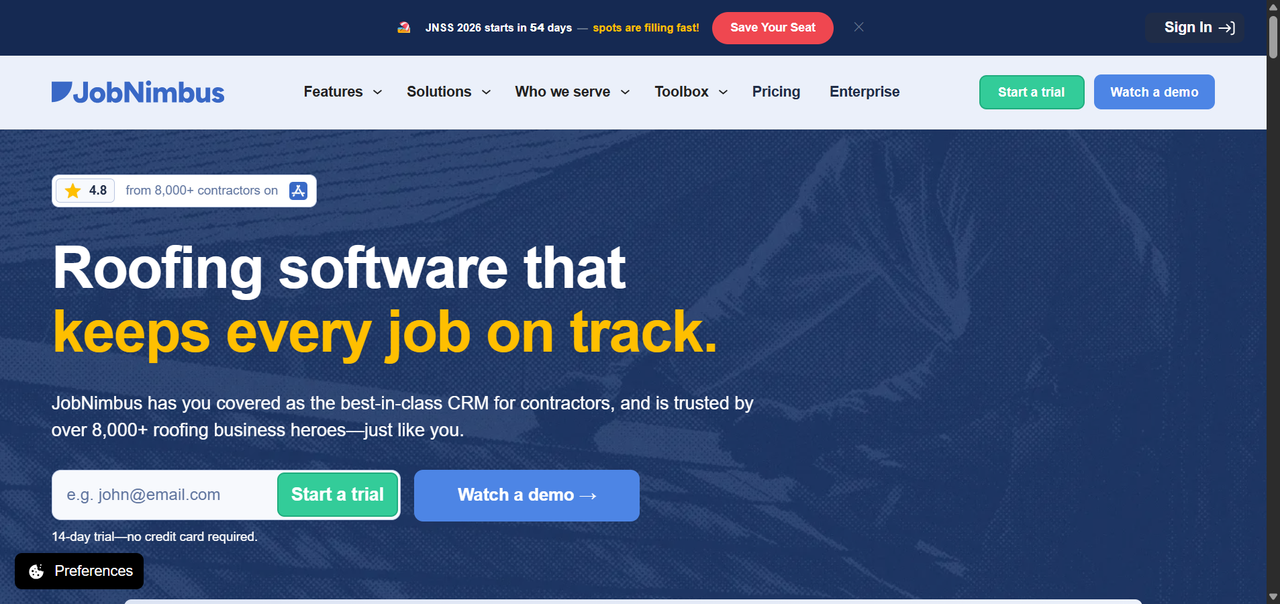
JobNimbus combines sales, job management, estimating, communication, and financial workflows in one contractor-focused platform. Its current plans cover smaller teams through larger multi-location operations, with user allowances and automation limits increasing across tiers.
JobNimbus Key Features and Roofing Workflows
JobNimbus organizes work around contacts and jobs, with customizable boards that mirror how a roofing company moves a project from lead to close. Key capabilities include:
- Customizable sales and job pipelines with drag-and-drop stage management
- Built-in task automation to trigger follow-ups, reminders, and status changes
- Photo and document storage attached to individual jobs
- Scheduling tools for inspections and installs
- Estimate and proposal creation with templates
- Integration with measurement tools, suppliers, and accounting platforms
- Mobile app for field reps to capture leads, photos, and notes on-site
For roofing contractors that want sales, estimating, communication, job management, payments, and QuickBooks integration in one system, JobNimbus covers a broad part of the workflow without requiring a separate CRM and job-management platform.
JobNimbus Pricing and Who It Is Best For
JobNimbus uses account-based pricing with user allowances that vary by plan. Essentials includes up to 3 users, Pro up to 10, Premium up to 19, and Enterprise is available for larger teams. Exact subscription prices are quote-based. The plans also differ in the number of project boards, active automations, integrations, locations, and level of support included.
JobNimbus fits best for:
- Roofing and exterior contractors that want CRM, estimating, job management, communication, and financial workflows in one system
- Companies transitioning from spreadsheets that want roofing-specific workflows out of the box
- Teams that need mobile lead capture and better field-to-office visibility
AccuLynx: Best Roofing CRM Built Exclusively for the Roofing Industry
AccuLynx is built specifically for roofing contractors, with workflows covering sales, estimating, production, materials, supplements, payments, and reporting. That roofing-specific scope makes it particularly relevant for contractors that need both CRM functionality and detailed production workflows.
AccuLynx Standout Features for Roofing Companies
AccuLynx covers the roofing job lifecycle with functionality that would typically require additional configuration or integrations in a general-purpose CRM:
- Insurance claim and supplement tracking with documentation workflows
- Aerial measurement ordering directly from within the platform
- Material ordering integrated with supplier catalogs
- Production scheduling with crew and subcontractor management
- Customer communication tools including SMS and email
- Reporting dashboards for sales, production, and financial performance
- Photo and document management tied to jobs and claims
The supplement management capability is particularly relevant for storm-restoration contractors. Keeping submitted, pending, and approved supplement information alongside the rest of the job record can reduce the need to track insurance documentation across separate systems.
AccuLynx Pricing, Add-Ons, and Ideal Company Size
AccuLynx uses custom quote-based pricing. Specific plan costs can be confirmed directly at acculynx.com/pricing.
AccuLynx fits best for:
- Storm-restoration roofing companies with active insurance claim pipelines
- Roofing contractors that need detailed production scheduling, supplier, measurement, and insurance-related workflows
- Operations that require supplement tracking and insurance documentation alongside their CRM and job records
Roofr: Best Roofing CRM for Proposal and Measurement Automation
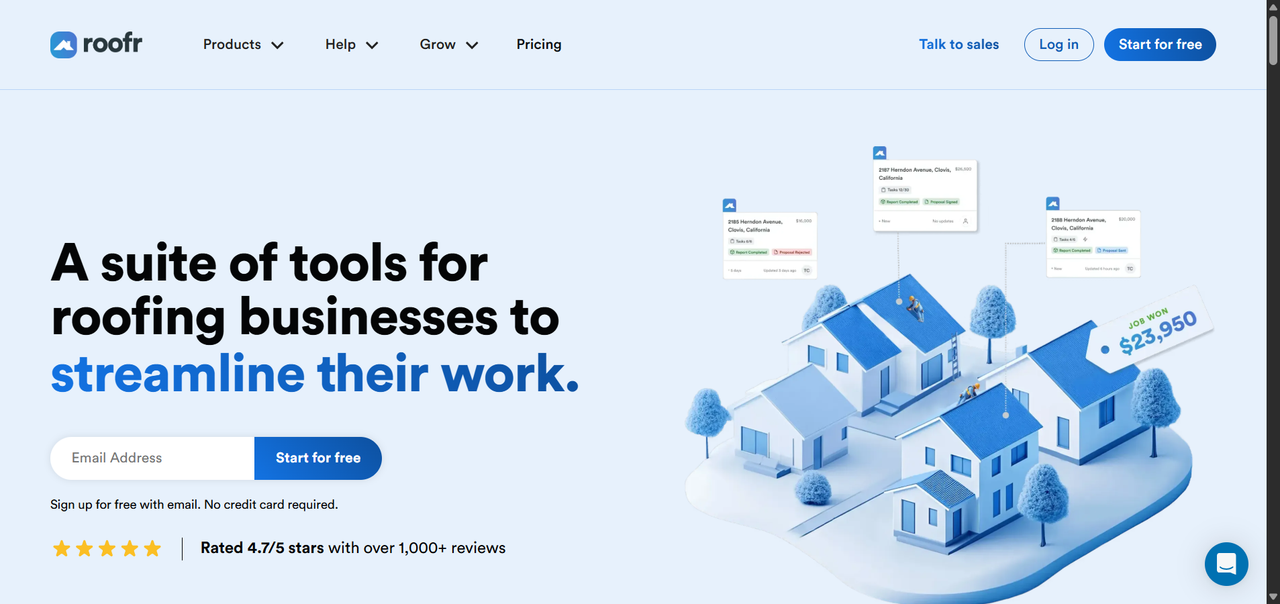
Roofr started with roof measurement and proposal tools and has since expanded into a broader CRM and job management platform. Its measurement, estimating, proposal, invoicing, and payment tools are closely connected, making it particularly relevant for contractors that want to move from measurement to proposal without repeatedly entering the same job information.
Roofr Measurement and Proposal Features
One of Roofr's main strengths is the connection between roof measurement and proposal generation. Instead of measuring manually, entering numbers into a spreadsheet, and building a proposal in a separate tool, contractors can keep more of that workflow in one platform:
- Roof measurement reports ordered from within the platform
- Measurement data that can be used in estimating and proposal workflows
- Branded proposals with line-item pricing, photos, and financing options
- Digital signature collection on proposals and contracts
- Automated actions for follow-up and other workflow steps
- CRM job boards to track leads and projects through different stages
- Invoicing and payment collection tied to jobs
Roofr Pricing and Best-Fit Scenarios
Roofr offers a no-monthly-cost Starter plan alongside paid subscriptions. The Starter plan includes one basic job board, 10 trial proposals, invoices and work orders, and a limited number of automated actions. Measurement reports are priced separately on every plan, starting at $19 per report on Starter and $13 per report on paid subscription plans.
Paid plans add capabilities such as unlimited proposals, invoices and work orders, additional automation, customizable job boards, reporting, job costing, QuickBooks integration, and role-based permissions depending on the plan. Roofr does not charge per seat, and its current plans include unlimited users.
Roofr fits best for:
- Retail roofing contractors that want measurement, proposals, invoicing, and CRM workflows closely connected
- Companies where estimating and proposal preparation consume a significant amount of sales time
- Teams that want to start with a no-monthly-cost plan before moving to a broader paid CRM setup
- Contractors that prefer company-level pricing rather than paying separately for every user
Leap: Best for Roofing Companies That Want CRM and In-Home Sales Tools Together
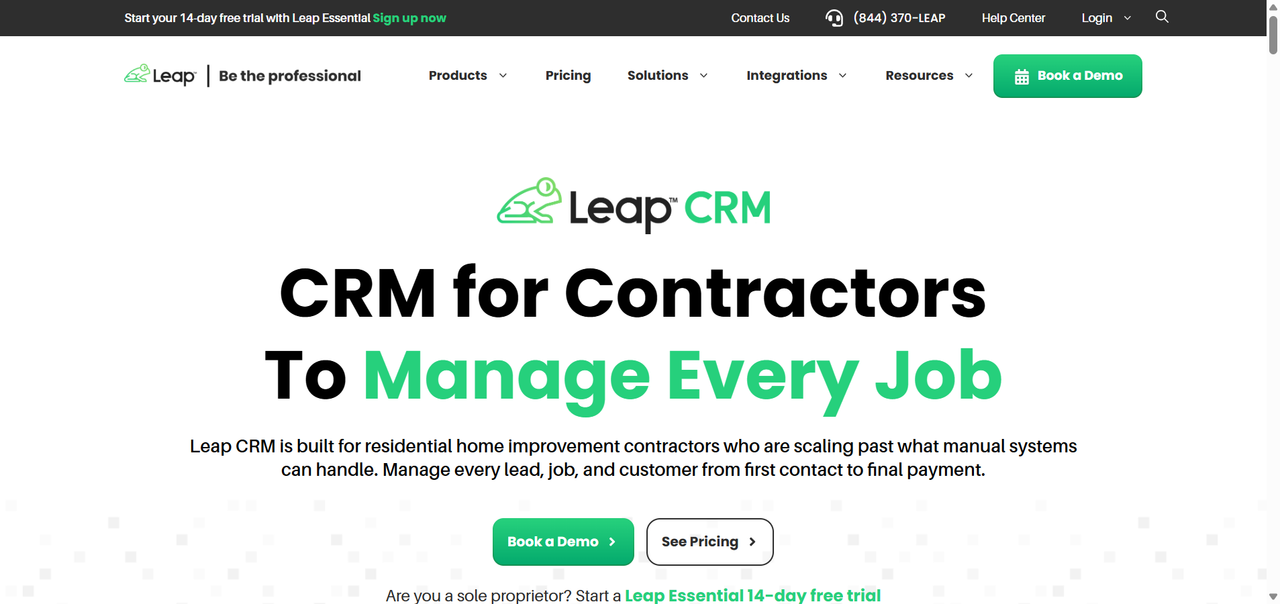
Leap combines a contractor CRM with SalesPro, its in-home estimating and sales platform. Leap CRM covers lead management, scheduling, automated communication, job workflows, subcontractor management, and other parts of the contractor workflow, while SalesPro adds tools for in-home estimating, proposals, contracts, and financing.
Leap Sales Workflow and Digital Contract Tools
For roofing companies that sell in the home, Leap can connect the CRM and sales process through capabilities including:
- Lead management, nurturing, and automated communication
- Appointment and job scheduling
- Digital estimates, contracts, and change orders
- Financing options for in-home sales
- Product and pricing libraries for estimating
- Measurement integrations that bring roof data into the workflow
- Pipeline tracking from lead through signed contract and job management
- Subcontractor management and project workflows
The combination of Leap CRM and SalesPro is particularly relevant for contractors that want their lead and job records connected to the estimating and in-home sales process rather than maintaining those workflows in separate systems.
Leap Pricing and Who Benefits Most
Leap publishes pricing for several of its products and plans, although the total cost depends on the combination of CRM, users, and additional sales tools a company needs. Leap CRM currently has plans starting at $79 per month, while broader team plans and SalesPro capabilities can increase the total subscription cost.
Leap fits best for:
- Roofing companies with sales teams running in-home appointments
- Contractors that want CRM, scheduling, job management, and in-home sales tools within the same product ecosystem
- Companies that want signed sales information to move into job management without re-entering the same customer and project data
Companies considering Leap primarily for production management, insurance restoration, or supplement-heavy workflows should compare those specific requirements against roofing-focused alternatives before choosing a plan.
Founding.dev: Best Option If You Want to Own Your Roofing CRM Outright
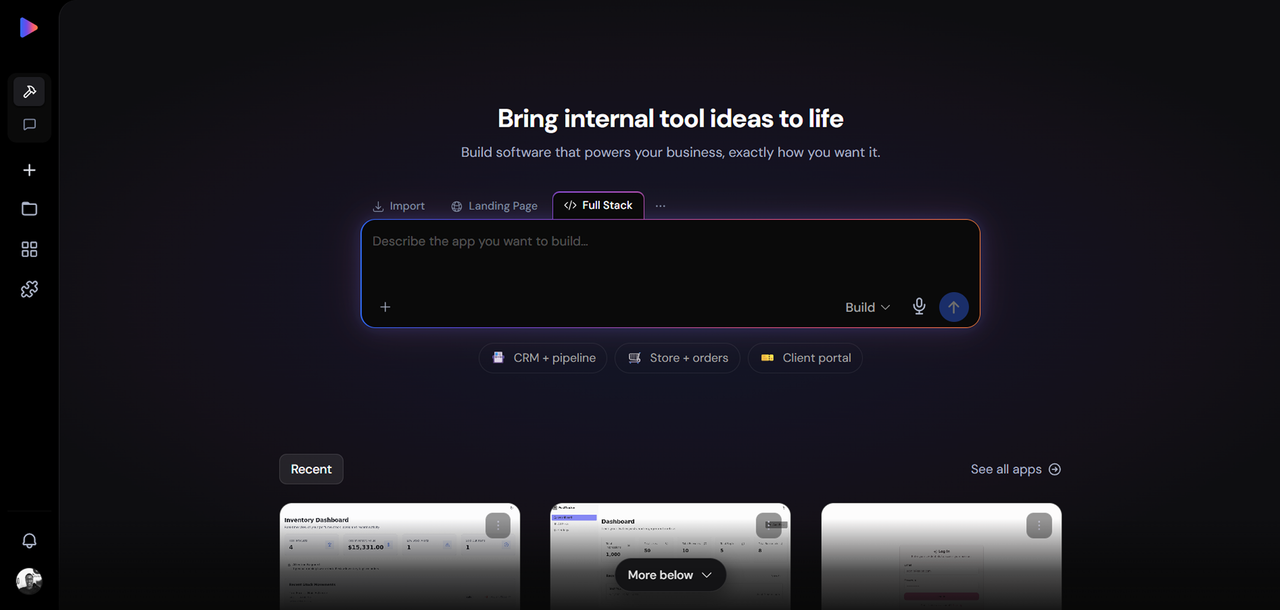
The platforms above use subscription models that require ongoing payments for continued access. Depending on the vendor, pricing may be based on users, company-level plans, features, or usage, and the vendor controls the product roadmap and future pricing.
For companies that want more control over the software itself, ownership is another option.
How Owning a CRM Works (and What It Costs)
Founding.dev builds and deploys software for companies that want to own their stack instead of relying entirely on rented SaaS products. The model uses a company-level maintenance fee rather than per-seat pricing, and you own the software. That means adding another employee does not automatically add another CRM seat to the monthly bill.
For a roofing company, that can mean software built around your pipeline stages, document workflows, crew structure, reporting requirements, and the integrations your business already relies on. Instead of selecting a vendor's predefined combination of features and plan limits, the software can be customized around the workflows the company actually uses.
Who Should Own vs Rent Their Roofing CRM
Renting a roofing CRM makes sense when:
- An existing platform already covers the workflows you need at a cost that works for the business
- You are still figuring out your workflow and want the flexibility to change platforms
- You want the vendor to manage the product, infrastructure, updates, and support
- You prefer an established product with ready-made roofing integrations and features
Owning makes sense when:
- Per-seat fees, add-ons, or multiple software subscriptions have become a meaningful monthly expense
- You have a stable, well-understood workflow that off-the-shelf platforms do not fit cleanly
- Your business relies on workarounds or several disconnected tools to complete core processes
- You want software costs that do not automatically increase each time another employee needs access
- You want more control over how the software is customized and developed over time
What to Look for When Choosing the Best Roofing CRM
Must-Have Features for Roofing Contractors
Not every CRM marketed to roofers is built the same way. For many roofing contractors, three capabilities are particularly important: job tracking, project management, and estimate/proposal workflows with invoicing and billing. Decide whether you want those capabilities in one platform or are comfortable integrating specialized tools for parts of the workflow.
Beyond those three, look for:
- Lead pipeline management with roofing-specific stages (inspection, bid, insurance approval, sold)
- Mobile access for field reps capturing leads and photos on-site
- Automated follow-up via SMS and email
- Photo and document storage tied to individual jobs, not just contacts
- Scheduling and dispatch for inspections, installs, and repairs
- Estimate and proposal generation with the ability to pull in measurement data
- Integration with accounting tools like QuickBooks for invoicing and payment tracking
- Supplement and insurance documentation workflows if you do storm-restoration work
FAQ
Which roofing CRM is best for a small company just starting out?
Roofr is one of the easiest options to evaluate without committing to a monthly CRM subscription because its Starter plan has no monthly fee. It includes a basic job board and limited access to proposals, invoices, work orders, and automation, while measurement reports are purchased separately. For a small roofing company moving away from spreadsheets, that provides a way to test a structured roofing workflow before deciding whether the paid plans are worth the additional cost.
Is JobNimbus or AccuLynx better for a mid-sized roofing contractor?
It depends more on your workflow than your company size. JobNimbus is a strong option for contractors that want sales pipelines, job tracking, estimating, communication, payments, supplier integrations, and QuickBooks connectivity in one system. AccuLynx is particularly relevant for roofing companies that need detailed production, supplier, measurement, insurance, and supplement workflows. If insurance-restoration work makes up a significant part of your operation, those AccuLynx capabilities deserve particular attention.
Do any of these roofing CRMs integrate with QuickBooks or accounting software?
Yes. JobNimbus includes QuickBooks integration across its current plans, while AccuLynx offers integration with QuickBooks Online and QuickBooks Desktop. Roofr's Scale plan includes QuickBooks integration alongside its invoicing, payment, reporting, and job-costing capabilities. Check the specific accounting integration available on the plan you are considering, since functionality can differ between vendors and tiers.
Can I own my roofing CRM instead of paying a monthly per-user subscription?
Yes. Founding.dev offers an alternative model in which the business owns its software and pays a company-level maintenance fee rather than a separate CRM fee for each user. Whether that model is more economical depends on your current software spend, the number of tools you are replacing, your customization requirements, and the cost of maintaining the owned system. It is most relevant for companies with established workflows that want more control over their software or are spending significantly on per-user subscriptions, add-ons, and disconnected tools.