
If you’re building your own stack, a CRM shouldn’t be another tool that locks you into someone else’s rules. Open-source CRMs give developers more control over the code, data, and integrations, but the options vary a lot in terms of flexibility, features, and how much work they take to run. Here are the open-source CRM platforms worth considering in 2026, and what each one does best.
What an Open Source CRM Platform Gives You
An open source CRM platform is a customer relationship management tool whose source code is publicly available, meaning you can inspect it, modify it, and deploy it on your own infrastructure. That last part is interesting to developers and founders: you are not renting access to a black box. You own the software, and you can change it.
For a developer, this matters practically. You can add custom fields without waiting for a vendor's product roadmap. You can write integrations against the actual database schema rather than a rate-limited API. You can audit exactly what data is being stored and where. None of that is possible with a proprietary SaaS CRM, regardless of which tier you pay for.
Self-Hosting vs. Cloud
Self-hosting means running the CRM on your own server, VPS, or private cloud. You control the infrastructure, the backups, the uptime, and the data residency. For companies in regulated industries or those with customers in jurisdictions with strict data laws, this is not optional, it is a compliance requirement.
The alternative is using a managed cloud offering built on top of an open source core. Several of the platforms covered here offer this model: you get the flexibility of open source without the operational overhead of running your own server.
How We Evaluated These Open Source CRM Tools
Every platform in this guide was evaluated against these criterias:
- Deployment model: Can it be self-hosted with reasonable effort? Is Docker support available?
- Customization depth: Can you modify data models, workflows, and UI without forking the entire codebase?
- API quality: Is there a documented REST or GraphQL API suitable for custom integrations?
- Community and maintenance: Is the project actively maintained? Is there a real community or just a GitHub repo with stale issues?
- Licensing: What does the license actually permit? AGPL, MIT, and Apache 2.0 have meaningfully different implications for commercial use.
Twenty CRM: The Top Pick for Developer-Led Teams
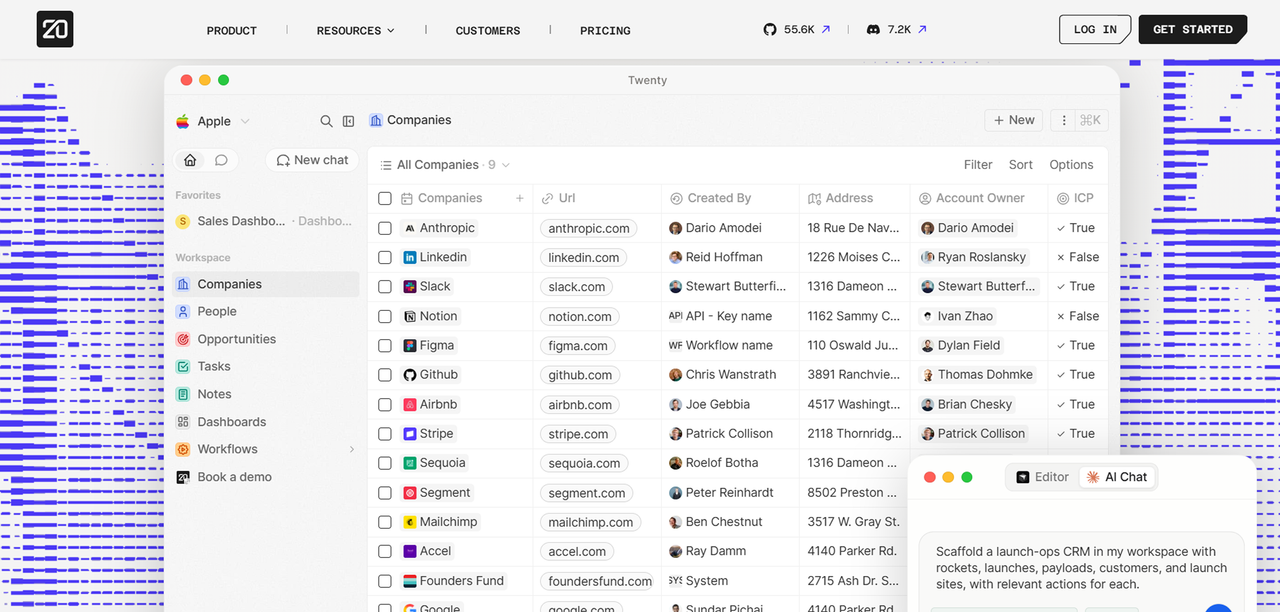
Twenty CRM is a modern, developer-first open source CRM built with a React frontend and a Node.js backend, designed explicitly to be self-hosted and extended. It is one of the closest things the open source world has to a Notion-style CRM:
The project is actively maintained, has a growing GitHub community, and ships with a GraphQL API that covers the full data model. For a developer-led team that wants a CRM they can actually build on top of, Twenty is a most compelling option.
Its licensing is AGPL, which means modifications must be shared if you distribute the software.
Customization and Extension Points
Twenty's data model is built around "objects," which function like database tables with a UI layer on top. You can create custom objects, add fields to existing ones, and define relationships between them without touching the application code. This covers the majority of CRM customization needs: adding a custom field for contract value, linking contacts to a custom "Project" object, or tracking a non-standard pipeline stage.
For deeper customization, Twenty exposes a GraphQL API that covers all objects, including custom ones. This means you can build external tools, automations, or dashboards that read and write CRM data without being constrained by what the UI exposes. Webhooks are available for event-driven integrations.
ERPNext CRM: The Right Fit for Small Businesses Needing ERP Integration
As a full open source platform, ERPNext CRM is the module. you'd consider If your business needs sales pipeline management, invoicing, inventory, and HR in a single system, ERPNext delivers all of it without stitching together separate tools.
It covers lead management, opportunity tracking, quotations, and customer communication history. Because it sits inside the same database as the rest of ERPNext, a sales rep can convert a won deal directly into a sales order without any data entry duplication.
ERPNext is built on the Frappe framework, which has its own learning curve. Customization is done through Frappe's "DocType" system, which is powerful but requires understanding the framework's conventions. The community is large and active, and Frappe Cloud offers managed hosting for teams that do not want to run their own server.
The licensing is GPL, and the self-hosted version is free. Also, Frappe Cloud's managed hosting is priced per site rather than per user, which keeps costs predictable as your team grows.
SuiteCRM: The Strongest Choice for Enterprises Migrating Off Salesforce
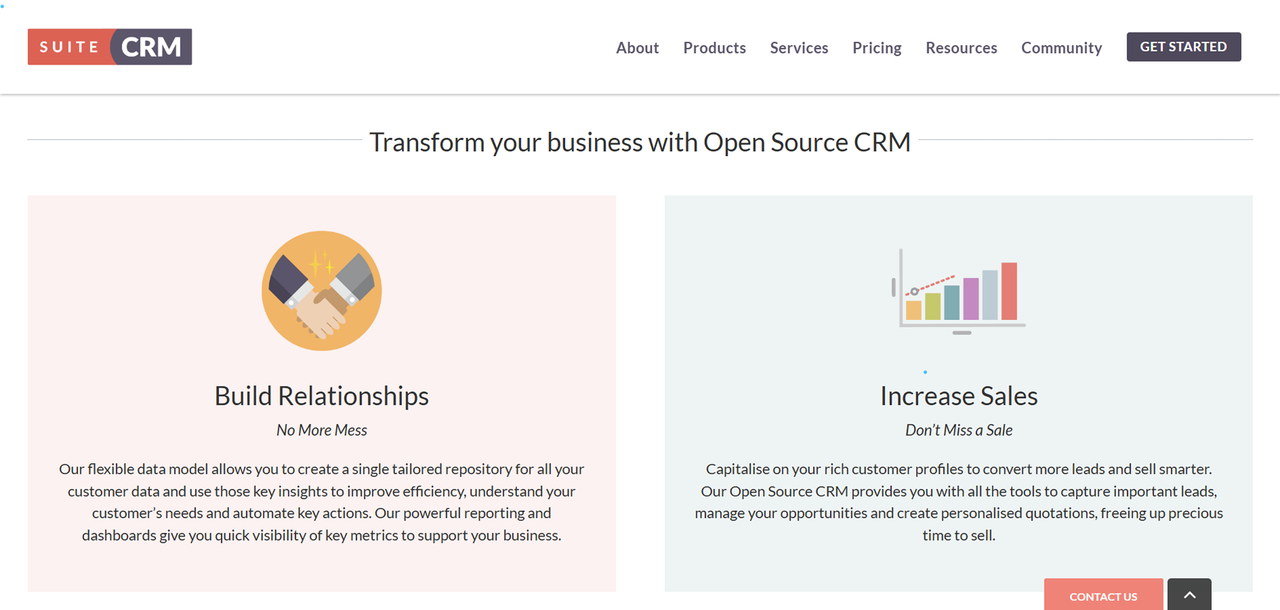
SuiteCRM is one of the most feature-complete open source CRM available for enterprise use cases. It covers sales automation, marketing campaigns, customer support cases, reporting, and workflow automation in a single platform. For a company currently paying for Salesforce and looking for an exit, SuiteCRM can be a direct functional replacement.
The platform is mature, with a large module ecosystem and an active community. It supports role-based access control, custom modules, and a REST API. The UI may not be modern by 2026 standards, but it is functional and familiar to most people who have used a traditional CRM.
Self-hosting requires PHP and a MySQL or MariaDB database. The installation process is more involved than Twenty's Docker setup, but it is well-documented and widely deployed. SuiteCRM also offers a cloud-hosted version for teams that prefer managed infrastructure.
EspoCRM: The Lightweight Pick for Smaller Teams
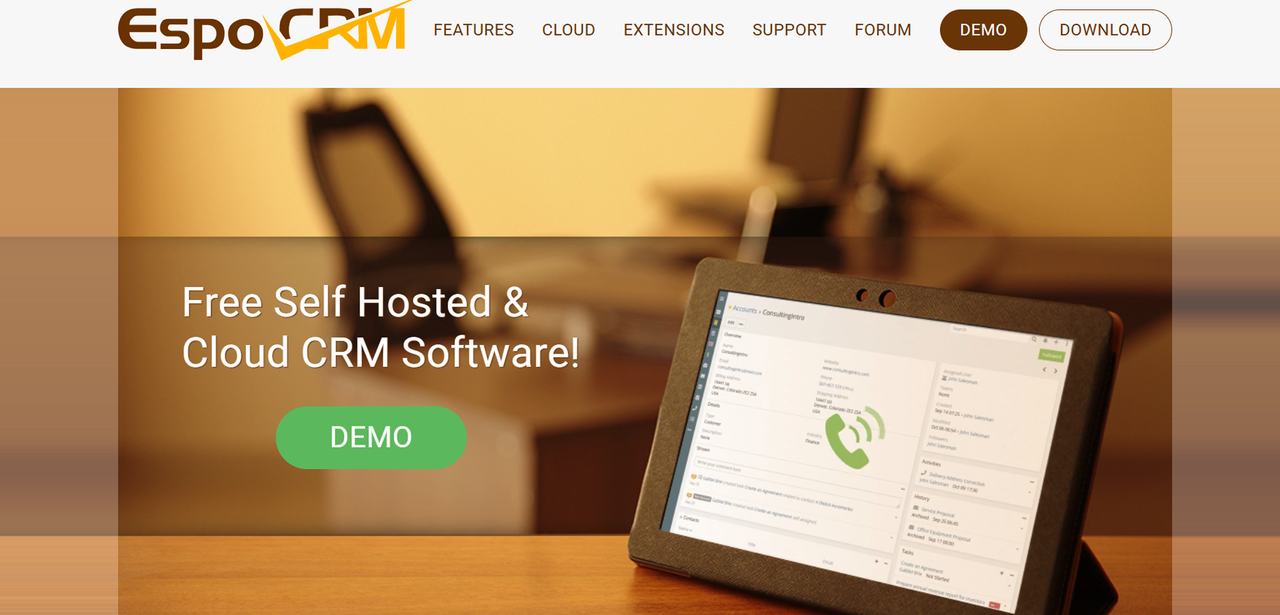
If you are looking for a clean, lightweight open source CRM that hits a sweet spot between simplicity and capabilit, EspoCRM is a great option. It covers contacts, accounts, leads, opportunities, activities, and email integration without the complexity overhead of a full ERP suite. For a team of 5 to 30 people that needs a real CRM but does not need ERPNext's breadth, EspoCRM is a practical choice.
The installation is PHP-based and runs on standard LAMP or LEMP stacks. It is lighter on server resources than SuiteCRM and faster to get running. The UI is modern relative to other PHP-based CRMs, and the mobile experience is usable.
EspoCRM's extension system allows custom fields, custom entities, and workflow automation without modifying core files. The REST API is well-documented and covers the full data model. If your team needs to connect their CRM to external tools, a support desk, a billing system or a custom dashboard, the API is sufficient for most integration work.
The community edition is free and AGPLv3-licensed for self-hosting. EspoCRM's Advanced Pack is a separate paid add-on for teams that need its extra features, and a cloud-hosted option is also available at a per-user monthly rate.
Odoo CRM: The Right Call When You Need a Full Business Suite
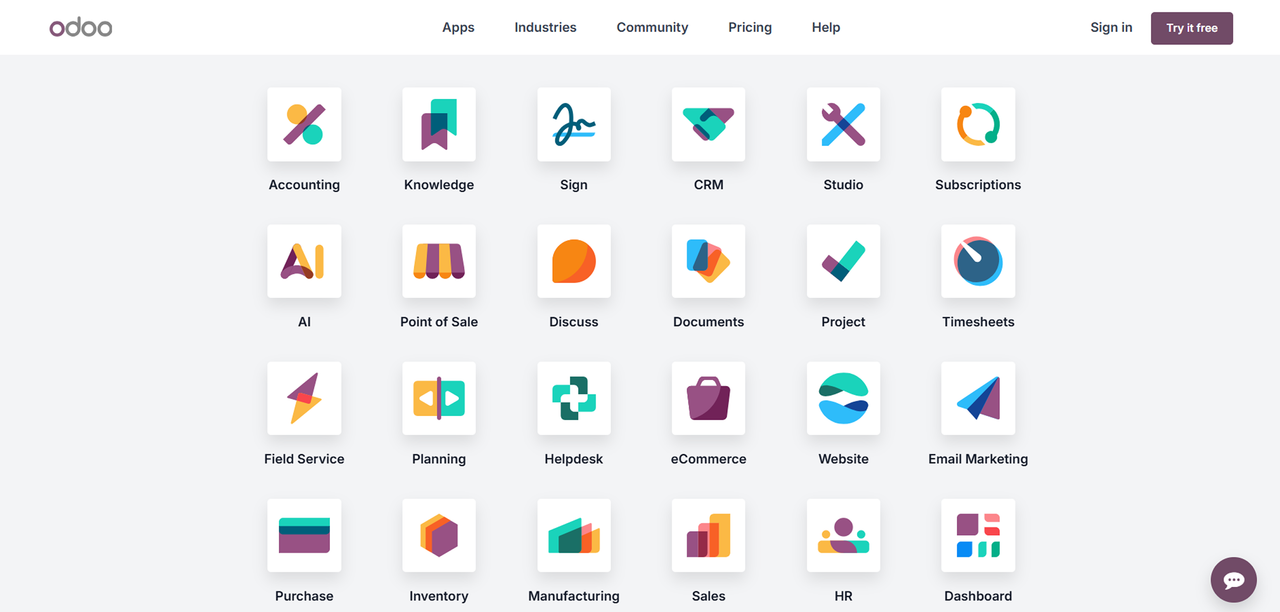
Odoo occupies a similar position to ERPNext: it is a full business suite with a CRM module, not a standalone CRM. The difference is scale and polish. Odoo's UI is significantly more refined, its app ecosystem is larger, and its managed cloud offering is more mature.
The CRM module covers pipeline management, lead scoring, email integration, and activity scheduling. Because it connects natively to Odoo's invoicing, project management, inventory, and marketing modules, it can favour a growing company that wants to consolidate multiple SaaS tools into a single owned platform.
Community Edition vs. Enterprise Edition: What You Actually Get for Free
Odoo's community edition is free to self-host and covers the core CRM functionality: pipeline, contacts, activities, and basic reporting. It is genuinely useful and not a stripped-down demo.
The enterprise edition adds features including a mobile app, advanced reporting, studio (a no-code customization tool), and integrations with accounting and payroll modules. Enterprise is priced per user per month and is only available through Odoo's cloud or through certified partners.
Corteza CRM: The Top Option for Low-Code Customization
Corteza is an open source low-code platform with a CRM application built on top of it. The distinction matters: Corteza is not a CRM with some customization options. It is a platform for building business applications, and the CRM is one application that ships with it.
This makes Corteza the right choice for teams that need a CRM as a starting point but expect to build significantly around it. The low-code builder lets non-developers create custom modules, workflows, and dashboards without writing code. Developers can go deeper with JavaScript automation and a REST API.
The platform is Apache 2.0 licensed, which is permissive for commercial use. Self-hosting is Docker-based and well-documented. The community is smaller than SuiteCRM or Odoo, which means fewer pre-built modules and a smaller pool of implementation help, a real consideration for teams without in-house technical resources.
Key Questions to Ask Before You Self-Host
Before committing to a self-hosted deployment, work through these questions honestly:
- Who maintains the server? Self-hosting requires someone to apply security patches, monitor uptime, and manage backups. If that person does not exist on your team, budget for a managed hosting option or a DevOps contractor.
- What is your data volume? Most open source CRMs run comfortably on a 2-core, 4GB RAM VPS for teams under 50 users. Above that, you need to think about database tuning and horizontal scaling.
- What integrations are non-negotiable? Check that the CRM's API covers the specific endpoints your integrations need before you commit to a platform.
- What is your migration path? Every CRM on this list can import contacts and accounts from CSV. More complex migrations (custom fields, activity history, pipeline data) require more planning. Map your current data model before you start.
- What does your license permit? AGPL (Twenty, SuiteCRM, EspoCRM) requires sharing modifications if you distribute the software. Apache 2.0 (Corteza) is more permissive. GPL (ERPNext) sits in between. If you are building a product on top of the CRM, the license matters.
Deploying Your Open Source CRM: Practical Setup Tips for Founders
Choose your hosting infrastructure first. A managed VPS from a provider like DigitalOcean, Hetzner, or Vultr is the right starting point for most teams. Avoid shared hosting, open source CRMs need persistent processes and database access that shared hosting typically restricts.
Use Docker where the platform supports it. Twenty and Corteza both ship with Docker Compose configurations. ERPNext has a well-maintained Docker setup. Docker makes upgrades, backups, and environment consistency significantly easier than bare-metal installations.
Set up SSL from day one. Never run a CRM over plain HTTP, even internally. Caddy handles SSL certificate provisioning automatically and is the simplest option for teams without existing Nginx experience.
Automate your backups before you enter any real data. A daily PostgreSQL or MySQL dump to an off-server location (S3, Backblaze B2, or similar) takes minutes to configure and has saved many production databases. Do it first.
Plan your data model before you customize. The most common mistake in CRM deployments is adding custom fields reactively, without thinking about how they relate to each other. Spend time mapping your actual sales process, stages, required fields, handoff points, before you touch the configuration.
Test your migration with real data. Export a sample of your current CRM data and run a test import before you commit to the new platform. Edge cases in contact names, phone number formats, and date fields will surface during the test that would otherwise surface on go-live day.
If your team does not have the internal capacity to handle deployment and ongoing maintenance, the right answer is not to abandon open source CRM, it is to get the deployment done properly once, by someone who has done it before, and then own it from that point forward. Founding Dev can help you achieve this: we deploy and configure proven owned software, you own the code.
FAQ
Is a self-hosted open source CRM really free to use?
The software license is free, but "free to use" depends on how you deploy it. Self-hosting requires a server, which costs money (a low, predictable monthly VPS bill that scales with your team size and data volume). You also need someone to set it up and maintain it, which is either your time or a contractor's.
Which open source CRM is easiest to self-host for a non-DevOps founder?
Twenty CRM has the most straightforward Docker-based setup of any platform in this list. If you are comfortable running a terminal command and editing a .env file, you can get a working instance running on a VPS. EspoCRM is the next easiest, with a standard PHP installation that most web hosting guides cover. SuiteCRM and ERPNext have more moving parts and are better suited to teams with some infrastructure experience or a contractor to handle the initial setup.
Can I migrate my data from a SaaS CRM to an open source alternative?
Yes, and it is more straightforward than most people expect for basic data. Every platform in this guide supports CSV import for contacts, accounts, and leads. The harder part is migrating activity history (emails, calls, notes), custom fields, and pipeline data, these require more planning and sometimes custom import scripts. The practical approach is to export everything from your current CRM, map the fields to your new platform's data model, and run a test import before you cut over.
What open source CRM has the best API for custom integrations?
Twenty CRM's GraphQL API is the most developer-friendly, covering all objects including custom ones and supporting real-time subscriptions. EspoCRM's REST API is well-documented and covers the full data model, making it a strong choice for teams that prefer REST over GraphQL. SuiteCRM has a REST API that covers core CRM objects, though it is less comprehensive than Twenty's or EspoCRM's. Corteza's API is designed for platform-level integration and is the right choice if you are building custom applications on top of the CRM rather than just connecting external tools to it.
How do I decide between open source CRM and paid SaaS CRM?
The decision comes down to three factors: team size, technical capacity, and growth trajectory. If your team is under 5 people and nobody has infrastructure experience, a SaaS CRM is probably the right short-term choice, the operational overhead of self-hosting is not worth it at that scale. If your team is growing past 15 to 20 people and you are staring at a per-seat renewal that scales with every hire, open source CRM becomes the economically rational choice. The structural difference is that SaaS CRM costs scale with headcount; open source CRM costs are largely fixed.