
Content Management Systems: The Complete Guide for 2026
Content management systems sit at the center of many digital publishing decisions a business makes in 2026. Whether you are asking "what is a content management system and do I actually need one," browsing content management system examples to find a shortcut, or trying to figure out why your current platform keeps slowing your team down, this guide covers the full picture. From the foundational definition to the architectural shifts reshaping the industry, you will find concrete answers here, not vendor talking points.
What Is a Content Management System? A Clear Definition
A content management system is software that lets you create, edit, organize, and publish digital content without writing code for every change. The short answer to "what is a content management system" is this: it gives writers, marketers, and editors an interface for managing content without requiring them to edit the underlying code for routine changes.
Before CMS platforms became widespread, publishing website content often meant editing HTML files directly. A CMS puts a structured interface between the person creating content and the underlying system that stores and presents it.
The Core Components of a CMS
Most content management systems include several common components:
- Content repository: The database or storage layer where your content lives, structured as pages, posts, products, or custom content types
- Content editor: The interface where authors write, format, and manage content, ranging from basic text fields to rich visual editors
- Presentation layer or templates: In coupled systems, this controls how content is displayed and applies design rules across pages
- User management: Access controls that determine who can create, edit, approve, or publish content
- Media management: Storage and organization for images, video, documents, and other assets
- Publishing workflow: The process that moves content from draft to live, which may include review and approval steps
The exact architecture varies. A headless CMS, for example, may not include its own front-end template engine because presentation is handled by a separate application.
How a CMS Works: Front End vs. Back End
The back end of a CMS is where content is created and managed. This is the admin interface your editors log into. It can handle authentication, content storage, workflow logic, and asset management.
The front end is what visitors see. In a traditional CMS, the platform usually renders the front end using its own theme or template system. In a headless CMS, content is delivered through APIs to a separate front end, allowing developers to build the presentation layer using the frameworks and technologies appropriate for the project.
Understanding this distinction matters because architecture affects developer flexibility, editorial workflows, performance options, integrations, and how dependent your site becomes on a particular platform.
CMS vs. Custom-Built Websites: Key Differences
A custom-built website gives developers greater control over how the system works. A CMS gives non-technical users an interface for managing content without touching code.
These approaches are not mutually exclusive. A custom-built website can still use a CMS behind the scenes, particularly with a headless architecture.
The right answer depends on your team structure and requirements. If your marketing team publishes regularly and developers are stretched thin, a CMS can remove unnecessary developer involvement from routine publishing. If your site is a highly specialized application with unique data models, a custom application or a headless CMS with a custom front end may serve you better.
A Brief History of Content Management Systems
Early Web Publishing and Static Sites
In the early years of the web, sites were commonly built from static HTML files. Publishing often meant writing markup by hand and uploading files to a server. Content and presentation were tightly connected, so site-wide changes could require editing many individual files.
This model worked when websites were small and technical teams managed everything. As websites became larger and more people needed to publish content, managing every change manually became increasingly impractical.
The Rise of Database-Driven CMS Platforms
The late 1990s and early 2000s brought database-driven platforms that stored content separately from templates. Mambo, early versions of Drupal, and eventually WordPress, launched in 2003, helped establish a model that remains common today: content is stored in a database, an application retrieves it, and an admin interface lets users manage it.
This made web publishing much more accessible. Small business owners could update their own websites, and publishing teams no longer needed a developer for every content change. The CMS became an important part of web infrastructure.
The Shift to Headless and Decoupled CMS
By the 2010s, websites were no longer the only place businesses needed to publish content. Mobile apps, connected devices, and modern web applications created demand for content that could be delivered as structured data rather than only as rendered web pages.
The headless CMS model separates content management from front-end presentation. Content is exposed through APIs, and developers decide how and where it is displayed.
Platforms like Contentful, Sanity, and Storyblok have built products around API-driven content management. Traditional platforms have also added API capabilities. WordPress includes a REST API, while Drupal includes JSON in core and can support GraphQL through contributed modules.
The result is a market with more architectural options than ever, and more decisions to make before you commit to a platform.
Types of Content Management Systems Explained
Traditional (Coupled) CMS
A traditional or coupled CMS handles both content management and front-end rendering in a single system. WordPress, Joomla, and Drupal in their conventional configurations are examples. The CMS manages both the content and the system used to render it for visitors.
This model can be relatively straightforward to get started with and benefits from mature ecosystems of themes, plugins, or extensions. The trade-off is that front-end development works within the architecture of the platform, and performance can require additional optimization depending on how the site is built.
Headless CMS
A headless CMS manages content in the back end and delivers it through APIs rather than requiring a particular front end. Developers can build the presentation layer using React, Next.js, Vue, or other technologies.
This gives development teams substantial front-end flexibility and makes it possible to deliver the same structured content to websites, mobile apps, and other channels.
The trade-off is additional development work because the front end must be built separately. Editorial experience also varies by platform. Headless does not automatically mean that non-technical users lose visual editing; some modern headless platforms provide visual previews and editing tools alongside their APIs.
Decoupled CMS
A decoupled CMS combines elements of traditional and headless architectures. Content management and presentation are separated, but the platform may still provide tools for previewing or visually editing the resulting experience.
Storyblok is one example of a platform combining API-driven content delivery with a visual editing experience.
This approach can be useful for teams that want developer flexibility without giving up the editorial tools marketers and content teams rely on.
SaaS CMS vs. Open-Source CMS
A SaaS CMS is hosted and managed by the vendor. You pay for access to the service, while the vendor manages much of the underlying infrastructure, updates, and availability. Contentful and Storyblok are examples, while HubSpot's Content Hub includes CMS and website-management capabilities.
The benefit is reduced operational overhead. The trade-off is greater dependency on the vendor's pricing, platform limits, and product decisions.
An open-source CMS gives you access to the source code and the ability to host the software yourself. WordPress, Drupal, Joomla, and Strapi are all open-source.
The benefit is greater control over the software and hosting environment. There is no SaaS subscription inherently required by the CMS itself, although hosting, development, maintenance, premium extensions, third-party services, and infrastructure still create costs.
Enterprise CMS Platforms
Enterprise CMS platforms are built for organizations with requirements such as complex governance, multi-site management, personalization, localization, integrations, and larger editorial teams.
Sitecore and Adobe Experience Manager are examples of commercial enterprise platforms, while Drupal can also be deployed for large and complex organizations.
Implementation and operating costs vary considerably, but enterprise deployments can require substantial technical resources and implementation work.
Top Content Management System Examples for Every Use Case
Understanding what is a content management system in theory is one thing. Seeing how specific platforms work in practice is where decisions actually get made. Here are some relevant content management system examples across different use cases.
WordPress: The World's Most Popular CMS
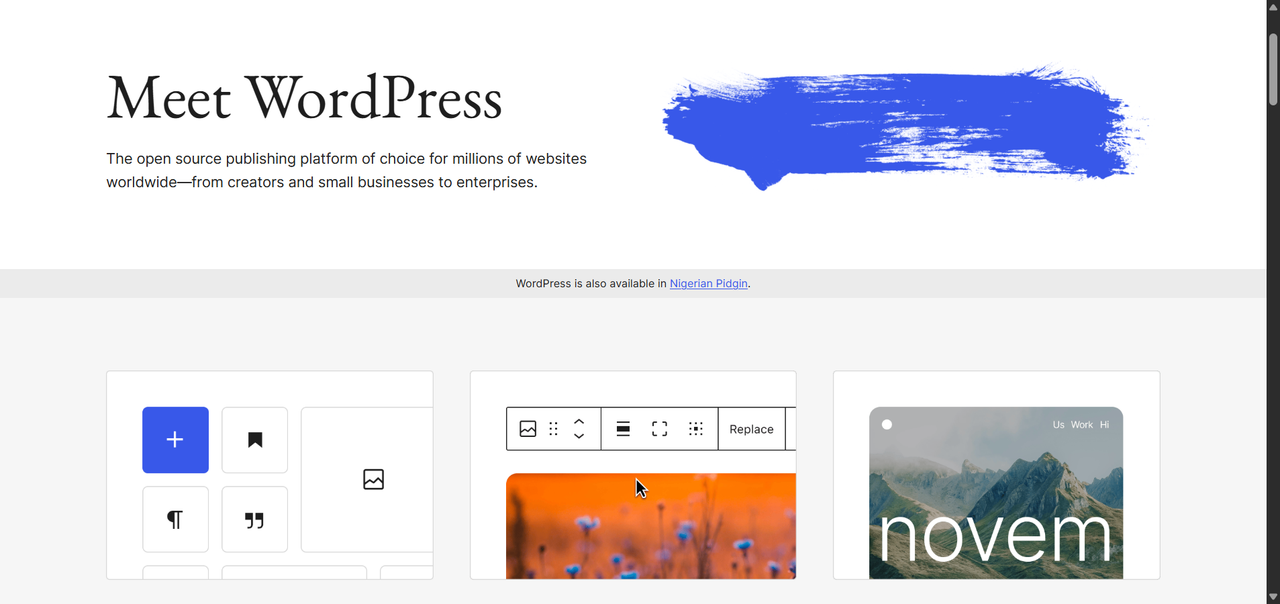
WordPress remains the most widely used CMS. According to W3Techs, as of October 2026 it is used by about 40% of all websites and holds close to 59% of the market among websites whose CMS is known.
Its plugin ecosystem is enormous, its theme library covers a wide range of use cases, and its block editor has made content creation more visual without requiring users to edit code.
The challenges are real: WordPress sites require maintenance, plugins can introduce compatibility or security problems, and performance depends heavily on hosting, themes, plugins, and implementation quality. But for teams that need a proven, flexible platform with a large support community, WordPress remains an important benchmark.
Drupal: Enterprise-Grade Flexibility
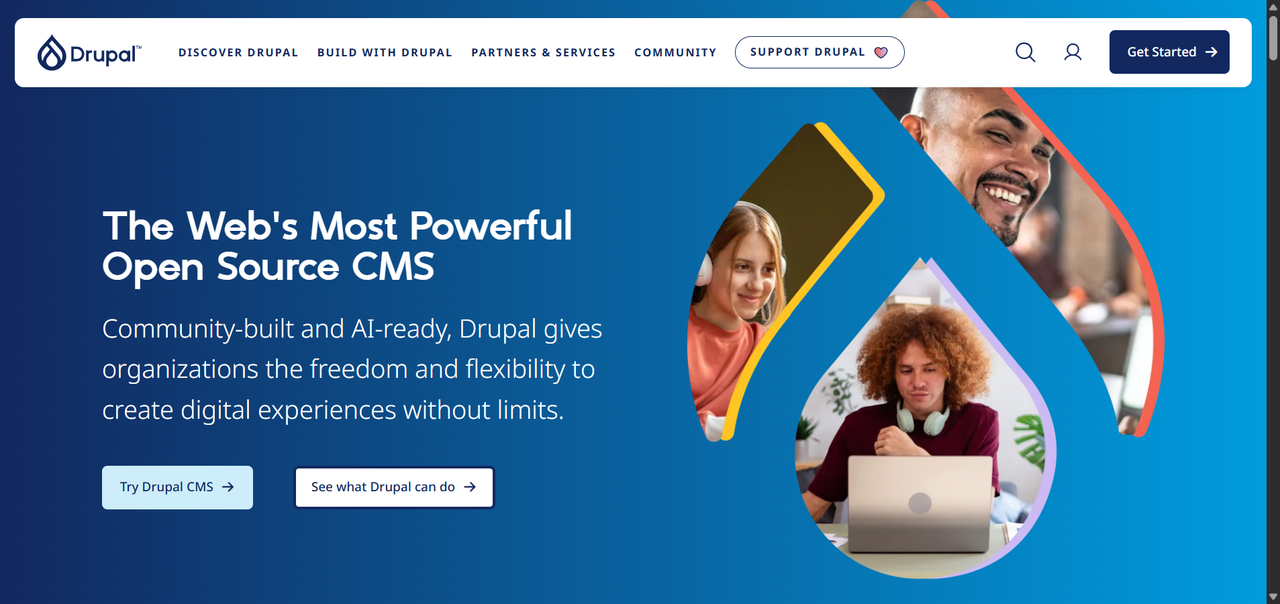
Drupal is open-source and free to use, with no SaaS licensing fee required for the CMS itself. It is built for organizations that need customizable content architectures, granular permissions, multilingual capabilities, and support for complex data relationships.
Drupal's multilingual tooling also continues to improve. Drupal CMS 2.2, released in September 2026, added a multilingual setup recipe and improvements for translating Canvas pages.
The trade-off is a steeper learning curve than many simpler website platforms, and sophisticated implementations generally require experienced developers. For organizations that need that level of control, Drupal remains a strong option.
Joomla: The Middle-Ground Option
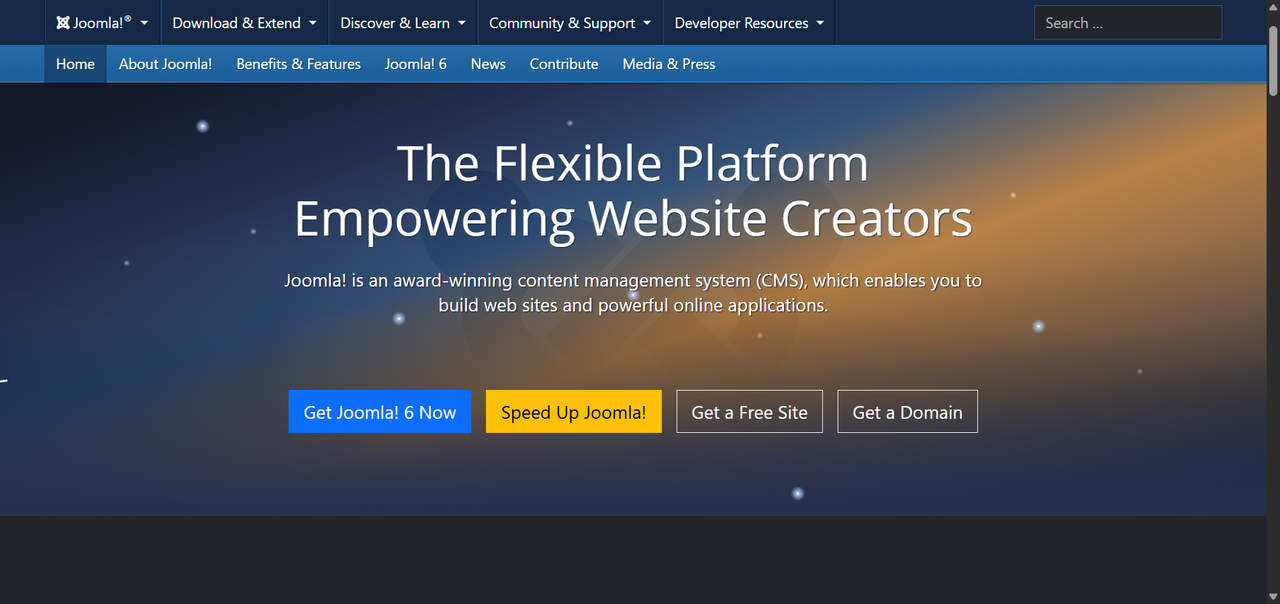
Joomla is free and open-source, with a modular extension ecosystem and multilingual functionality in its core framework. Site owners can install language packs and create associated versions of articles, menus, categories, and other content for different languages.
Its ecosystem is smaller than WordPress's, and beginners may find the learning curve steeper than with simpler website builders. It can still be a capable choice for teams that understand the platform or have development resources available.
Contentful and Sanity: Leading Headless CMS Examples
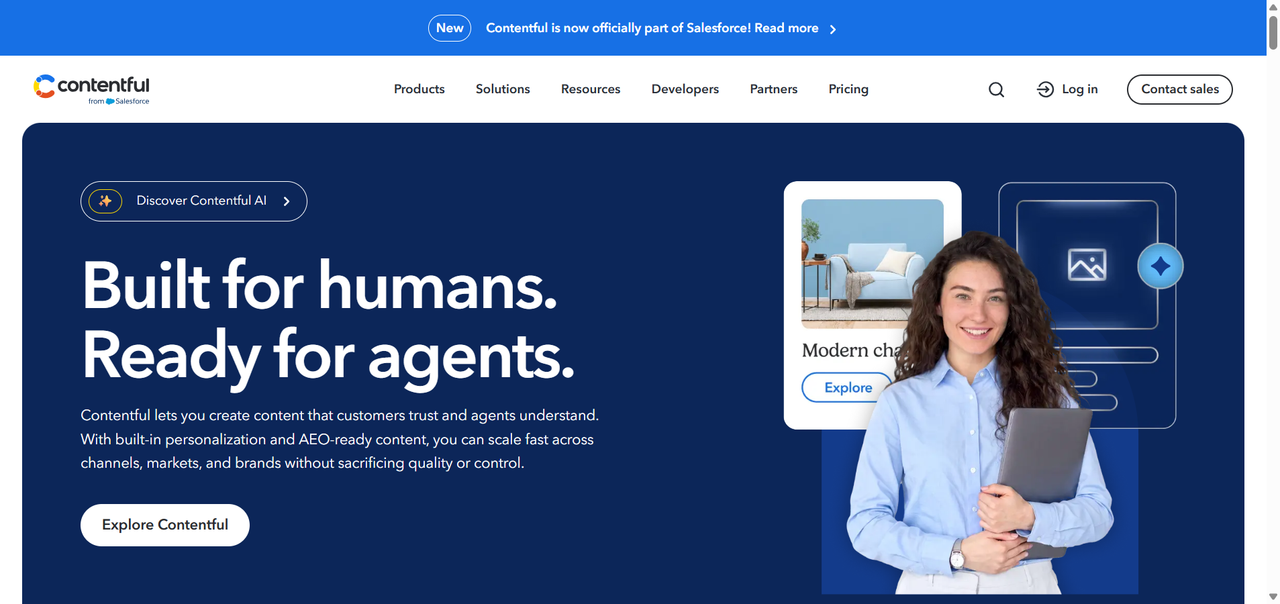
Contentful is an established headless CMS platform built for structured content and delivery across websites, apps, and other digital channels.
Its current Platform plans include Free, Lite, and custom-priced Enterprise options. The Free plan is intended for testing and learning rather than commercial use. Lite costs $300 per month and includes higher limits and additional content-management features, while Enterprise pricing is customized around larger requirements.
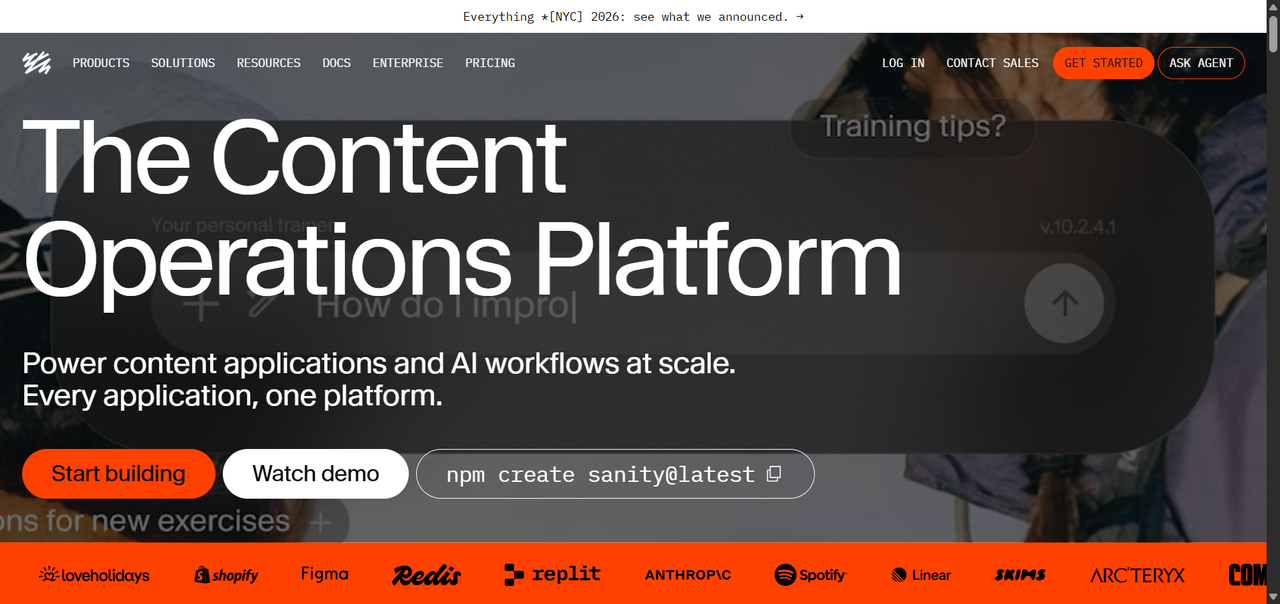
Sanity is another developer-focused content platform with flexible content modeling and collaborative editing capabilities. Both are relevant content management system examples for engineering-led teams building custom front ends, although businesses should evaluate pricing, usage limits, data portability, and migration requirements before committing to any managed platform.
Webflow: The Visual Development CMS
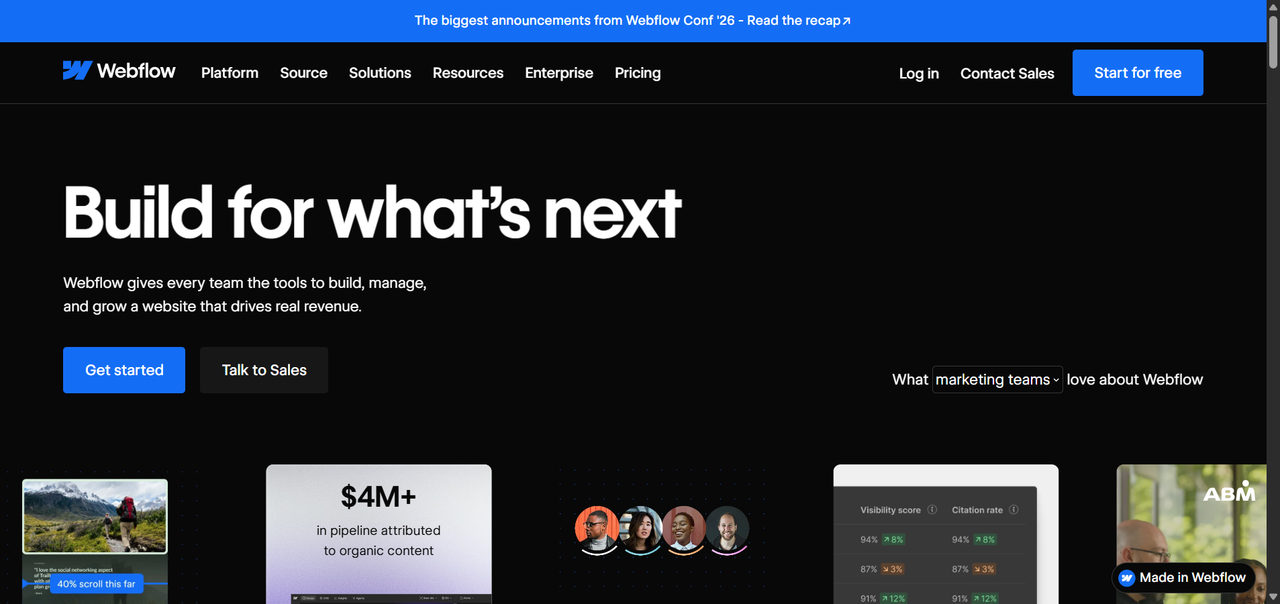
Webflow combines visual website development with a CMS, making it useful for designers and teams that want to build custom layouts while managing structured content through collections.
It is commonly used for marketing sites, portfolios, landing pages, and other design-led websites.
Webflow significantly changed its plans in May 2026. Its Premium Site plan now supports up to 20,000 CMS items and 40 CMS Collections, while its Team plan can support 100 Collections. That makes older descriptions of Webflow as being limited to a few thousand CMS items outdated.
Teams with highly complex content relationships, specialized editorial workflows, or requirements that exceed Webflow's content model should still compare those needs with more dedicated content platforms.
HubSpot CMS: Marketing-First Platform
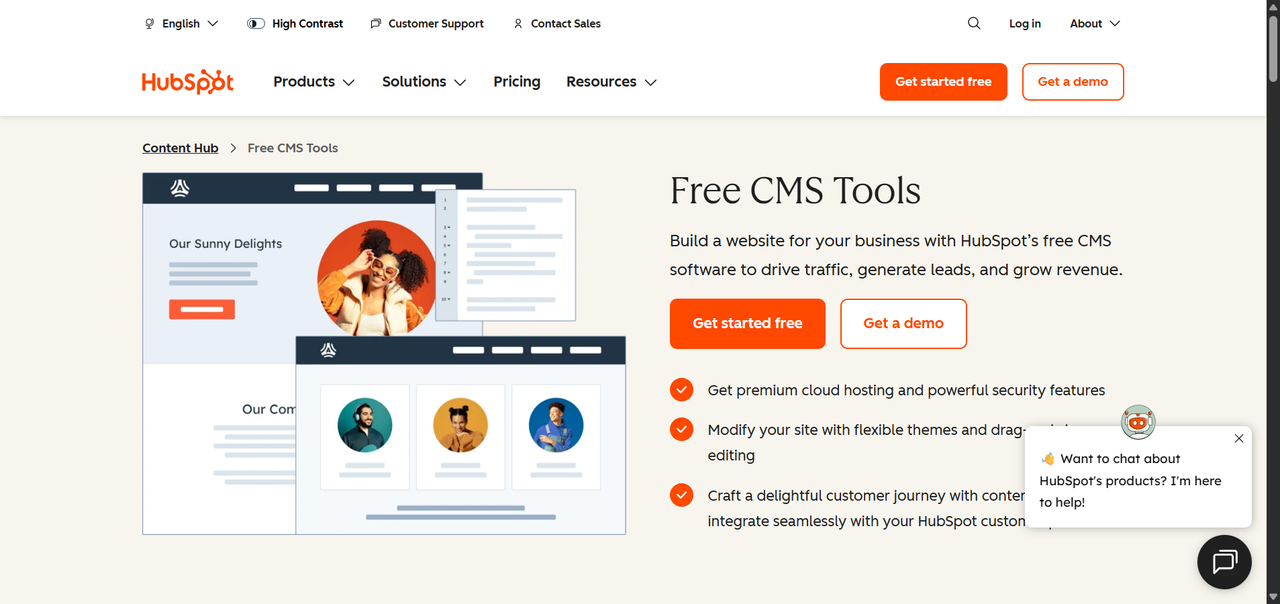
HubSpot's website and CMS capabilities are part of Content Hub, which connects website content with HubSpot's broader marketing, CRM, automation, and customer platform.
This can reduce integration work for teams already operating inside HubSpot because content, customer information, campaigns, and related tools can live within the same ecosystem.
As of October 2026, Content Hub offers Free, Starter, Professional, and Enterprise plans. HubSpot also provides SEO recommendations across its products, with more advanced recommendations, site auditing, and topic tools available on higher Content Hub tiers.
The trade-off is cost and platform dependency. Organizations considering it should compare the benefits of that integration against the cost and effort involved if they later decide to move content and workflows to another platform.
Key Features to Look for in a Content Management System
User Roles and Permissions
A CMS used by a team should provide appropriate access controls. Writers may need different permissions from publishers, contractors may need restricted access, and administrators need control over sensitive settings.
For larger or more complex teams, look at whether the platform supports custom roles and granular permissions rather than only a small set of predefined roles.
SEO and Metadata Management Tools
For a content-driven business, your CMS should give you control over important SEO elements such as page titles, meta descriptions, URL slugs, and canonical URLs where needed.
Beyond the basics, look for structured data support, XML sitemap capabilities, redirects, and control over indexing where relevant. Some platforms handle these features natively; others require plugins, extensions, or front-end development.
Plugin and Extension Ecosystems
A strong extension ecosystem can reduce how much custom development is required.
WordPress has a very large plugin ecosystem. Drupal has an extensive contributed-module ecosystem geared toward a range of use cases. Headless platforms often rely more heavily on APIs, integrations, apps, and custom development.
Evaluate not just the number of available extensions but their maintenance status, security track record, support, and compatibility with your version of the platform.
Multilingual and Localization Support
If your business operates in multiple languages or markets, multilingual support can become a core requirement.
Drupal and Joomla include significant multilingual capabilities, while other platforms may rely more heavily on plugins, integrations, or third-party translation services.
Consider not just translation but also URL structure, hreflang management, regional content differences, and the editorial workflow for creating and reviewing localized content.
Security Features and Compliance
Security requirements vary by industry, organization, and geography. Useful capabilities can include multi-factor authentication, role-based access, regular security updates, audit logging, SSO, data residency options, and documented vulnerability-management processes.
The exact features available may also depend on the plan. For example, Strapi provides audit logs as an Enterprise feature rather than as a standard capability on every deployment.
For SaaS platforms, the vendor manages more of the underlying infrastructure. Self-hosted platforms give you greater infrastructure control but also leave more of the security and maintenance responsibility with your team.
API Capabilities and Integrations
Modern content operations rarely live in a single system. Your CMS may need to connect to your CRM, analytics platform, e-commerce backend, email system, search platform, or other business tools.
Evaluate the APIs the platform actually provides, including REST, GraphQL, JSON, webhooks, SDKs, and native integrations where relevant. Not every CMS supports every API approach natively.
WordPress, for example, provides a REST API. Drupal includes JSON in core, while GraphQL support is available through a contributed module.
Match these capabilities to your intended architecture rather than assuming they are standard across platforms.
Benefits of Using a Content Management System
Faster Content Publishing Without Developer Dependency
One of the most immediate benefits of a well-implemented CMS is that a content team can handle routine publishing without filing a developer ticket for every change.
Developer time can then be used for work that genuinely requires development, while marketers and editors manage tasks such as updating copy, publishing articles, changing images, or editing metadata themselves.
Consistent Brand and Design Governance
A well-configured CMS can improve design consistency by giving authors structured fields, reusable components, and approved templates rather than unrestricted control over every part of a page.
How strongly those rules are enforced depends on the CMS and how it is configured. Some platforms allow authors considerable layout freedom, while others keep content tightly constrained by a design system.
This becomes increasingly useful as more people contribute to a site.
Scalability as Your Content Needs Grow
A well-chosen CMS can support a growing content operation by allowing teams to add content types, authors, sections, languages, or delivery channels without rebuilding the entire publishing system.
Headless platforms are particularly useful when structured content needs to be reused across multiple channels, although the practical scalability of any CMS depends on its architecture, infrastructure, plan limits, and implementation.
Cost Efficiency Compared to Custom Development
For standard content-management requirements, adopting an existing CMS can be more efficient than building every editorial, permission, media-management, workflow, and publishing feature from scratch.
That does not make a CMS automatically cheaper in every situation. Licensing, hosting, development, integrations, maintenance, migration, and customization all contribute to total cost.
A highly specialized product may justify custom development, while a conventional marketing or publishing site will often benefit from starting with an established CMS rather than recreating common content-management functionality.
Common Challenges and Limitations of Content Management Systems
Performance and Page Speed Concerns
CMS performance depends heavily on implementation.
A WordPress site with an inefficient theme, poorly chosen plugins, large unoptimized assets, or weak hosting can become slow. Similar performance problems can occur on other platforms when pages load unnecessary JavaScript, make inefficient requests, or are poorly cached.
Caching, image optimization, CDN configuration, database optimization, and careful control over third-party scripts can all help. Performance should be monitored over time rather than treated as a one-time setup task.
Security Vulnerabilities and Plugin Risks
Popular CMS platforms and extensions are regular targets for automated attacks because vulnerabilities can potentially affect many installations.
Keeping your CMS, themes, extensions, server software, and dependencies updated is an important part of maintaining a self-hosted site. Teams should also limit unnecessary plugins, use trusted sources, maintain backups, and apply appropriate access controls.
The risk increases when sites rely on abandoned extensions or remain on unsupported software versions.
Vendor Lock-In with Proprietary Platforms
SaaS CMS platforms can create switching costs. Your content models, workflows, integrations, front-end implementation, and team processes may become closely tied to a particular platform.
If pricing or product direction changes, migration can require significant work.
Open-source software can give organizations greater control over code and hosting, but it does not eliminate switching costs. Complex customizations, proprietary extensions, integrations, and platform-specific data structures can make migration difficult regardless of the licensing model.
Customization Ceilings on Entry-Level Plans
Many SaaS CMS platforms make some advanced capabilities available only on higher plans. Depending on the vendor, these can include custom roles, higher API or bandwidth allowances, SSO, advanced workflows, audit logs, additional locales, or stronger governance controls.
That means an affordable starting plan can become more expensive as requirements grow.
Always evaluate a platform against both your current requirements and the capabilities you are likely to need later.
How to Choose the Right Content Management System for Your Project
Define Your Content Goals and Team Structure
Start with the people who will use the system daily. How many editors do you have? What is their technical comfort level? How frequently do you publish? Do you need a workflow with review and approval stages, or is direct publishing acceptable?
Your content goals determine your feature requirements. A media company publishing dozens of articles per day has different needs from a B2B software company updating its website monthly. Get specific before you evaluate platforms.
Assess Technical Resources and Developer Availability
Some content management systems require more ongoing technical involvement than others.
Drupal can support sophisticated implementations, but those implementations commonly require experienced developers for setup and customization. WordPress can be accessible to non-developers for everyday content work, while more complex customization, security, or performance work may still require technical expertise.
If your team has no dedicated developer, a managed SaaS platform with strong editorial tooling may be a reasonable trade-off, even if it costs more or offers less infrastructure control.
Compare Total Cost of Ownership
The sticker price of a CMS is rarely the full cost. Factor in hosting, developer time for setup and customization, extensions, ongoing maintenance, integrations, migration costs, and any usage-based charges.
For SaaS platforms, also look at how pricing changes as you add users, locales, traffic, content, API usage, or advanced features.
Open-source platforms can eliminate the CMS licensing fee itself, but hosting and operational costs remain. SaaS platforms shift more of that infrastructure responsibility to the vendor in exchange for recurring fees and platform dependency.
Evaluate Scalability and Future-Proofing
The CMS you choose today should be evaluated against where your content operation is likely to go next.
Consider how the platform handles increased content volume, additional team members, new content types, localization, integrations, and new delivery channels.
Headless and decoupled architectures can provide substantial flexibility for multi-channel delivery, but they also introduce development and integration work. Traditional coupled platforms may be easier to launch and can still scale effectively when the requirements fit their architecture.
Run a CMS Proof-of-Concept Before Committing
Before making a significant platform commitment, test a representative part of your real workflow where practical.
Create an actual content type, configure the editorial process, test permissions and integrations, and let the people who will use the CMS work with it.
For larger implementations, a proof of concept can expose usability, integration, content-modeling, and development issues before they become expensive migration or implementation problems.
FAQ
What is a content management system used for?
A content management system is used to create, organize, edit, and publish digital content without requiring someone to edit code for every update. Businesses use CMS platforms to manage website pages, blog posts, product listings, landing pages, and multimedia assets through an editorial interface.
Depending on the platform, modern CMS products can also provide workflow management, user permissions, SEO controls, localization, integrations, and multi-channel content delivery.
Which content management system is best for beginners?
There is no single best CMS for every beginner.
WordPress is widely used and has a large ecosystem of themes, plugins, documentation, and tutorials. Hosted website platforms can reduce infrastructure and maintenance work further, while visual builders such as Webflow and Wix may appeal to users who prefer designing through a graphical interface.
The best starting point depends on whether the priority is ease of use, e-commerce, design control, ownership, cost, or the ability to expand the site later.
What are the most popular content management system examples in 2026?
Widely used or notable content management system examples in 2026 include WordPress for general-purpose websites and publishing, Drupal for more complex deployments.
Joomla remain an open-source option, while platforms such as Webflow and HubSpot Content Hub combine content management with broader website, design, or marketing capabilities.
The right choice depends on your use case, team structure, technical resources, and how much control you need over the system.
Is a headless CMS better than a traditional CMS?
Not automatically.
A headless CMS can be a better fit for teams that need to deliver structured content across several channels, require a custom front end, or want developers to control the presentation layer independently from the CMS.
A traditional CMS can be a better fit when fast implementation, integrated themes or templates, and a simpler publishing stack are more important.
Some modern platforms also combine API-driven architecture with visual editing, so the distinction is no longer simply "headless for developers, traditional for marketers."
How much does a content management system cost?
CMS costs vary widely.
Open-source platforms such as WordPress, Drupal, and Joomla can be downloaded and used without a CMS licensing fee, but you still need to account for hosting, development, maintenance, extensions, and other services.
SaaS pricing also varies. As of October 2026, Contentful's Lite plan costs $300 per month, while its Enterprise plan uses custom pricing. Contentful also has a Free plan, but its current usage terms restrict that plan to testing and learning rather than commercial use.
Storyblok currently offers a free Starter plan, Growth at $99 per month, Growth Plus at $349 per month, and custom Premium and Elite plans, with annual-billing discounts available on some paid plans.
The total cost of ownership can therefore be considerably different from the advertised starting price. Model the full cost at your expected scale before committing.
Can I switch content management systems without losing my content?
Usually, but migration is not always simple.
Many CMS platforms provide APIs, export tools, migration utilities, or other ways to retrieve content. The complexity depends on how your content is structured, which features and integrations you rely on, and how different the destination platform is.
Text content is only part of the migration. Media assets, URLs, redirects, metadata, internal links, structured data, forms, user accounts, and custom fields may also need to be moved or rebuilt.
A content audit, backup, migration testing, and redirect plan can reduce the risk of losing important content or search visibility during the transition.